
Pega tu guion
Pega tu guion en el editor, sube un archivo o genera uno a partir de un tema sencillo.

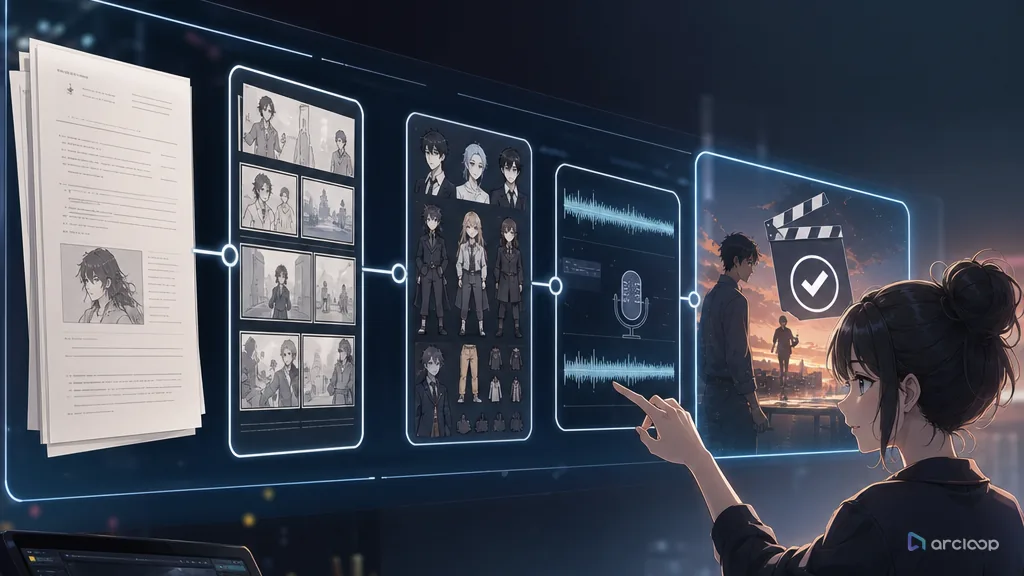
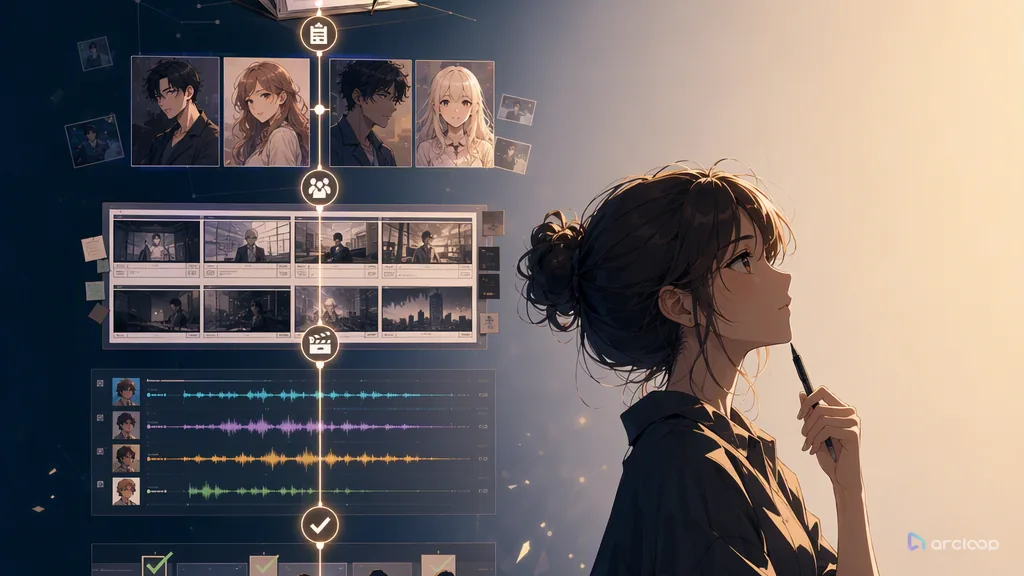
Introduce cualquier guion y conviértelo en minutos en un vídeo completo con personajes, escenas, storyboards, voces en off y música de fondo.
Pega tu guion en el editor, sube un archivo o genera uno a partir de un tema sencillo.
La IA organiza tu guion escena por escena y genera clips de vídeo correspondientes para cada momento narrativo.
Descarga los vídeos o ábrelos en Video Editor para ajustar clips individuales y añadir voces en off o música.
Todo lo que necesitas para convertir tu guion en un vídeo pulido.
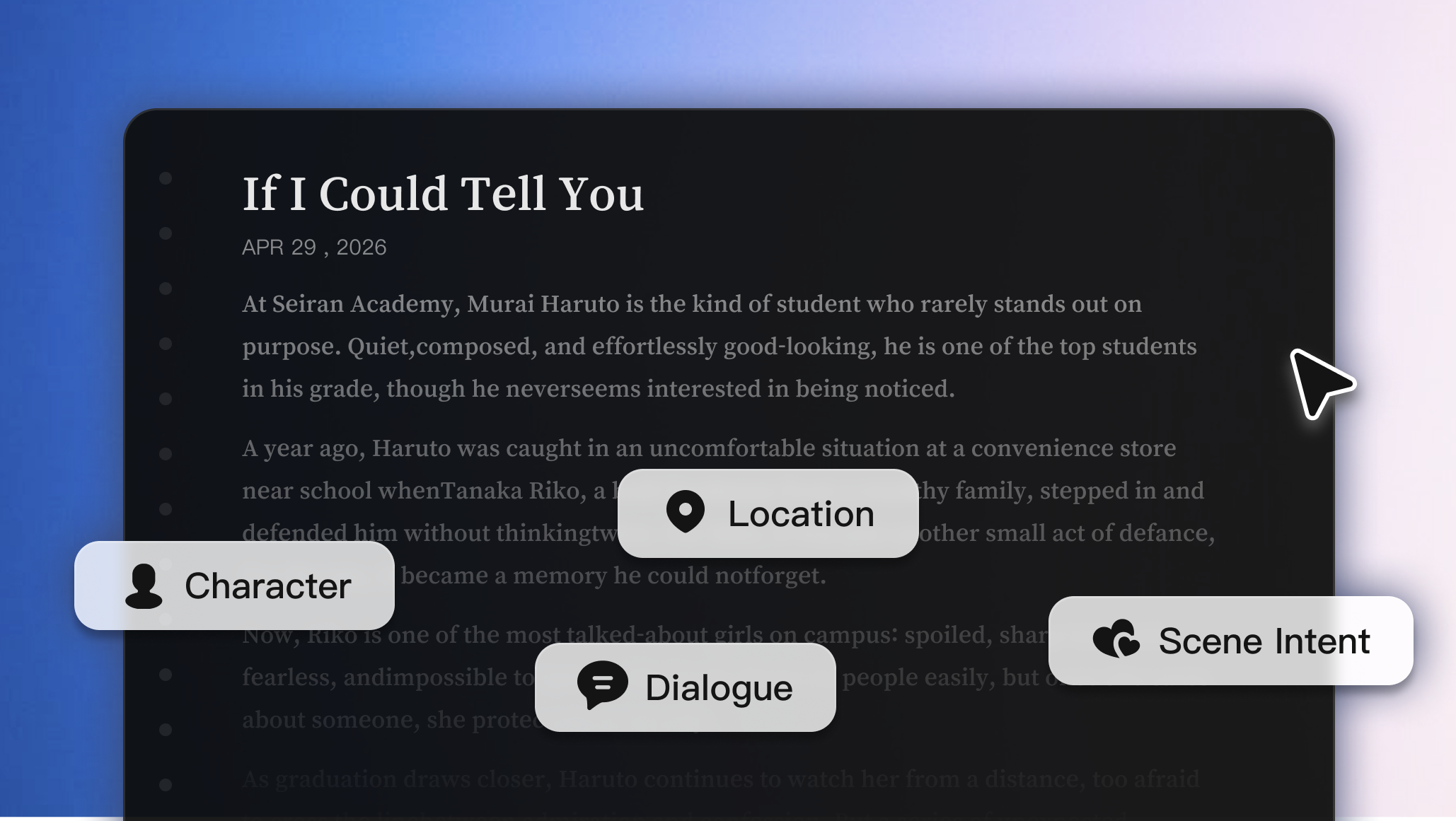
La IA analiza tu guion para identificar personajes, ubicaciones, diálogos y la intención de cada escena, de modo que cada plano coincida con lo que sucede en el guion.
Probar ahora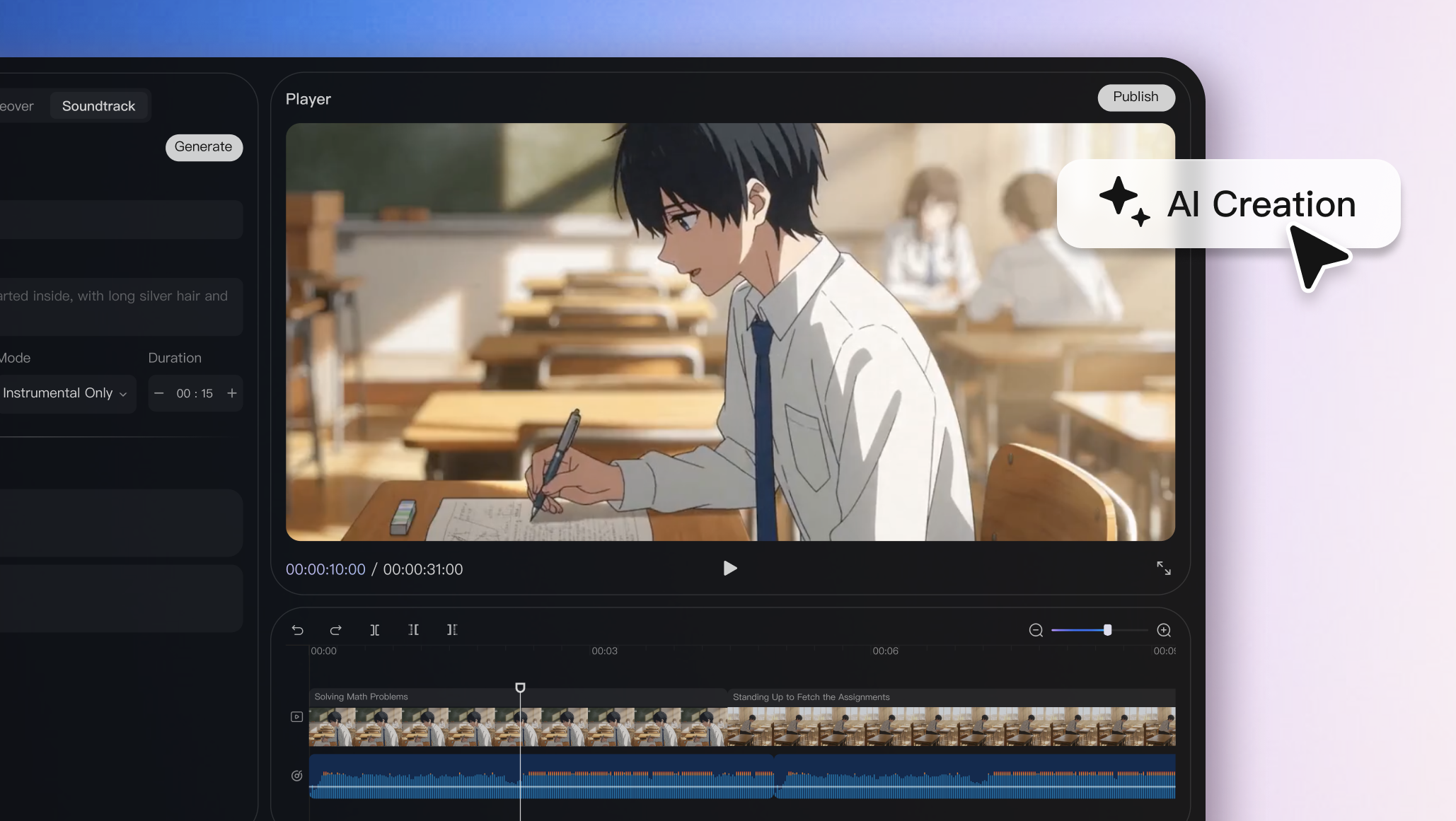
Fija la apariencia de los personajes, las ubicaciones y el estilo visual para que se mantengan consistentes en cada escena y clip de vídeo.
Probar ahora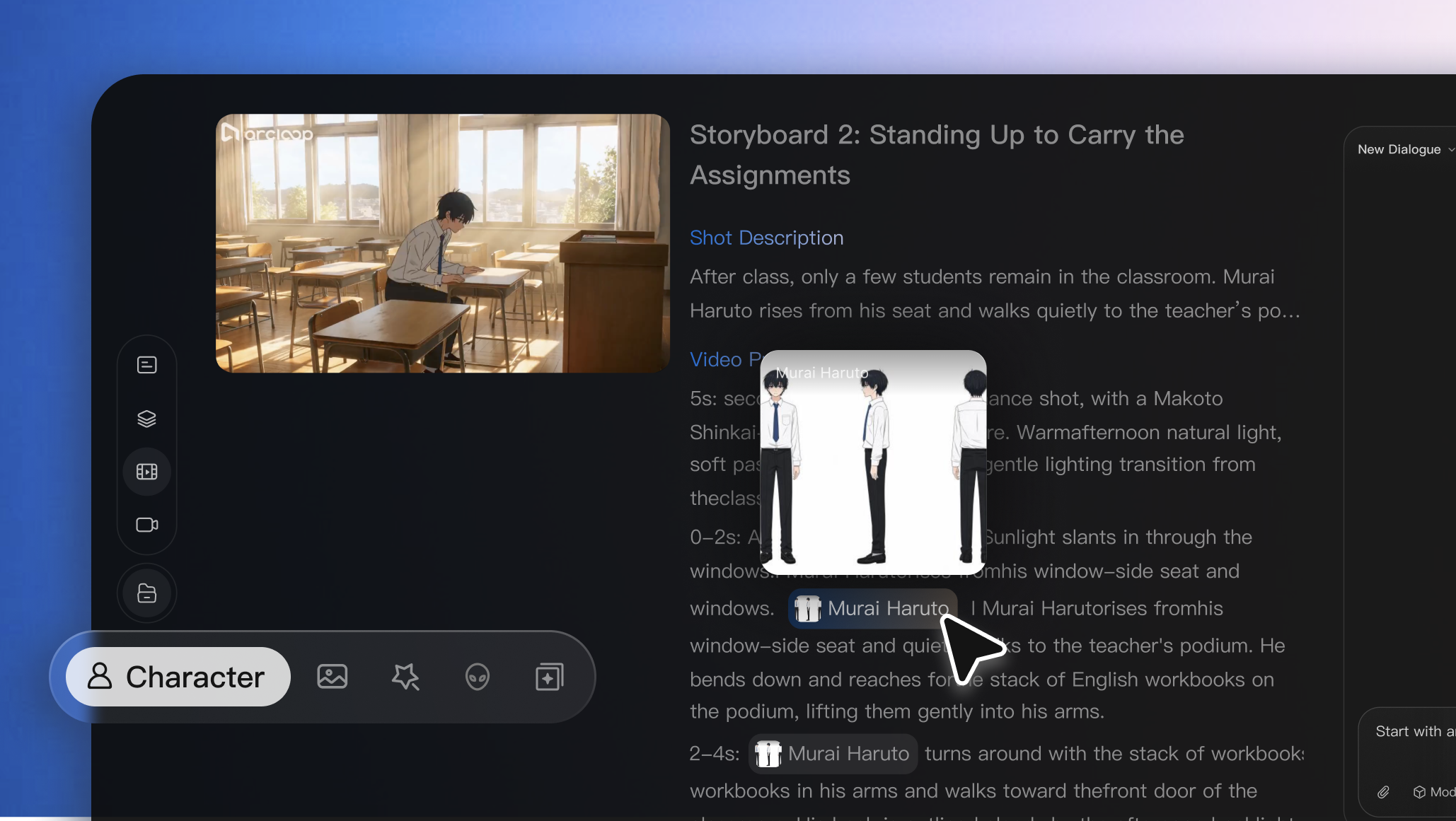
Sustituye, edita o regenera fotogramas individuales sin reiniciar todo el proceso, devolviendo a tus manos un control creativo absoluto.
Probar ahora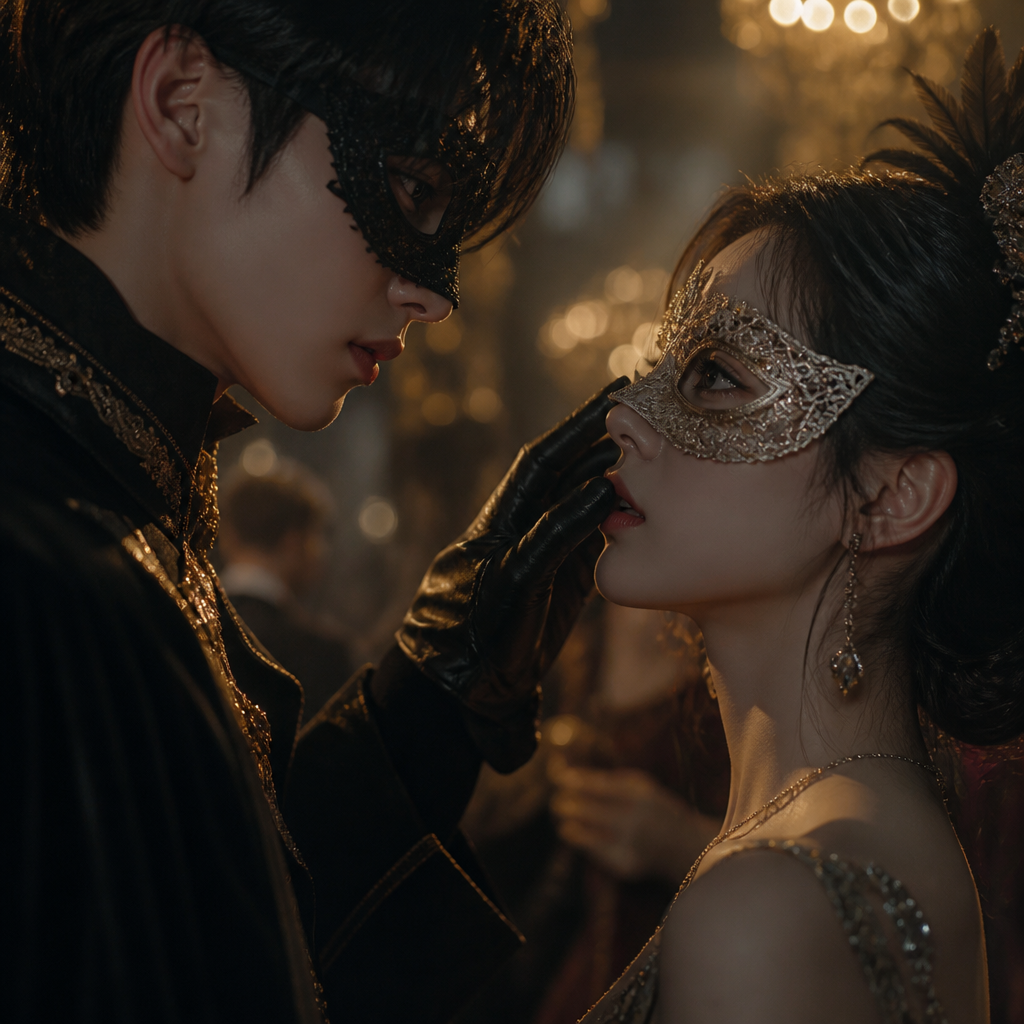

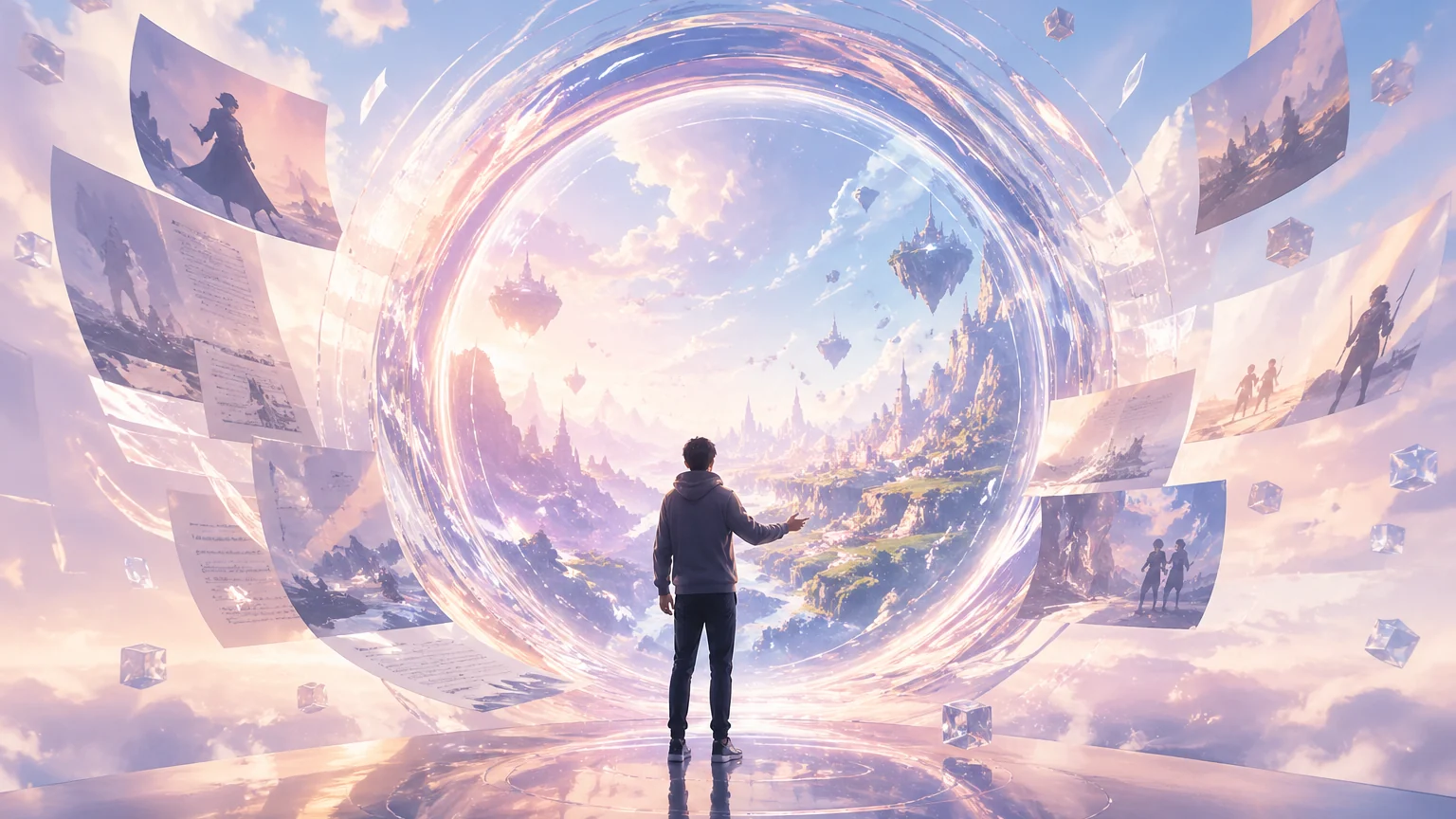
Convierte una idea simple en historia, personajes, storyboard, vídeo generado y edición final con Arcloop AI.

Usar el formato de guion de Hollywood para mejorar el desglose con IA explica un flujo práctico de Arcloop para crear vídeo con IA a partir de una historia y convertirlo en assets de producción reutilizables.
DeepSeek V4 para desglose de guiones de drama con IA explica un flujo práctico de Arcloop para crear vídeo con IA a partir de una historia y convertirlo en assets de producción reutilizables.

¿Cansado de escribir prompts complejos? Crear vídeo con IA no debería sentirse como pelear con instrucciones. Con Arcloop, describe...
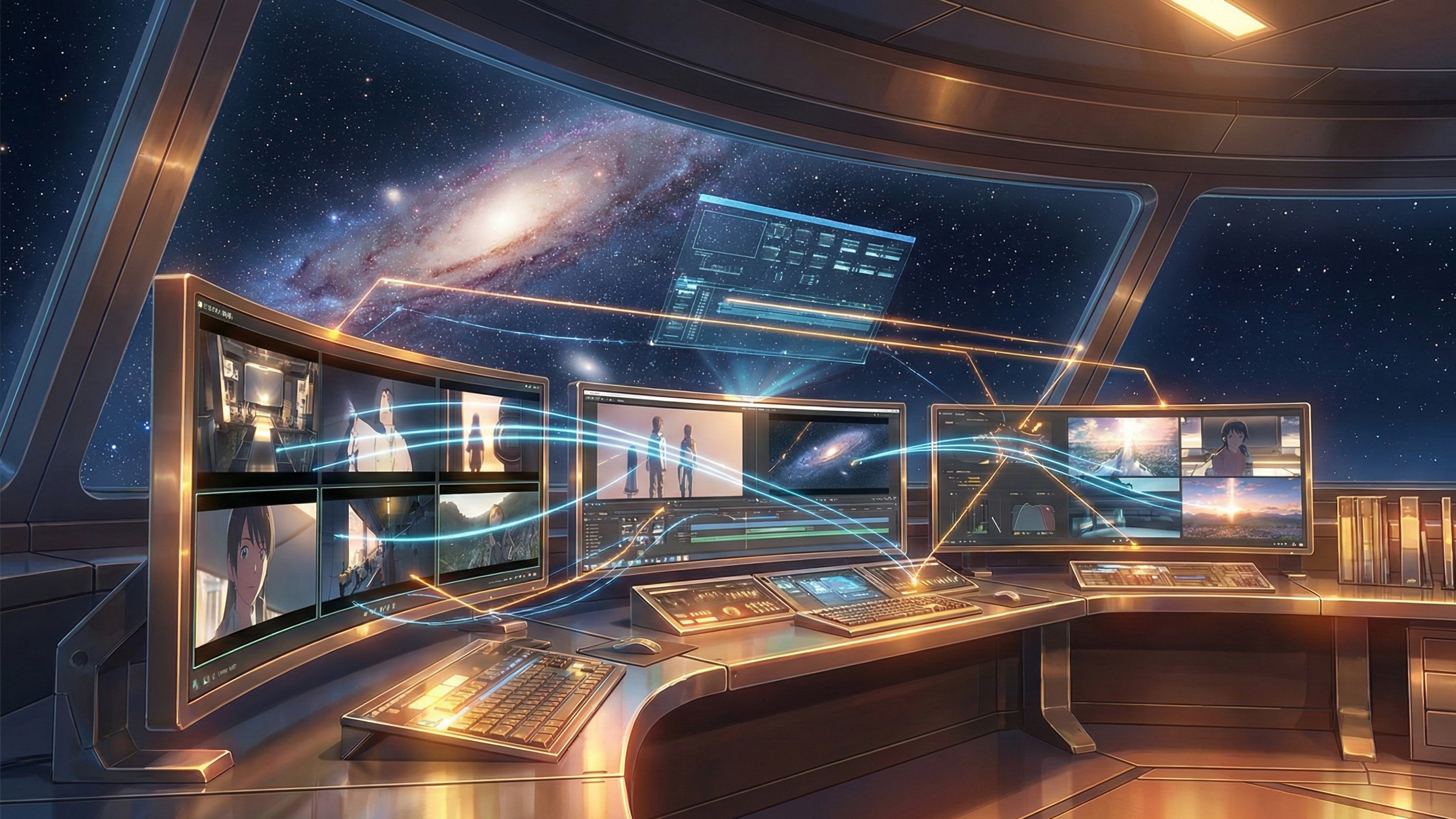
Arcloop Storyboard Generator: del episodio a shots visuales explica un flujo práctico de Arcloop para crear vídeo con IA a partir de una historia y convertirlo en asse...
Planificación inteligente de shots en Arcloop: cómo planificar con eficiencia explica un flujo práctico de Arcloop para crear vídeo con IA a partir de una historia y convertirlo en assets de producción reutilizables.
Cómo mantener personajes de anime consistentes en generación de vídeo con IA explica un flujo práctico de Arcloop para crear vídeo con IA a partir de una historia y convertirlo en assets de producción reutilizables.
GPT Image 2 para drama con IA: cómo crear assets visuales consistentes explica un flujo práctico de Arcloop para crear vídeo con IA a partir de una historia y convertirlo en assets de producción reutilizables.
Convierte el guion en un flujo de trabajo de cortometraje IA estable, revisable y escalable.
Crea episodios de drama corto con continuidad integrada antes del render final.
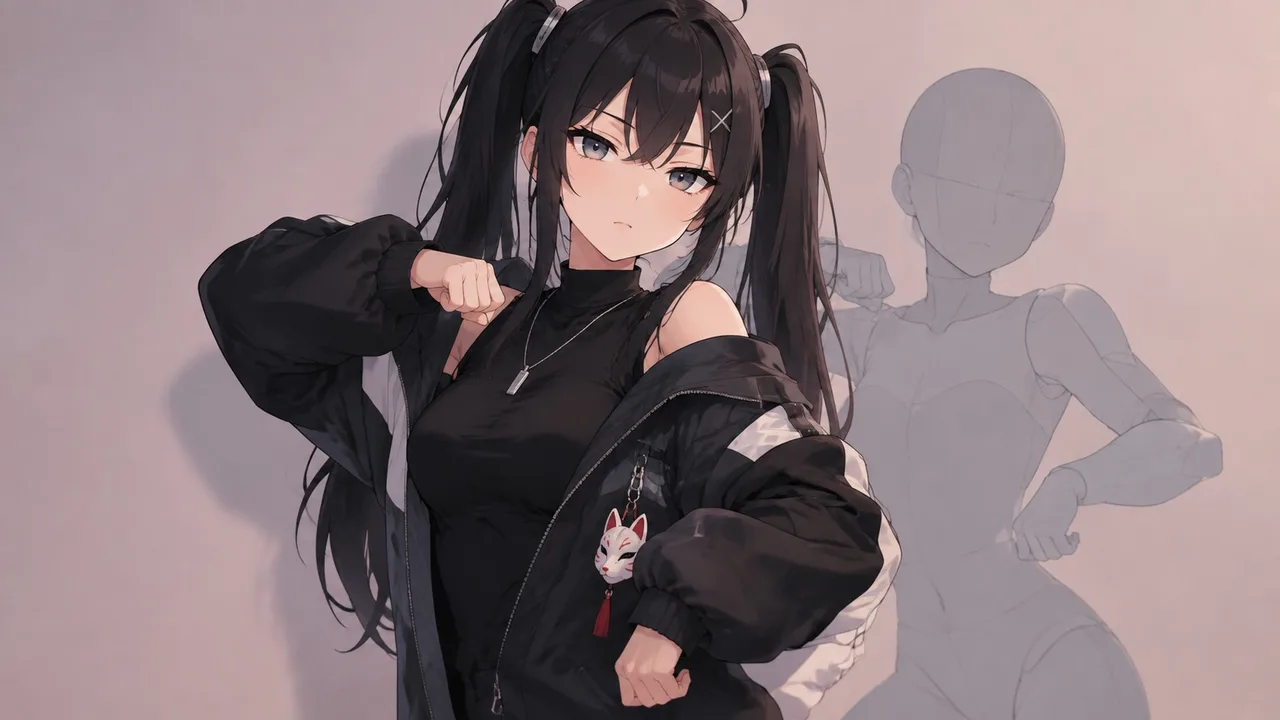
El trend está en todas partes, la ventana es de una semana y el original es una persona real bailando de verdad. Así pones a tu OC en el trend —mismos movimientos, mismo ritmo— sin tomar nada que no puedas conservar.
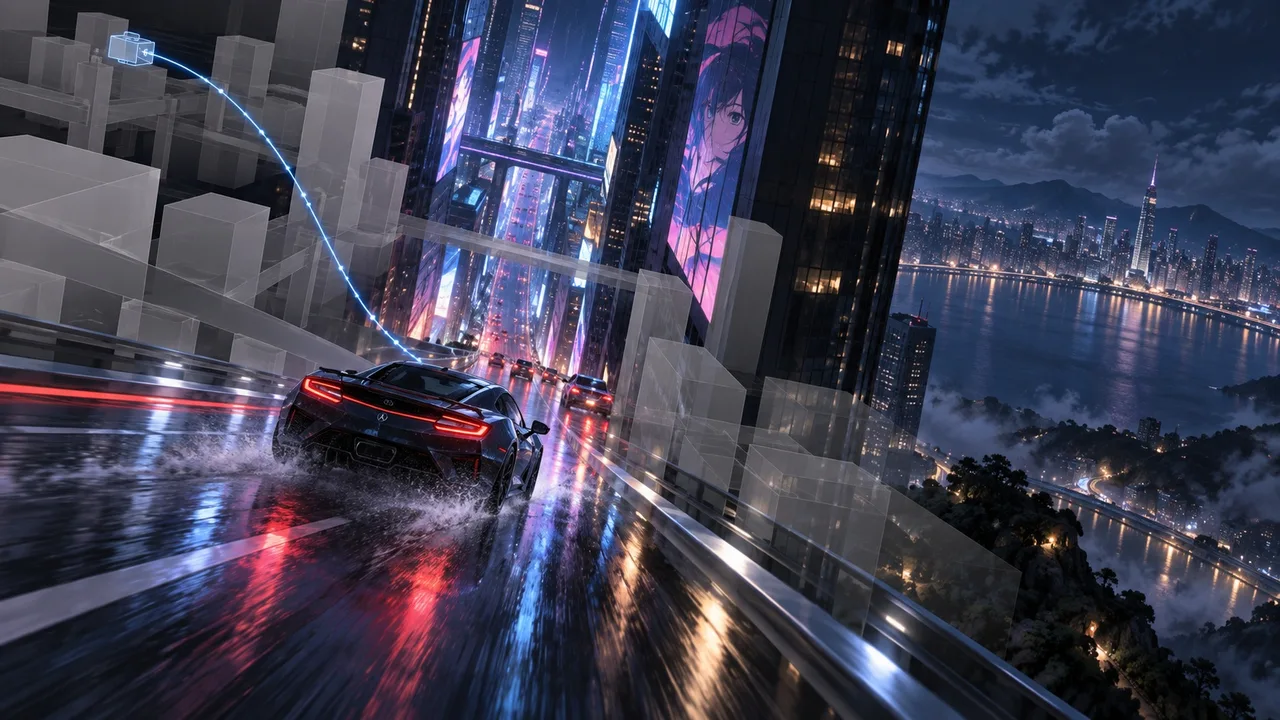
Un prompt no puede decir 'ángulo alto, baja entre las torres, toma el coche de lado, aléjate a un plano general'. Un previz grey-box sí puede. Aquí te explicamos cómo planificar la cámara en 3D y pasar cada posición a un ArcLoop shot.
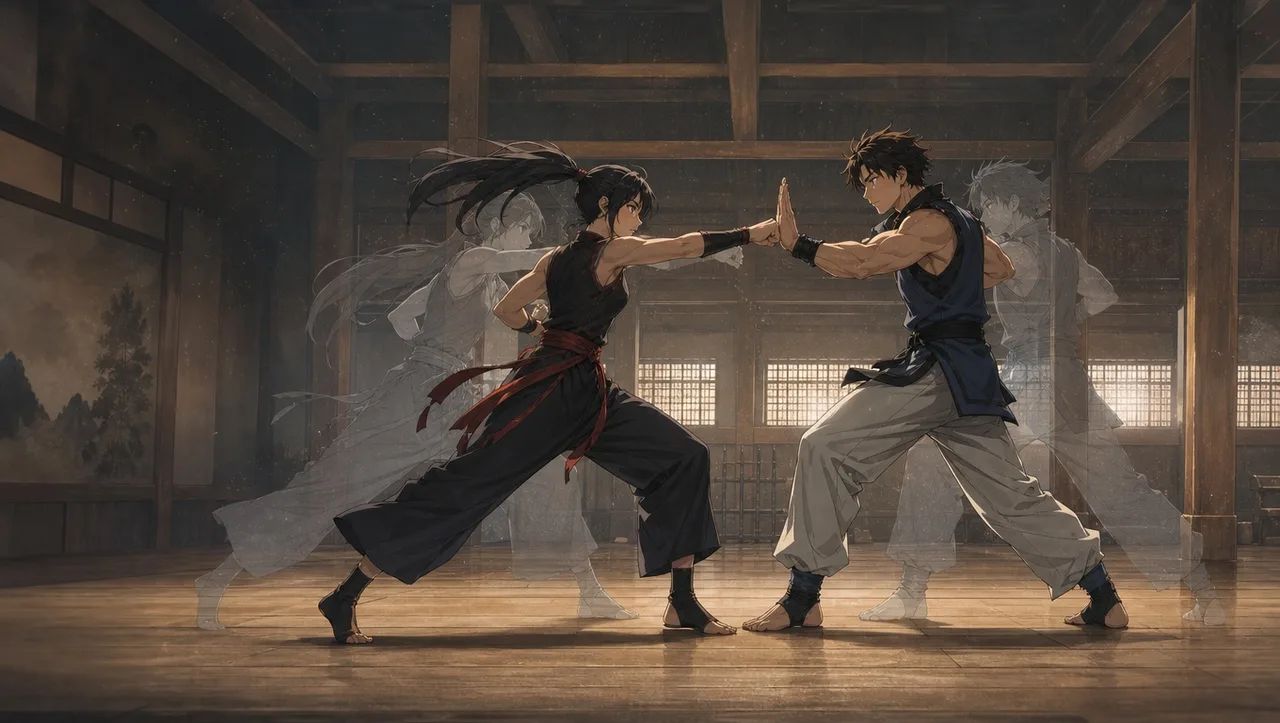
Dos cuerpos, un encuadre y el modelo los funde en un nudo de extremidades. Una pelea es una serie de contactos, y cada contacto es un shot. Aquí te explicamos cómo construirla desde un clip de maniquíes para que ambos personajes conserven su identidad.
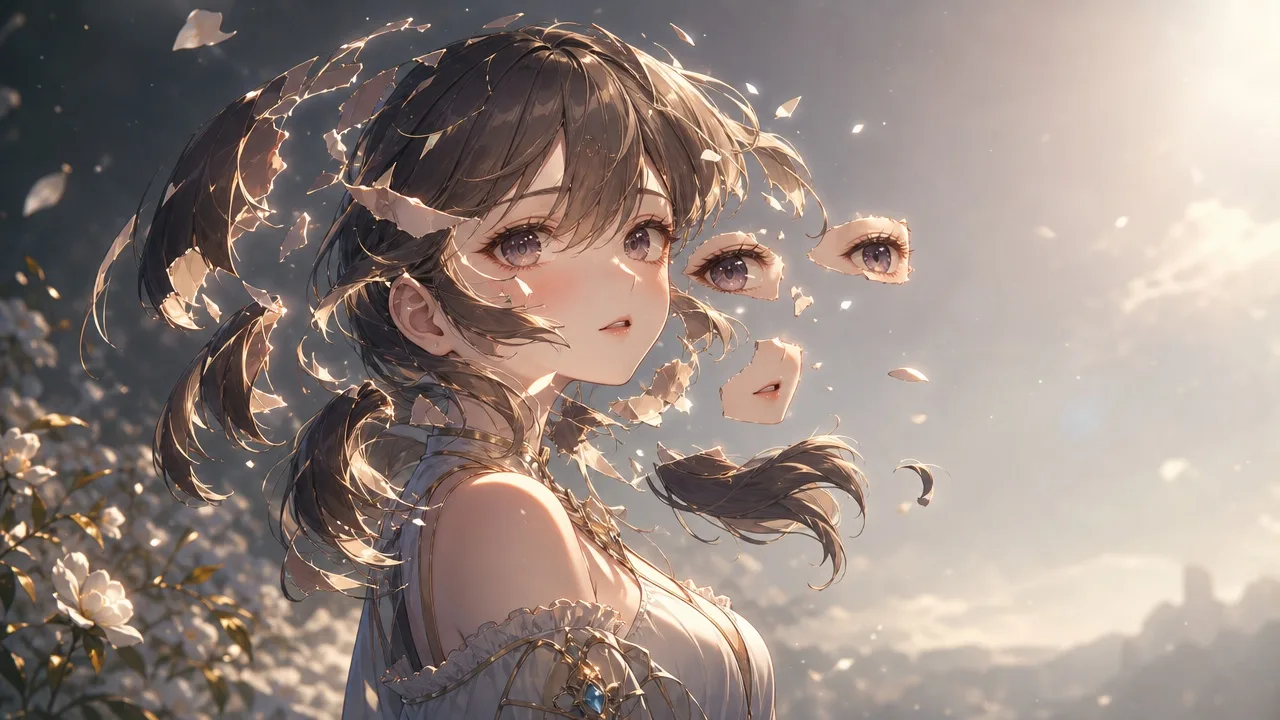
Divide un personaje generado por IA en partes rigeables con una checklist de capas y vistas de referencia para cada zona oculta.
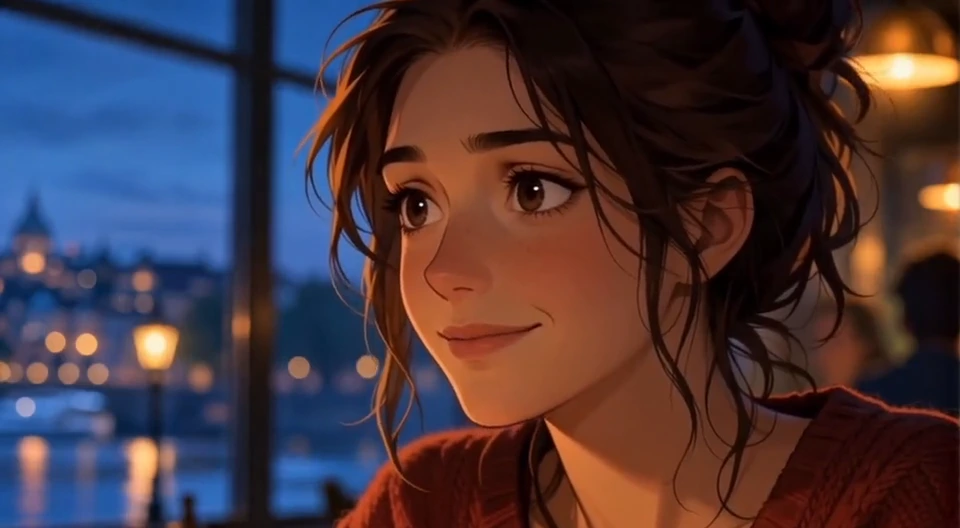
Crea un plano de escucha con una mirada estable, una pausa y una expresión clara, y decide cuándo cortarlo entre dos planos de diálogo.
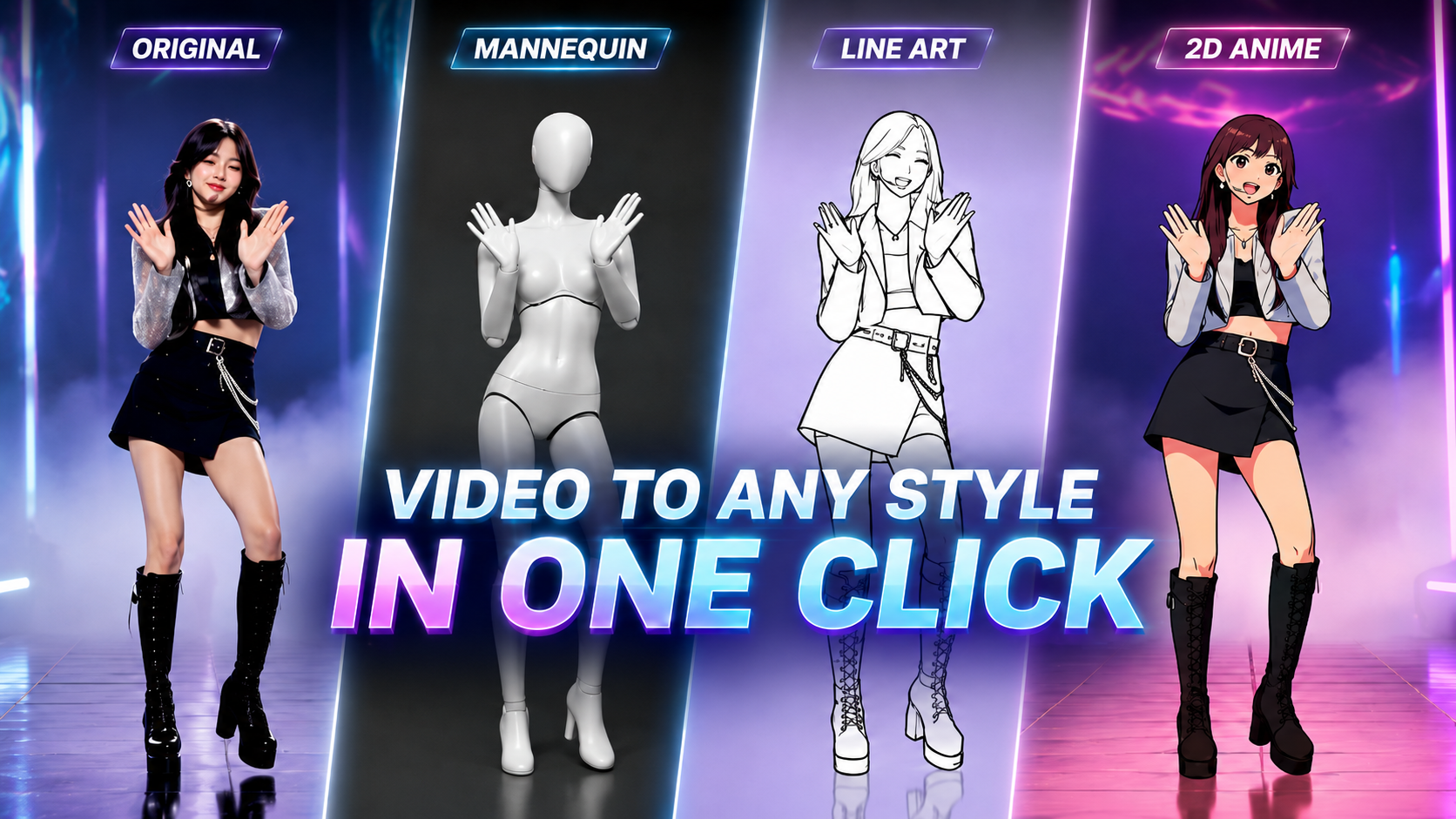
¿Quieres convertir movimiento real en videos rotoscopiados llamativos en minutos? Explora más de 3 ajustes preestablecidos (presets) de rotoscopia de Arcloop AI. No se requieren habilidades complejas de edición ni experiencia en prompts.
Cómo crear proyectos IP personales en Arcloop: guía paso a paso explica un flujo práctico de Arcloop para crear vídeo con IA a partir de una historia y convertirlo en ...
Cómo crear tu historia en Arcloop: tutorial completo explica un flujo práctico de Arcloop para crear vídeo con IA a partir de una historia y convertirlo en assets de p...
Guía paso a paso: cómo crear un episodio en Arcloop explica un flujo práctico de Arcloop para crear vídeo con IA a partir de una historia y convertirlo en assets de producción reutilizables.

Cómo editar vídeos generados con IA en Arcloop: consejos y buenas prácticas explica un flujo práctico de Arcloop para crear vídeo con IA a partir de una historia y con...
La mejor forma de gestionar tus assets generados con IA: personajes, escenas y props explica un flujo práctico de Arcloop para crear vídeo con IA a partir de una histo...
¿Cómo organizar y acceder a tu contenido en Arcloop? explica un flujo práctico de Arcloop para crear vídeo con IA a partir de una historia y convertirlo en assets de p...

Image Editing: mejora y personaliza tus visuales explica un flujo práctico de Arcloop para crear vídeo con IA a partir de una historia y convertirlo en assets de produ...
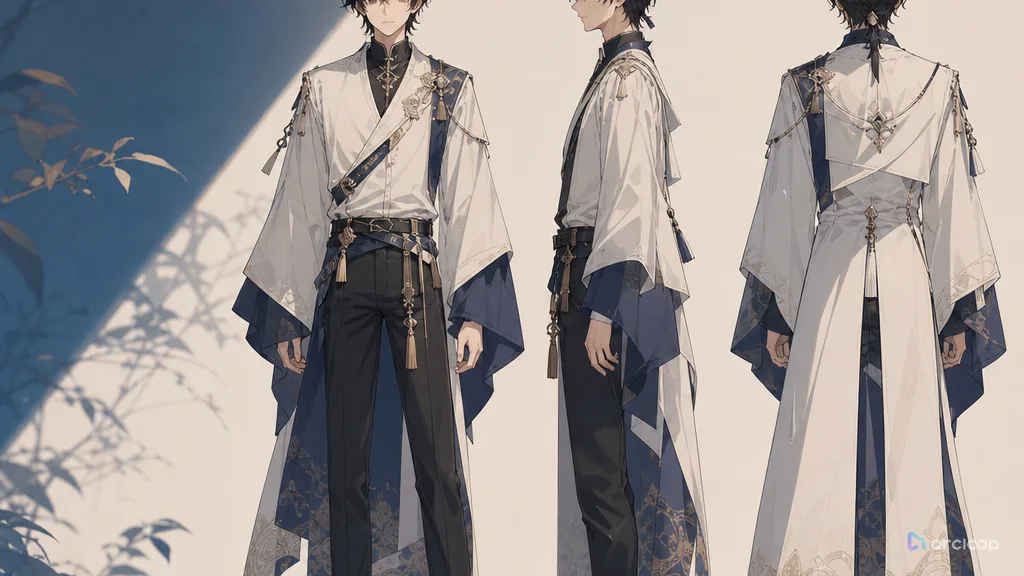
Convierte un personaje de una sola imagen en un asset que funciona en todos los shots con un Character Turnaround Sheet.
Qué es realmente MiniMax H3 — referencias omnimodales, audio nativo, salida 2K, pesos abiertos — y dónde encaja el nuevo tier de velocidad H3 Max.
Astra sacó un 88% en ingeniería inversa de binarios, reconstruyó un vídeo de YouTube desde un solo prompt y llevó un corto anime del brief al corte final. Aquí está lo que los creadores pueden aplicar, y dónde se generan los shots.

Cómo usar MiniMax H3 para anime: anclas de estilo, Reference images en lugar de LoRAs, una acción por clip y el flujo de trabajo con assets en ArcLoop.
Hay dos cosas que se llaman MiniMax H3 Turbo. Aquí tienes qué es cada una, cuánto más rápida es de verdad, dónde fallan los borradores de 4 pasos y cómo borrar rápido sin perder tu personaje.
El flujo en el navegador para MiniMax H3: qué necesitas, qué no, y los seis pasos de un proyecto vacío a un clip terminado con sonido.
Duración máxima de clip, resolución, presupuesto de referencias y proporciones para MiniMax H3 y el nivel H3 Max — más cómo planificar shots dentro de esos límites.
Continuación, context-loop chaining o corte: tres formas de construir secuencias largas a partir de clips H3 de 15 segundos, y cuándo usar cada una.
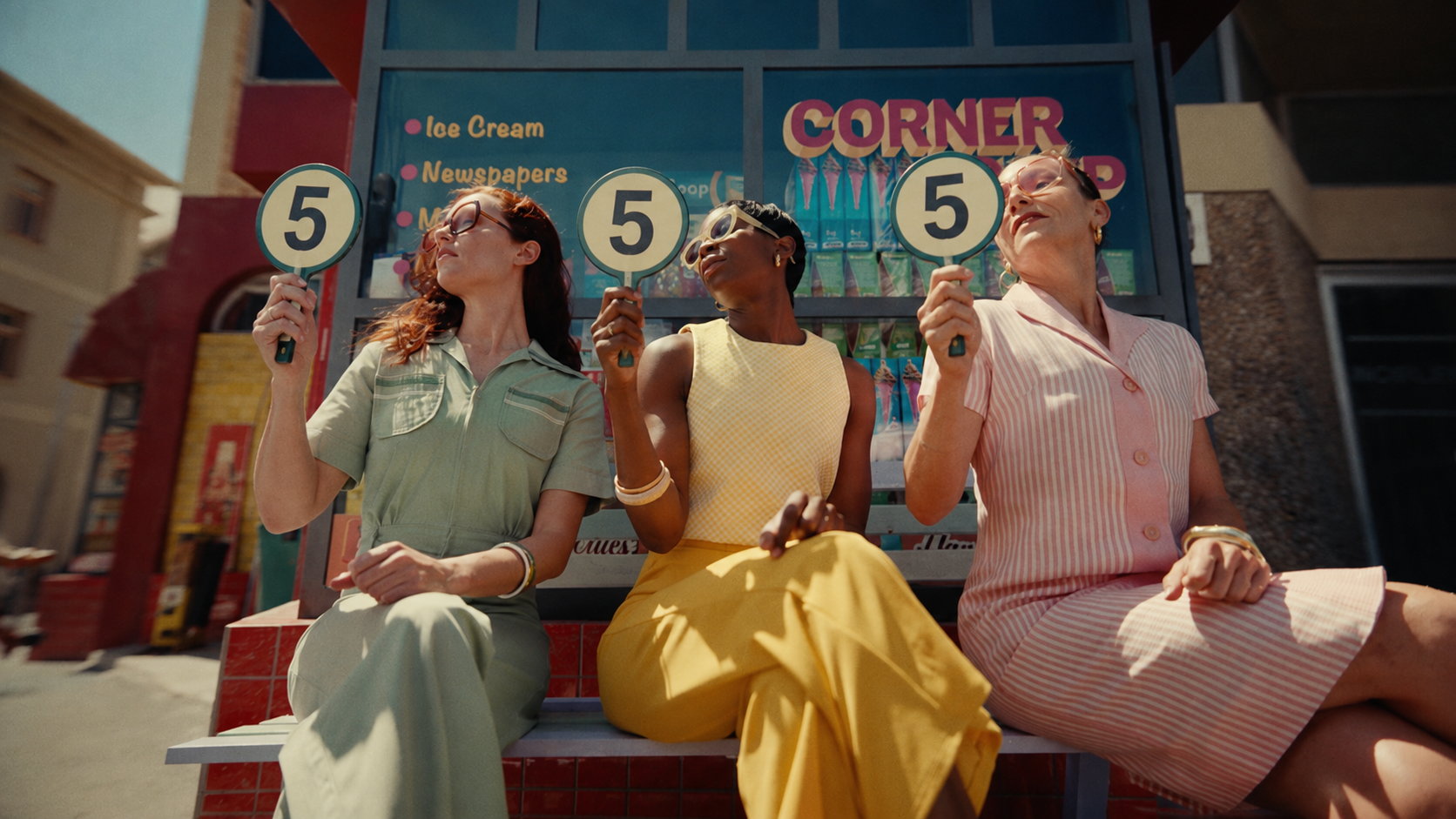
Un desglose comparativo del rendimiento de Seedream 5 Lite y Pro. Aprende qué modelo se ajusta a tu etapa de producción, desde la ideación rápida hasta la entrega comercial final.

Sus fichas técnicas son casi idénticas. Las diferencias que quedan son las que deciden tu producción.

Las voces de dramas con IA suelen sonar planas, artificiales o desconectadas del personaje. Compara Seed Audio 1.0 y ElevenLabs en escenas de doblaje de dramas cortos, aprende a escribir prompts de voz, elegir el modelo adecuado y convertir demos en assets de voz reutilizables.
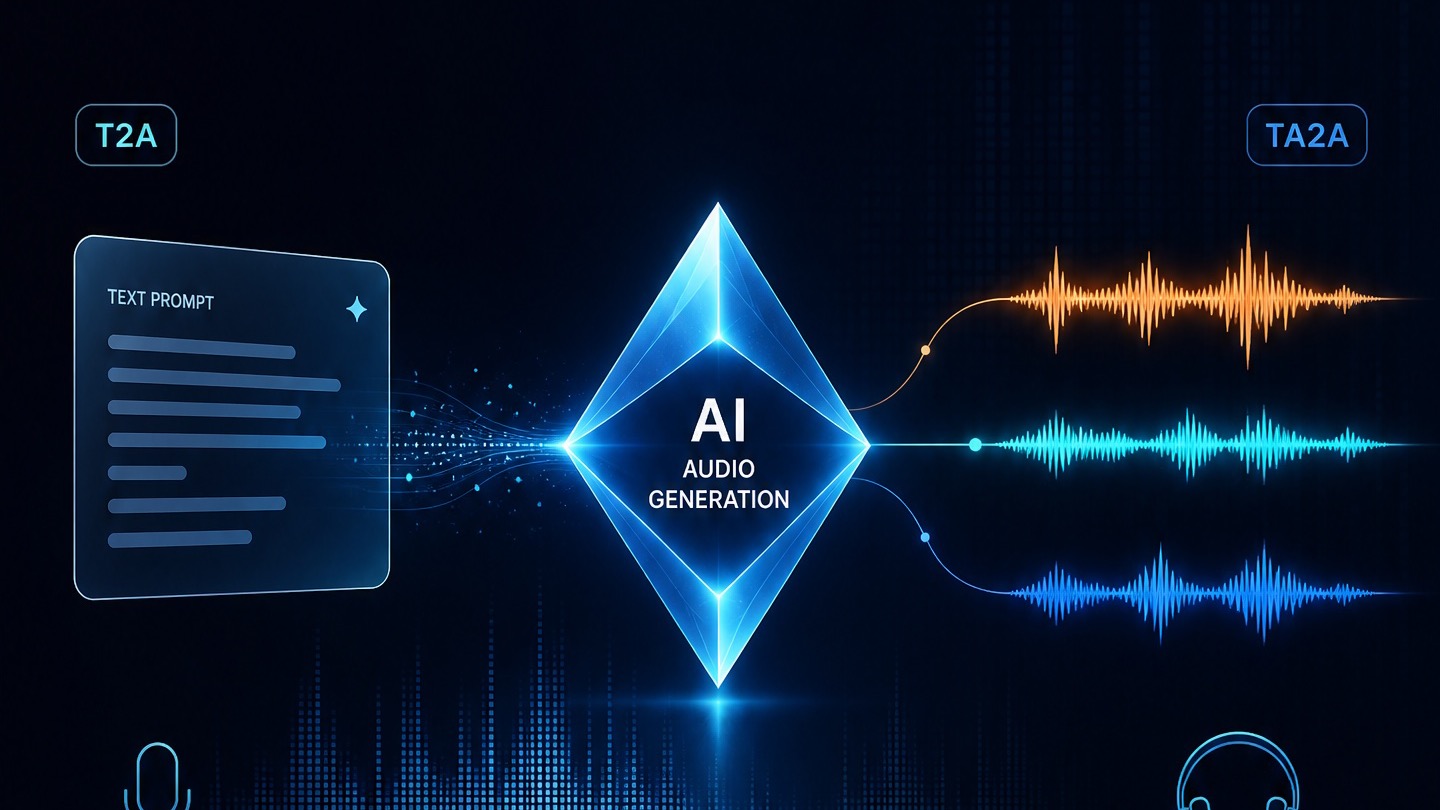
Write characters, dialogue, SFX, ambience, and music into one timeline so Doubao Audio 1.0 behaves more like a sound director than a reader.
Prompt anime character voices with clearer emotion, pacing, and intent.
Plan action verbs with references, shot cards, and one clear draft pass.
Separa acercamiento, desplazamiento lateral y plano fijo; revisa la silueta, el asa y la base del farol antes de elegir el inserto.
A practical prompt guide for clean, expressive 2D anime animation.
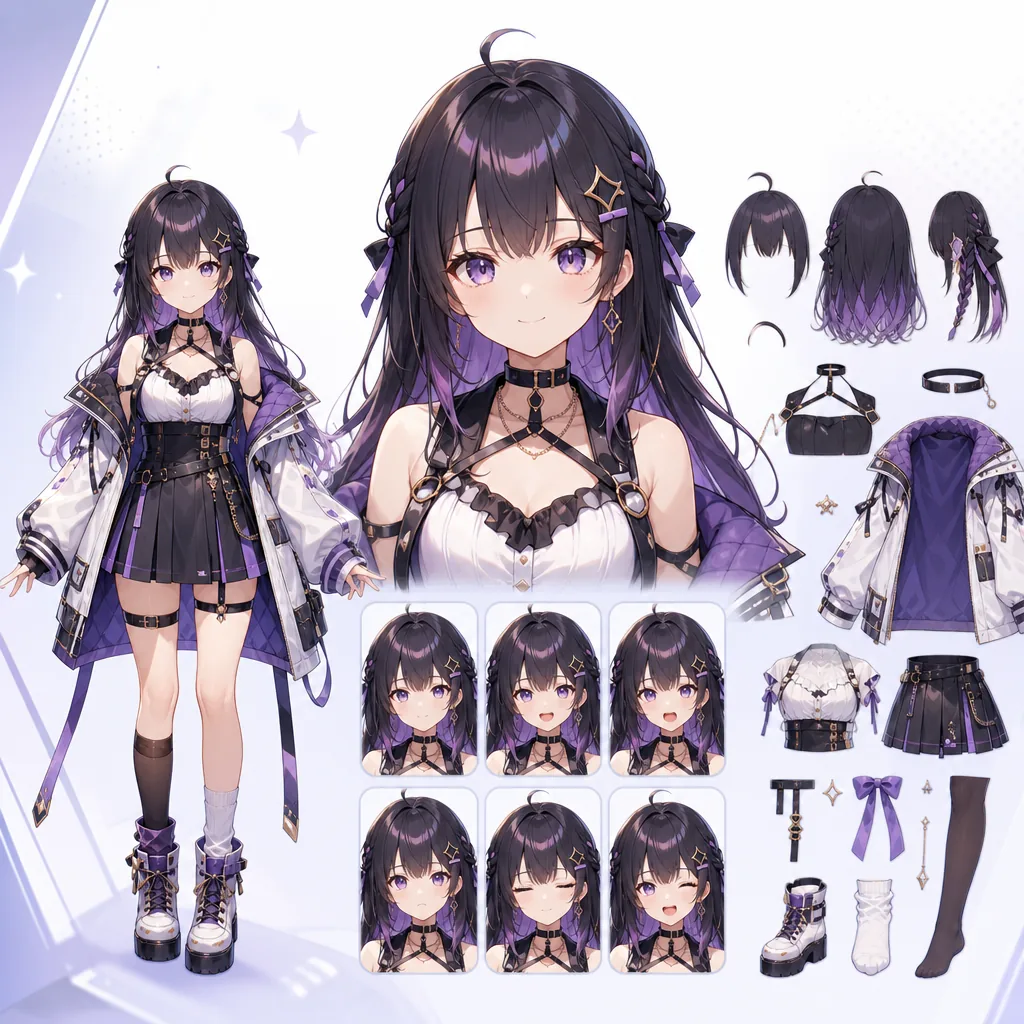
Write prompts for anime avatars that are easier to rig and animate.
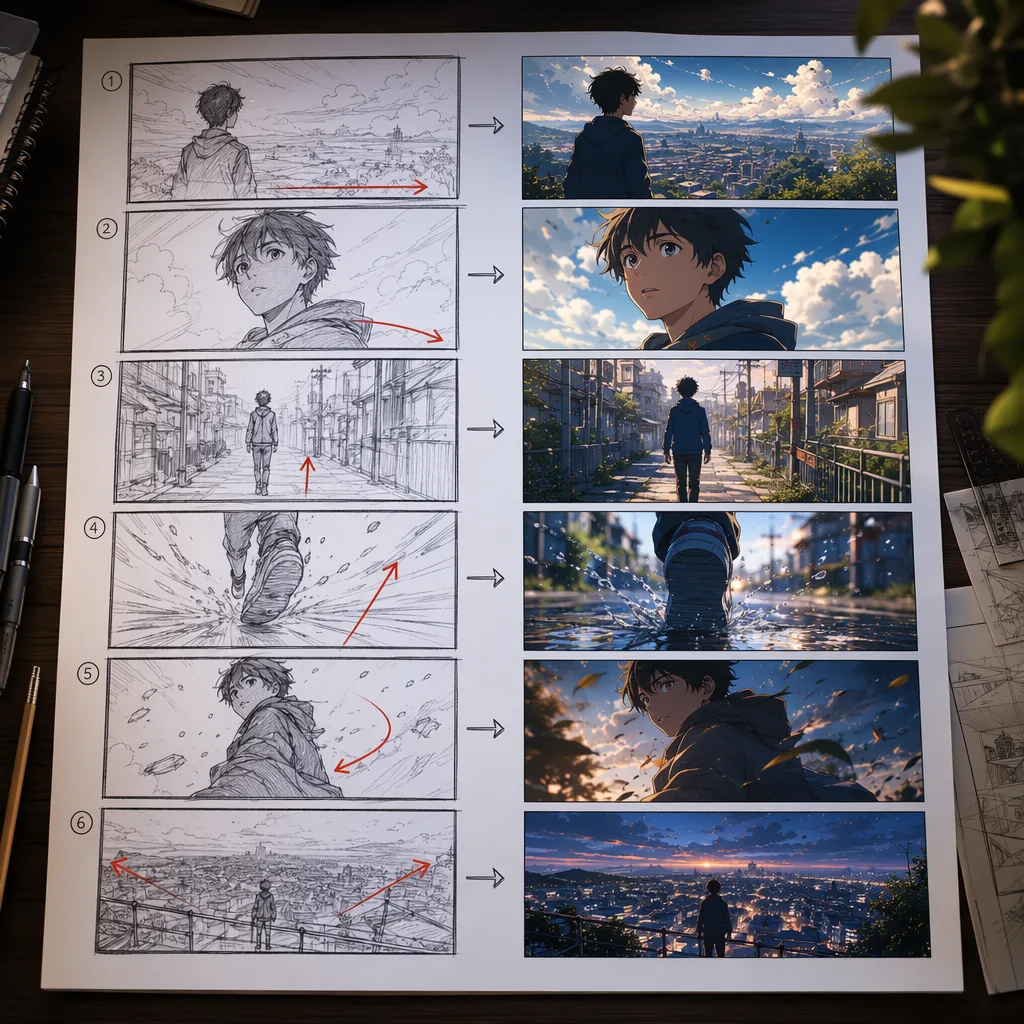
Planifica videos anime con IA usando prompts de Storyboard que los modelos pueden seguir.
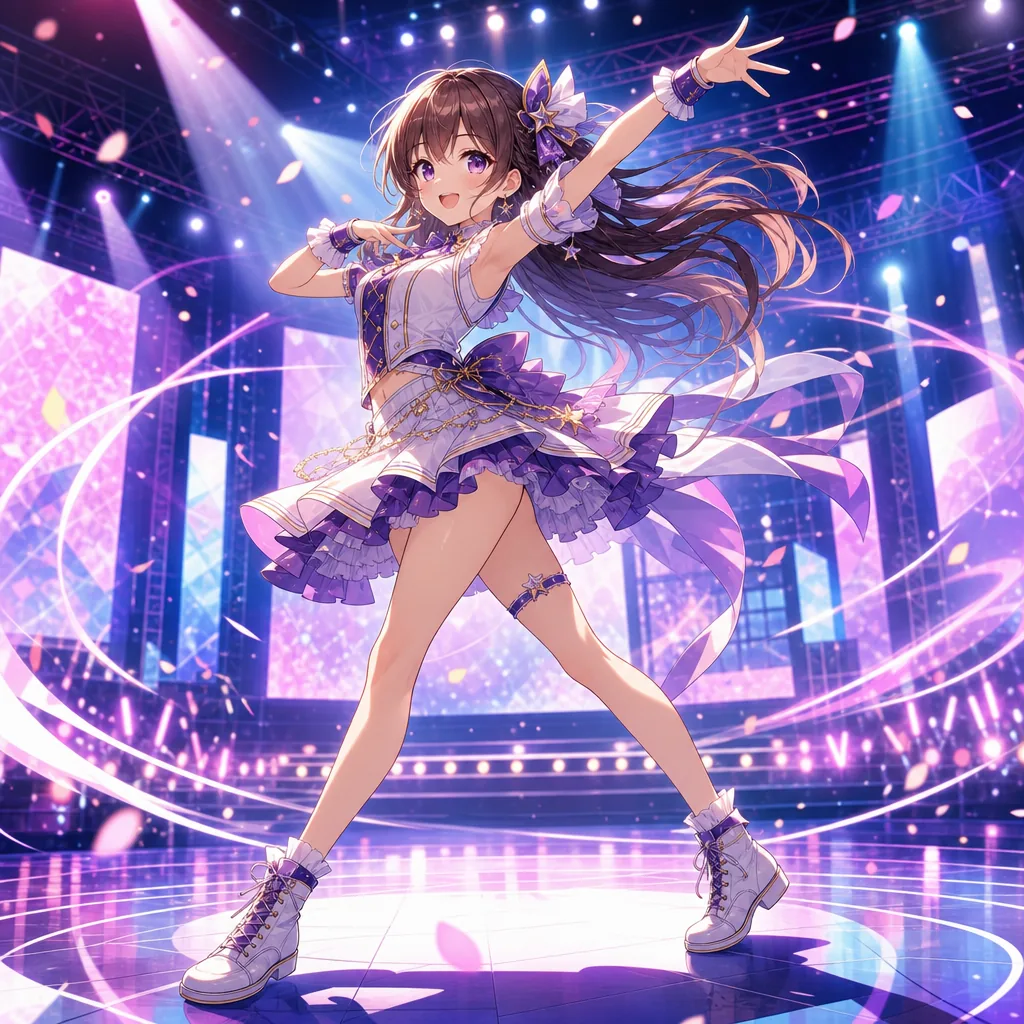
Crea prompts para clips de baile anime con mejor movimiento, ritmo y encuadre.
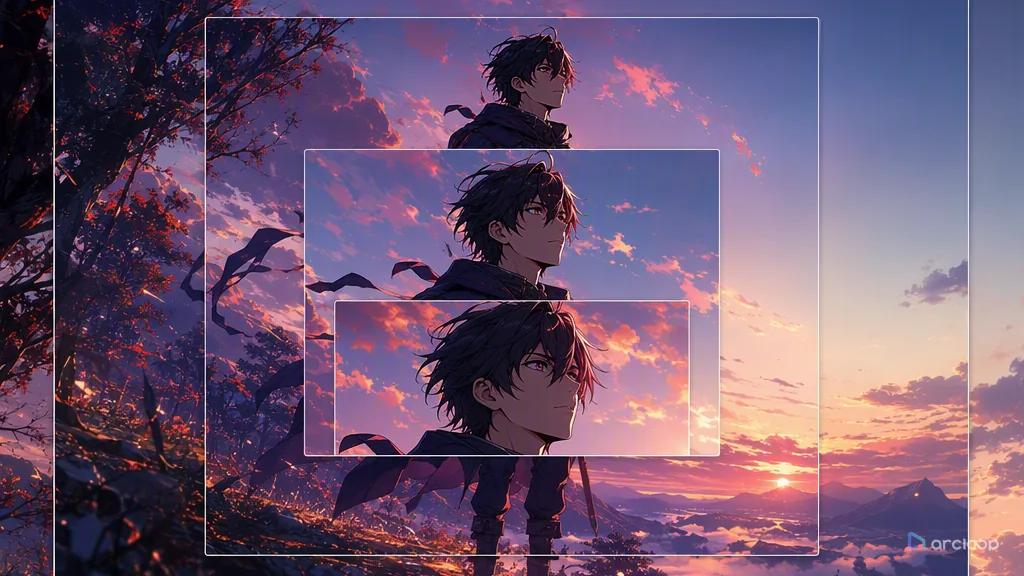
Plan camera language with references, shot cards, and one clear draft pass.
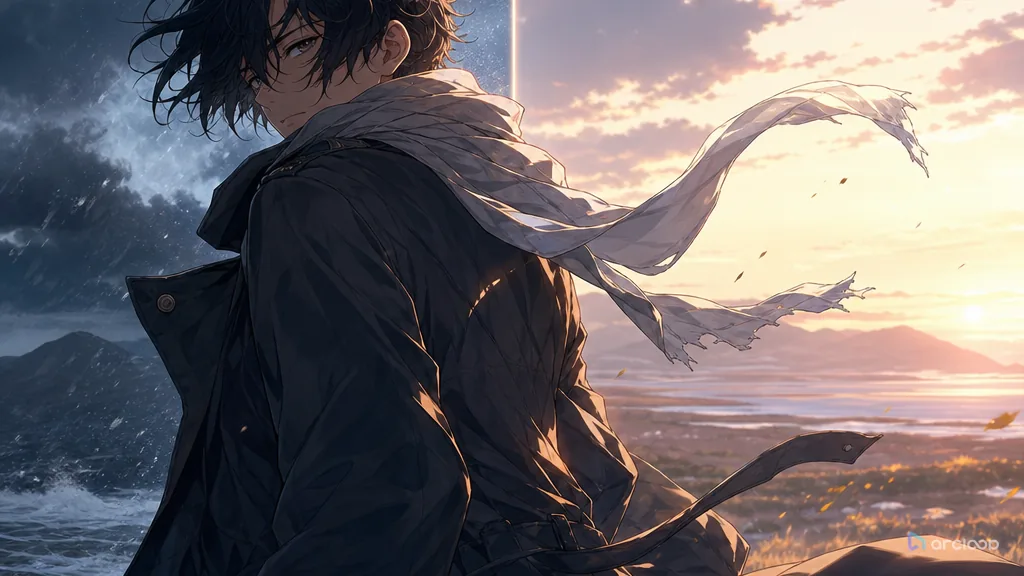
Plan clothing folds and fabric with references, shot cards, and one clear draft pass.

Cómo guiar shots con movimiento de cámara (Prompt Guides) explica un flujo práctico de Arcloop para crear vídeo con IA a partir de una historia y convertirlo en assets de producción reutilizables.
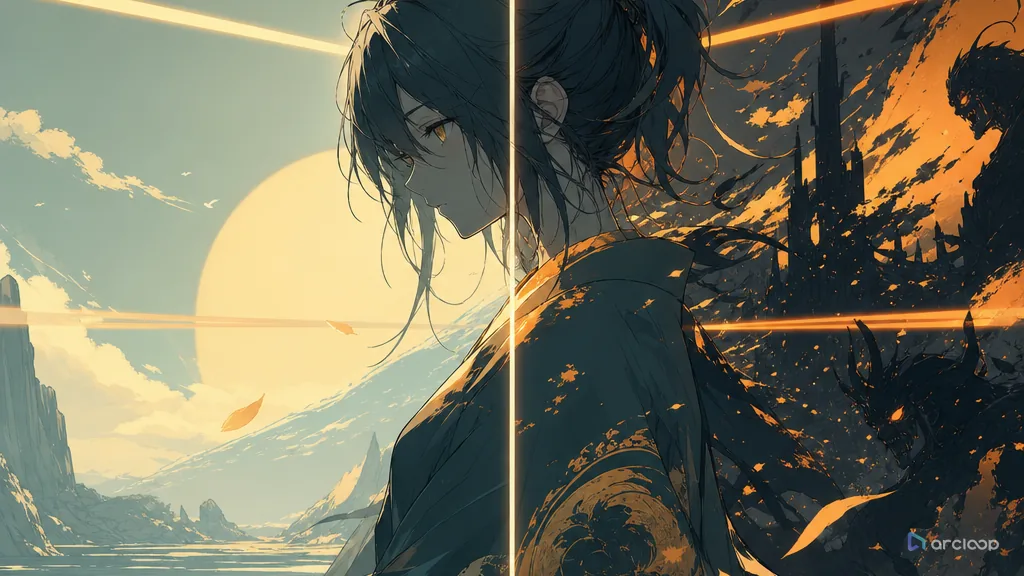
Plan palette rules with references, shot cards, and one clear draft pass.
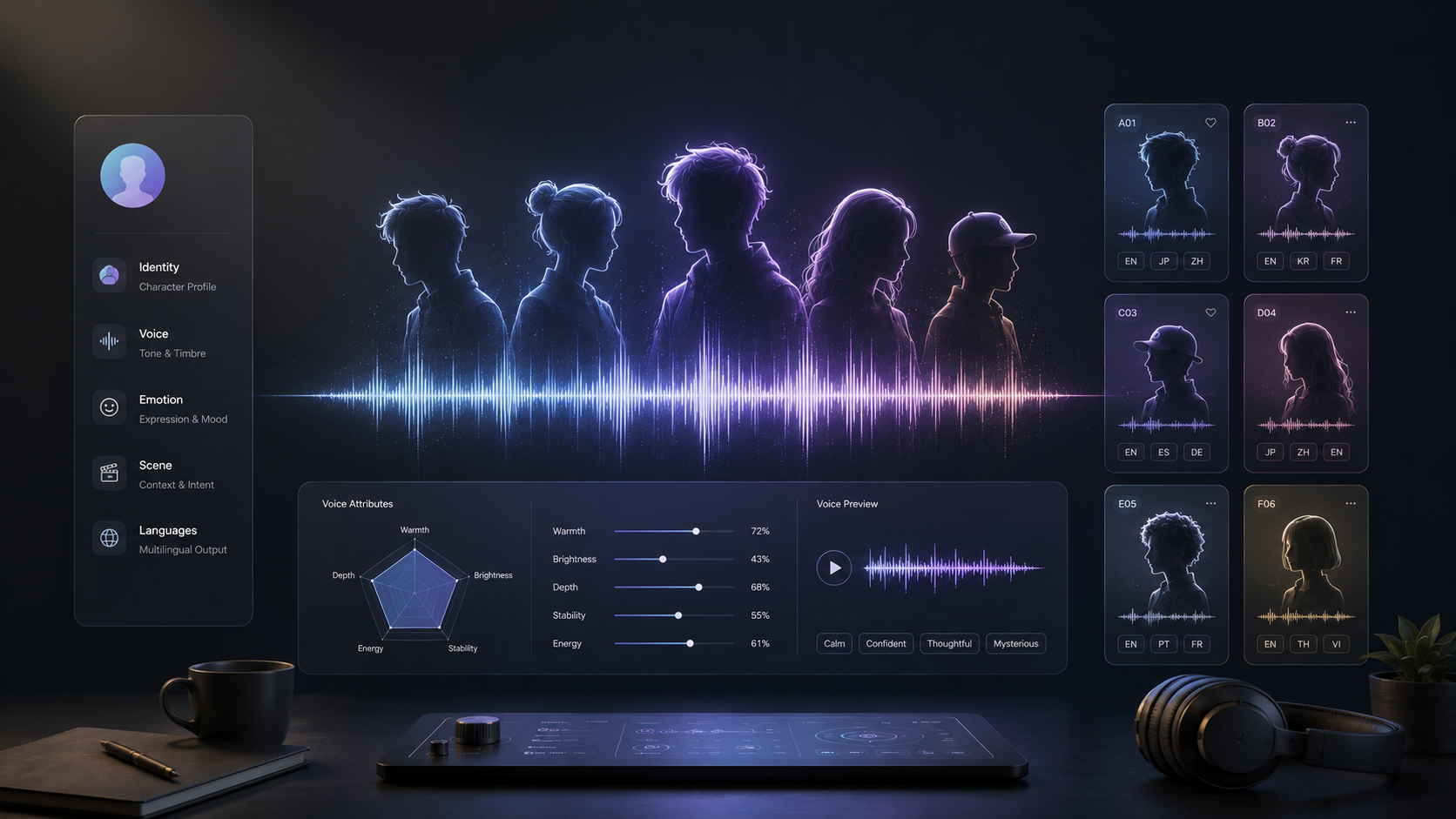
Metodo de tarjeta de personaje y 20 plantillas de voz editables para crear voces reutilizables.
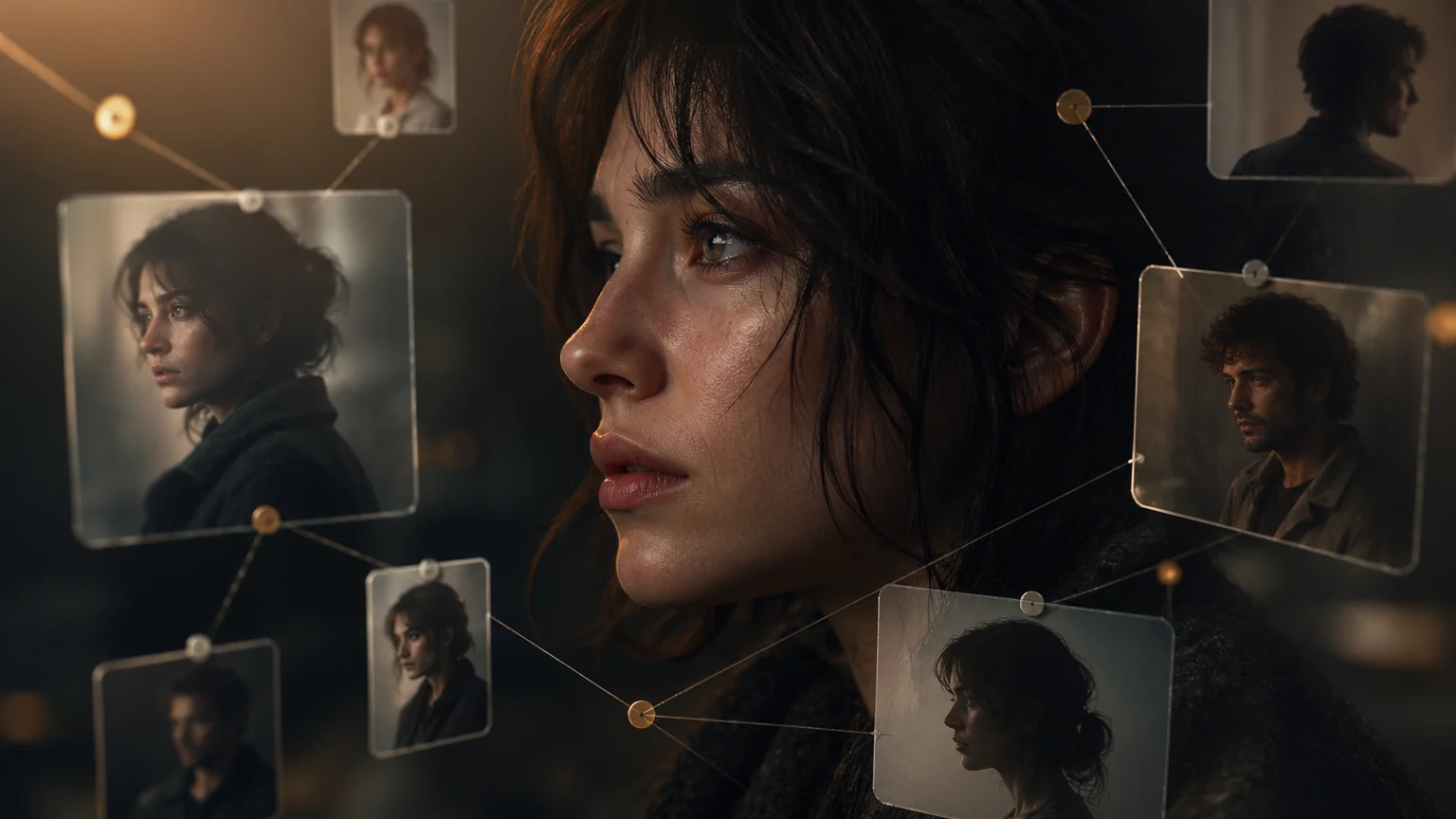
AI Character Bible para producción dramática: cómo crearla y usarla explica un flujo práctico de Arcloop para crear vídeo con IA a partir de una historia y convertirlo en assets de producción reutilizables.
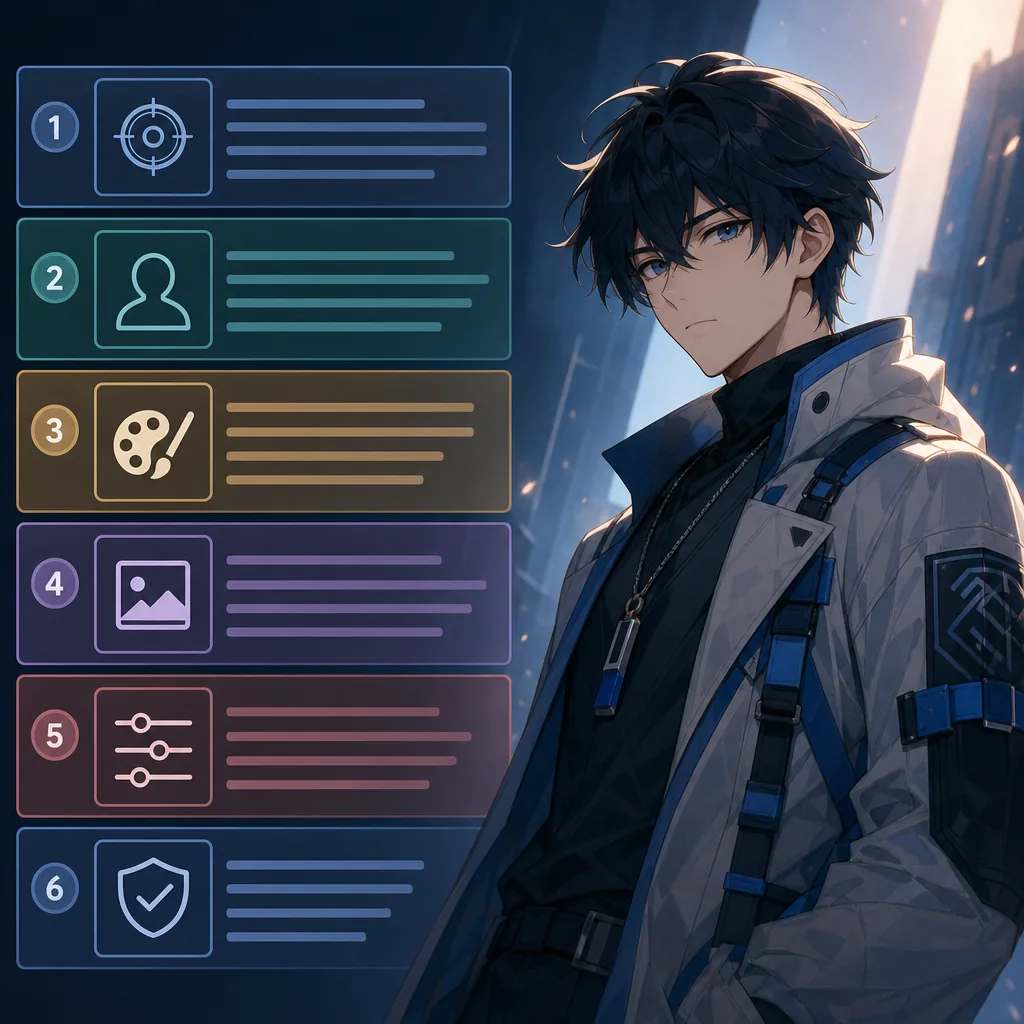
Organize prompts into six blocks so style does not overwrite identity.
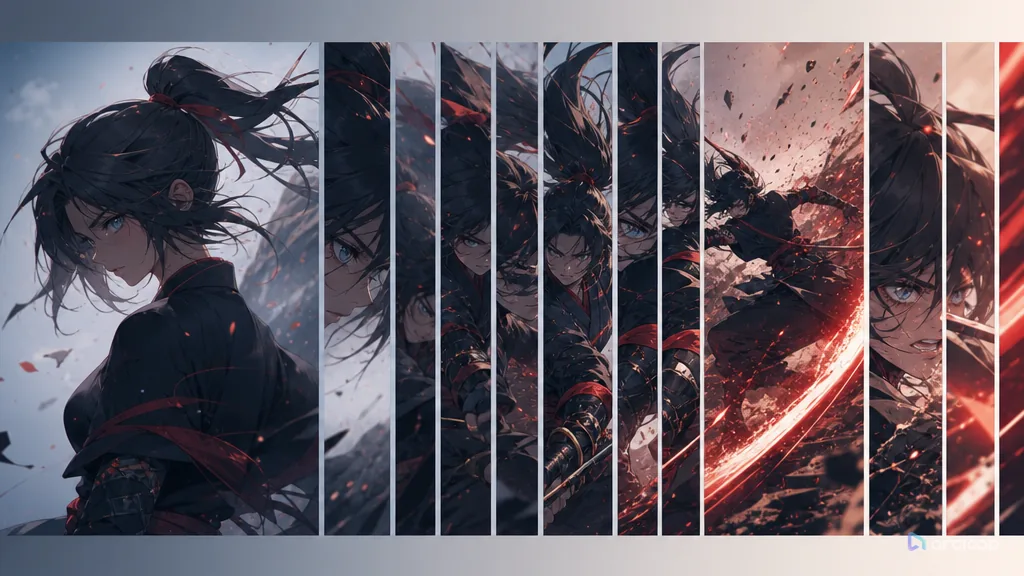
Plan duration and beats with references, shot cards, and one clear draft pass.
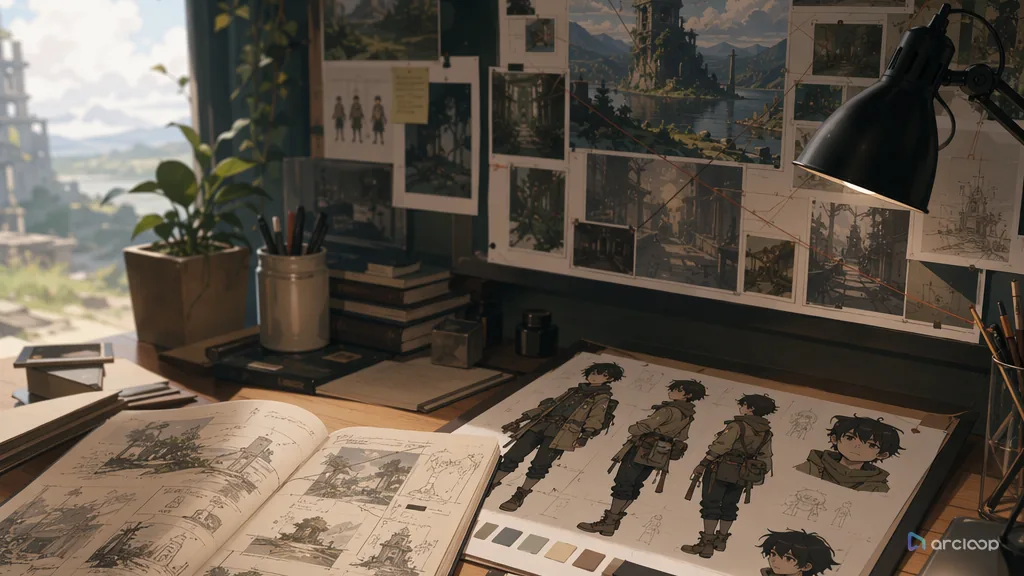
Plan environmental storytelling with references, shot cards, and one clear draft pass.
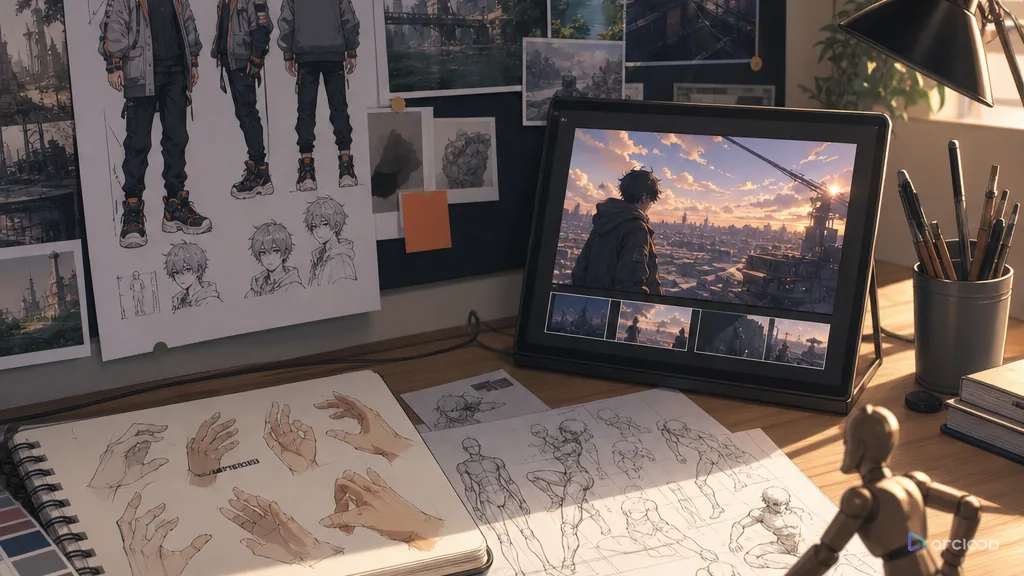
Repair AI anime hands and poses with clearer gestures, prop grips, and body weight.
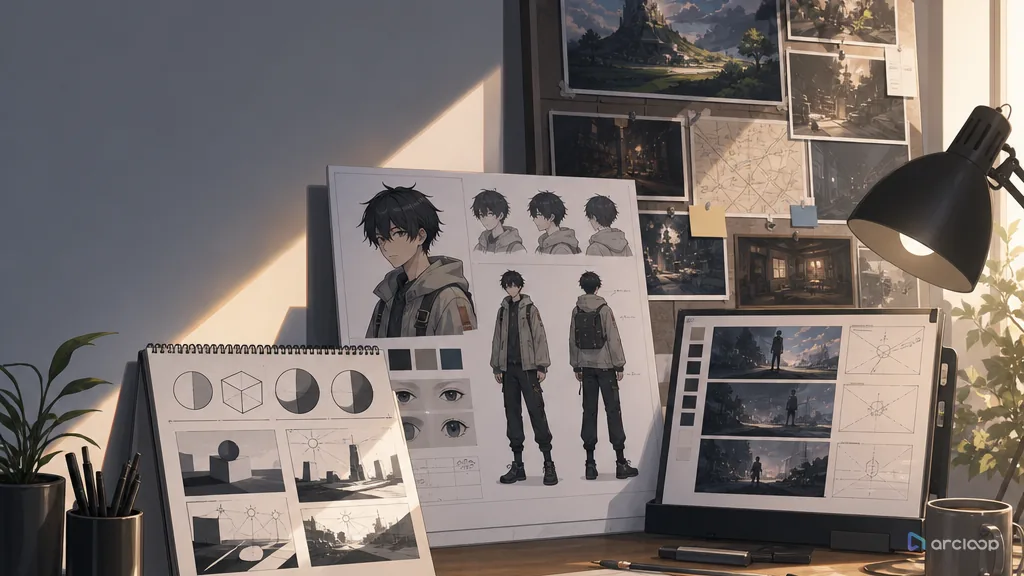
Plan lighting logic with references, shot cards, and one clear draft pass.
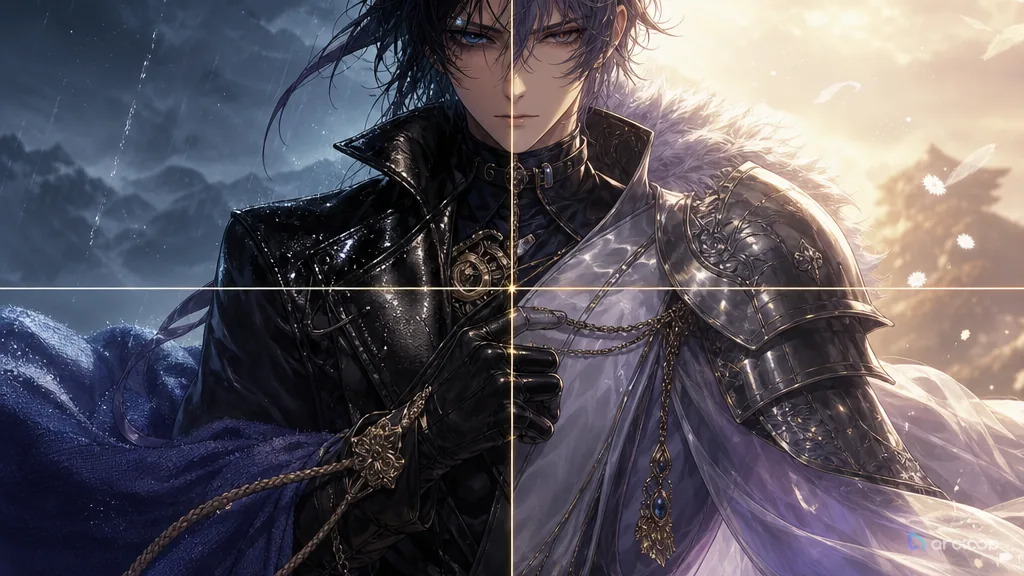
Plan material texture with references, shot cards, and one clear draft pass.
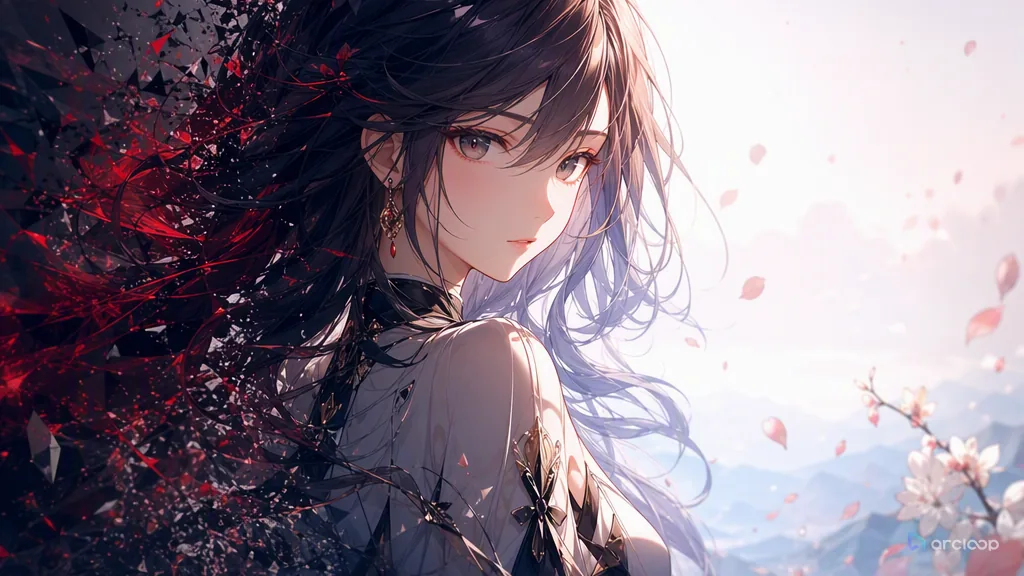
Plan negative constraints with references, shot cards, and one clear draft pass.
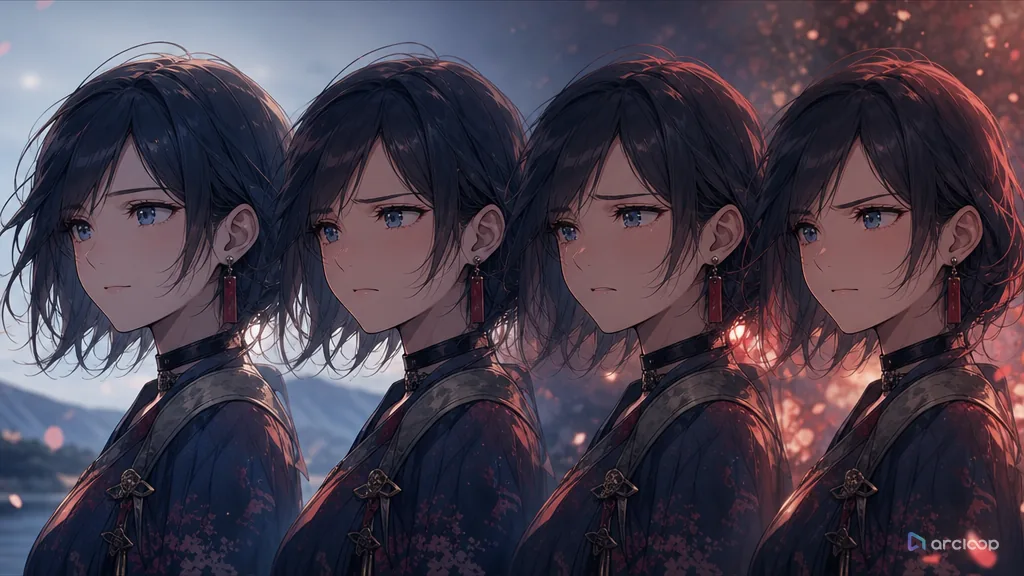
Plan subtle expression with references, shot cards, and one clear draft pass.

Separa el cambio solicitado de la lista de conservación y guarda versiones aprobadas en cada ronda.
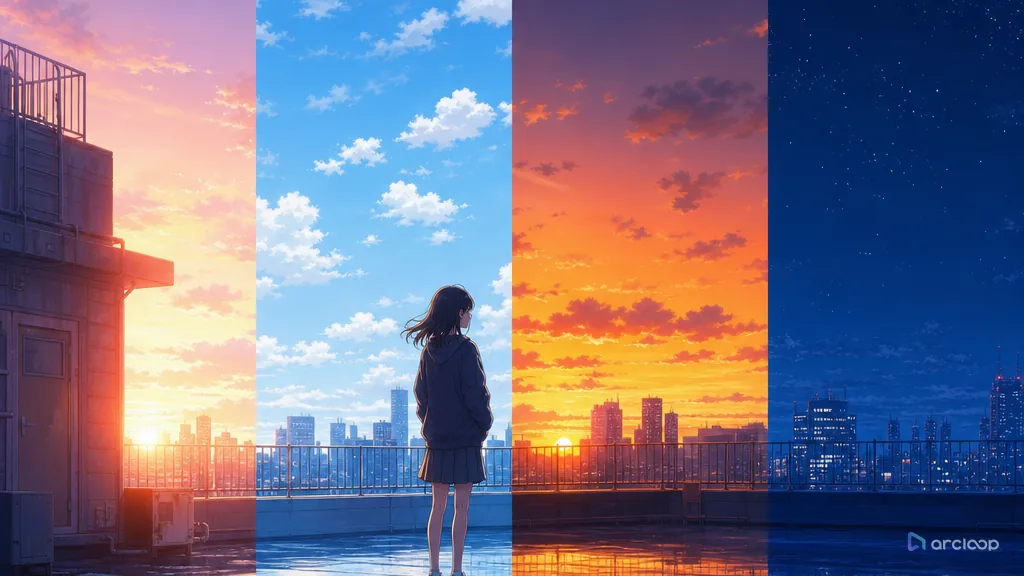
Plan time-of-day color with references, shot cards, and one clear draft pass.
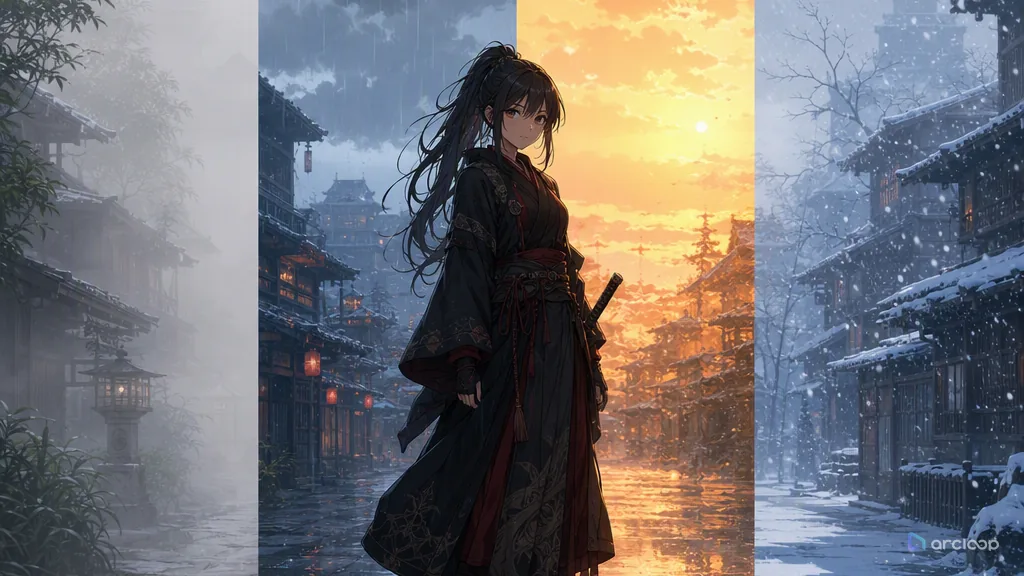
Plan weather and atmosphere with references, shot cards, and one clear draft pass.
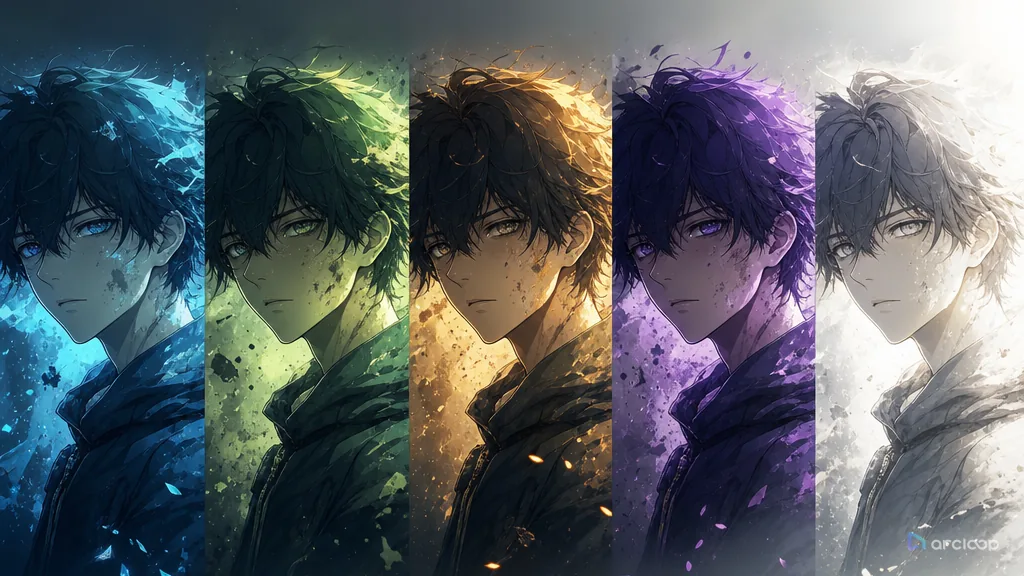
Build an emotion palette map that keeps which colors mark safety, tension, intimacy, threat, or release visible while you generate and review shots.
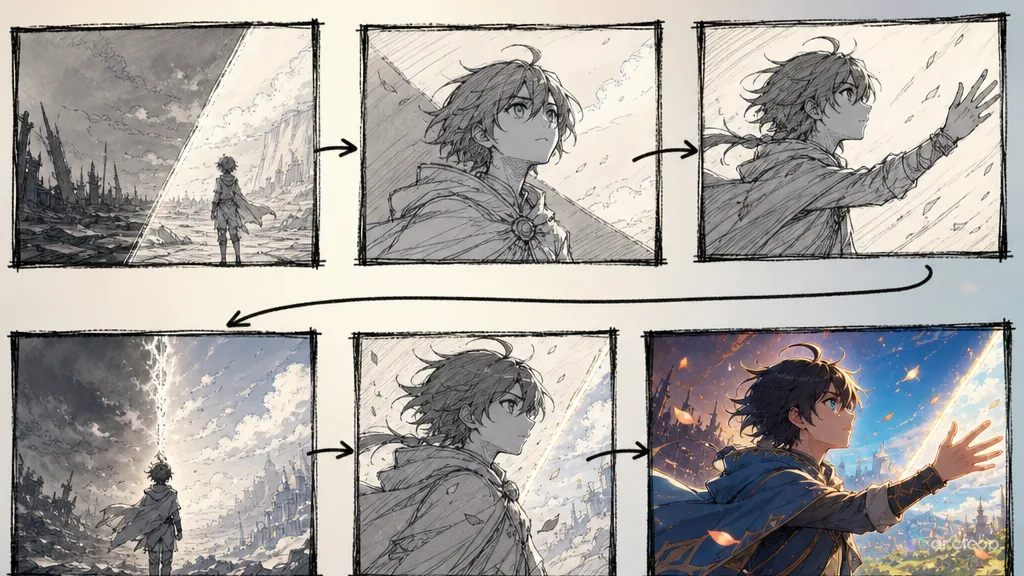
Route script-to-video through a workable storyboard first, and cut down on random generations and post-production rework.

Conoce Arcloop Canvas, un workspace visual ilimitado para la producción creativa con IA. Reúne imágenes, vídeos, audio y assets de historia...
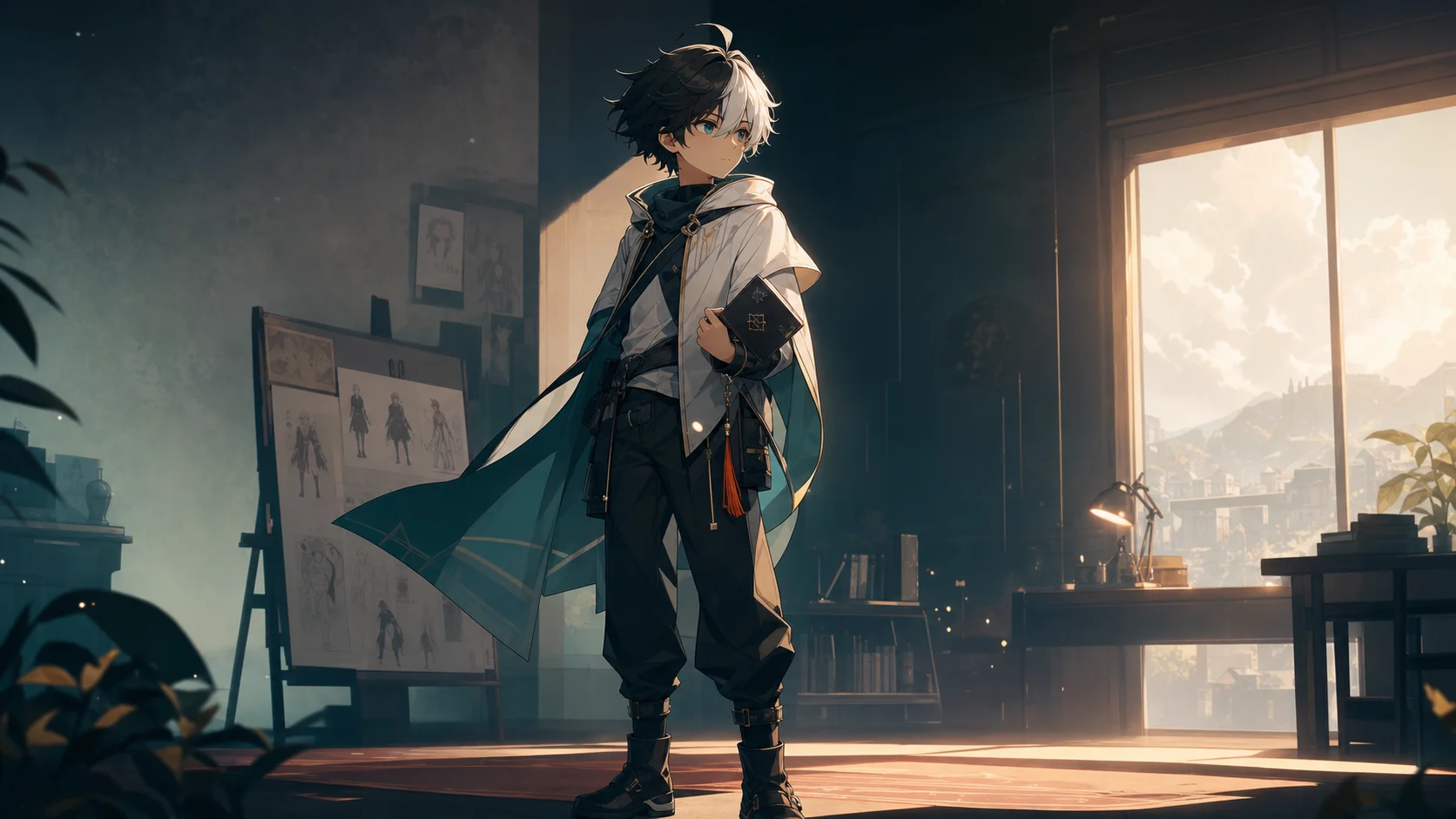
Anime OC Maker para series cortas con IA explica un flujo práctico de Arcloop para crear vídeo con IA a partir de una historia y convertirlo en assets de producción reutilizables.
Plan avatar readability with references, shot cards, and one clear draft pass.
Plan music-video rhythm with references, shot cards, and one clear draft pass.
Plan anime OP and ED title sequences with clear motifs, rhythm, and emotional payoff.
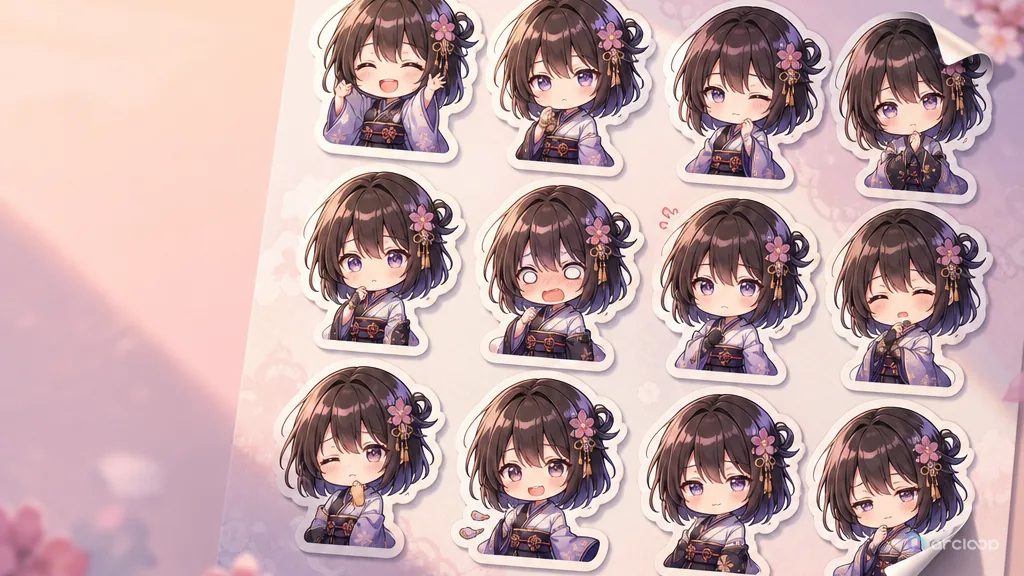
Plan sticker expression design with references, shot cards, and one clear draft pass.
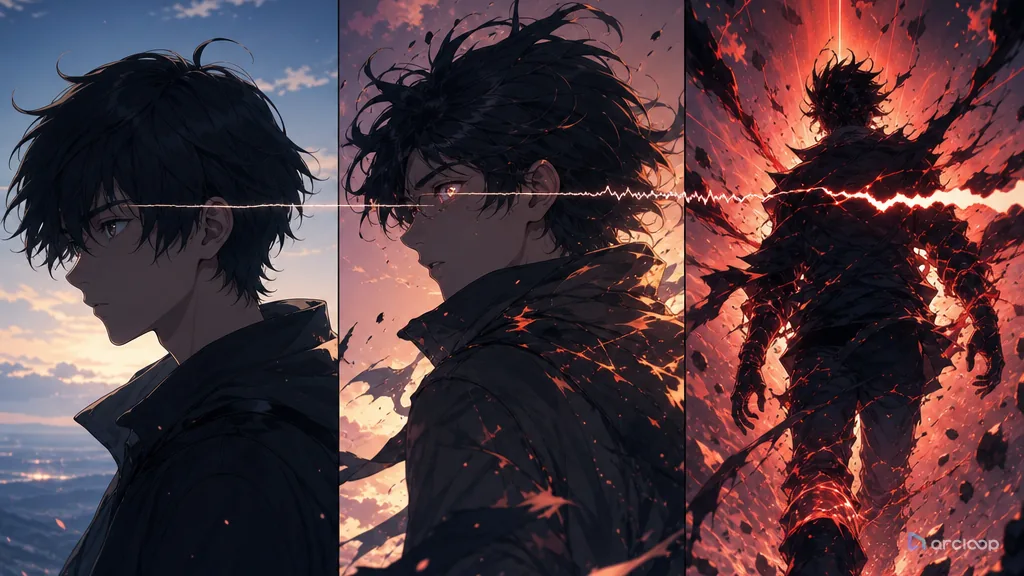
Plan trailer structure with references, shot cards, and one clear draft pass.
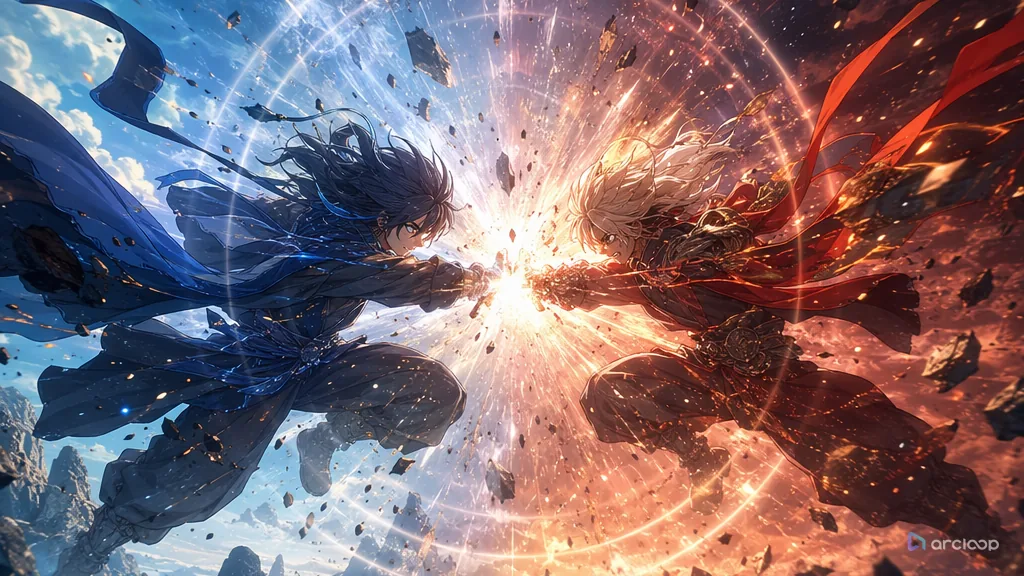
Plan battle scene staging with references, shot cards, and one clear draft pass.
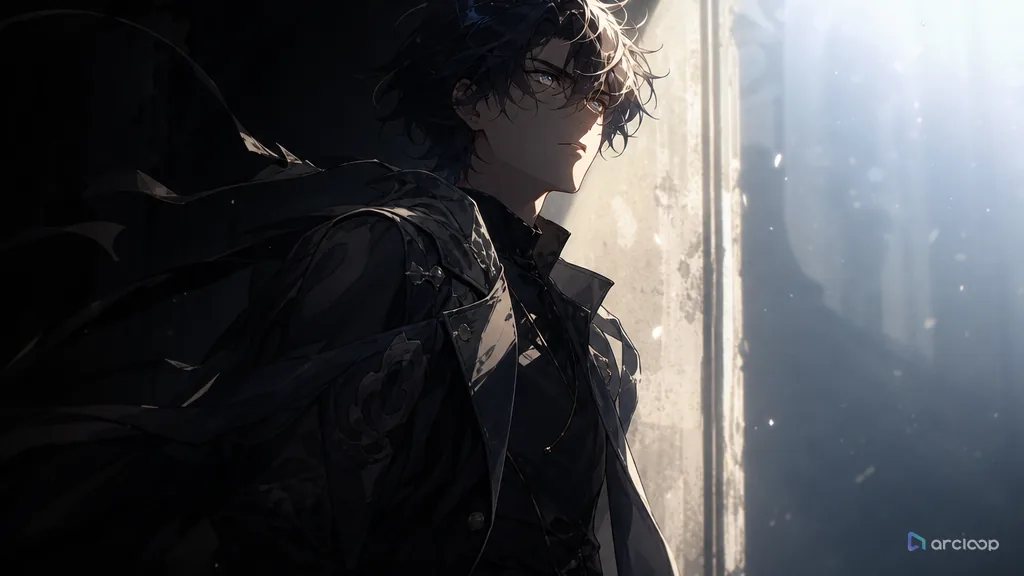
Plan first appearance staging with references, shot cards, and one clear draft pass.
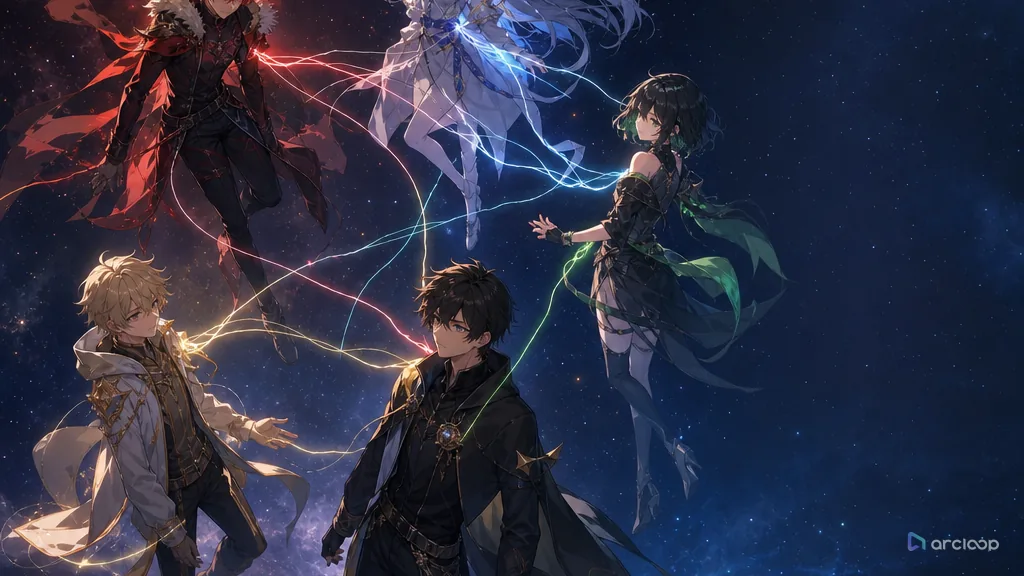
Plan relationship chart design with references, shot cards, and one clear draft pass.
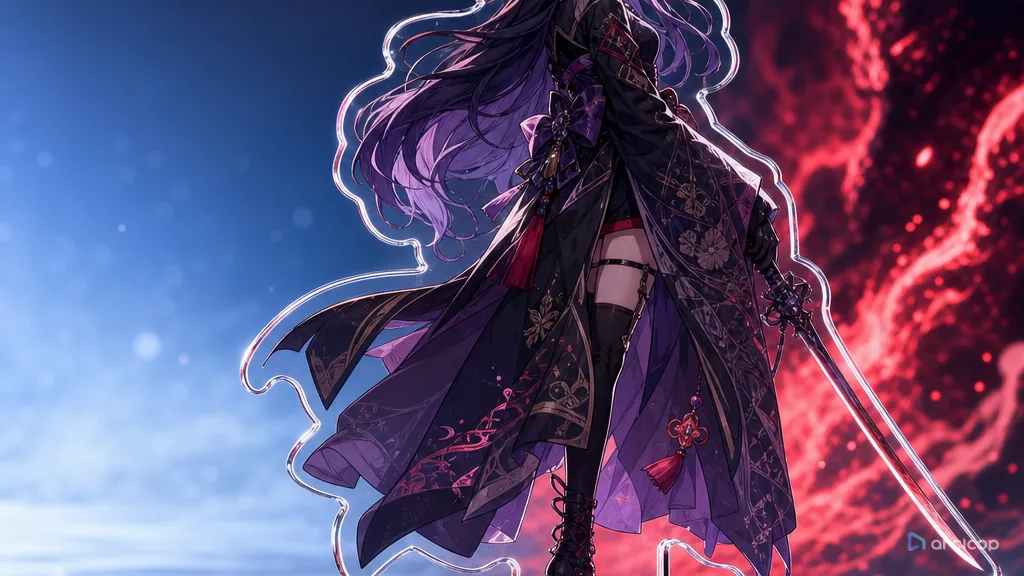
Plan standing art with references, shot cards, and one clear draft pass.
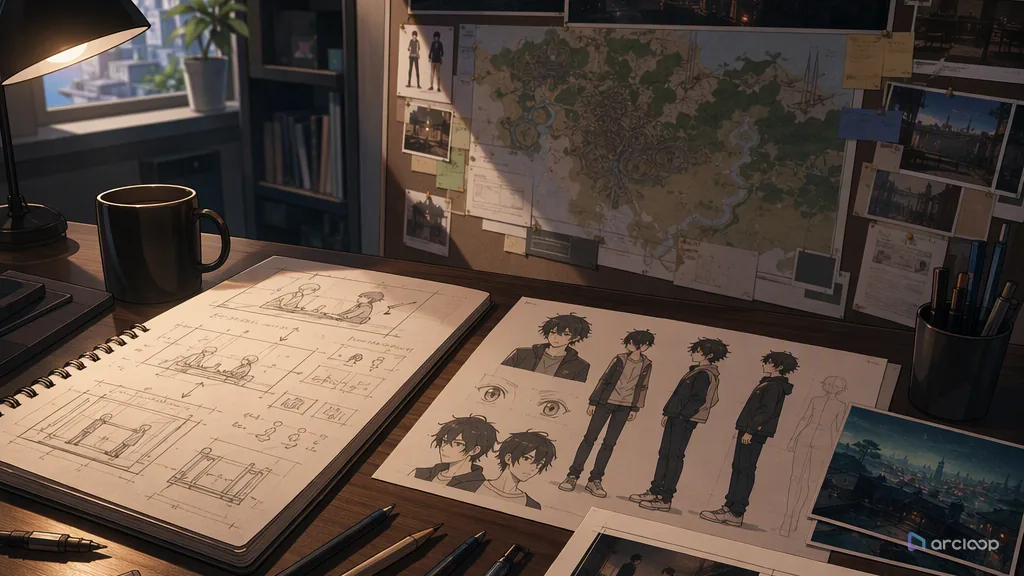
Plan dialogue scene staging with references, shot cards, and one clear draft pass.
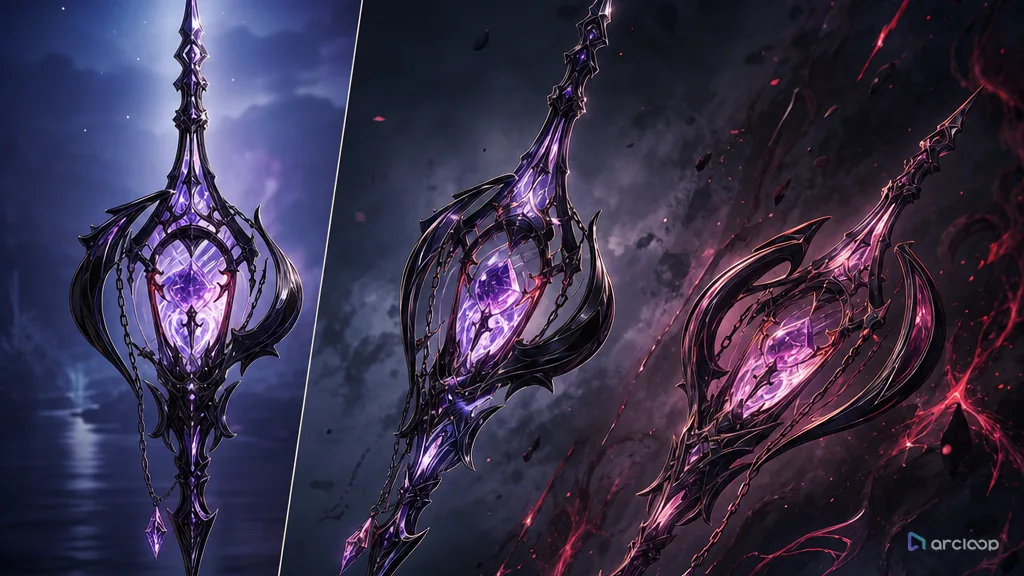
Plan prop design with references, shot cards, and one clear draft pass.
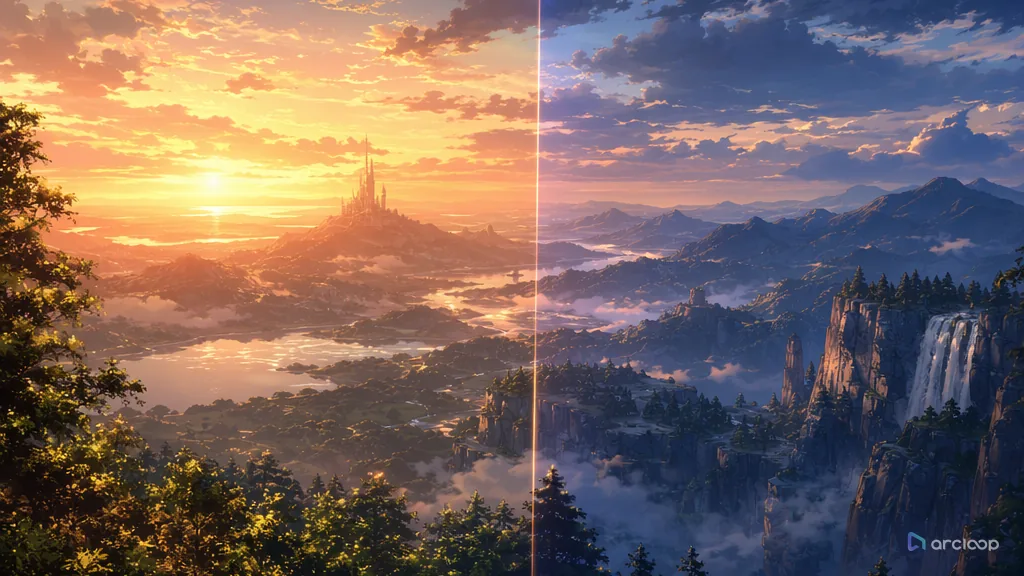
Plan scene concept art with references, shot cards, and one clear draft pass.
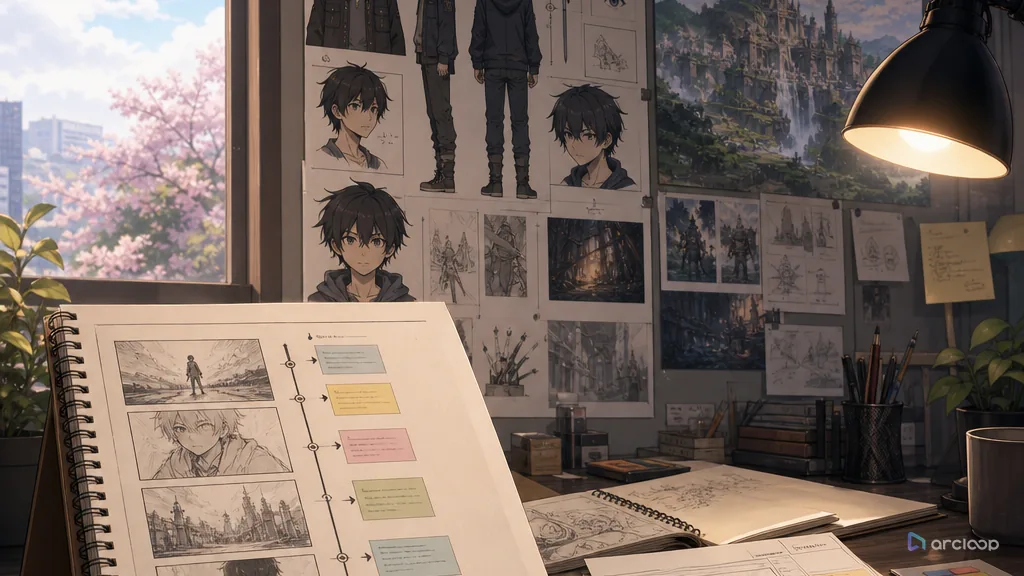
Plan single-episode short structure with references, shot cards, and one clear draft pass.
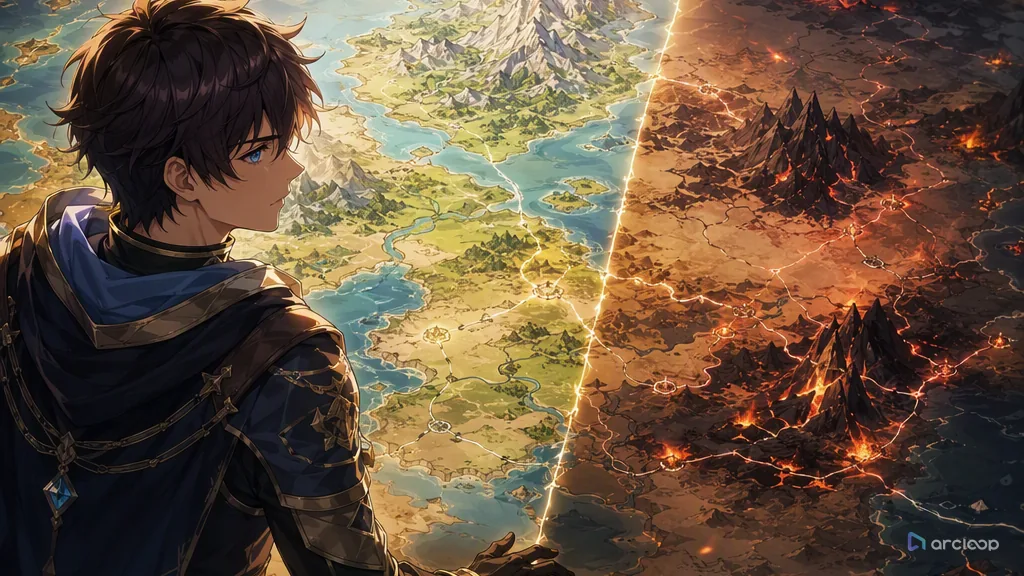
Plan anime world map prompt with references, shot cards, and one clear draft pass.
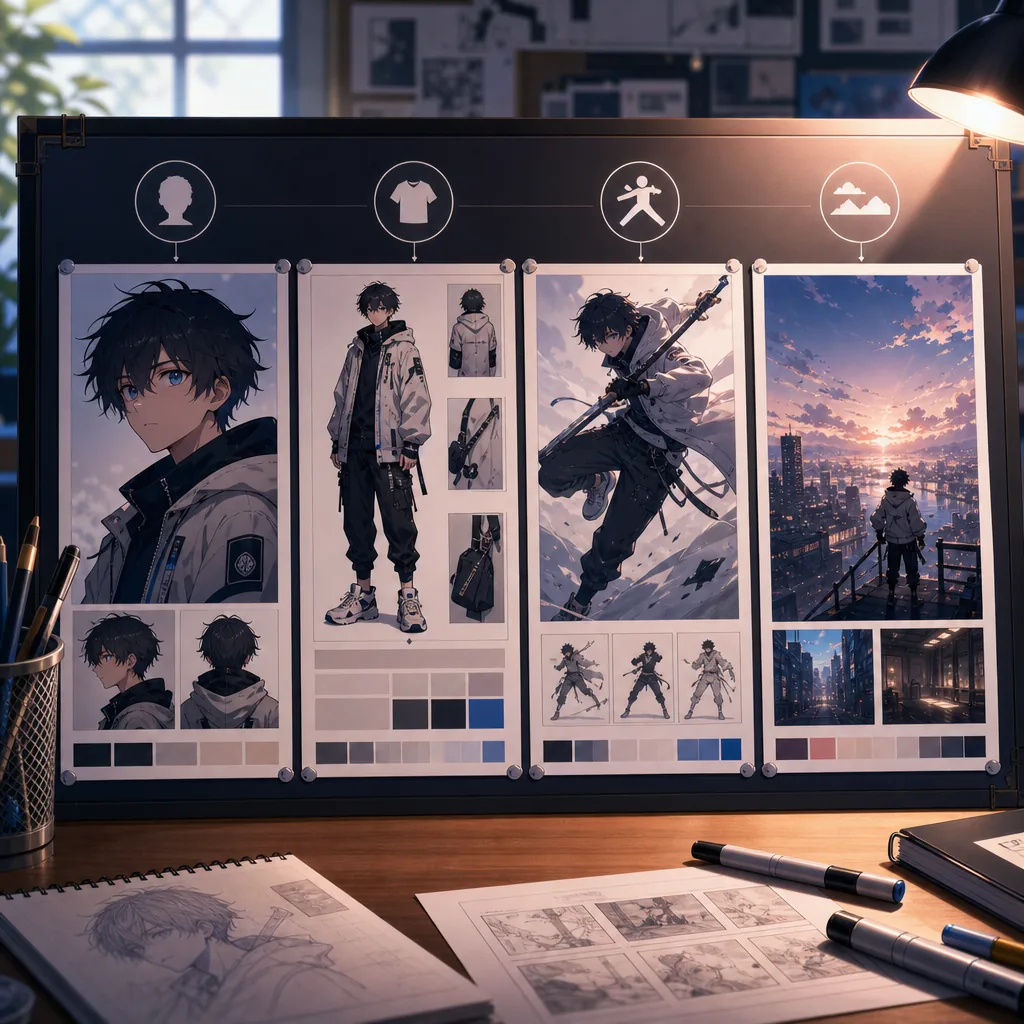
Use the right reference type for identity, clothing, pose, scene, and continuity.
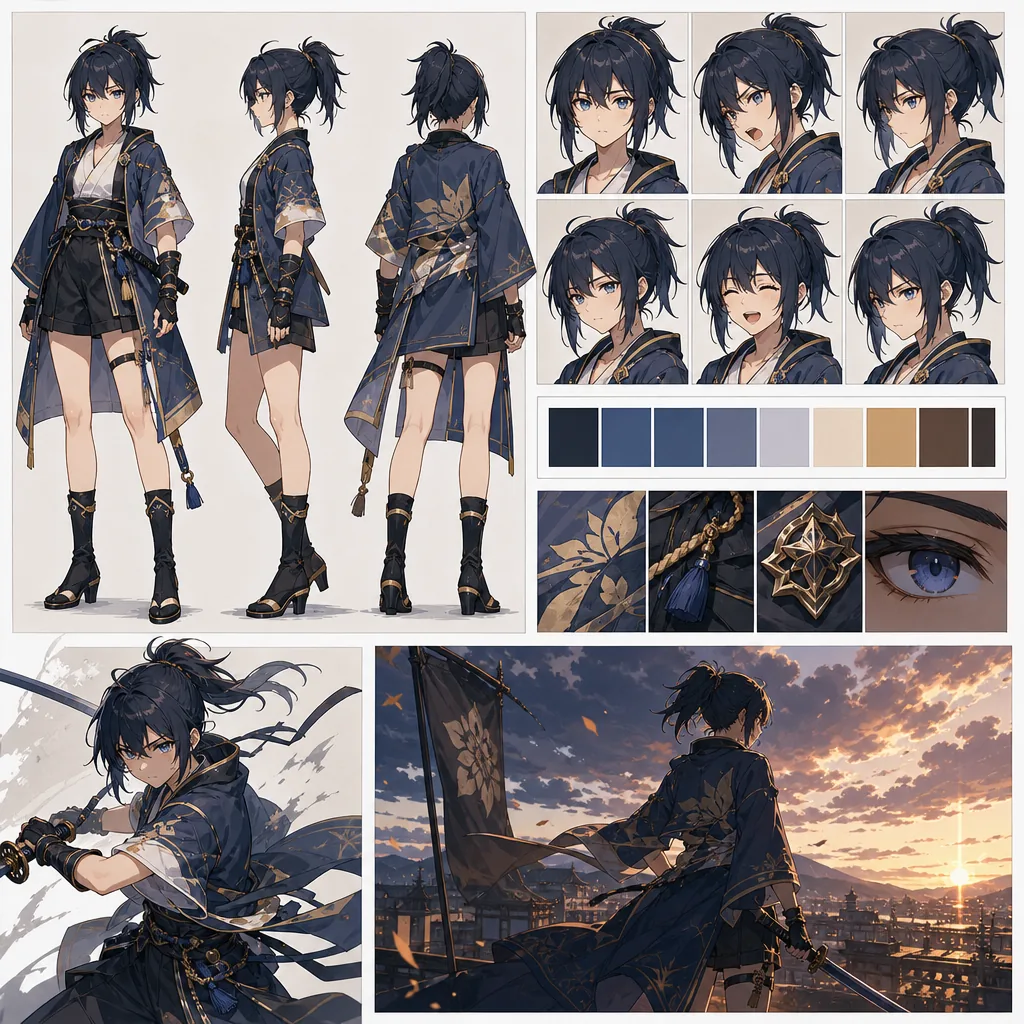
Turn character consistency from a prompt problem into a reference workflow.
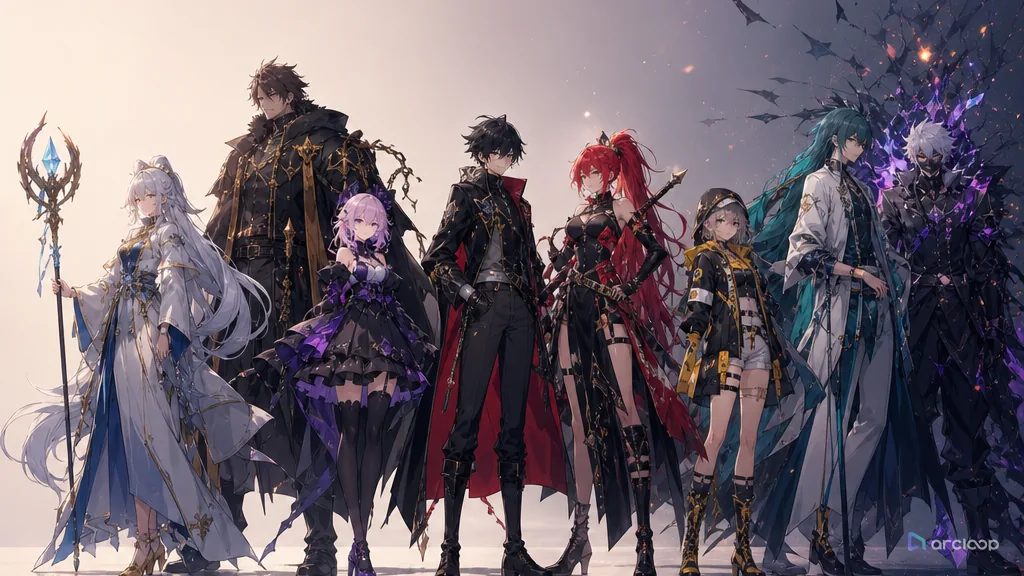
Plan a cast where every lead and supporting character has a visible story job.
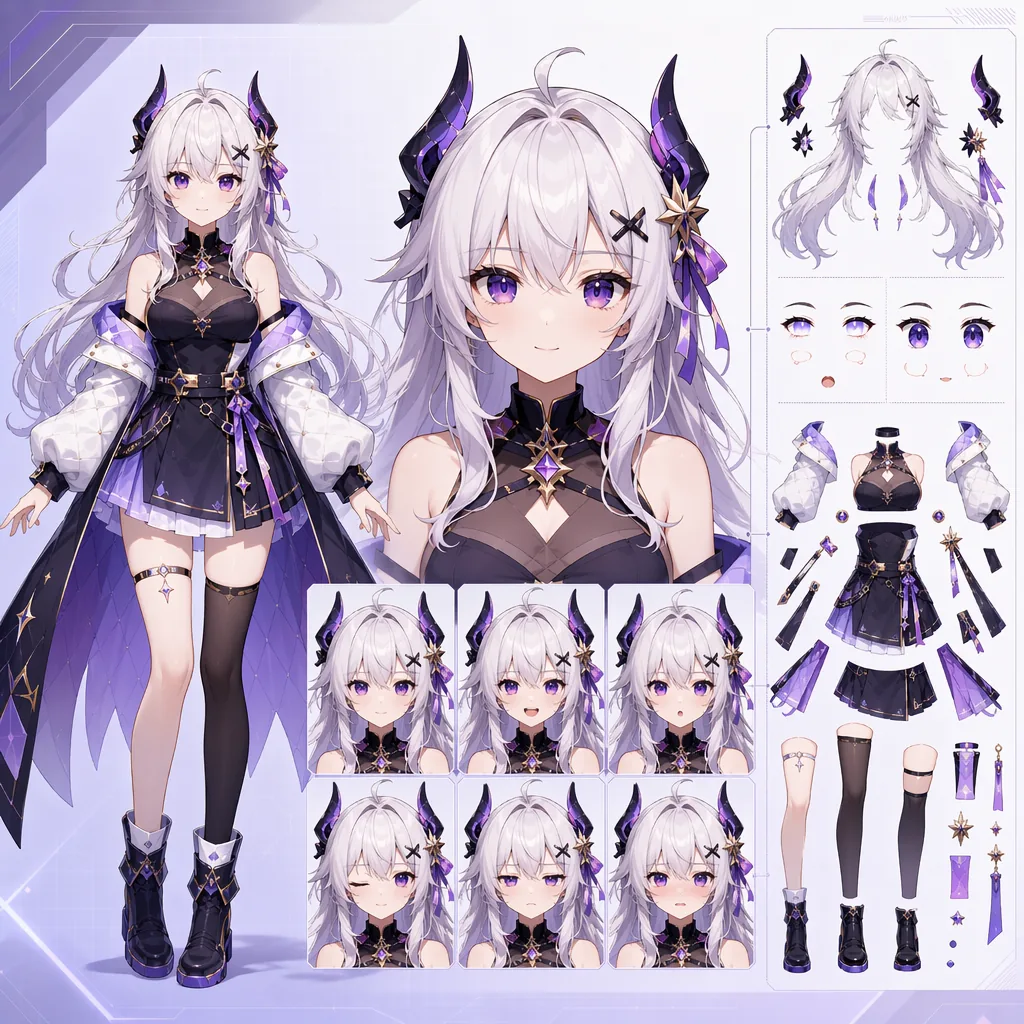
Design anime avatar sheets that are easier to rig, emote, and reuse.
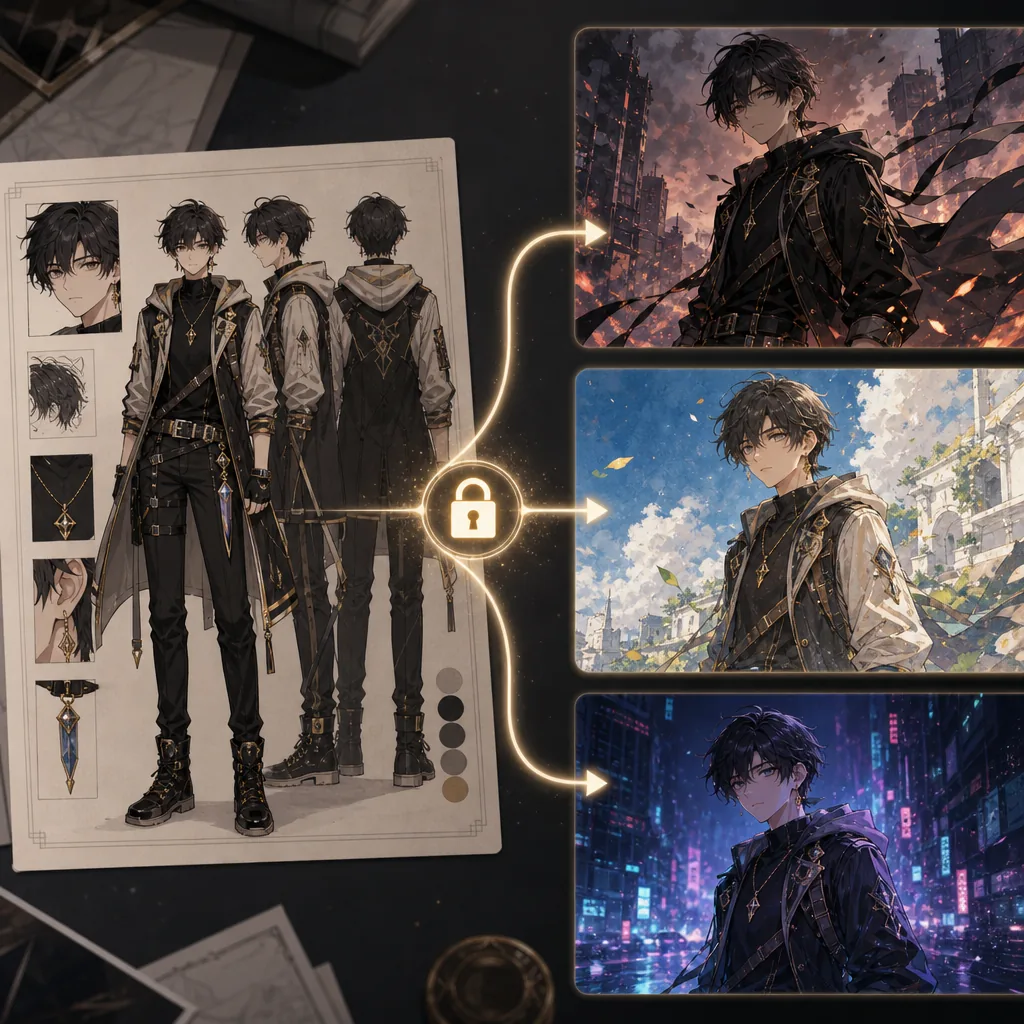
Keep the same OC while testing new visual styles.
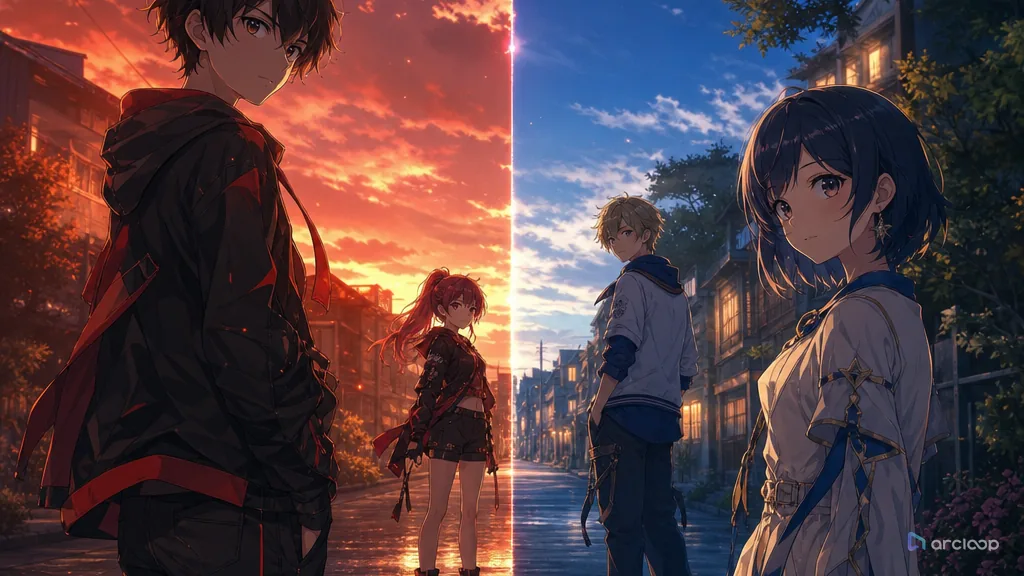
Keep multiple anime characters readable in one frame with clear roles, spacing, and distinction anchors.
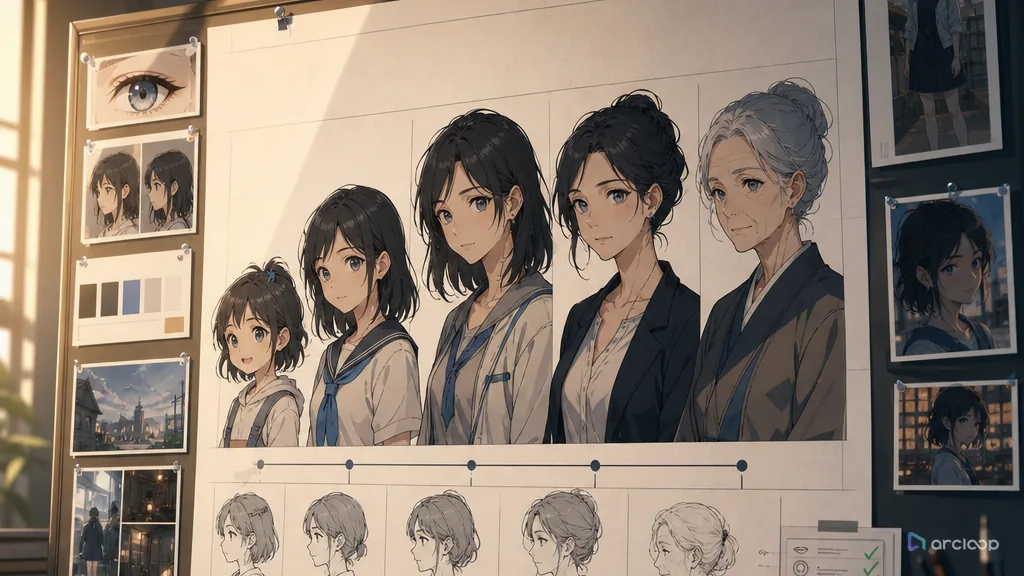
Build an age-span sheet that keeps which identity anchors persist and which features evolve with age visible while you generate and review shots.
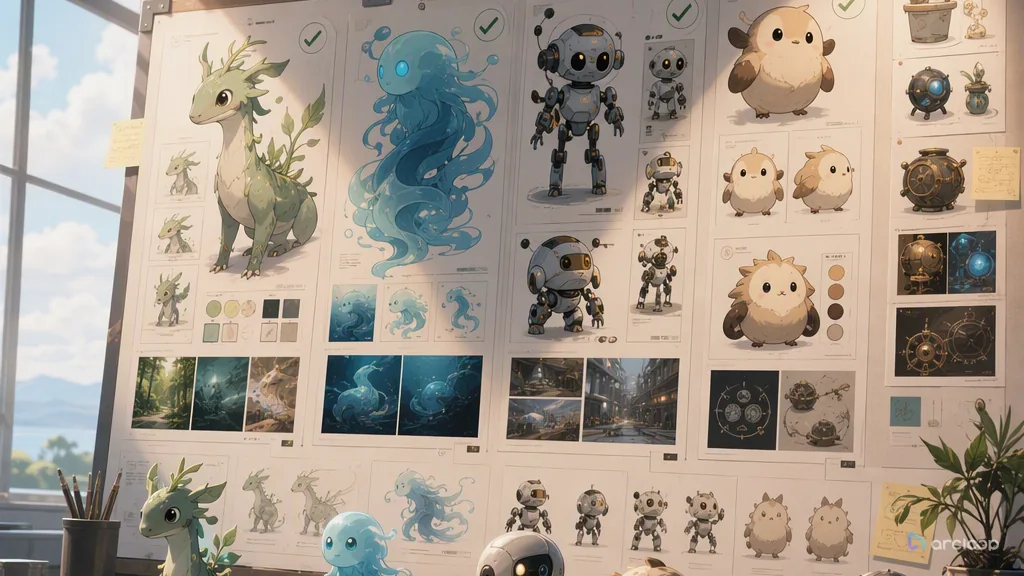
Build a nonhuman design rule that keeps how shape language, motion, eyes, materials, and sound express personality visible while you generate and review shots.
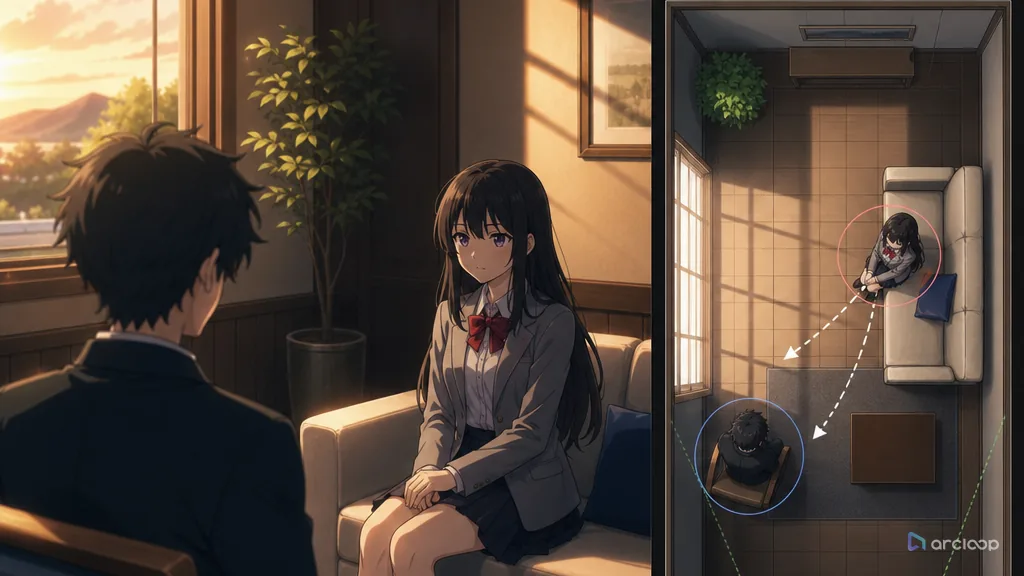
Keep characters in the same physical relationship when the camera changes.
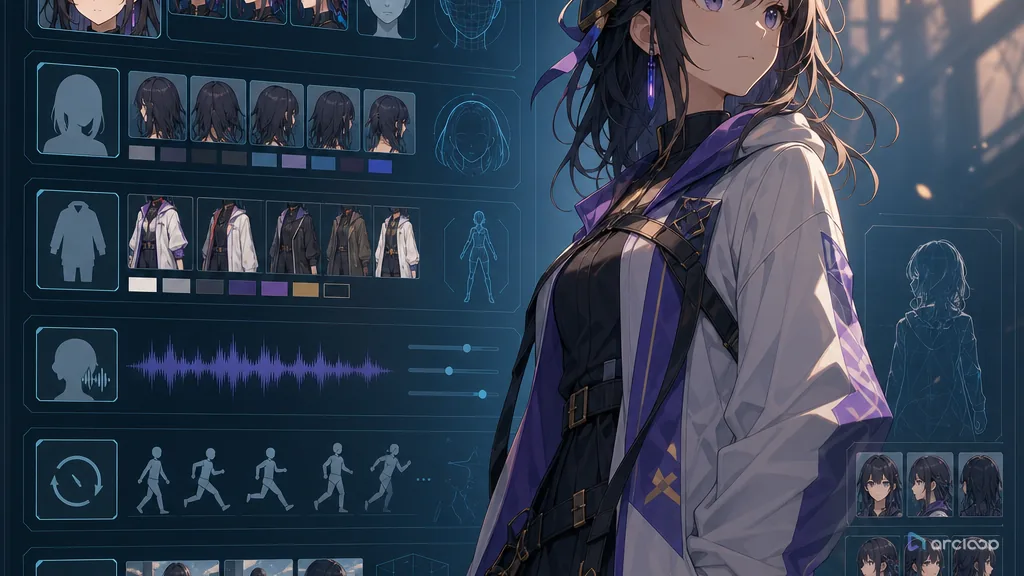
Turn a character idea into reusable fields that can guide shots, voice, wardrobe, and review.
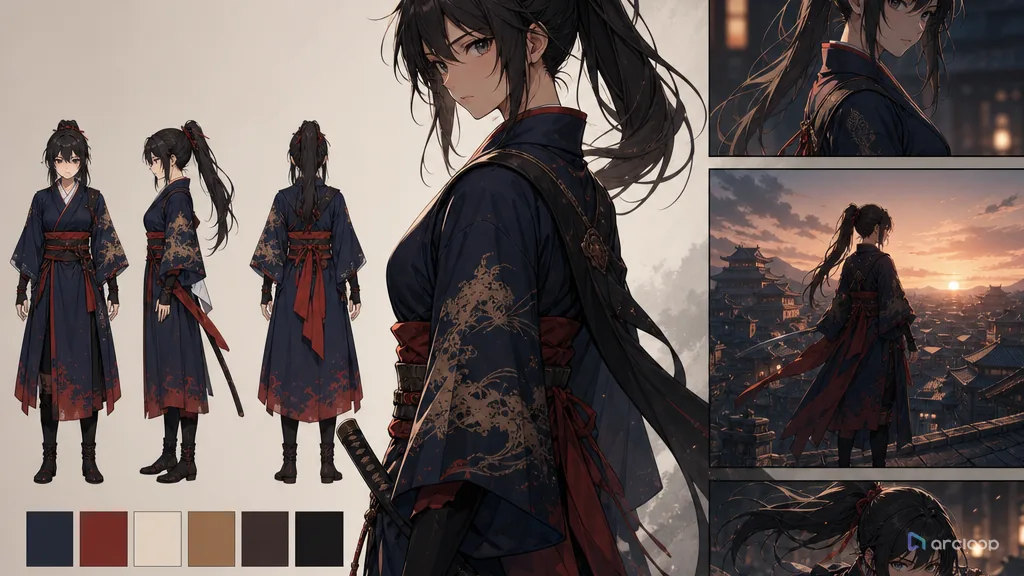
Stop outfits from changing color, shape, or story logic between shots.
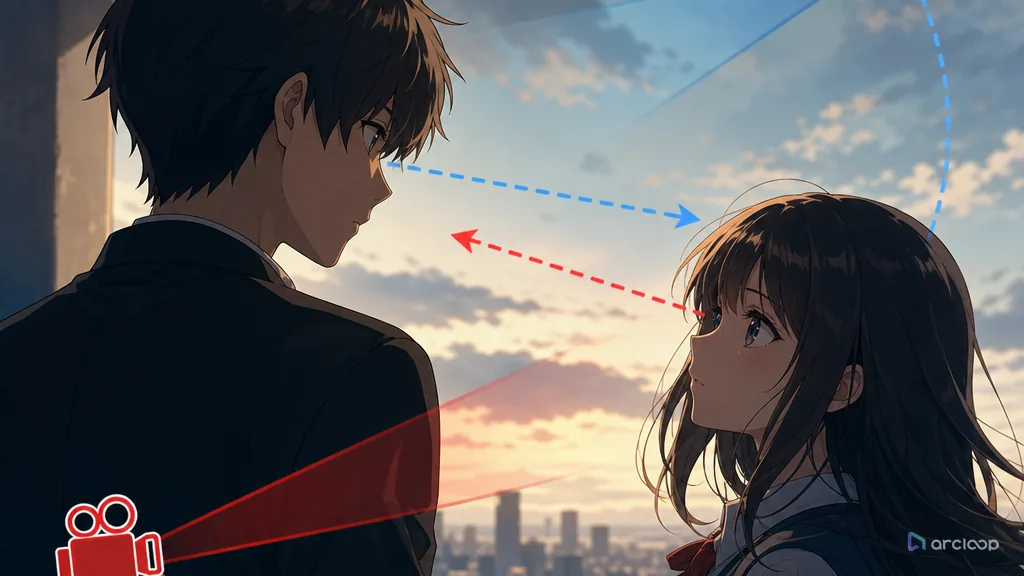
Make AI anime characters look at the person, object, or clue the story actually needs.
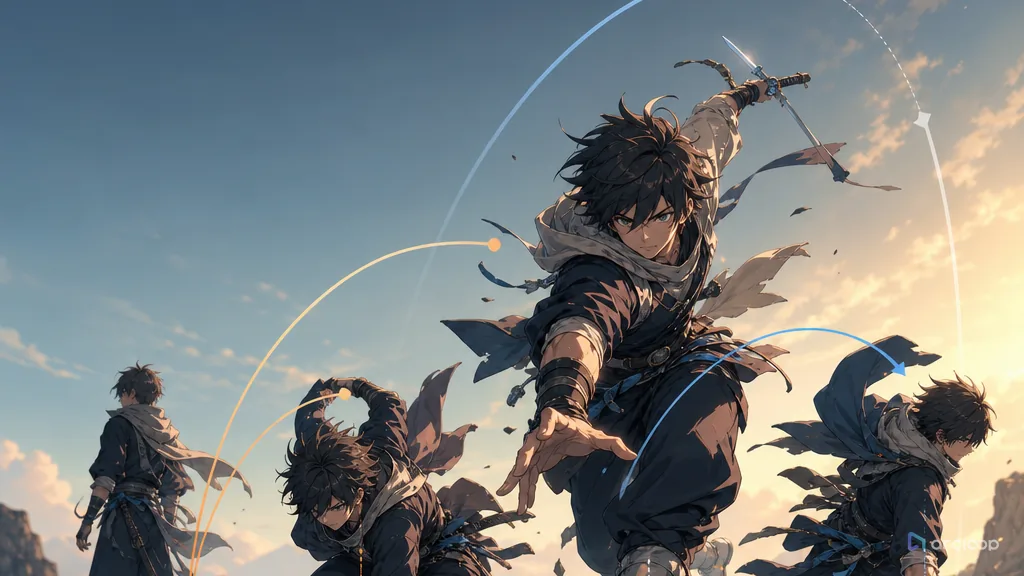
Make movement feel less mirrored, less floaty, and more physically intentional.
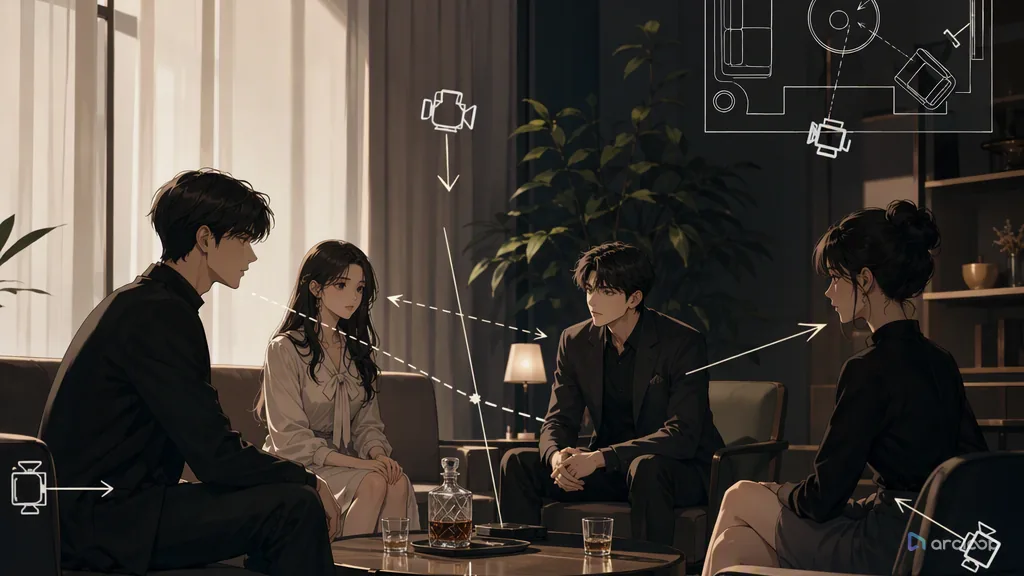
Lock blocking, speakers, and lip sync before generating shots to cut down on mismatched faces and blocking jumps.
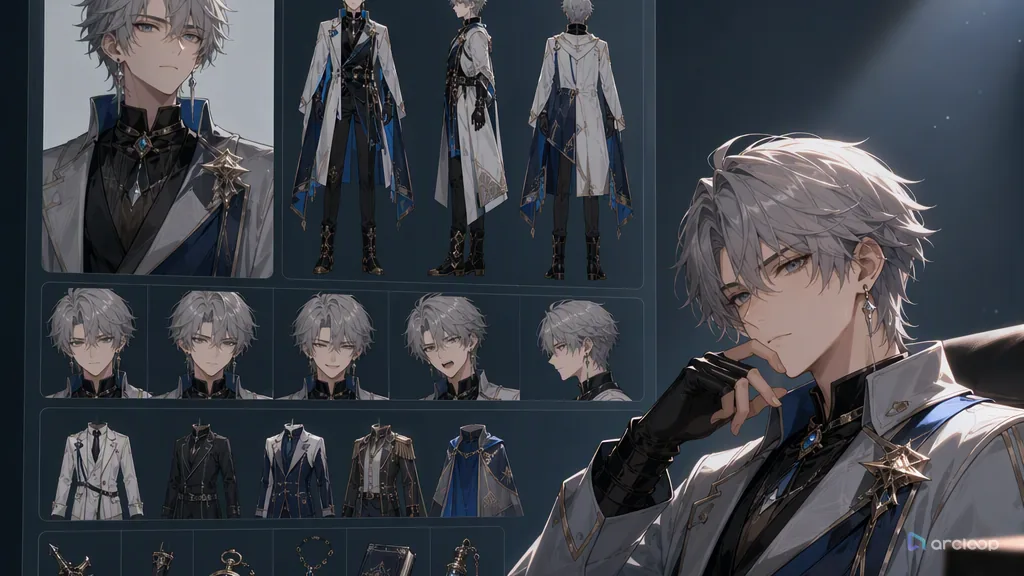
A character asset library cuts down on wasted regenerations and keeps characters stable enough to produce at scale.
Turn a character from one good-looking image into an asset that holds up across shots with a character turnaround sheet.
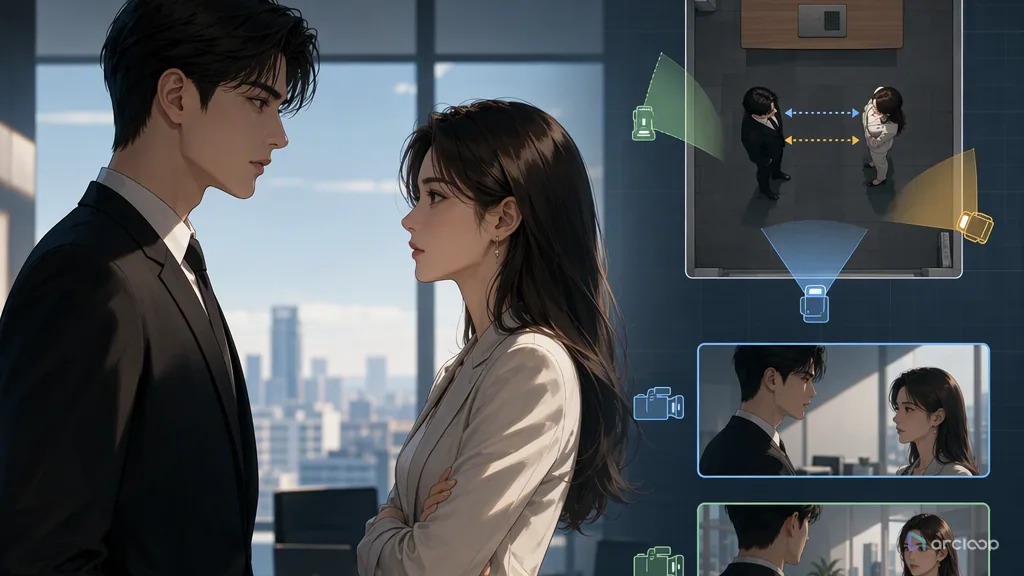
Lock blocking before you generate shots, and cut down on rework every time the camera changes.
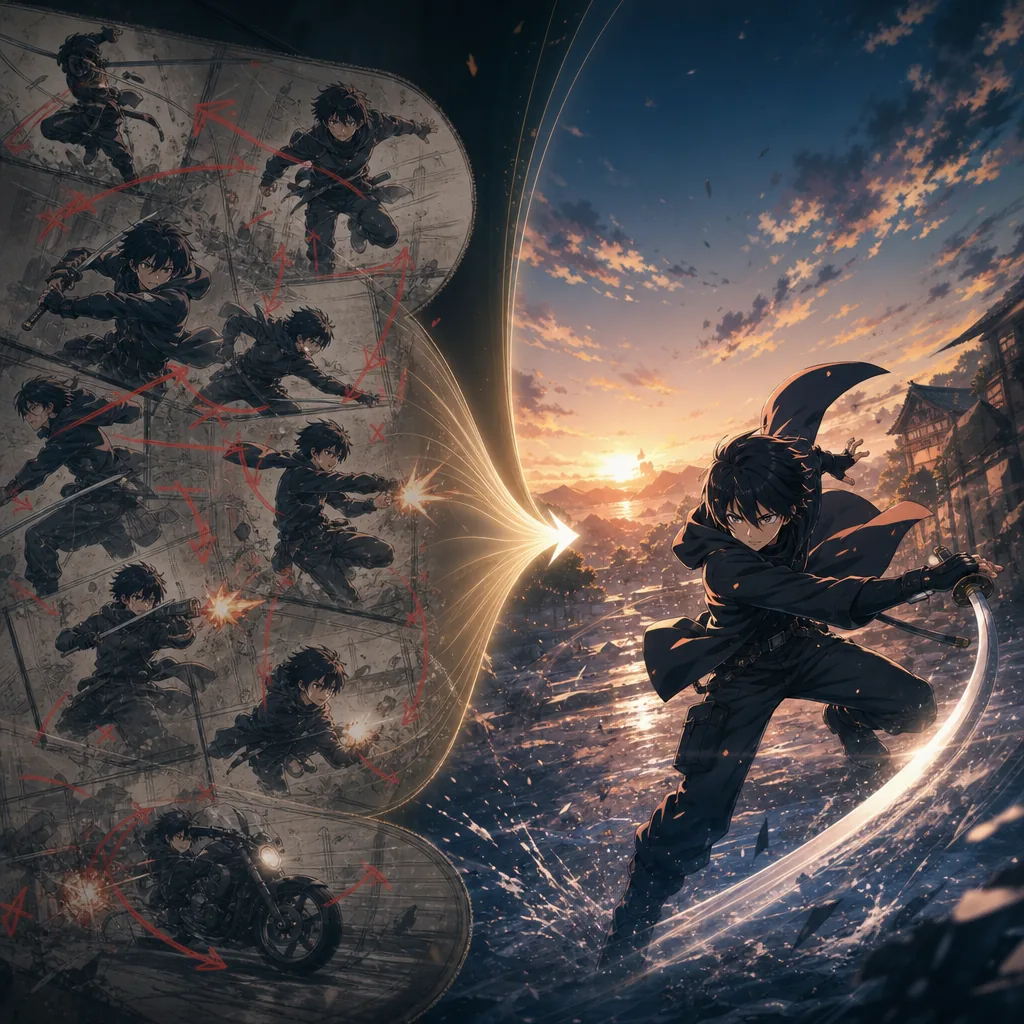
Stop short anime clips from drifting by giving each shot one clear action.
Plan audio-video sync repair with references, shot cards, and one clear draft pass.
Plan background clarity repair with references, shot cards, and one clear draft pass.
Plan camera continuity repair with references, shot cards, and one clear draft pass.
Repair face and body proportion drift without redesigning the character.
Plan color shift repair with references, shot cards, and one clear draft pass.
Plan lighting consistency repair with references, shot cards, and one clear draft pass.
Plan stiff action repair with references, shot cards, and one clear draft pass.
Plan style switching repair with references, shot cards, and one clear draft pass.
Build an identity-priority rule that keeps which character anchors outrank style effects in each shot visible while you generate and review shots.
Turn cross-shot character consistency from random regeneration into a character asset workflow.
Keep characters, scenes, and mood under one consistent lighting rule across every shot.
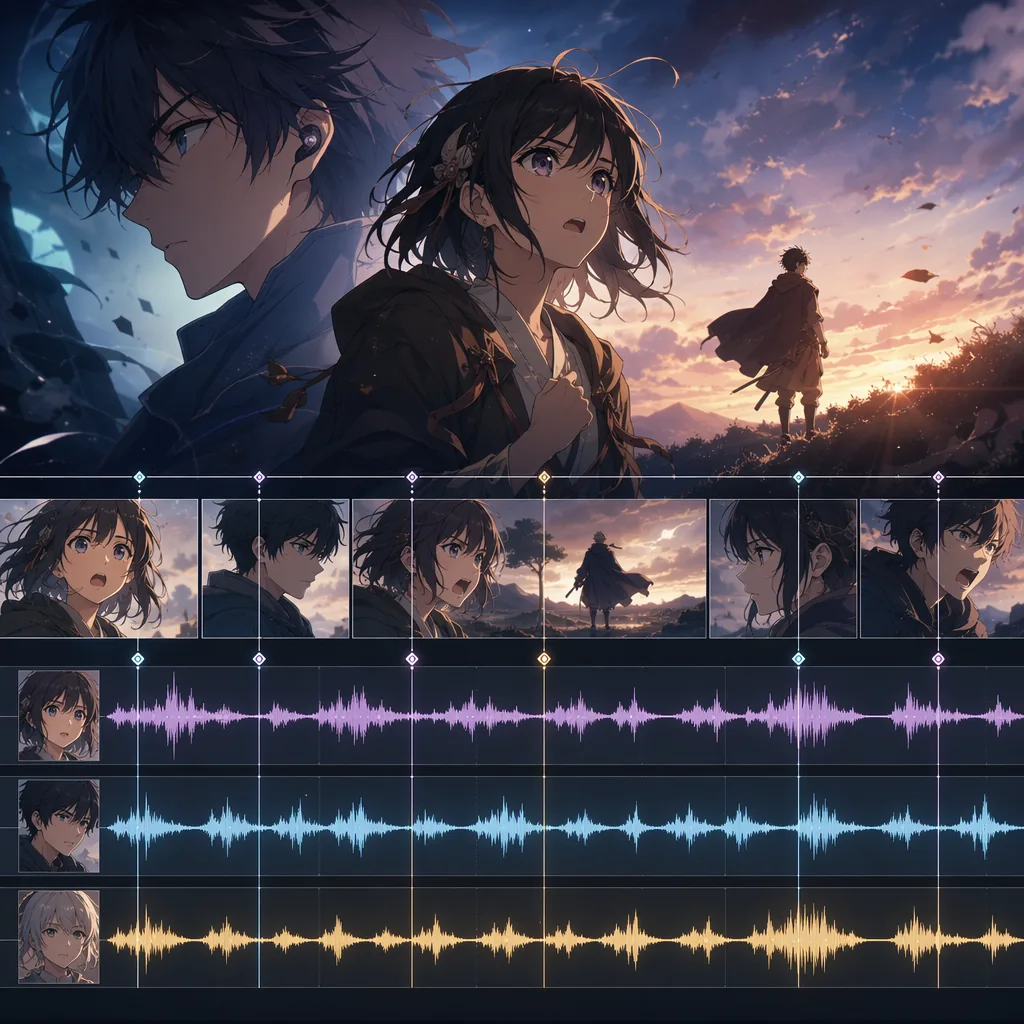
Write character voice prompts that support story, not just sound.
Build OCs as characters in a world, not just visual descriptions.
Plan repeatable anime worlds where character clothing, tools, habits, and marks reveal the rules of the setting.
Plan side story planning with references, shot cards, and one clear draft pass.
Plan story arc design with references, shot cards, and one clear draft pass.
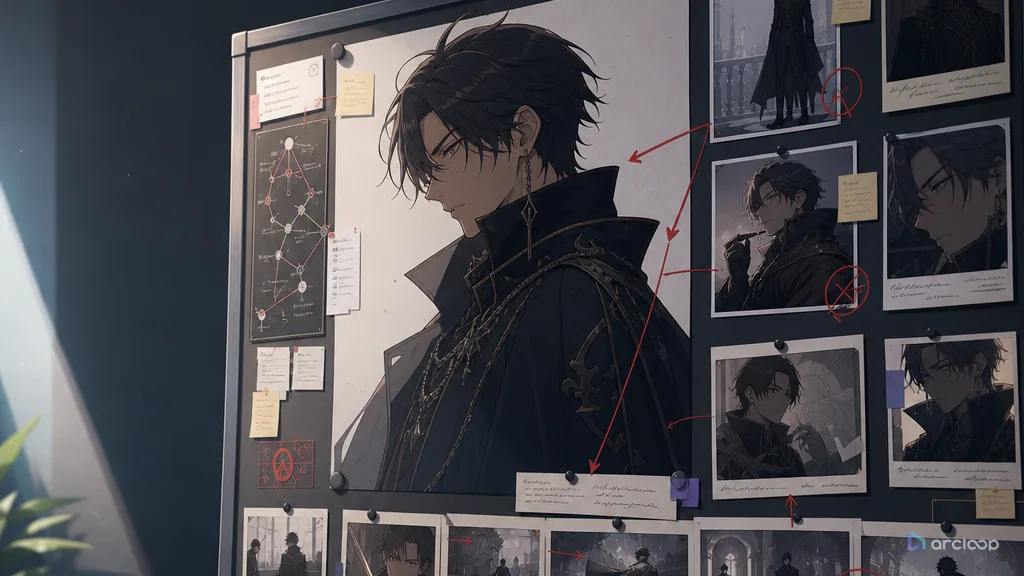
Build an antagonist function card that keeps what value, desire, fear, or rule the antagonist embodies visible while you generate and review shots.
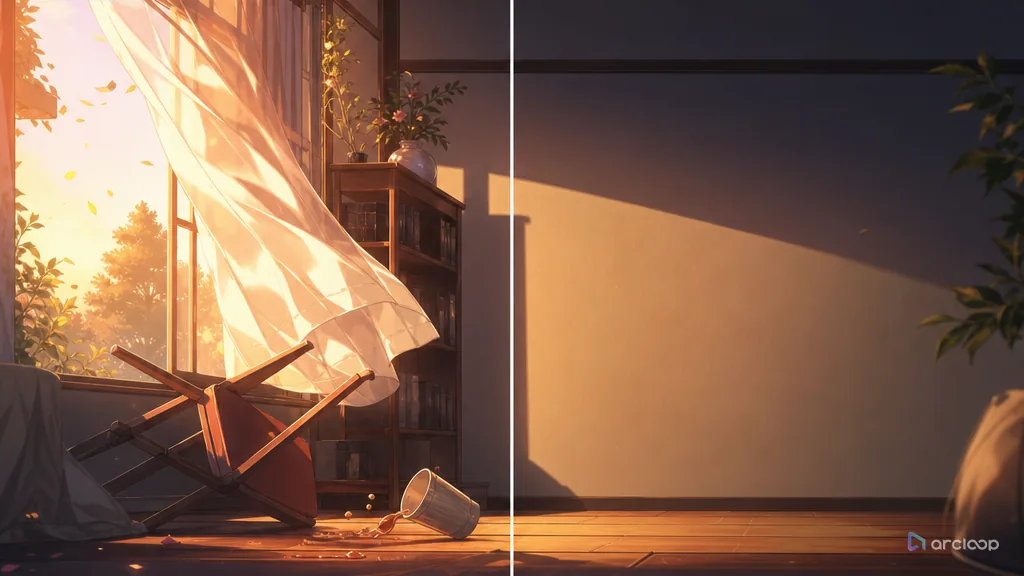
Build an omission plan that keeps what to show, what to imply, and what to save for later visible while you generate and review shots.
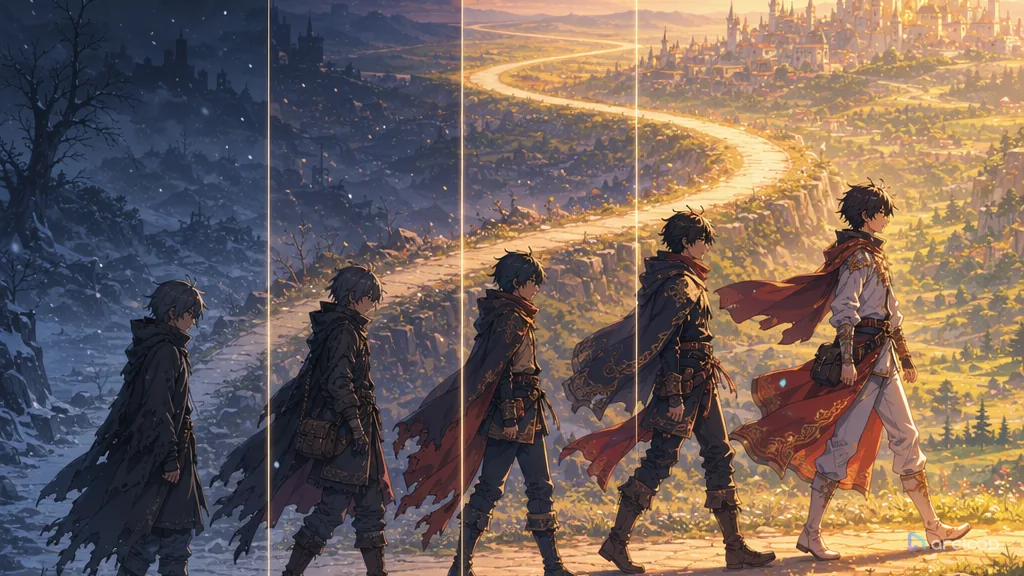
Design anime character arcs that show growth through posture, costume state, palette, action, and repeatable shot checks.
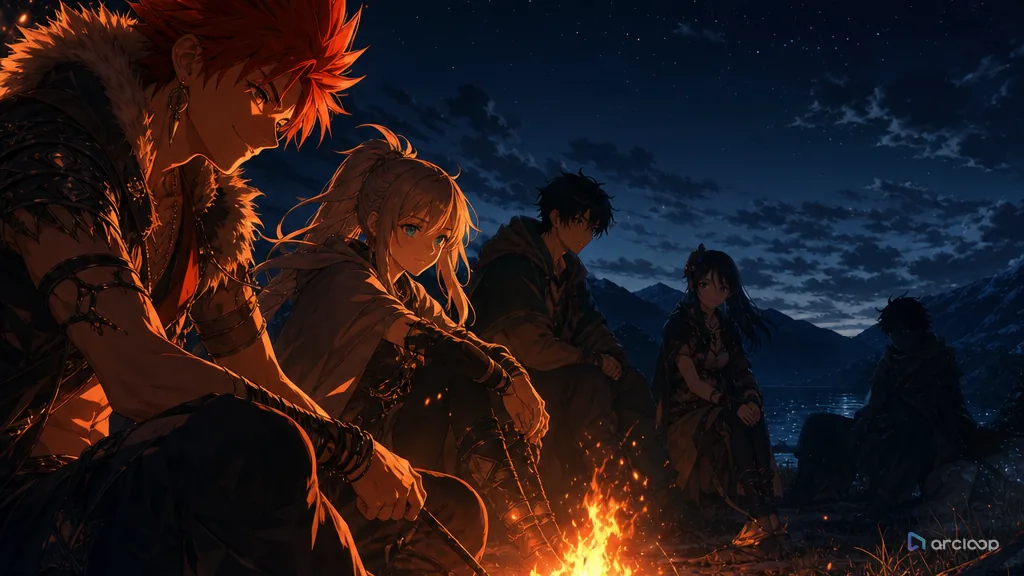
Build an ensemble balance map that keeps which visible rule should guide the next shot visible while you generate and review shots.
Build a pacing board that keeps which visible rule should guide the next shot visible while you generate and review shots.
Build a hook ladder that keeps which promise, threat, mystery, or relationship change carries forward visible while you generate and review shots.
Build suspense with visual clues that return as clear payoffs.
Turn a short anime idea into setup, pressure, turn, and a final frame that sticks.
Build a twist logic card that keeps which assumption changes and which earlier clue makes the turn fair visible while you generate and review shots.
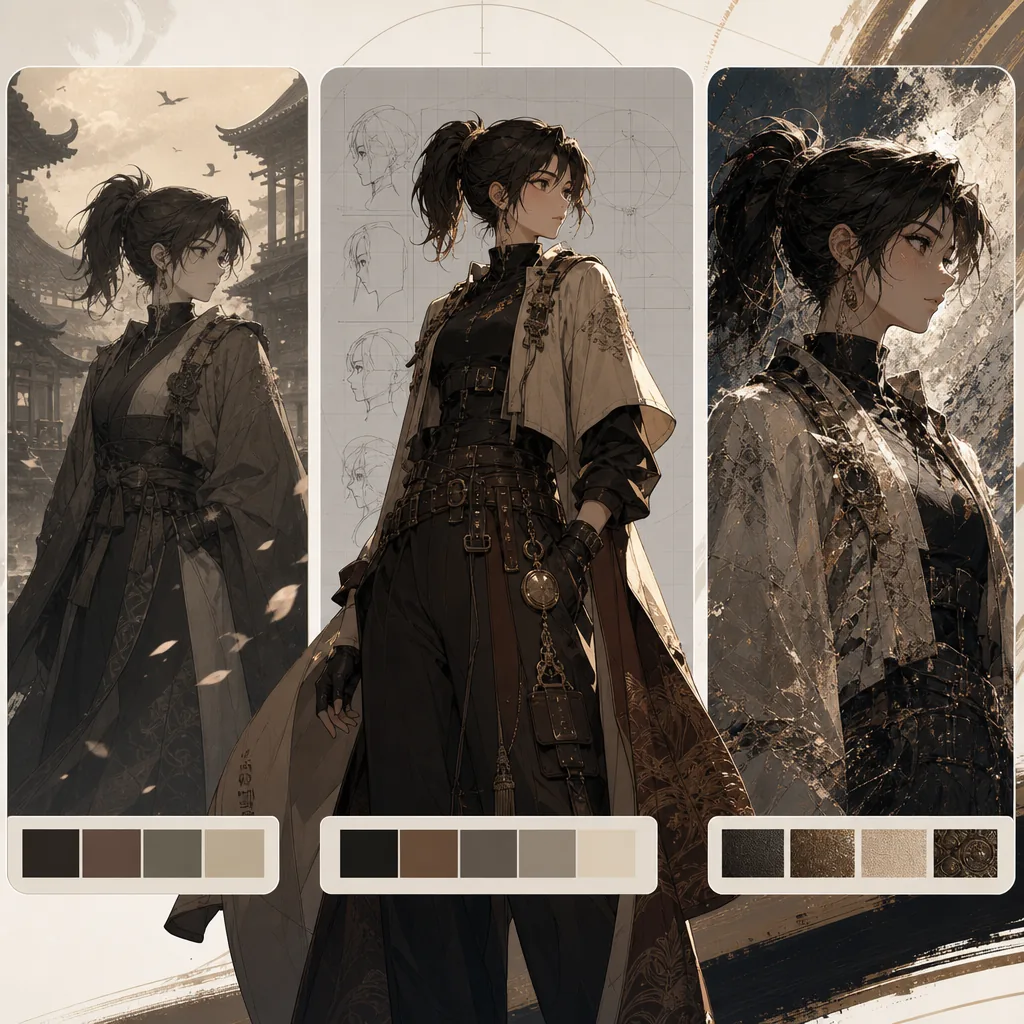
Turn vague style words into reusable style recipes for original characters.
Plan series visual unity with references, shot cards, and one clear draft pass.
Build a style bible that keeps which visual traits are fixed, which are flexible, and which should never be copied visible while you generate and review shots.
Build a lighting and color school map that keeps which visible rule should guide the next shot visible while you generate and review shots.

Build a media and print texture recipe that keeps paper, ink, brush, halftone, and finish artifacts readable without damaging character continuity.
Build a visual density rule that keeps which visible rule should guide the next shot visible while you generate and review shots.
Build a regional cue map that keeps which architecture, fashion, materials, color habits, and composition rules belong in the world visible while you generate and review shots.

Build a retro style recipe that keeps which period traits matter for the scene and which nostalgia cues are too specific visible while you generate and review shots.
Build a style hierarchy that keeps which style controls shape, which controls texture, and which controls color visible while you generate and review shots.
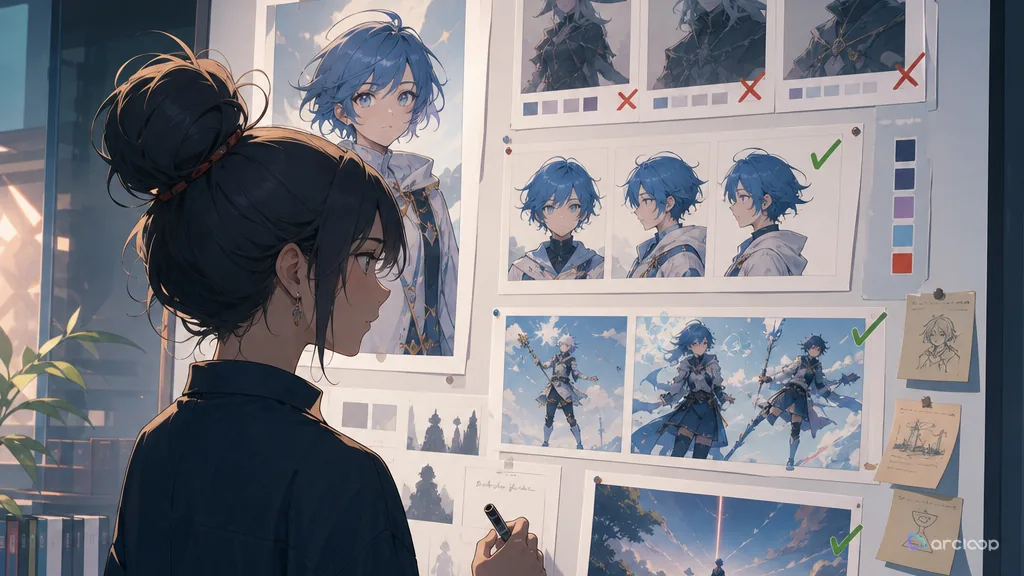
Build a transfer boundary note that keeps what can transfer, what must stay original, and what should be blocked visible while you generate and review shots.
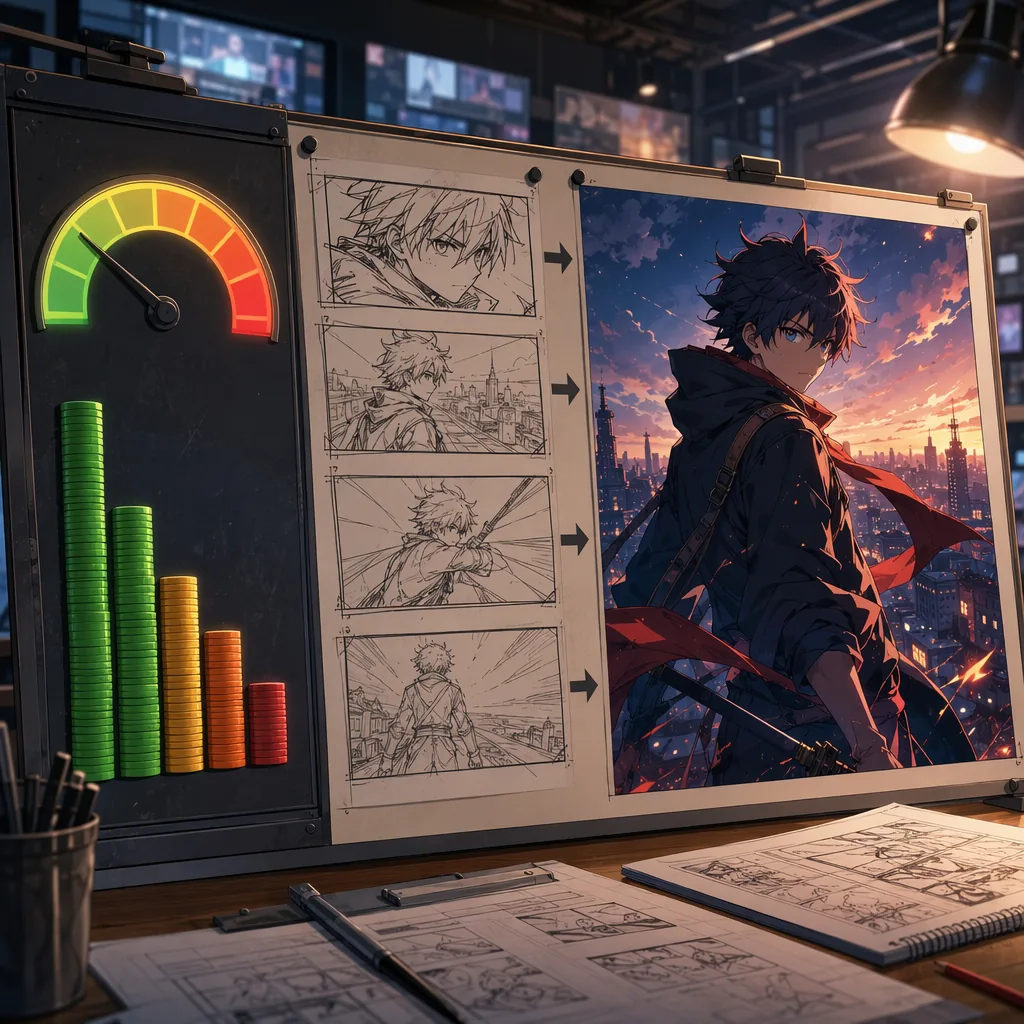
Plan AI anime shots around cost, retries, and usable drafts before polish.
Turn node-heavy anime workflows into a cleaner ArcLoop production path.
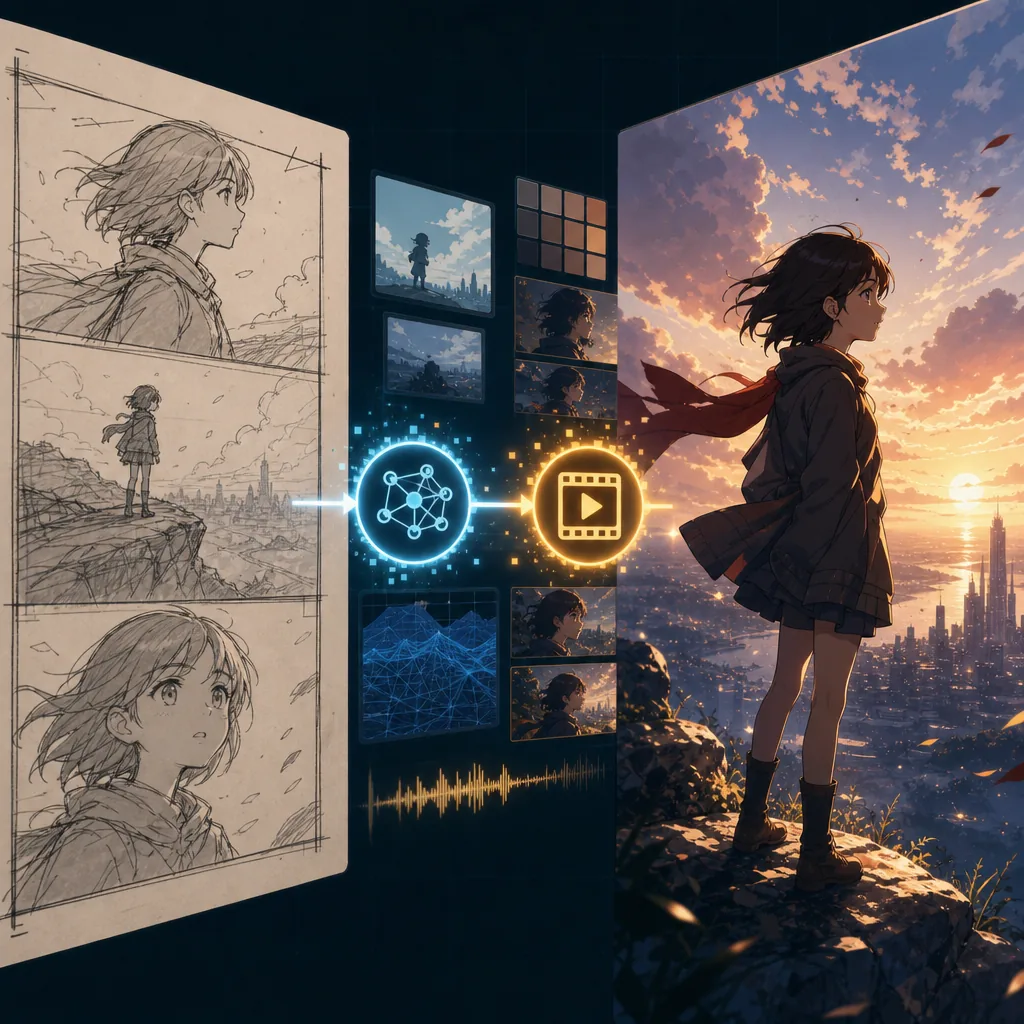
Use rough passes to prove the shot before spending on final AI video quality.
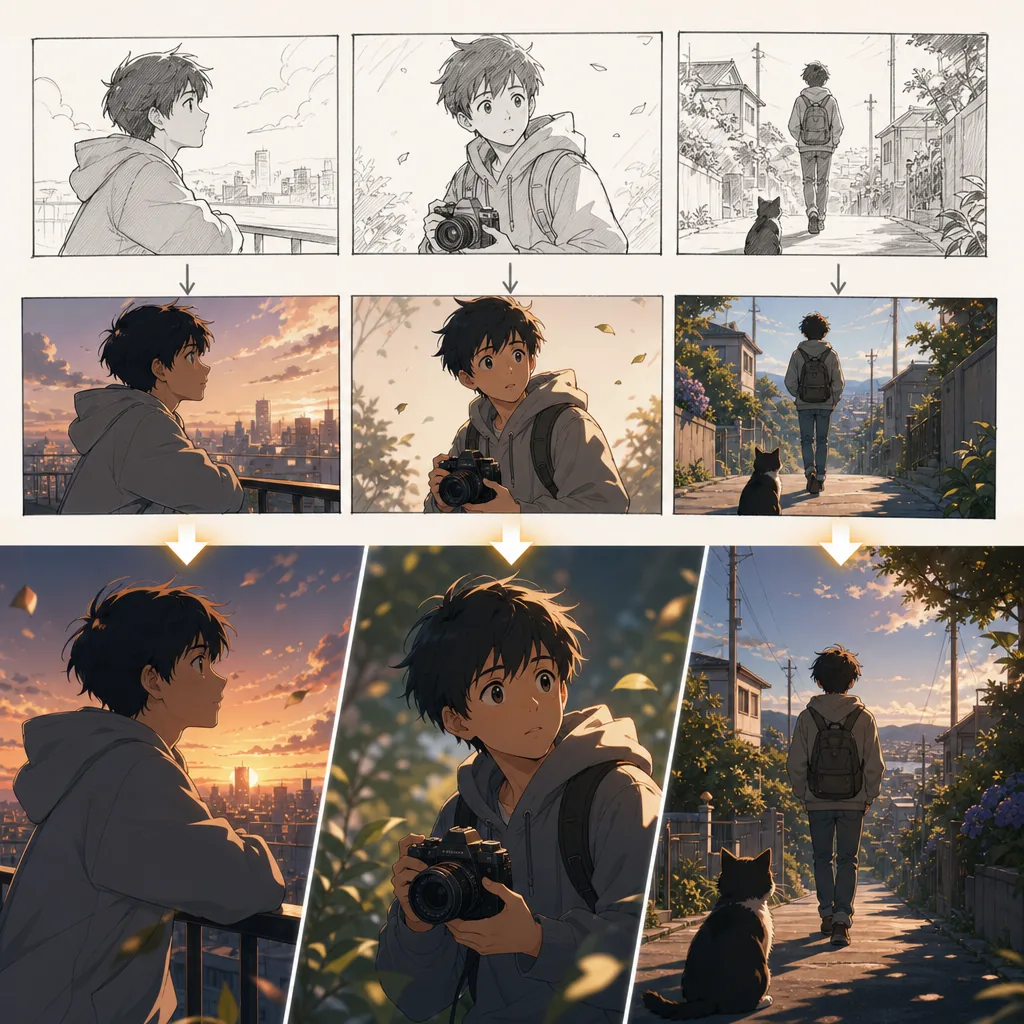
Make AI anime shorts feel like one story instead of unrelated clips.
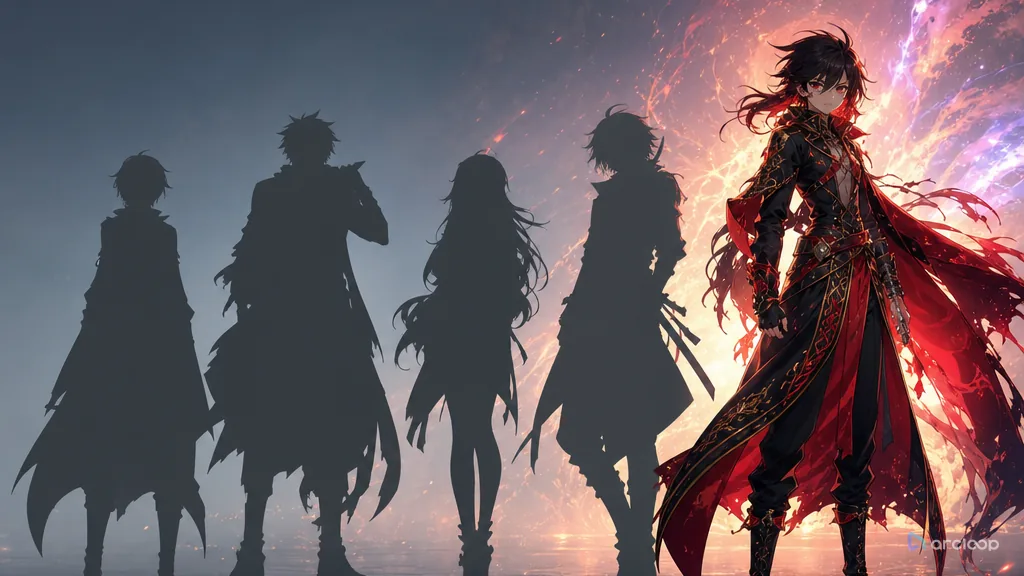
Plan creator persona with references, shot cards, and one clear draft pass.
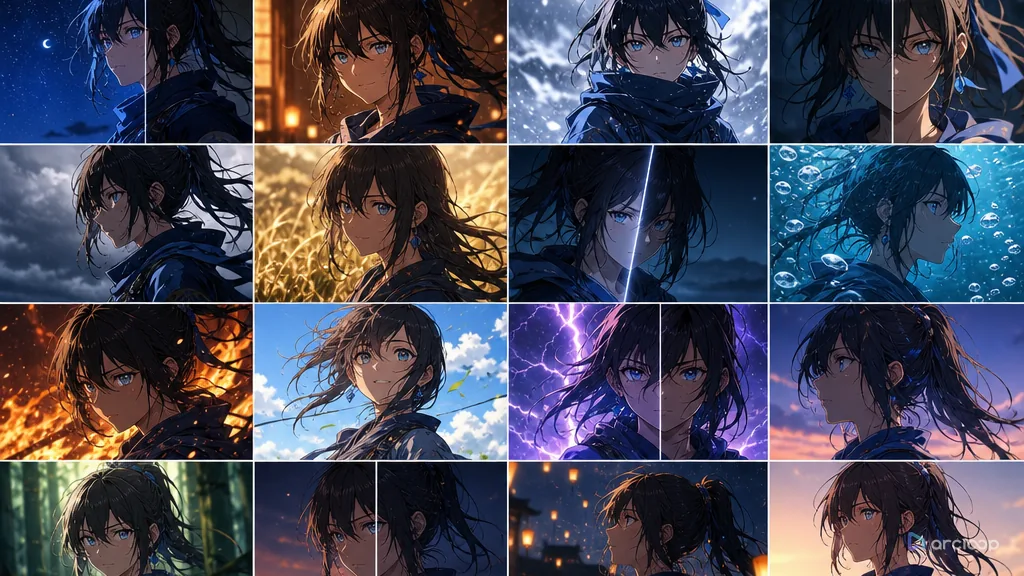
Turn character consistency into a repeatable production workflow for series content.
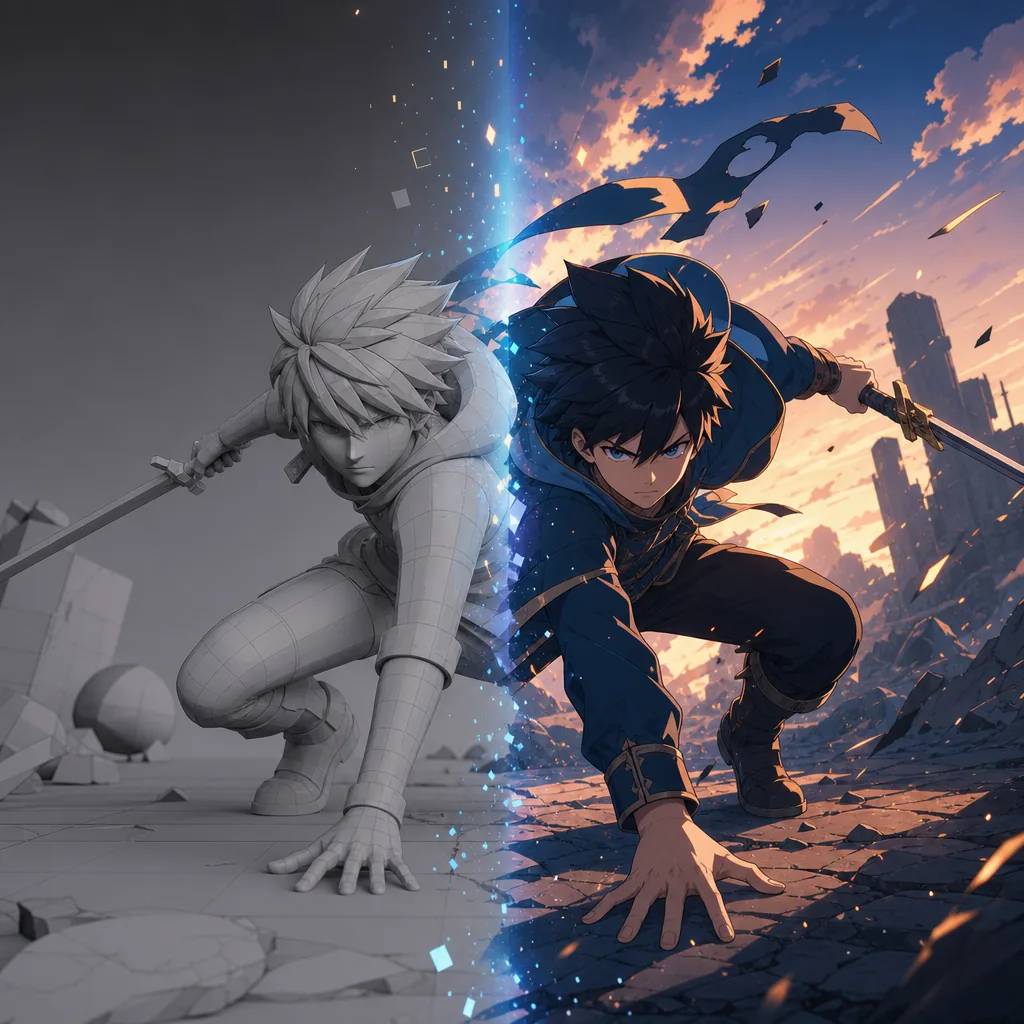
Use 3D skills as control assets for AI anime instead of starting every shot from text.
Plan an AI anime episode with three ledgers: tools, retries, and time.
Generate options on purpose, choose like a director, and only polish the takes that earn it.
Plan long-term IP management with references, shot cards, and one clear draft pass.
Library holds files; My Assets holds what the Agent remembers. Get the split right and your next episode's shot descriptions get twice as short.
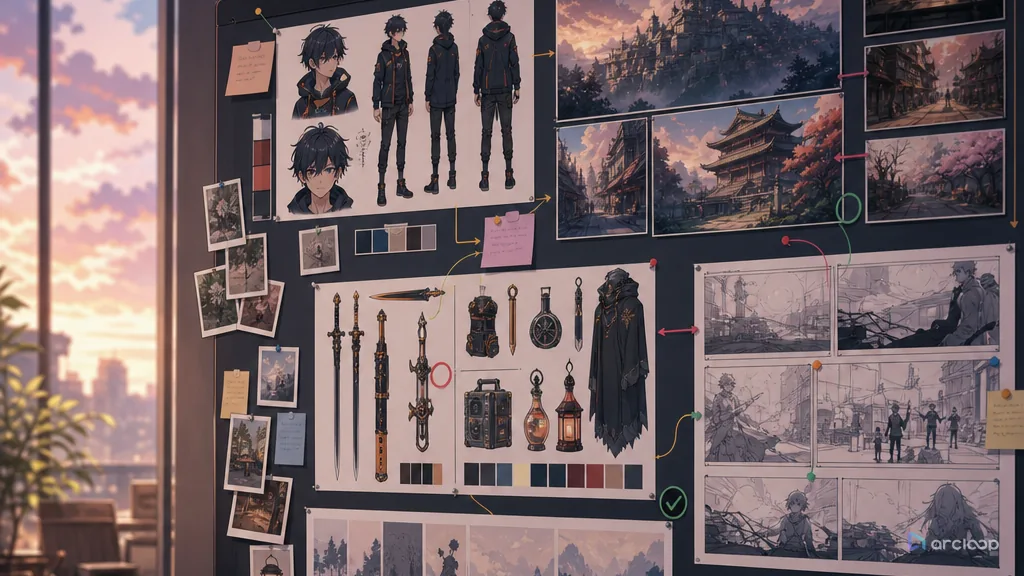
Organize reusable AI anime assets and reuse rules without flattening every episode into the same shot.
Batch export AI anime deliverables with specs clear enough for editors, clients, platforms, and archives.
Build a naming convention that keeps which fields belong in every filename and which belong in metadata visible while you generate and review shots.
Turn production notes and audience data into better AI anime prompts, assets, review rules, and batch decisions.
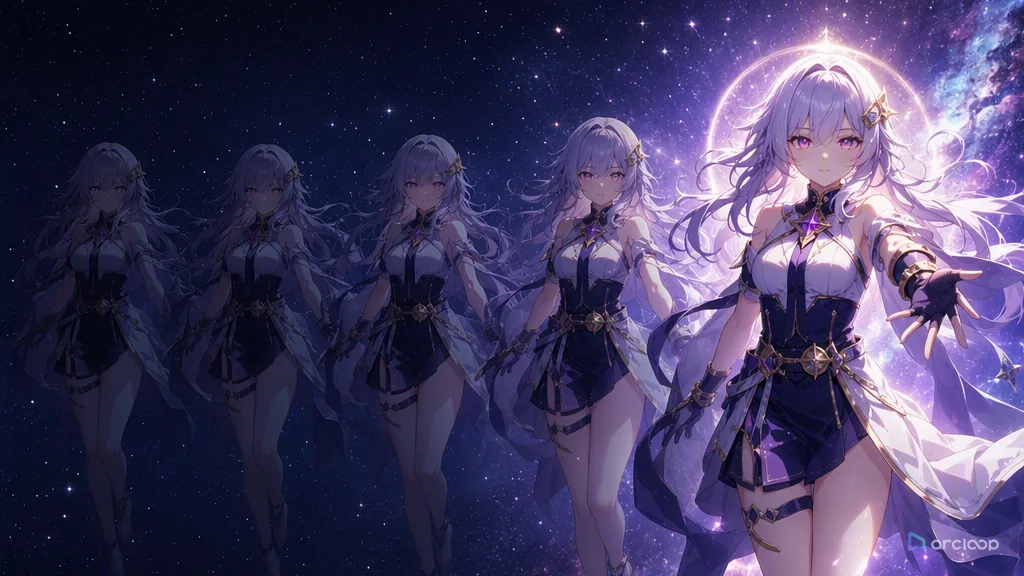
Review AI anime shots in the right order, then use quality sampling to catch batch drift before delivery.
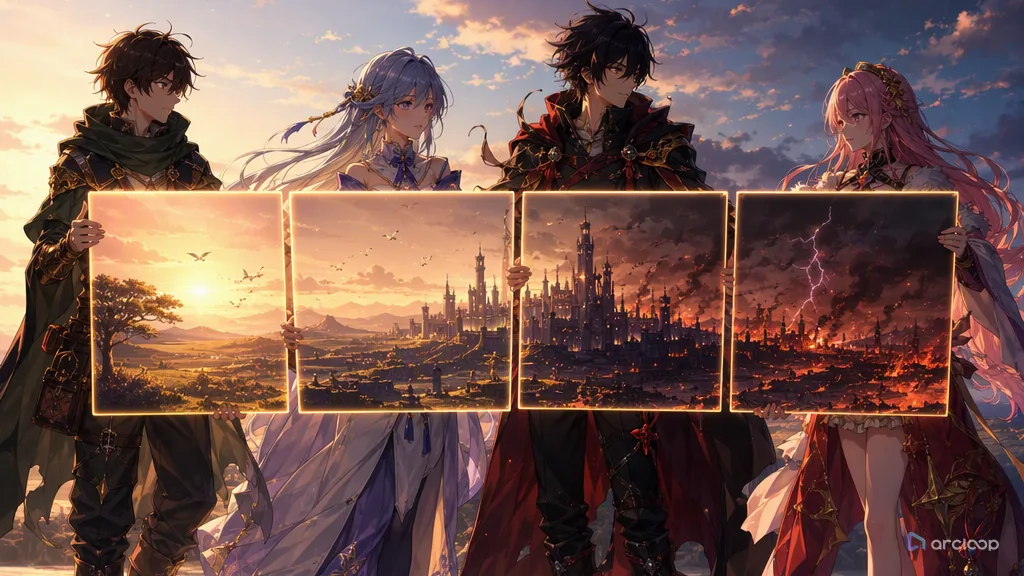
Build a handoff map that keeps which visible rule should guide the next shot visible while you generate and review shots.
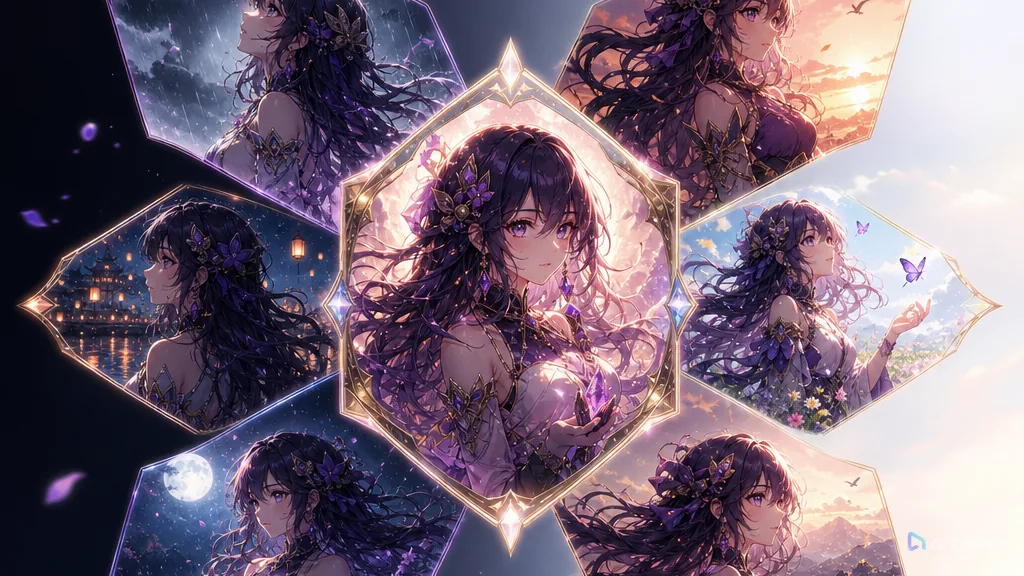
Build a production template that keeps which blocks stay fixed and which must be chosen per shot visible while you generate and review shots.
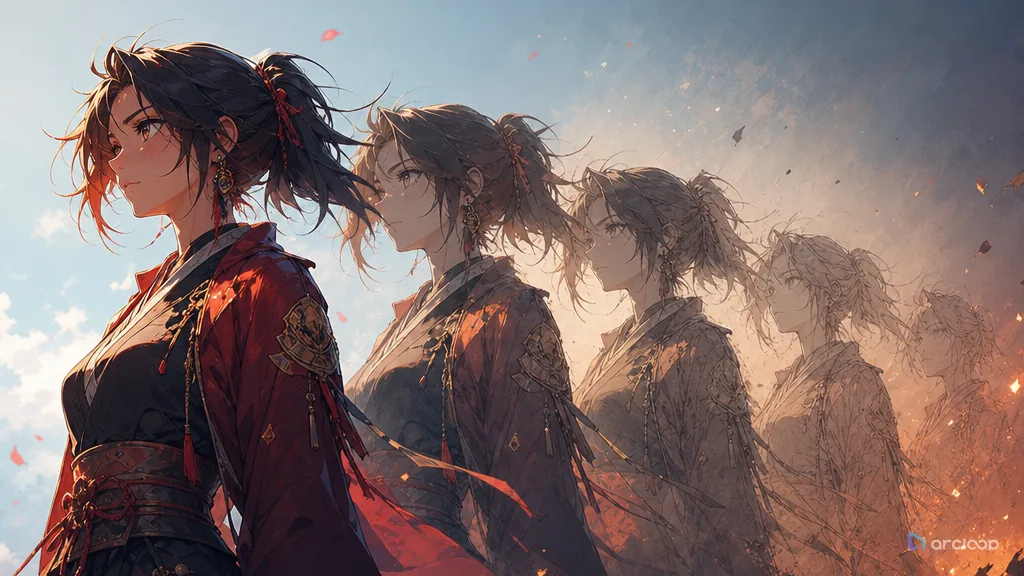
Track shot iterations and style versions so better takes are not lost and old and new shots still cut together.
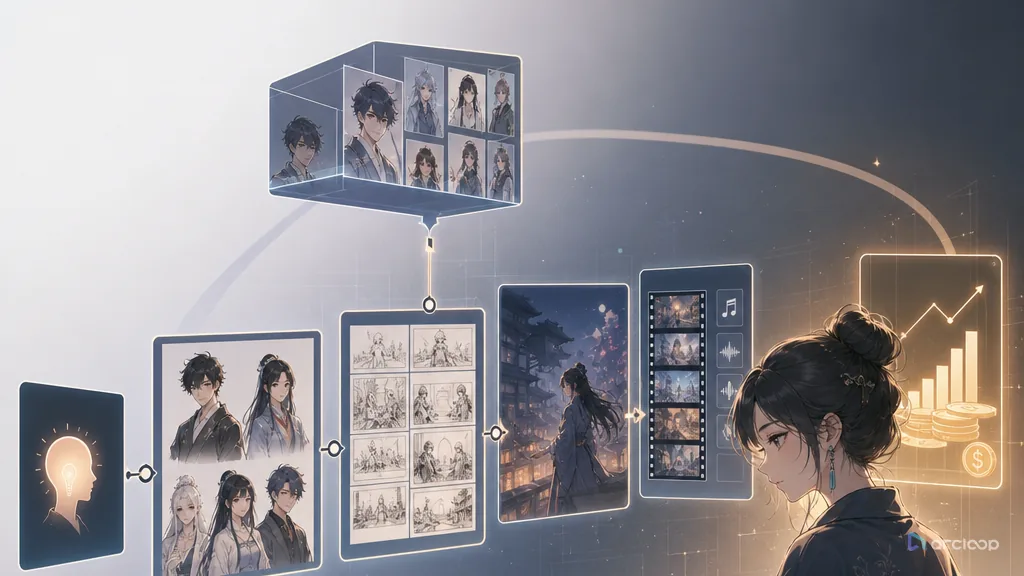
An AI anime drama workflow built for how creators actually work — turning an anime-style short drama from an idea into a series you can sustain.
Turn AI short drama costs from random reruns into a plan you can budget, reuse, and produce at volume.
Check for look-alikes, asset licensing, voice rights, and character recognizability before you publish an AI short drama.
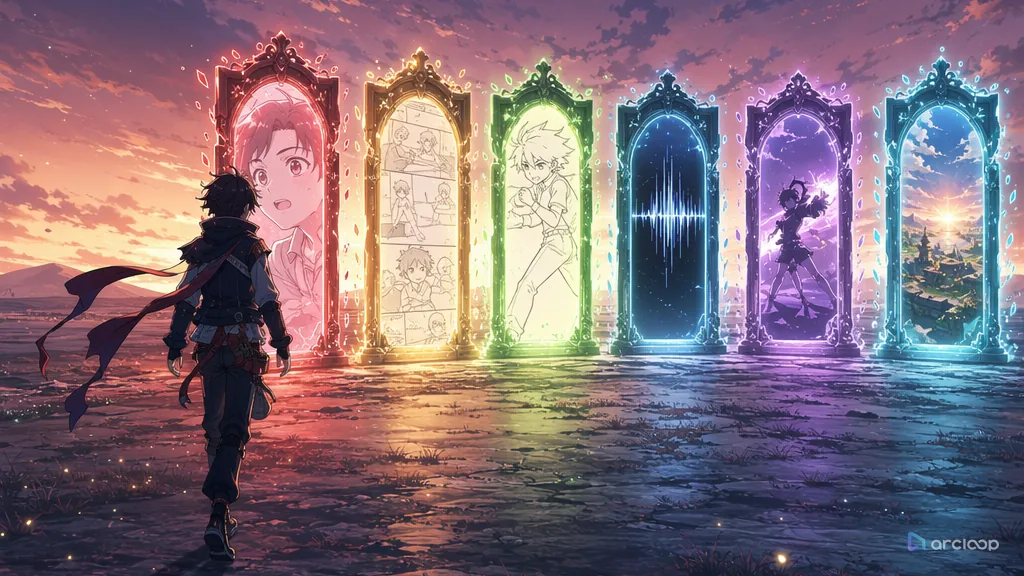
Don't ask which tool is best first — ask whether it can cut the rework at the exact step you're stuck on.
Adapt AI anime clips for feeds, loops, captions, crops, covers, and platform-specific cuts.
Plan fan interaction content with references, shot cards, and one clear draft pass.
Plan a publishing rhythm that keeps AI anime series consistent without turning every post into a full sprint.
Build covers and titles that sell the right anime story without spoiling the turn or misleading the viewer.
Build a hook card that keeps what visual event earns attention immediately visible while you generate and review shots.
Build a subtitle layout sheet that keeps which visible rule should guide the next shot visible while you generate and review shots.
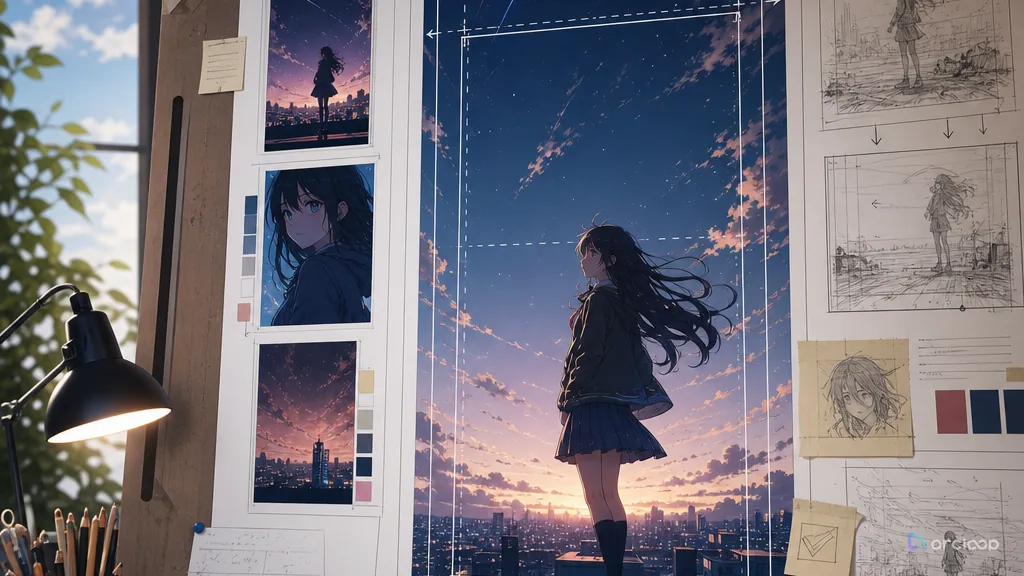
Build a vertical composition card that keeps which visible rule should guide the next shot visible while you generate and review shots.
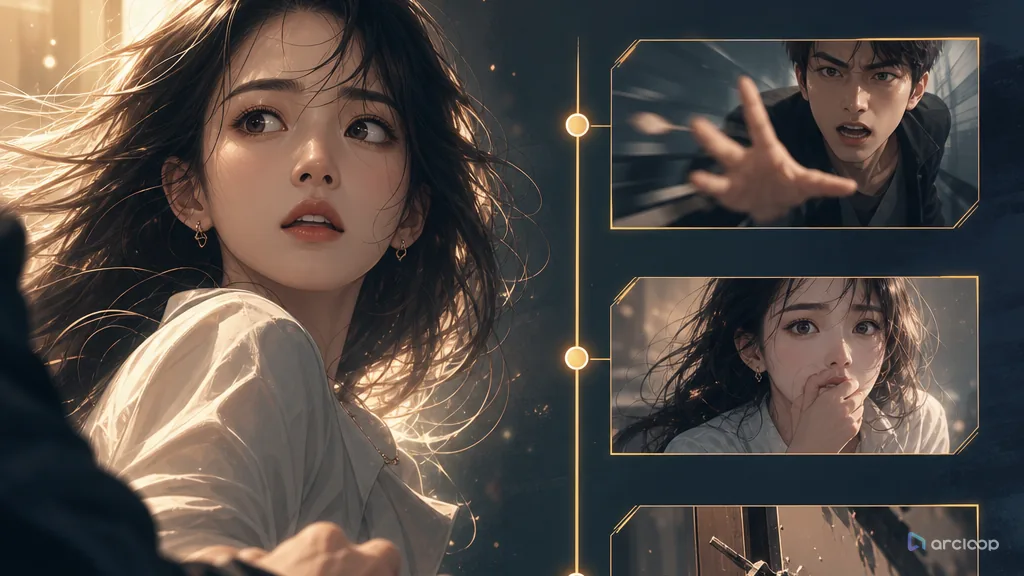
Get an AI short drama into conflict in the first 3 seconds, then use the storyboard and edit to keep viewers watching.
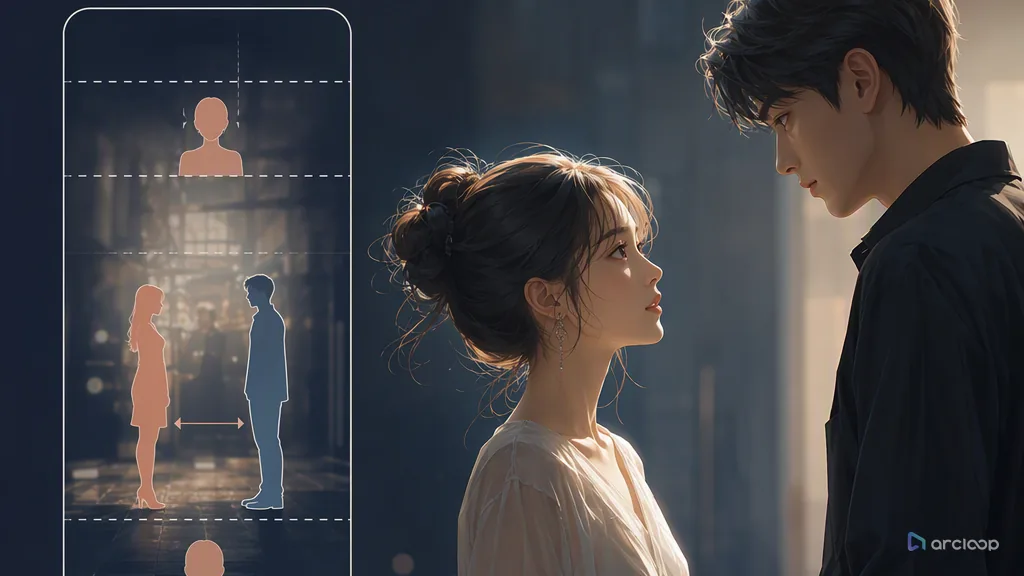
Turn vertical micro-drama from random footage into an AI short drama that's clear, information-dense, and worth following.
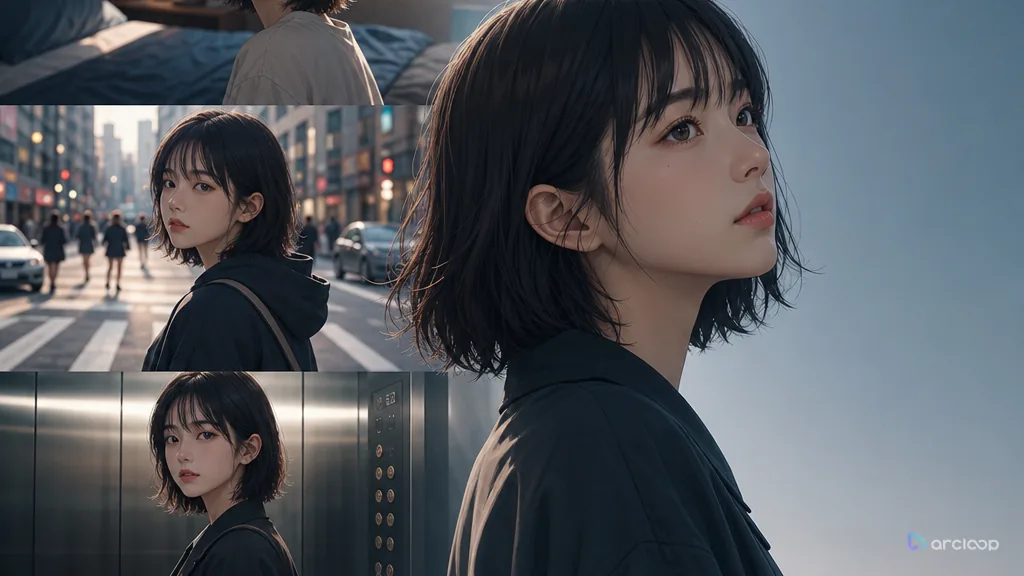
Keep the same character recognizable across cuts, scenes, outfits, and emotional beats.
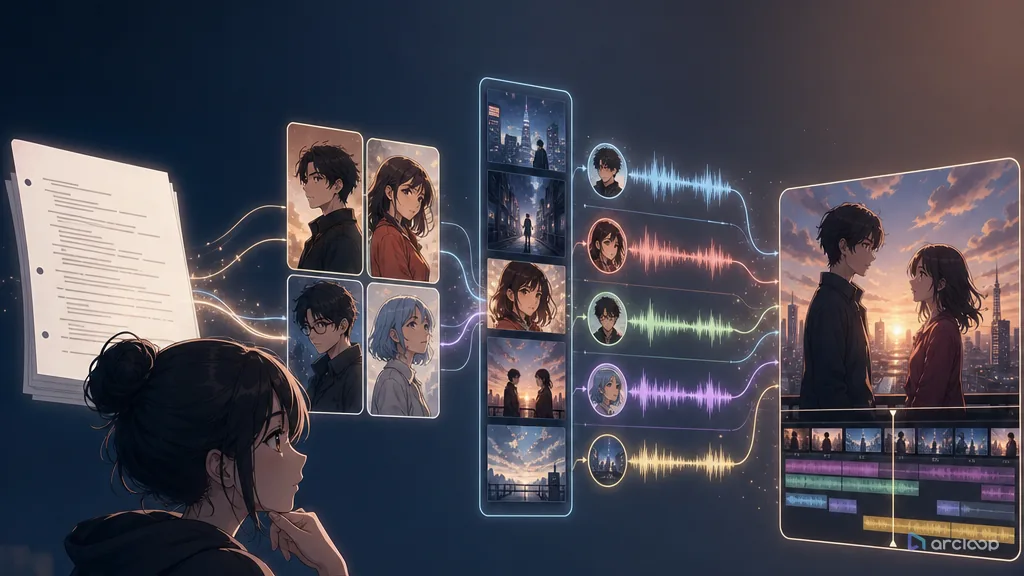
Convert scripts and screenplay pages into controllable short drama scenes before final render.
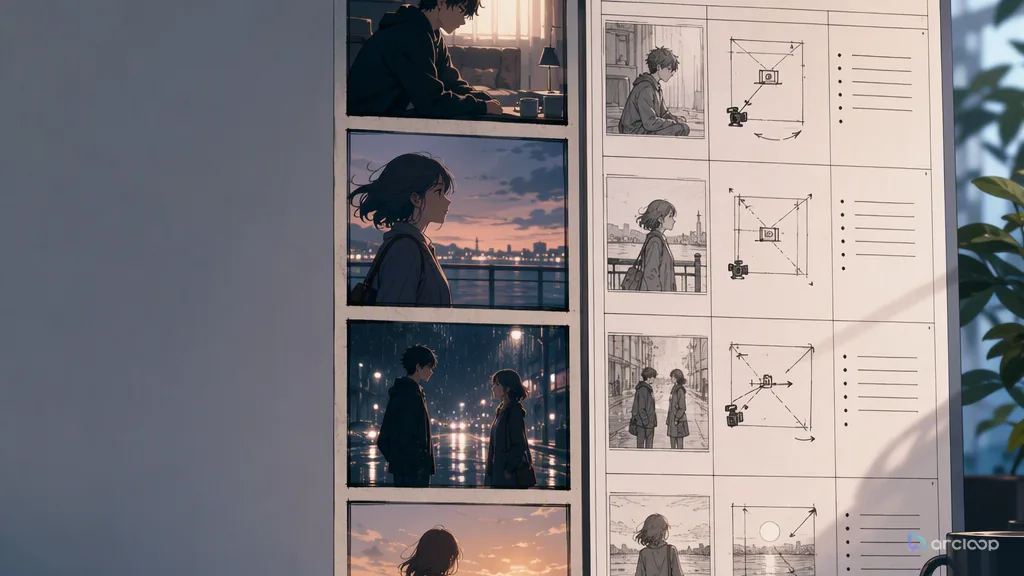
Storyboard the scene, then split it into replaceable shot cards before render.
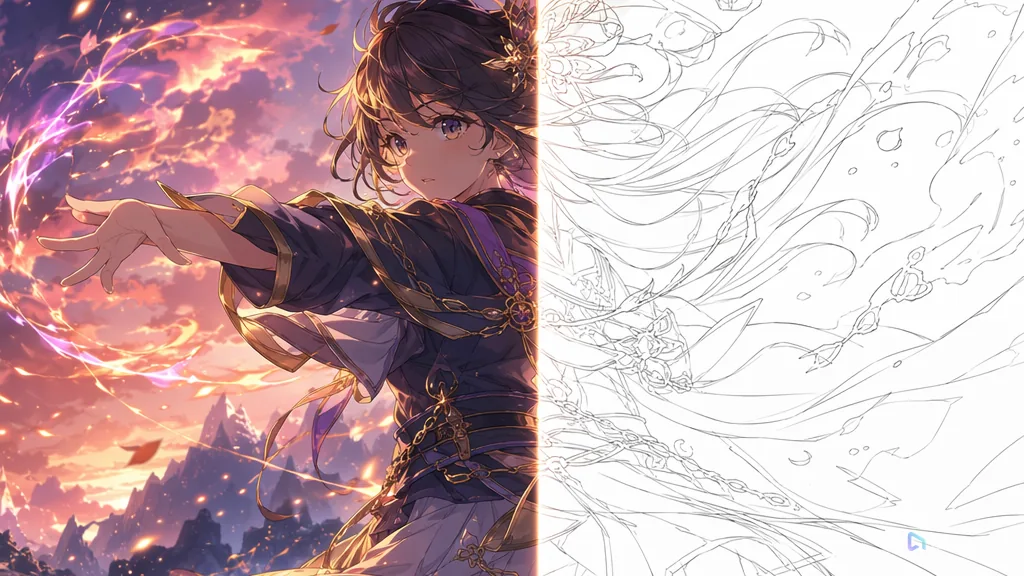
Catch wrong faces, unclear shots, and bad timing before final render cost.
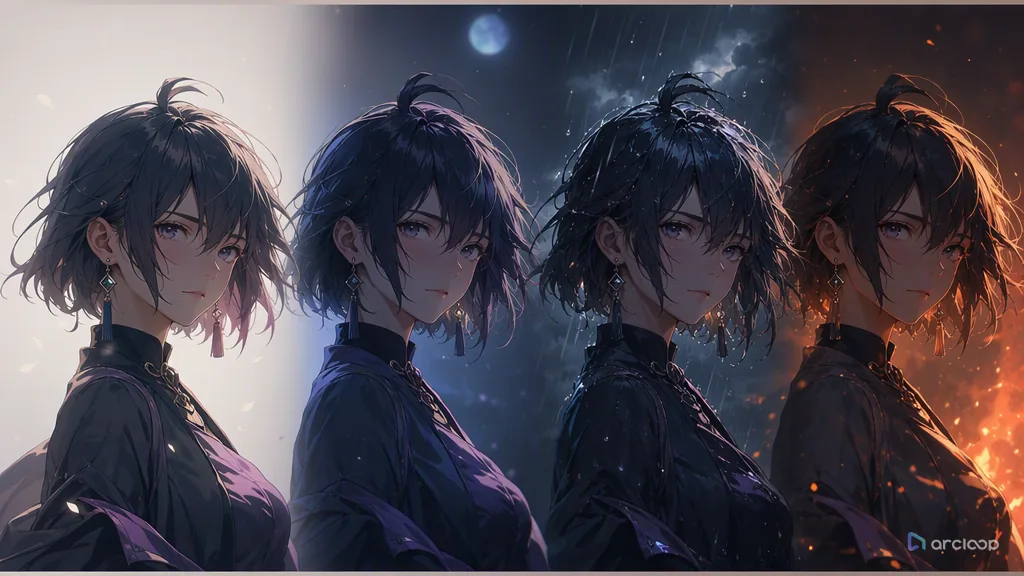
Make recurring characters production assets before they appear in multiple scenes.
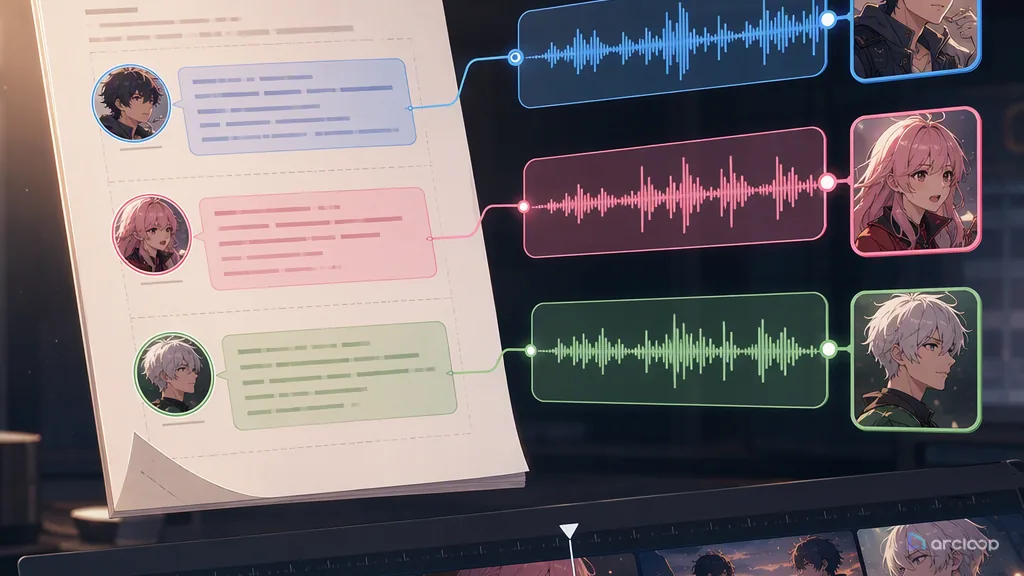
Give every recurring character a stable voice lane before the final cut.
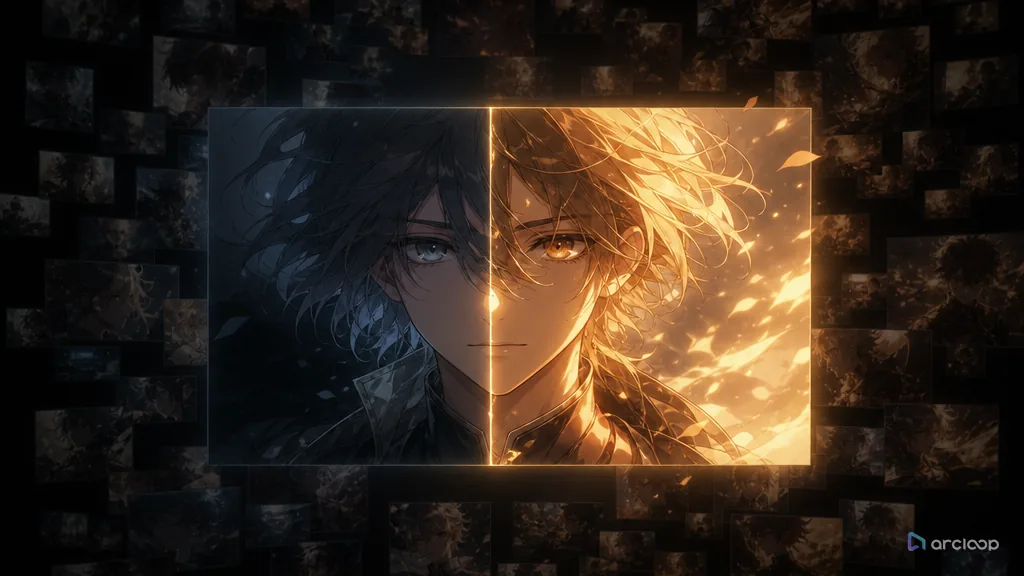
Estimate cost from the script and shot list before retries get expensive.
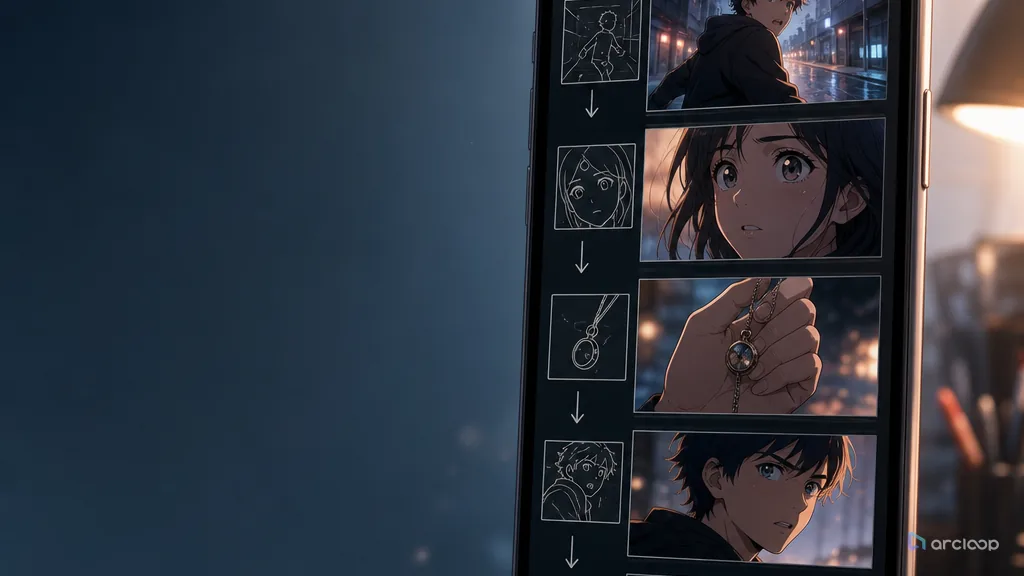
Turn short drama beats into vertical shots that survive phone-screen viewing.
Turn script-to-video into a stable, reviewable AI short drama workflow you can run at scale.
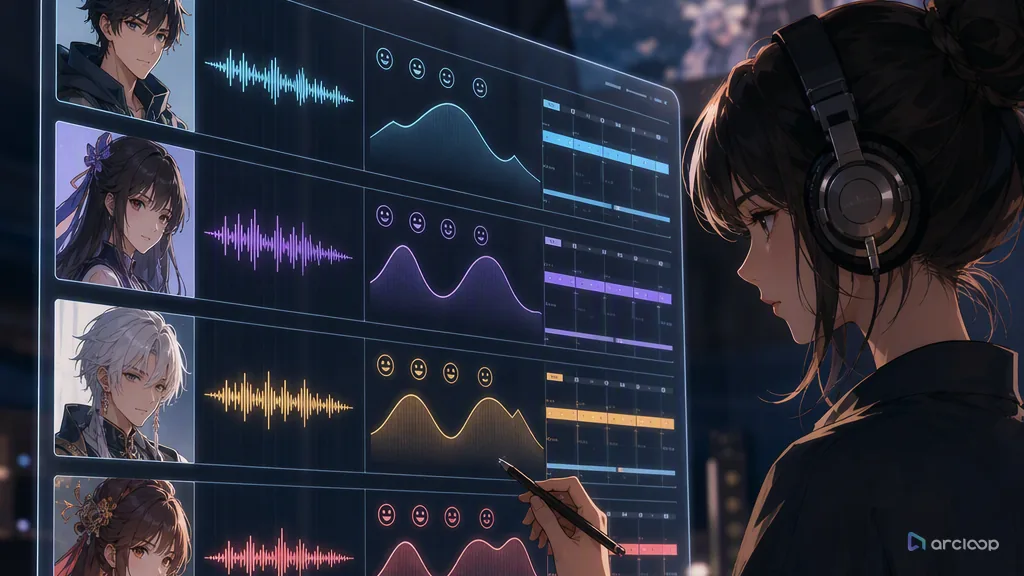
Keep AI short drama characters consistent in voice, not just in face, from episode to episode.
Pega o sube tu guion y deja que Arcloop lo divida en escenas y genere el primer borrador del vídeo. Puedes revisar los personajes, los elementos visuales, las voces en off y cada clip antes de editarlo o exportarlo.
Puedes pegar tu guion directamente o subir un archivo .docx, .txt, .pdf o .md. Arcloop admite guiones cinematográficos, guiones de diálogo, relatos cortos, novelas, artículos de blog y otros contenidos escritos. Los guiones más largos se dividen automáticamente en varias escenas.
La IA de texto a vídeo genera un clip a partir de un prompt breve. La IA de guion a vídeo sigue un guion estructurado y utiliza sus escenas, diálogos, personajes y ritmo para crear un vídeo completo con varias escenas.
Puedes crear vídeos en formato vertical 9:16, cuadrado 1:1 y horizontal 16:9 para plataformas como TikTok, Instagram, YouTube y LinkedIn.
Sí. Puedes revisar las escenas generadas, sustituir o regenerar clips individuales, ajustar las voces en off, añadir música de fondo y seguir editando sin tener que volver a crear todo el vídeo.
Sí. Arcloop admite varios idiomas para crear guiones, generar voces en off y localizar vídeos. Las funciones de idioma disponibles pueden variar según la voz y el modelo de generación.
Lleva tus guiones, ideas o historias más lejos con potentes herramientas de creación con IA. Construye, edita y comparte tu visión a tu manera.
Del Handbook de Arcloop
Un guion contiene más que una idea visual. Personajes, diálogos, lugares y momentos emocionales deben mantenerse al convertirse en planos. Prepara un guion fácil de revisar y modificar en Arcloop.
Revisa quién aparece en cada escena, dónde ocurre, qué cambia y qué objetos importan. Asigna cada diálogo a su hablante y usa nombres coherentes para personajes y lugares recurrentes. Así podrás comprobar el desglose antes de generar imágenes.
Revisa juntos los personajes, las escenas, los objetos y las referencias visuales. Es más sencillo corregir un objeto ausente o un hablante ambiguo ahora que cuando varios clips dependan de ello.
Nota de escena: Una mensajera vuelve a la estación al anochecer. El sobre rojo permanece en su mano izquierda. El reloj de la estación marca las 6:10 hasta la revelación final.Leer el proceso de producción del guion al vídeo
Define encuadre, dirección de cámara, posición de personajes y tono visual en el storyboard. ¿Se entiende la acción sin leer el guion? Revisa las entradas, las reacciones y los objetos importantes de una imagen a otra.
Cuando la secuencia funcione, genera y revisa cada escena. Conserva las partes logradas y modifica solo la escena que lo necesite. Mantendrás la estructura mientras mejoras la interpretación o la cámara.
Nota de storyboard: Empieza con un plano general del andén vacío, muestra a la mensajera al descubrir el reloj parado y revela el sobre en primer plano.Explorar la revisión del storyboard y la generación de escenas
Combina los clips seleccionados con voces y subtítulos. Revisa el montaje completo para comprobar las transiciones, los tiempos del diálogo y la claridad de los momentos importantes. Incluso un clip atractivo puede necesitar menos duración u otra posición.
En una serie, conserva personajes, lugares y referencias aprobados para el siguiente guion. Reutiliza las decisiones de producción que funcionaron y adapta la acción y los diálogos del nuevo episodio.
Continuar con la guía de montaje final