
Collez votre script
Collez votre script dans l'éditeur, téléchargez un fichier ou générez-en un à partir d'une simple invite de sujet.

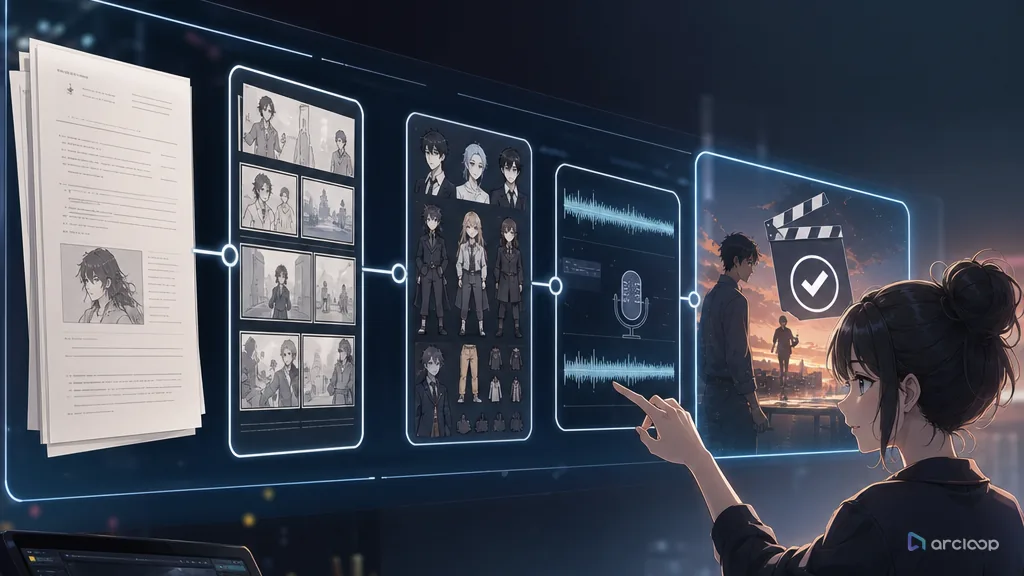
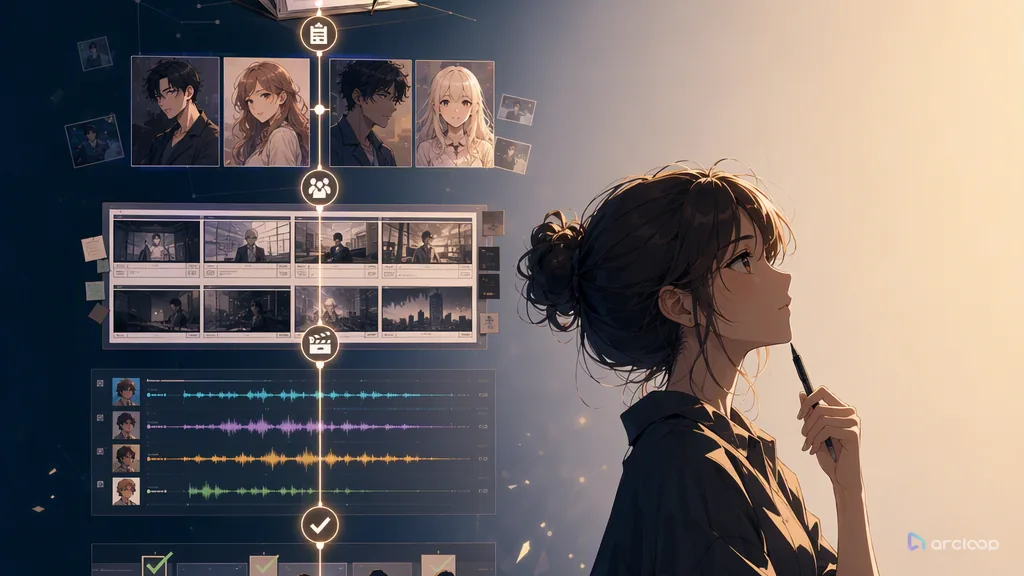
Insérez n'importe quel script et transformez-le en une vidéo complète avec des personnages, des scènes, des storyboards, des voix off et une musique de fond en quelques minutes.
Collez votre script dans l'éditeur, téléchargez un fichier ou générez-en un à partir d'une simple invite de sujet.
L'IA cartographie votre script scène par scène et génère des clips vidéo correspondants pour chaque rythme.
Téléchargez les vidéos ou ouvrez-les dans l'éditeur vidéo pour ajuster des clips individuels et ajouter des voix off ou de la musique.
Tout ce dont vous avez besoin pour transformer votre script en une vidéo soignée.
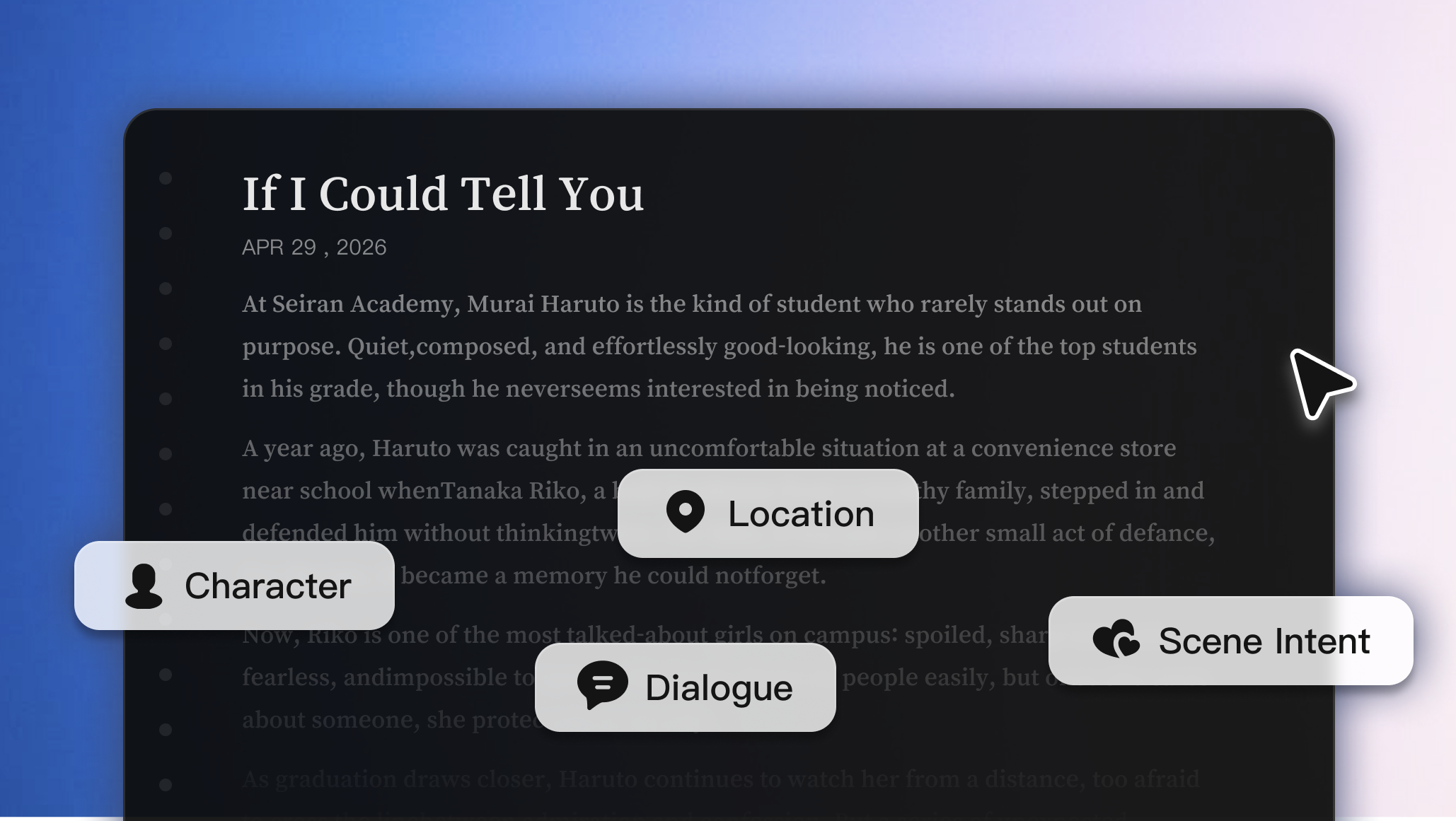
L'IA analyse votre script pour les personnages, les lieux, les dialogues et l'intention de la scène, afin que chaque plan corresponde à ce qui se passe dans le script.
Essayez-le maintenant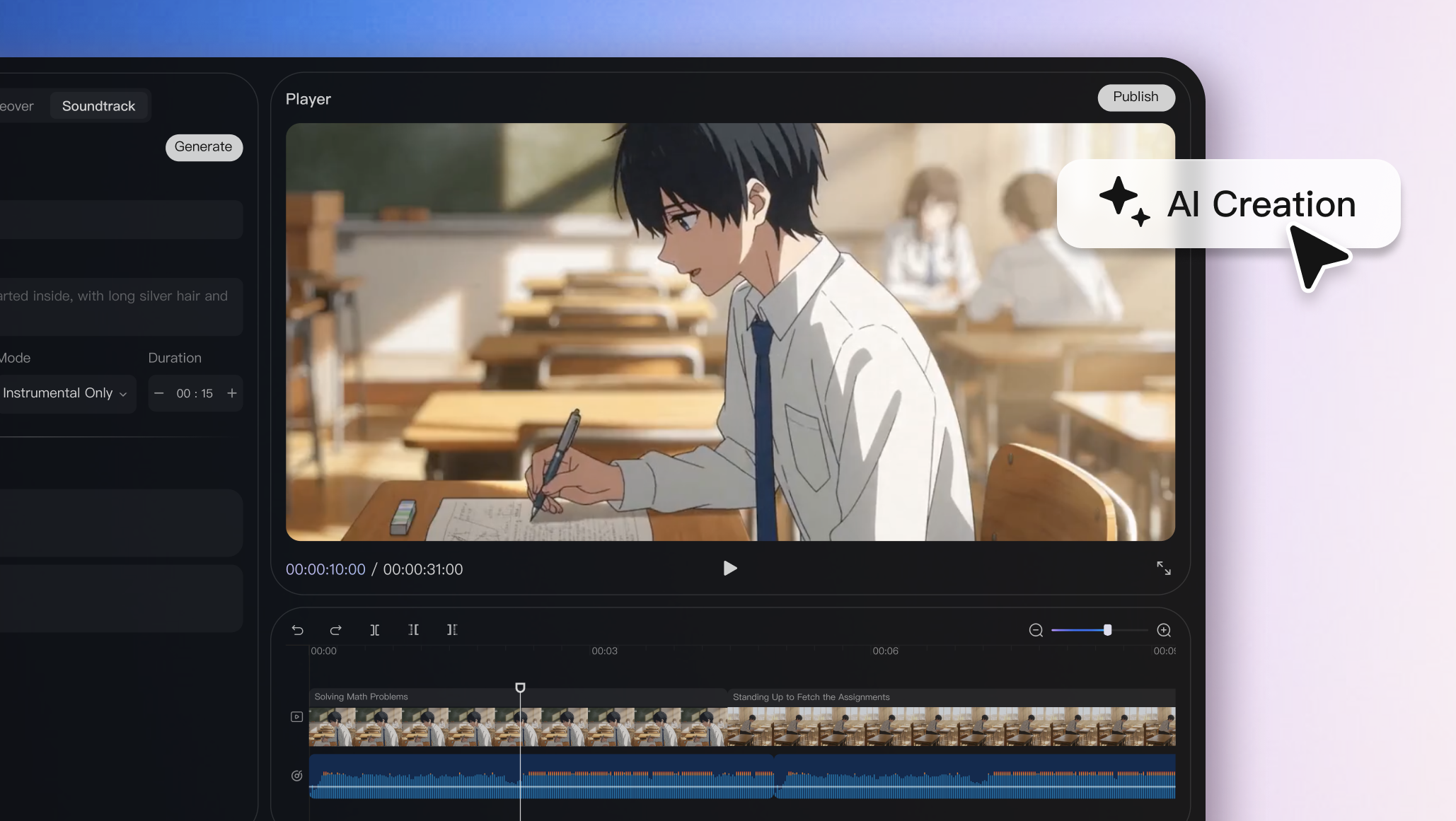
Verrouillez l'apparence, les emplacements et le style visuel des personnages afin qu'ils restent cohérents dans chaque scène et chaque clip vidéo.
Essayez-le maintenant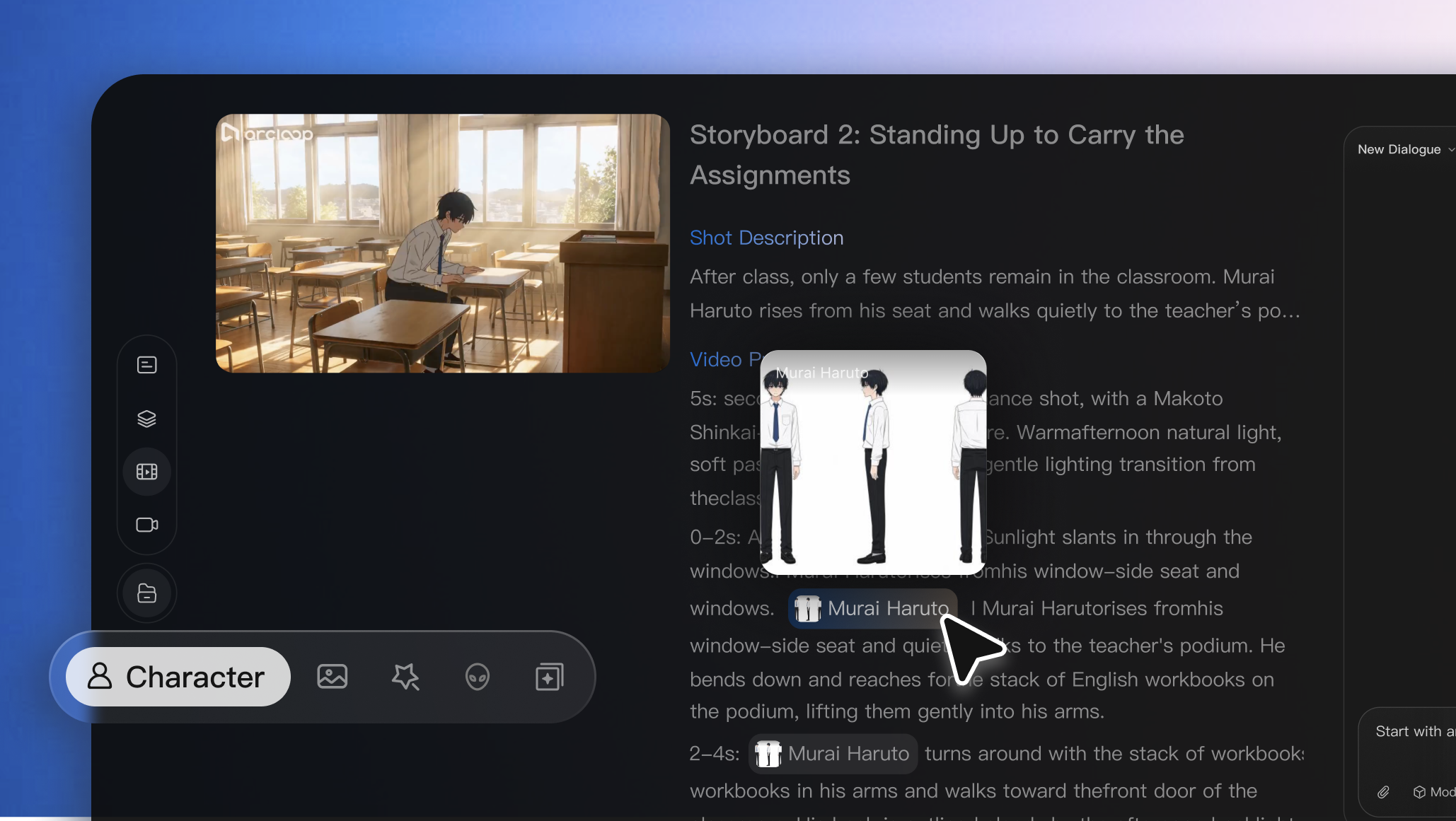
Remplacez, modifiez ou régénérez des images individuelles sans redémarrer l'ensemble du processus, ce qui vous remet le contrôle créatif absolu.
Essayez-le maintenant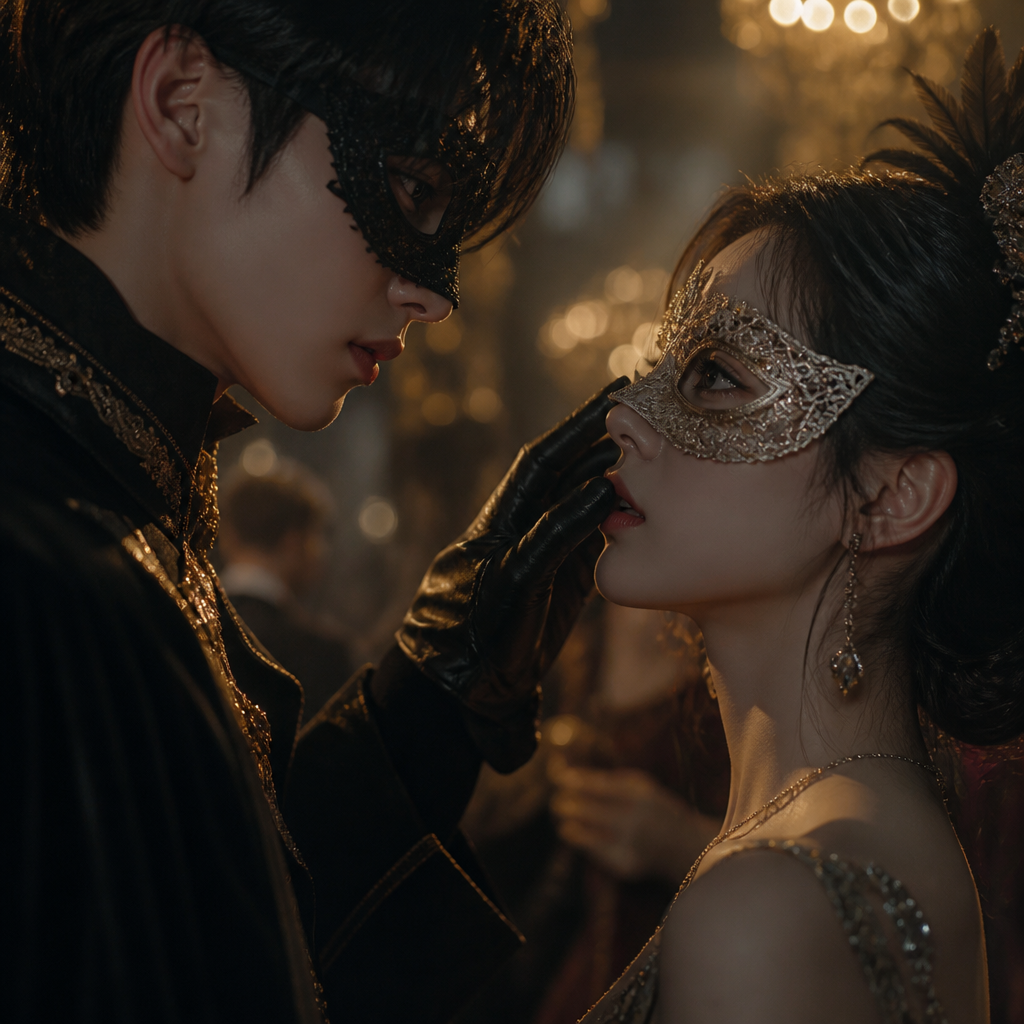

Use Arcloop AI to turn a simple idea into story, characters, storyboards, generated video, and final edits in four steps.

Using Hollywood Screenplay Format to Improve AI Script Breakdown explains a practical Arcloop workflow for story-first AI video creation, from planning context to reus...
DeepSeek V4 for AI Drama Script Breakdown explains a practical Arcloop workflow for story-first AI video creation, from planning context to reusable production assets.

Tired of writing complex prompts? Creating AI video should not feel like fighting with instructions. With Arcloop, just describe the idea, feeling, or moment in simple words, and turn it into cinematic video clips. This guide shows you the fastest way to make your first episode in Arcloop — from a simple story idea to a finished clip with consistent characters, scenes, and style.
Arcloop Storyboard Generator: From Episode to Visual Shots explains a practical Arcloop workflow for story-first AI video creation, from planning context to reusable p...
Smart Shot Planning in Arcloop: How to Plan Shots Efficiently explains a practical Arcloop workflow for story-first AI video creation, from planning context to reusabl...
How to Keep Anime Characters Consistent in AI Video Generation explains a practical Arcloop workflow for story-first AI video creation, from planning context to reusab...
GPT Image 2 for AI Drama: How to Create Consistent Visual Assets explains a practical Arcloop workflow for story-first AI video creation, from planning context to reus...
Turn script-to-video into a stable, reviewable AI short drama workflow you can run at scale.
Build short drama episodes with continuity baked in before final render.
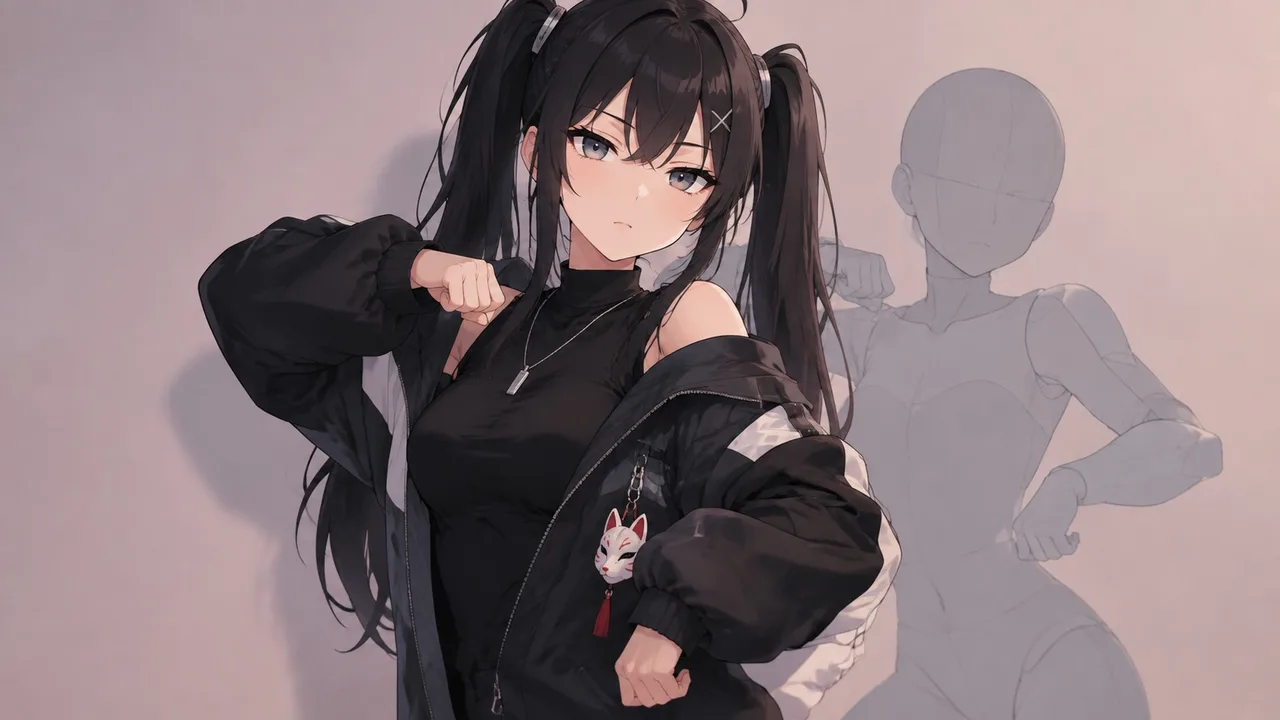
The meme is everywhere, the window is a week, and the original is a real person doing a real dance. Here is how to put your OC on the trend — same moves, same timing — without borrowing a single thing you cannot keep.
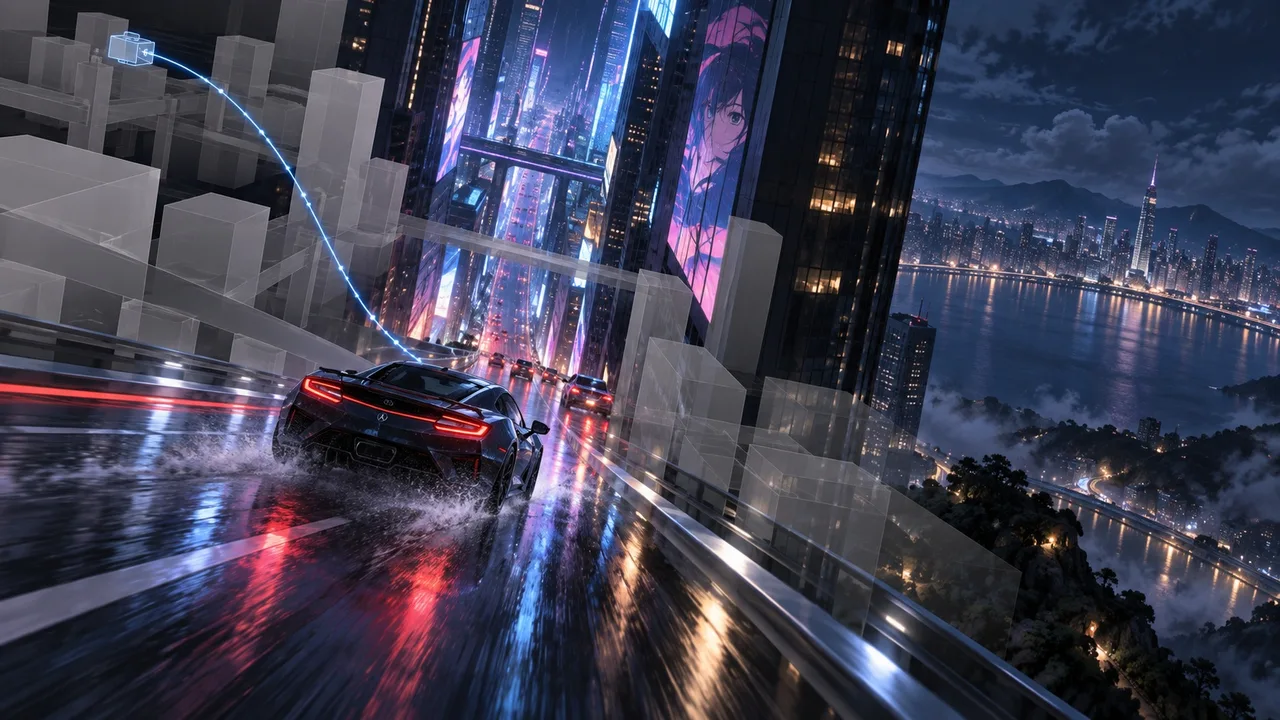
A prompt cannot say 'high angle, dive between the towers, catch the car from the side, pull back to a wide.' A grey-box previz can. Here is how to plan the camera in 3D, then hand each position to an ArcLoop shot.
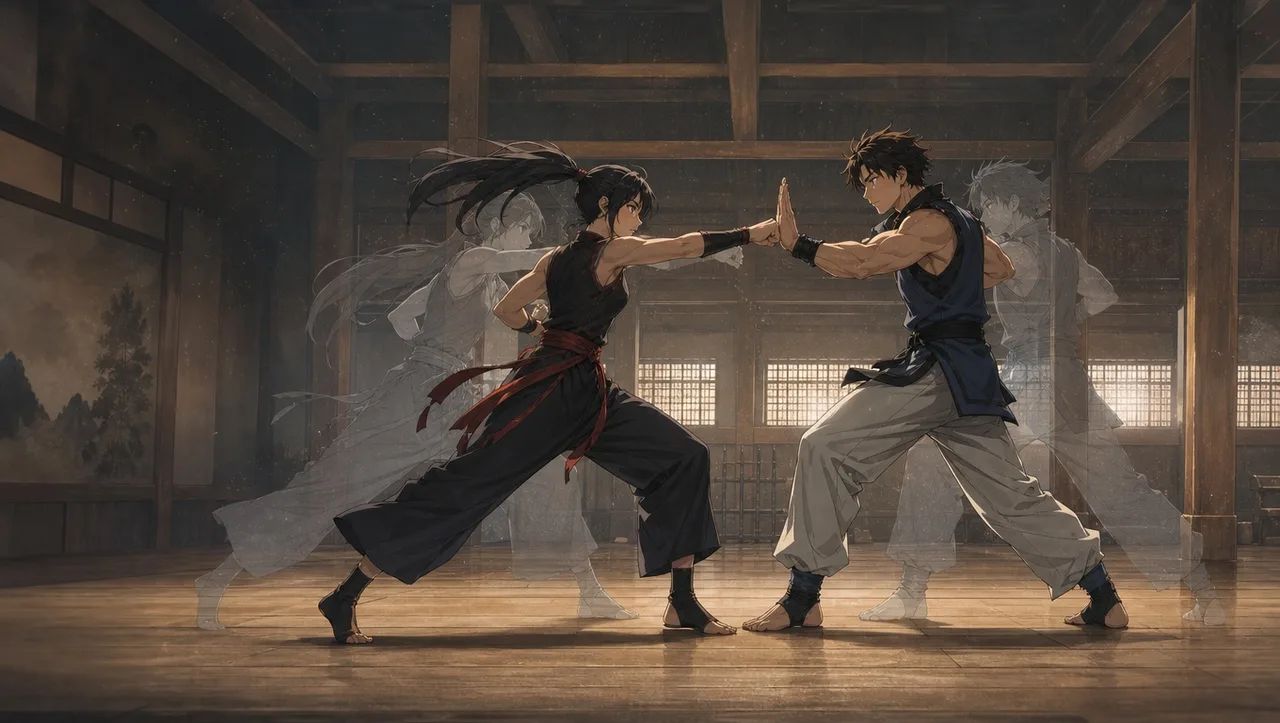
Two bodies, one frame, and the model merges them into a single tangle of limbs. A fight is a series of contacts, and each contact is one shot. Here is how to build it from a mannequin clip so both characters stay themselves.
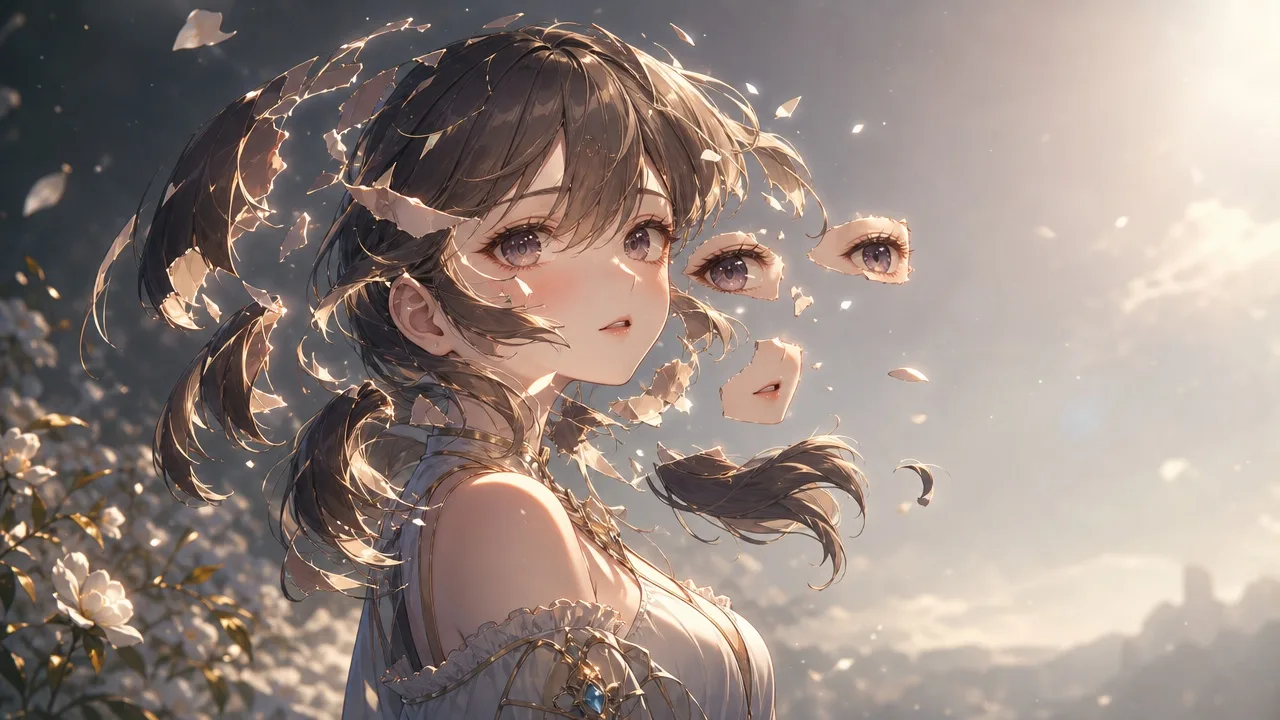
Cut an AI-generated character into riggable parts with a layer checklist and reference views for every hidden area.

Build a café listening shot around one emotional change, then check the eye line, mouth movement, and timing before cutting it into a conversation.
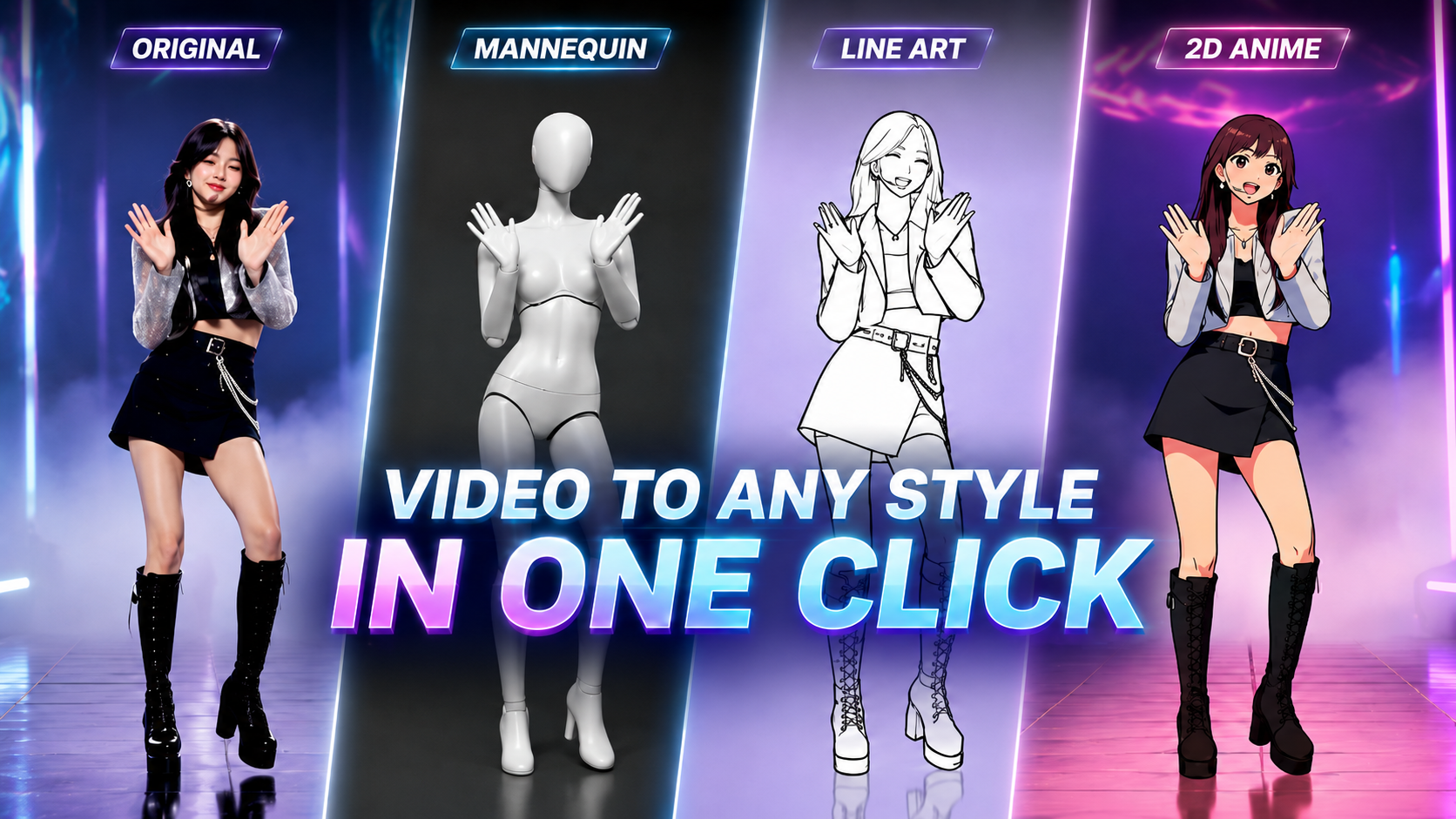
Want to turn real motion into eye-catching rotoscope videos in minutes? Explore 3+ Rotoscope Presets from Arcloop AI. No complex prompting or editing skills required.
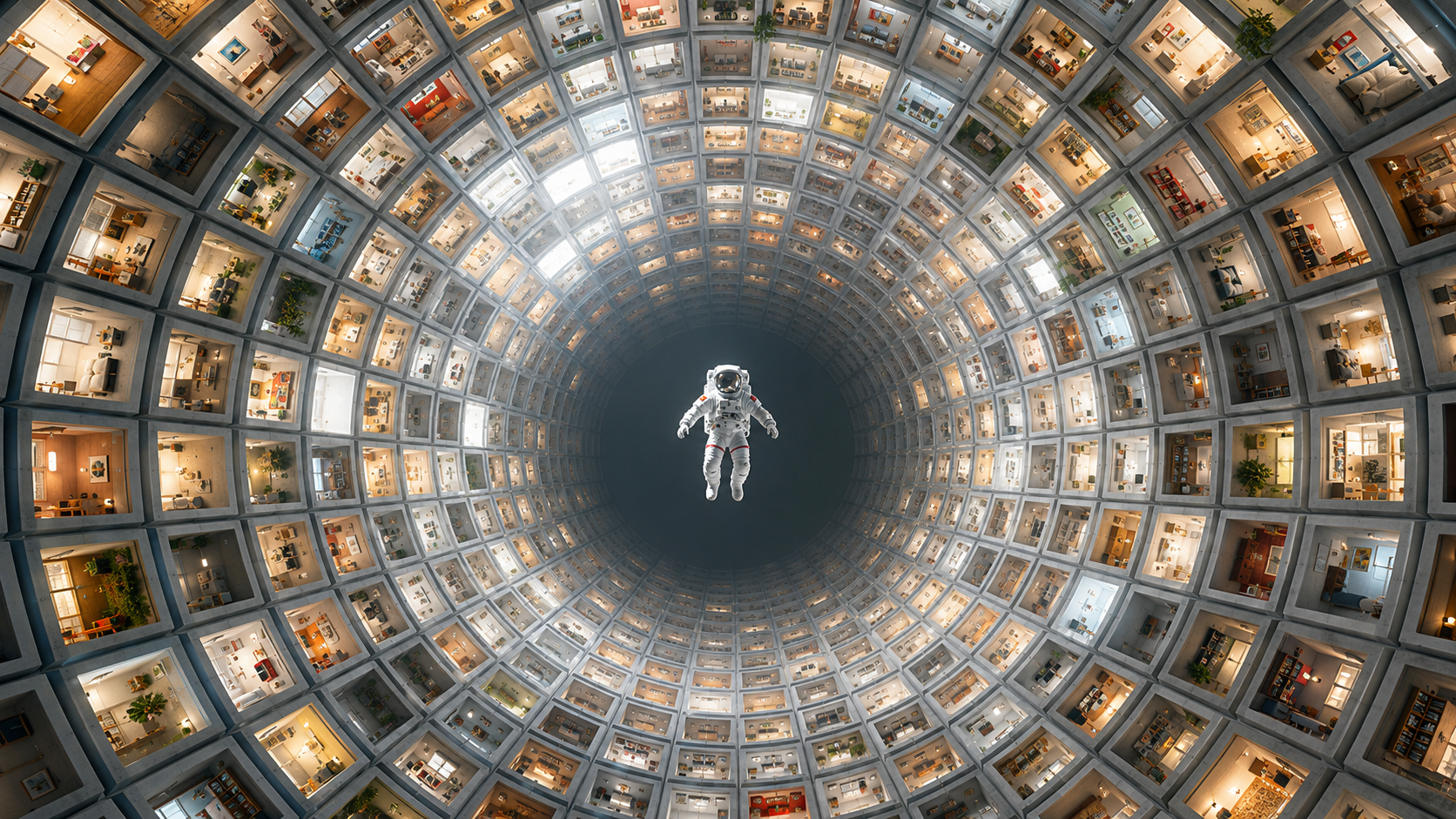
How to Build Personal IP Projects in Arcloop: A Step-by-Step Guide explains a practical Arcloop workflow for story-first AI video creation, from planning context to re...
How to Create Your Story in Arcloop: Complete Tutorial explains a practical Arcloop workflow for story-first AI video creation, from planning context to reusable produ...

Step-by-Step Guide: How to Create Episode in Arcloop explains a practical Arcloop workflow for story-first AI video creation, from planning context to reusable product...

How to Edit AI-Generated Videos in Arcloop: Tips & Best Practices explains a practical Arcloop workflow for story-first AI video creation, from planning context to reu...
The Best Way to Manage Your AI Generated Assets: Characters, Scenes, and Props explains a practical Arcloop workflow for story-first AI video creation, from planning c...
How to Organize and Access Your Content in Arcloop? explains a practical Arcloop workflow for story-first AI video creation, from planning context to reusable producti...

Image Editing: Enhance and Customize Your Visuals explains a practical Arcloop workflow for story-first AI video creation, from planning context to reusable production...
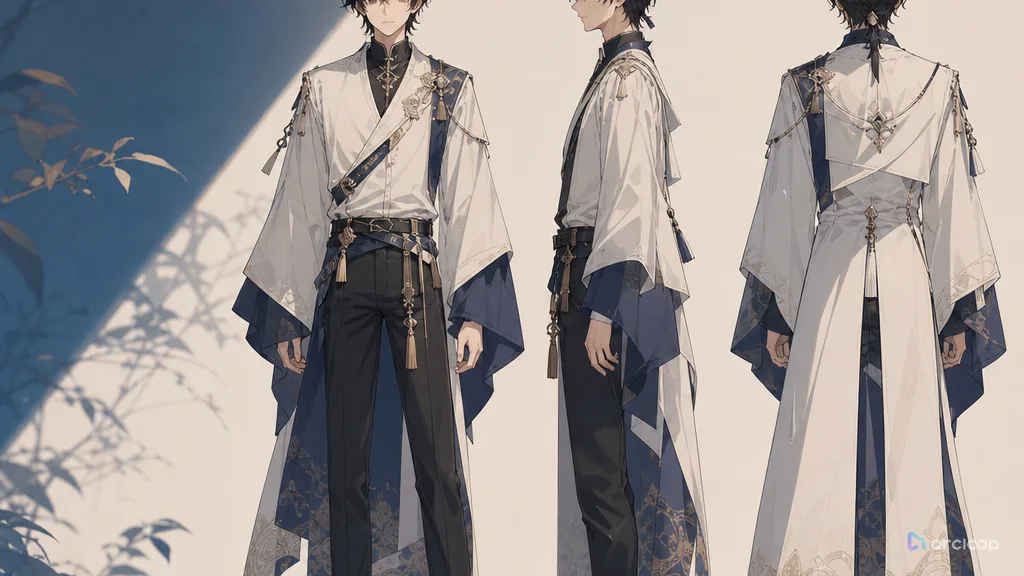
Turn a character from one good-looking image into an asset that holds up across shots with a character turnaround sheet.
What MiniMax H3 actually is — omni-modal references, native audio, 2K output, open weights — and where the new H3 Max speed tier fits.
Astra scored 88% on reverse-engineering binaries, rebuilt a YouTube video from one prompt, and took an anime short from brief to cut. What creators can actually copy from that — and where the shots get made.

How to prompt MiniMax H3 for anime: style anchors, reference images instead of LoRAs, one action per clip, and the ArcLoop asset workflow that keeps the character the same.
Two things are called MiniMax H3 Turbo. Here is what each one is, how much faster it really is, where 4-step drafts break, and how to draft fast without losing your character.
The browser workflow for MiniMax H3: what you need, what you don't, and the six steps from a blank project to a finished clip with sound.
Max clip length, max resolution, reference budgets, and aspect ratios for MiniMax H3 and the H3 Max tier — plus how to plan shots around them.
Continuation, context-loop chaining, or cutting — three ways to build longer sequences from 15-second H3 clips, and when each one is the right call.
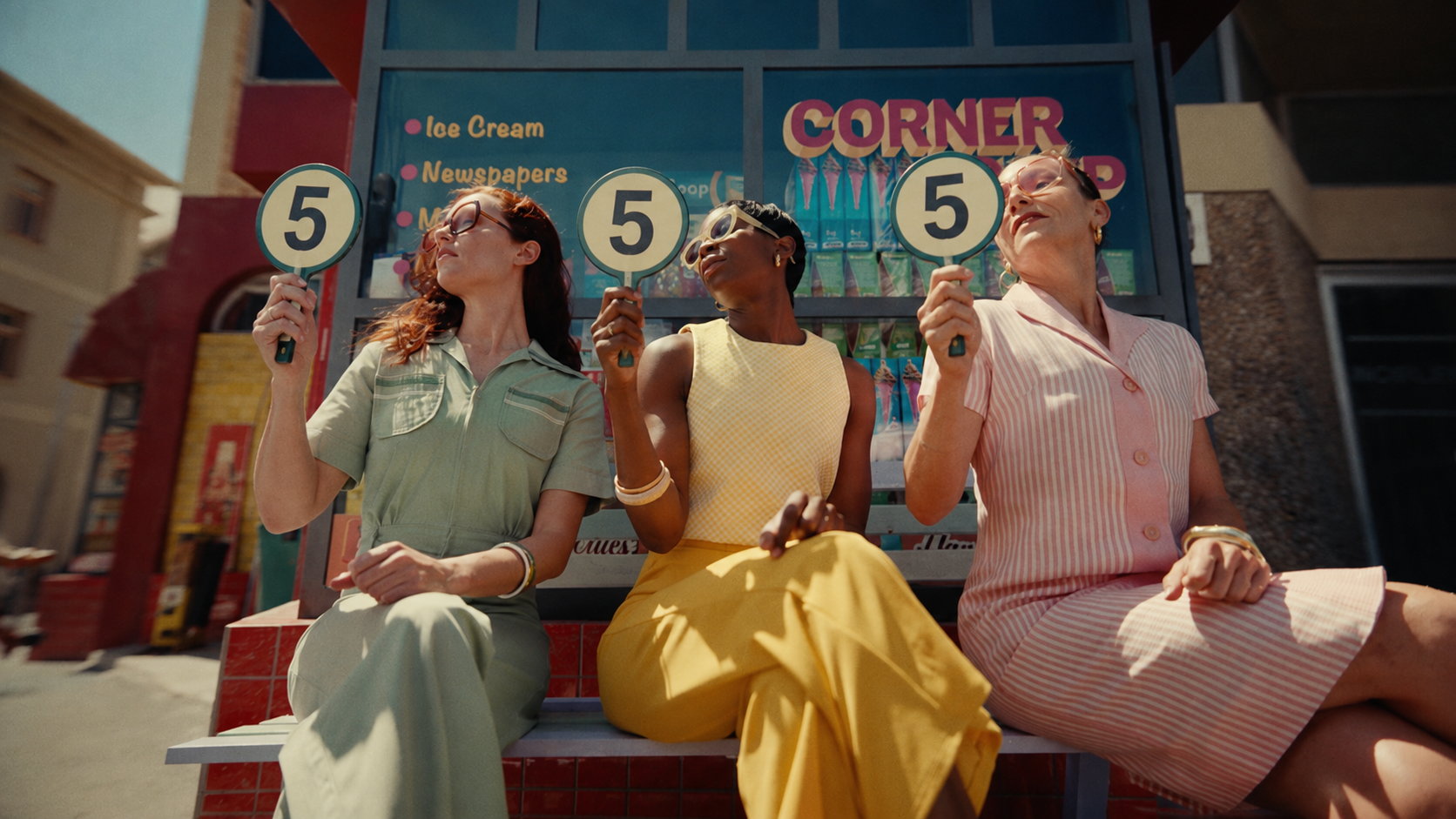
A side-by-side performance breakdown of Seedream 5 Lite and Pro. Learn which model matches your production stage—from rapid ideation to final commercial delivery.

Their spec sheets are nearly identical. The differences that remain are the ones that decide your production.

AI drama voices often sound flat, fake, or detached from the character. Compare Seed Audio 1.0 and ElevenLabs across short-drama dubbing scenes, learn how to write voice prompts, choose the right model, and turn demos into reusable character voice assets.
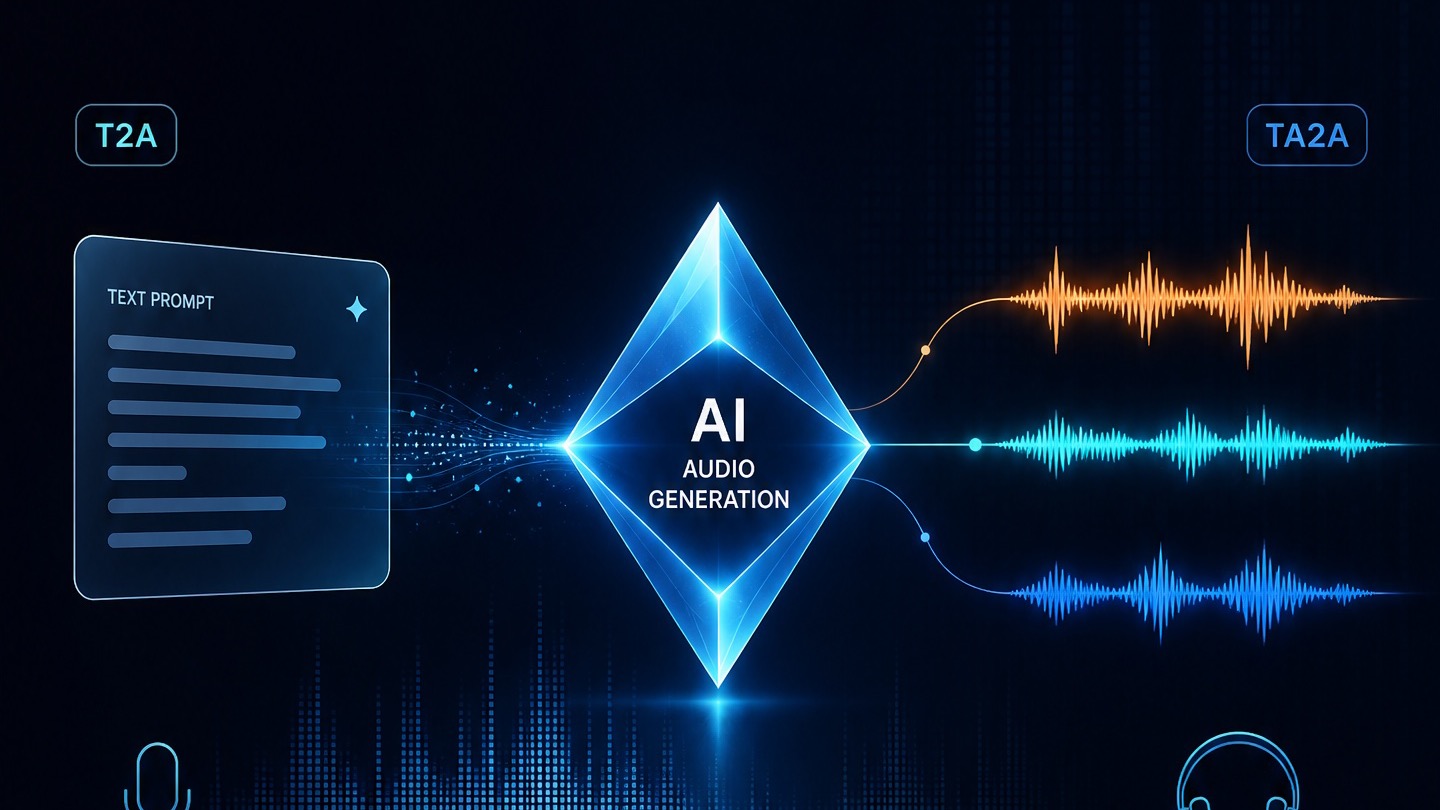
Write characters, dialogue, SFX, ambience, and music into one timeline so Doubao Audio 1.0 behaves more like a sound director than a reader.
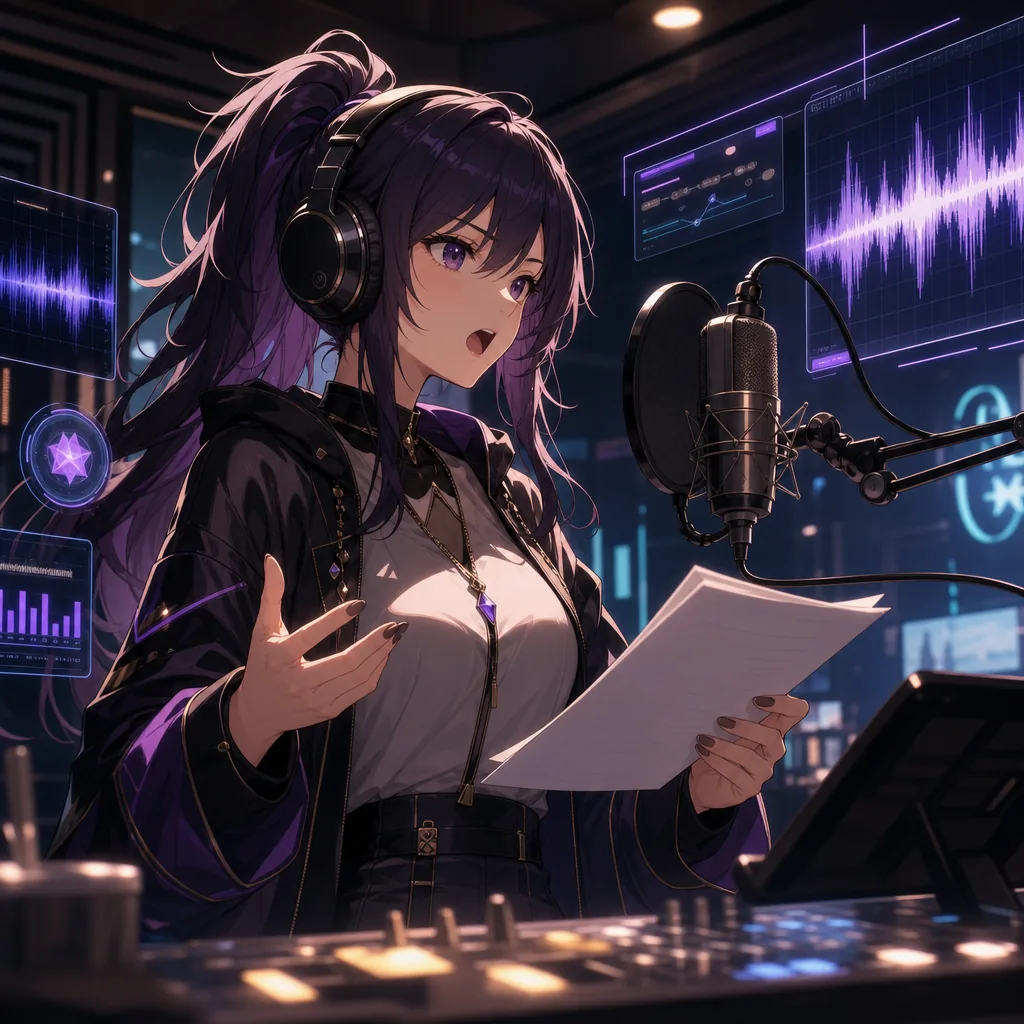
Prompt anime character voices with clearer emotion, pacing, and intent.
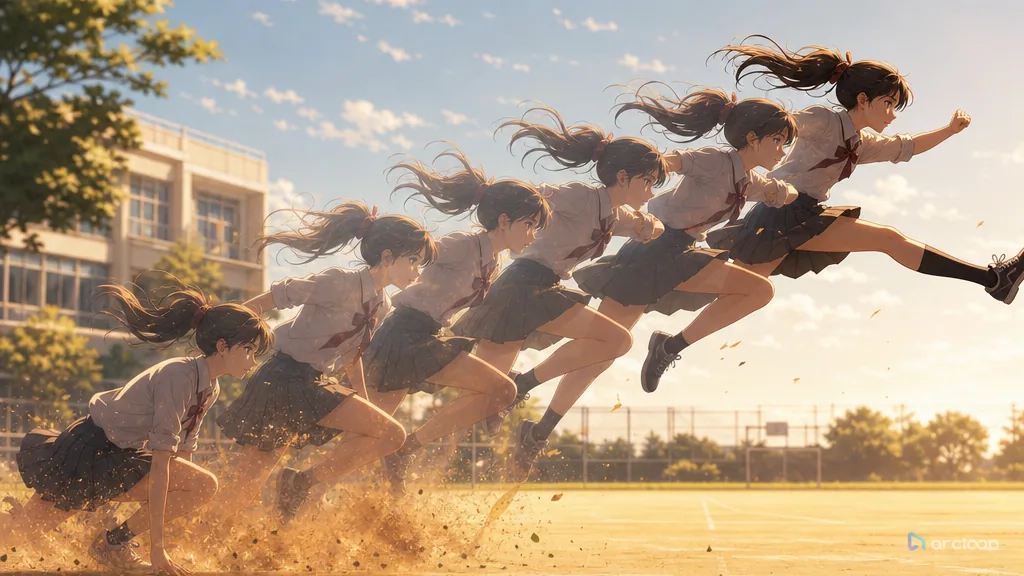
Plan action verbs with references, shot cards, and one clear draft pass.

Keep a lantern still while comparing a slow push-in, a sideways slide, and a locked shot; inspect edges and contact shadows before choosing a take.

A practical prompt guide for clean, expressive 2D anime animation.
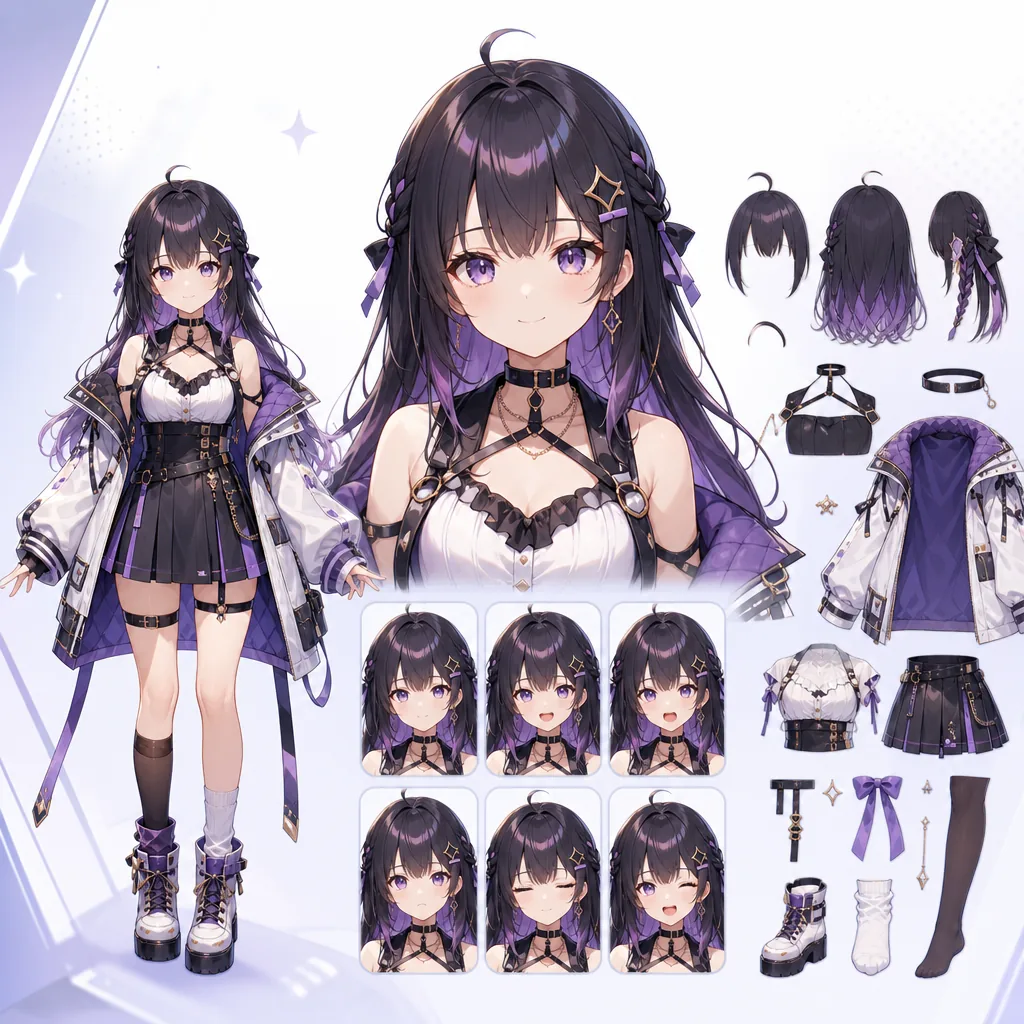
Write prompts for anime avatars that are easier to rig and animate.
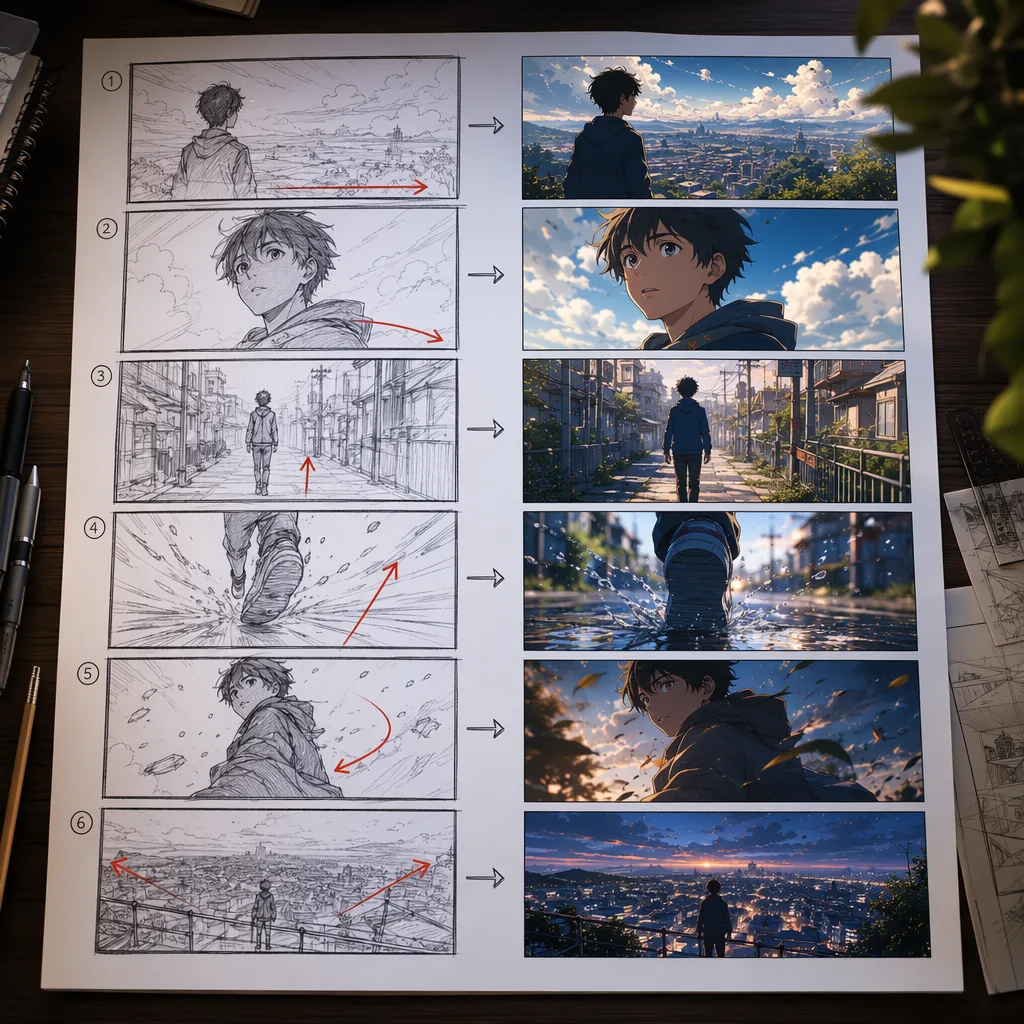
Plan AI anime videos with storyboard prompts that models can follow.
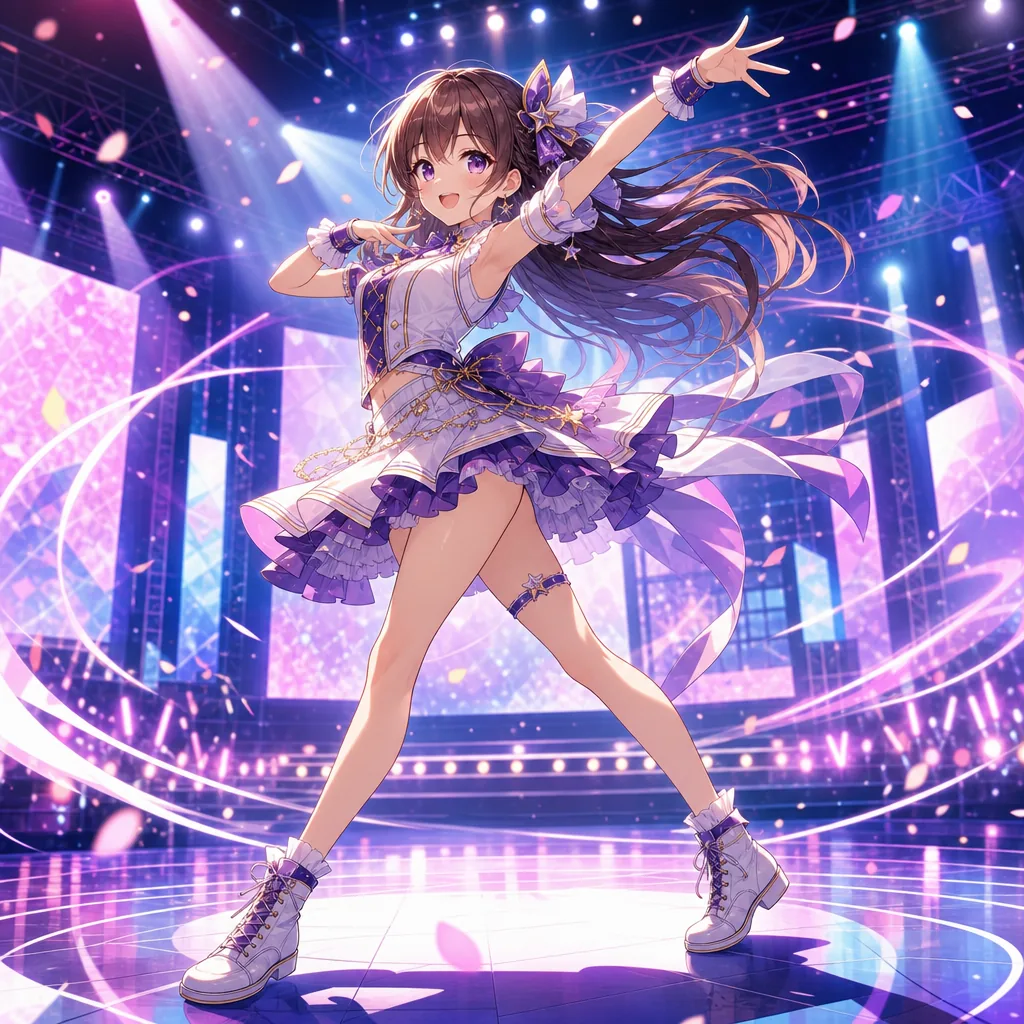
Prompt anime dance clips with cleaner motion, rhythm, and framing.
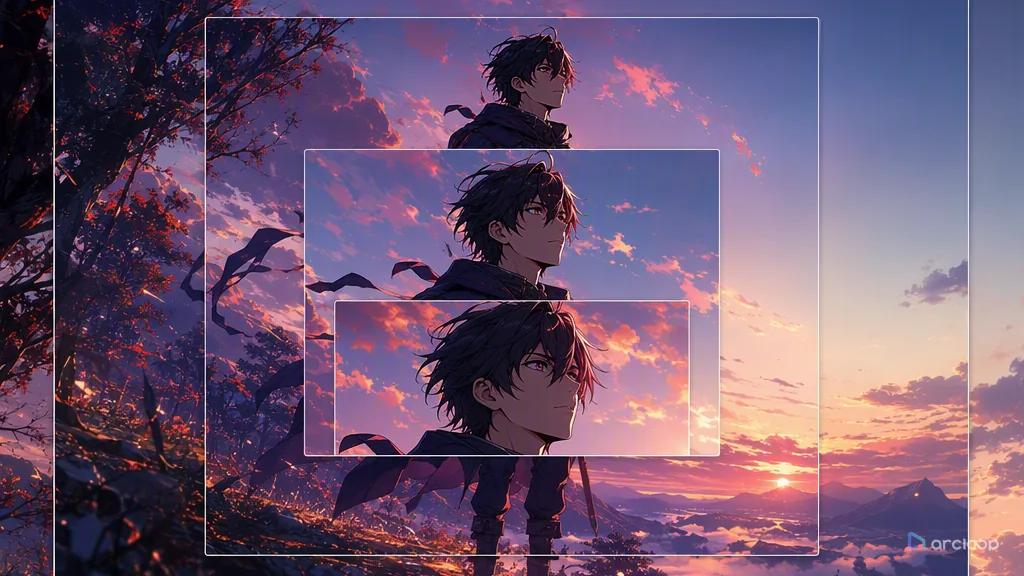
Plan camera language with references, shot cards, and one clear draft pass.
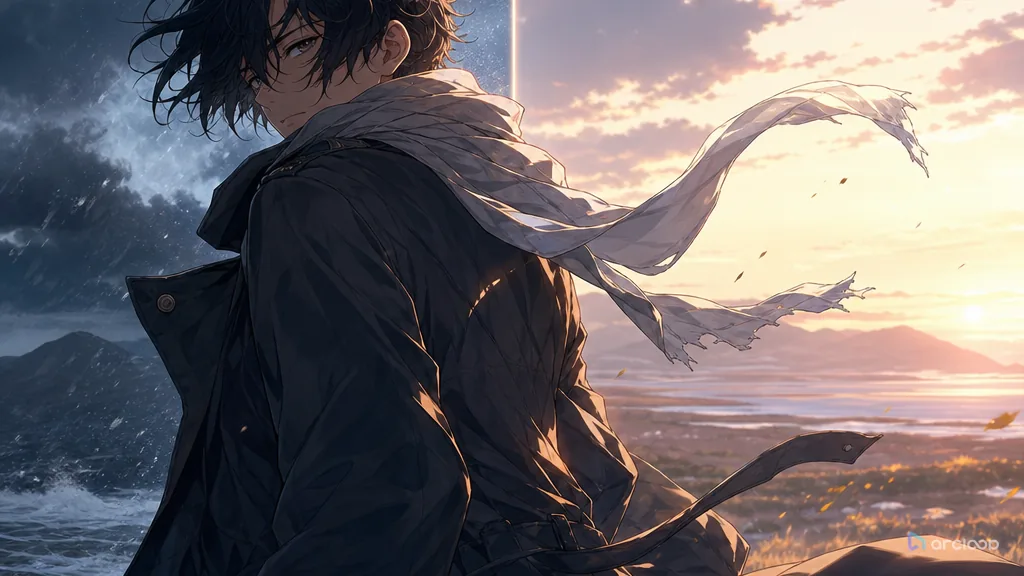
Plan clothing folds and fabric with references, shot cards, and one clear draft pass.

How to Guide Shots with the Camera Movement (Prompt Guides) explains a practical Arcloop workflow for story-first AI video creation, from planning context to reusable ...
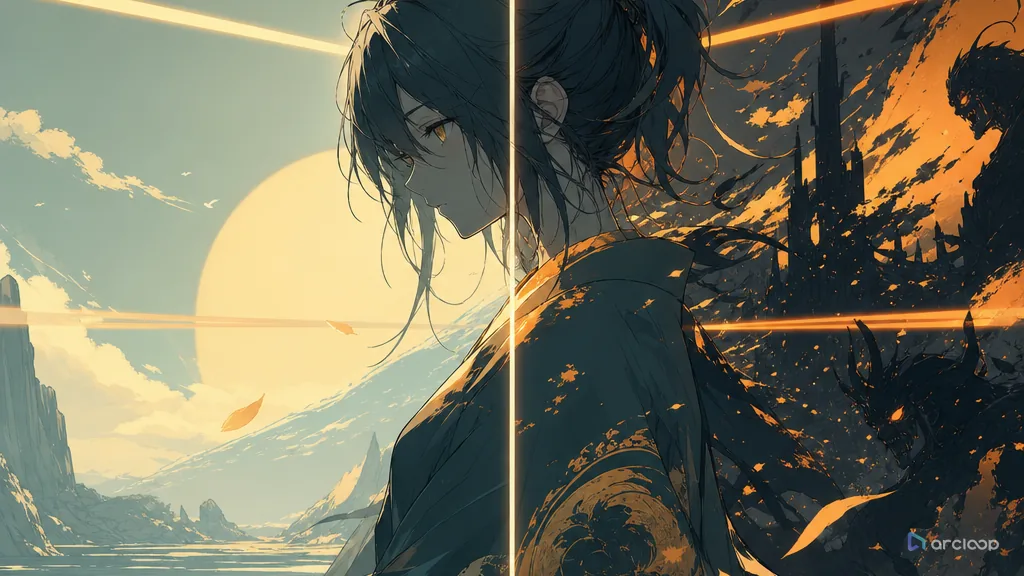
Plan palette rules with references, shot cards, and one clear draft pass.
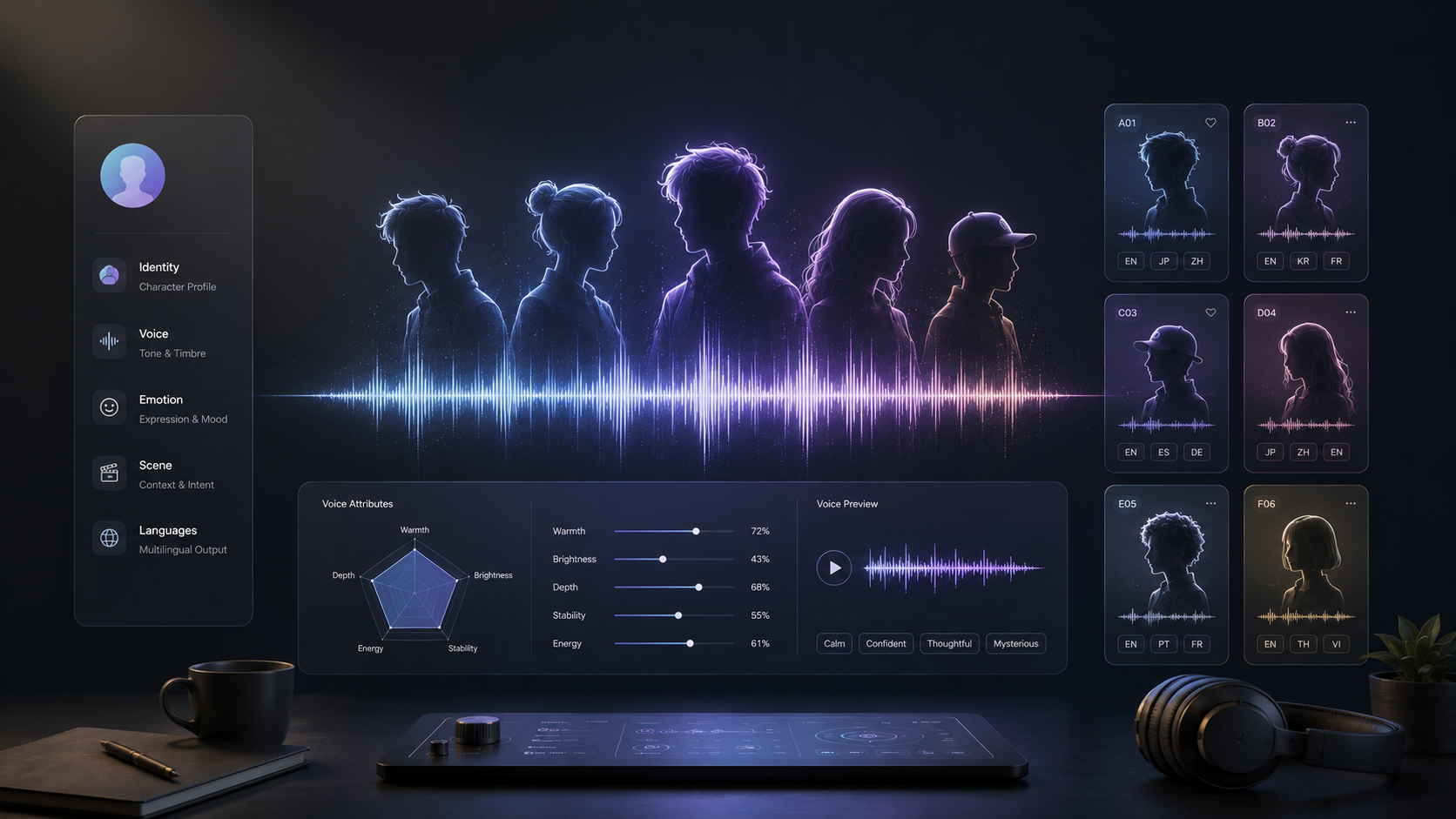
A practical character-card method plus 20 editable AI voice templates for reusable character voices.
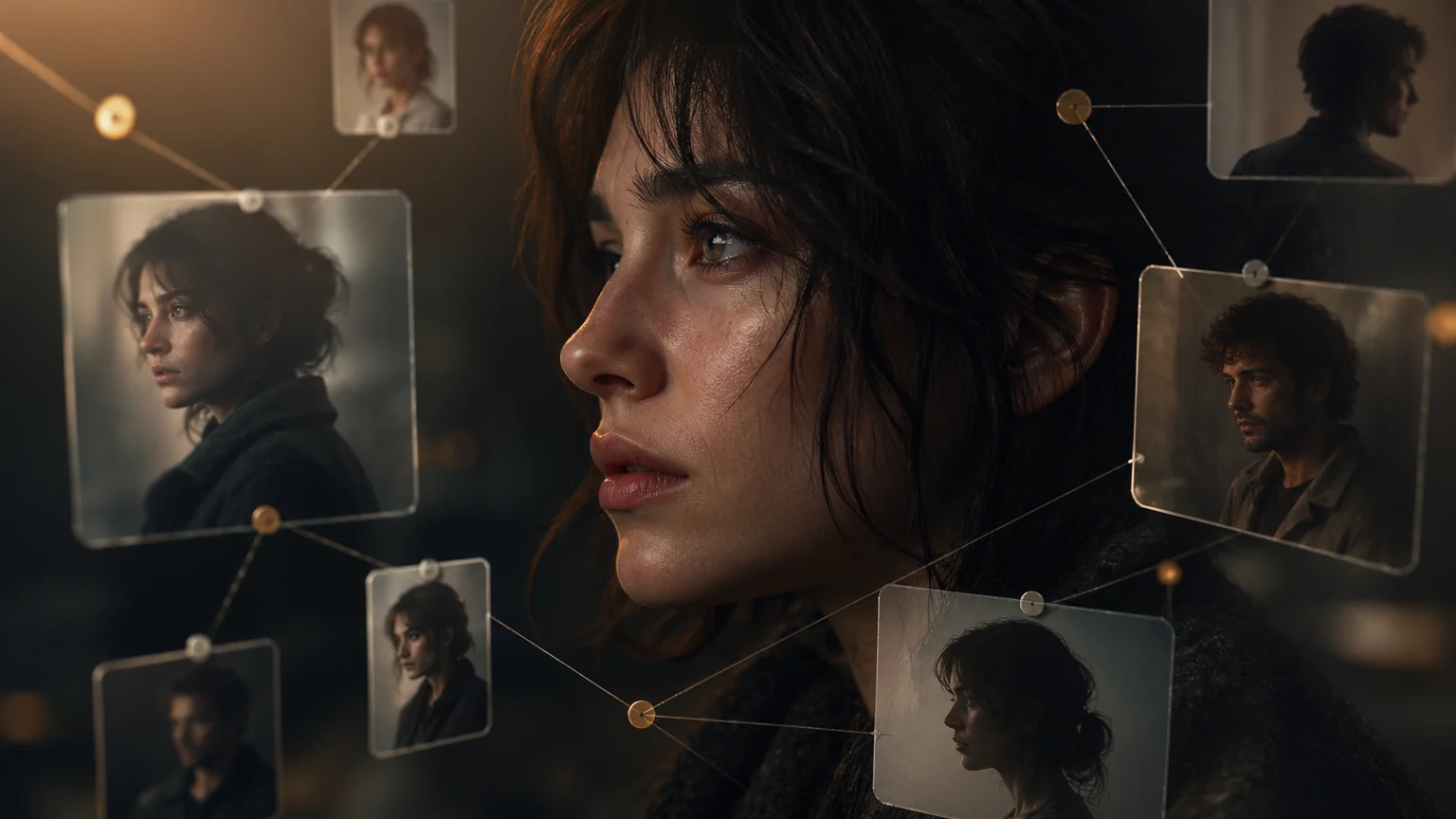
AI Character Bible for Drama Production: How to Build and Use It explains a practical Arcloop workflow for story-first AI video creation, from planning context to reus...
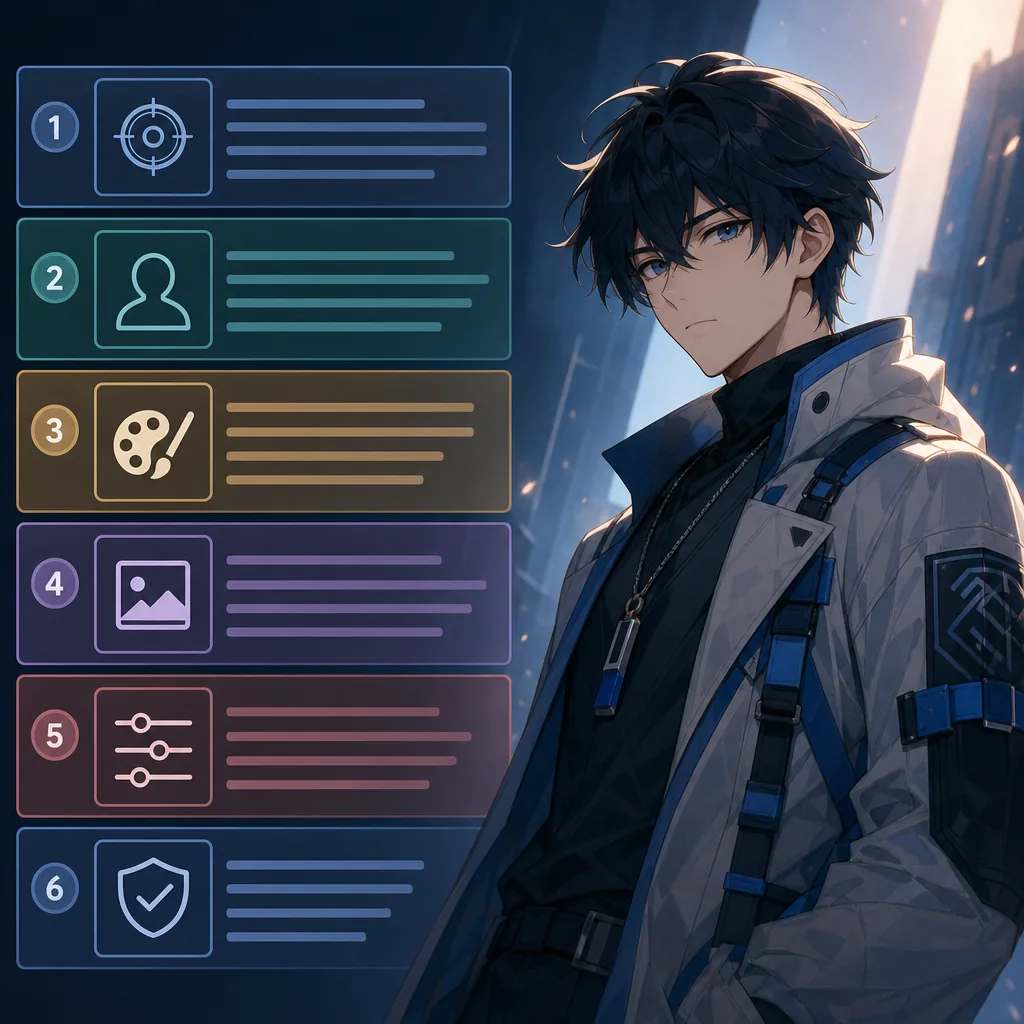
Organize prompts into six blocks so style does not overwrite identity.
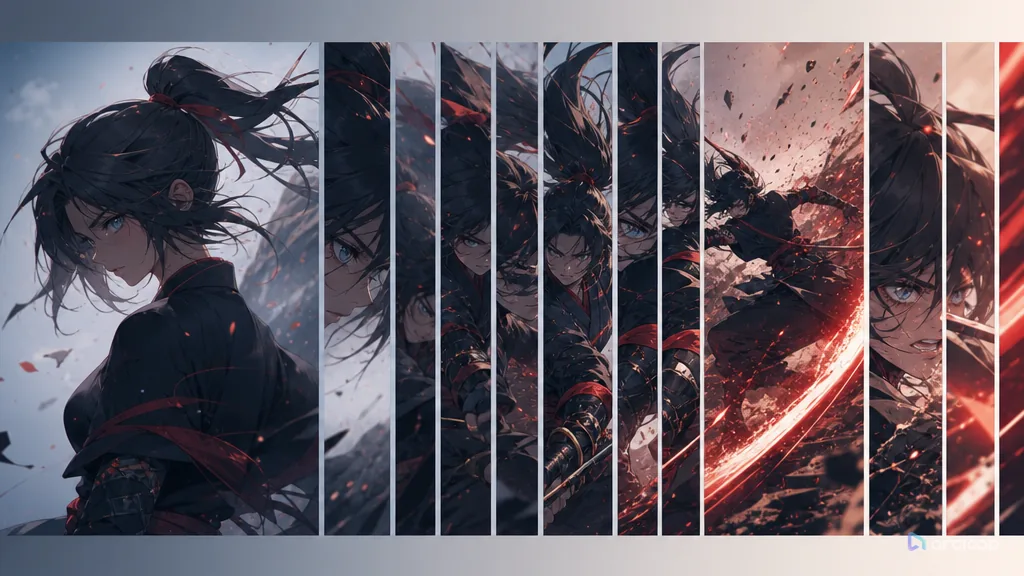
Plan duration and beats with references, shot cards, and one clear draft pass.
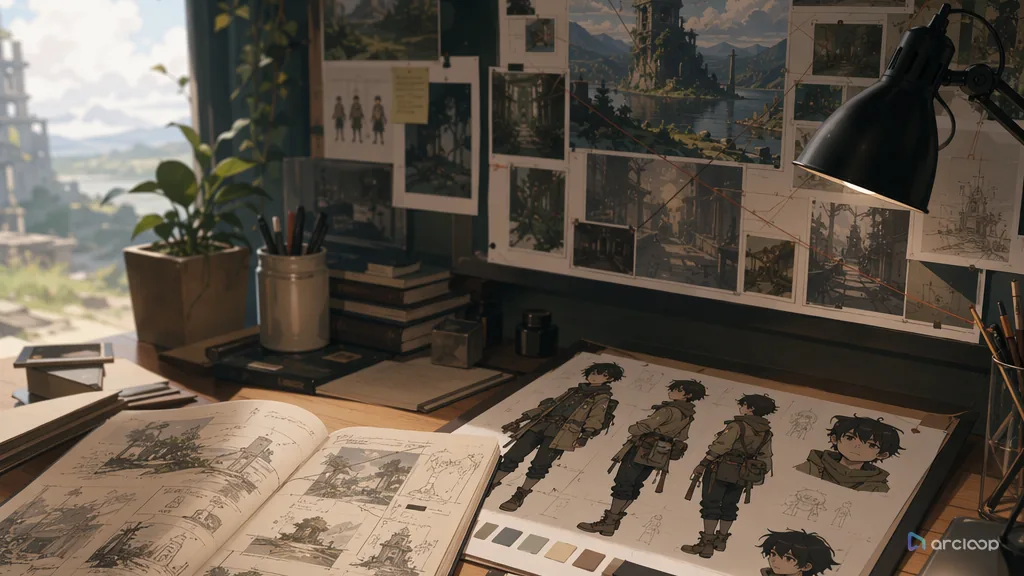
Plan environmental storytelling with references, shot cards, and one clear draft pass.
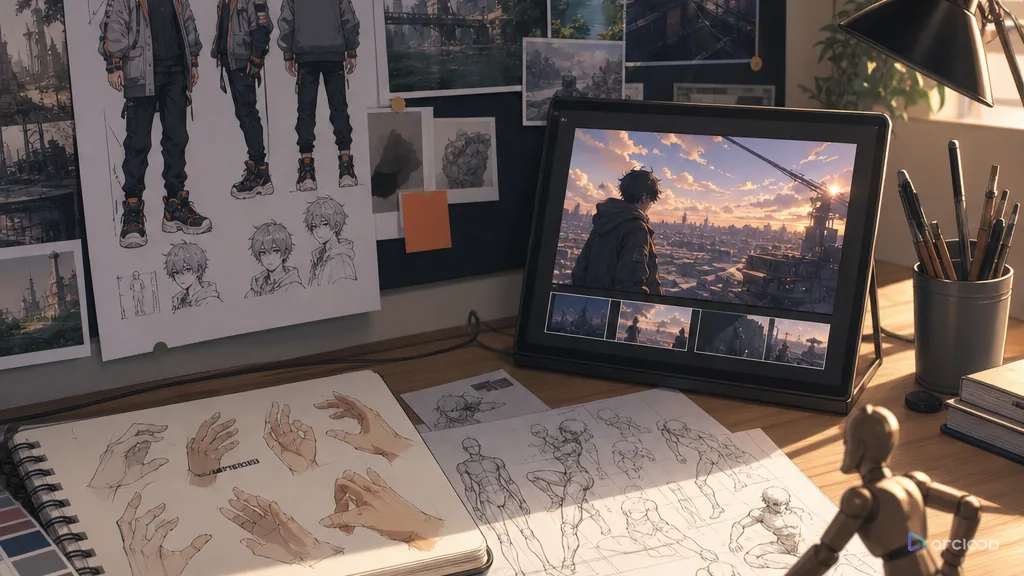
Repair AI anime hands and poses with clearer gestures, prop grips, and body weight.
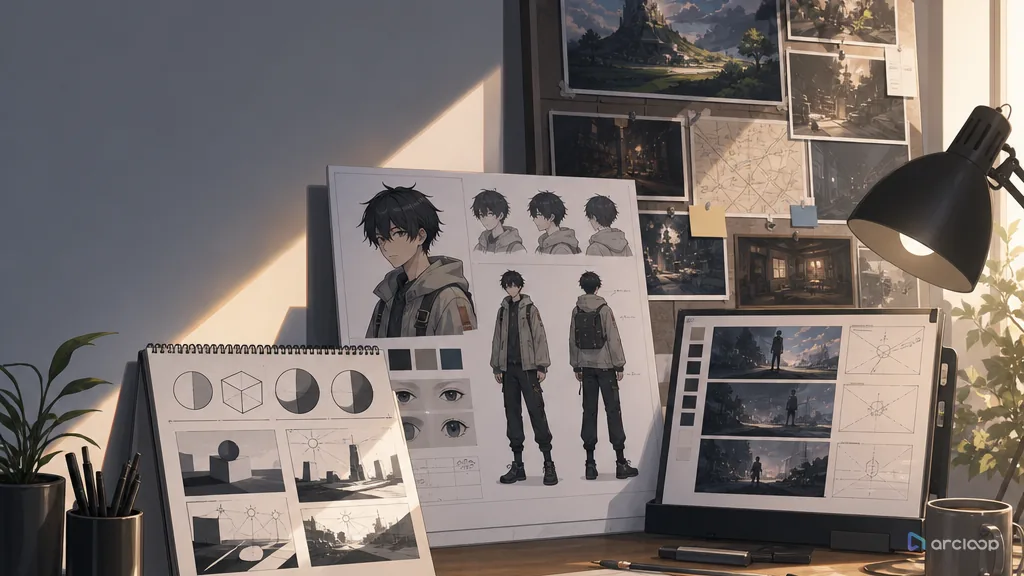
Plan lighting logic with references, shot cards, and one clear draft pass.
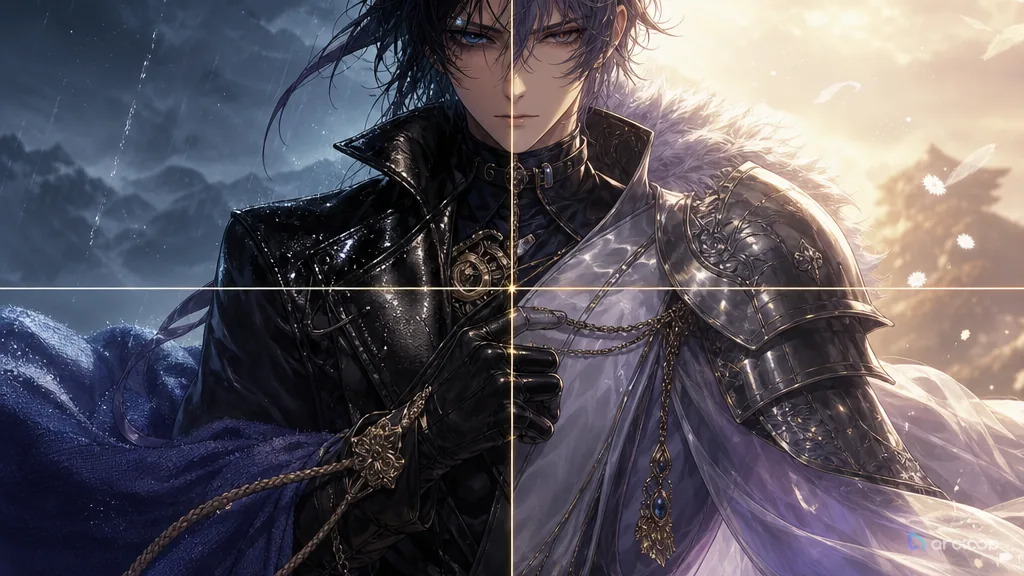
Plan material texture with references, shot cards, and one clear draft pass.
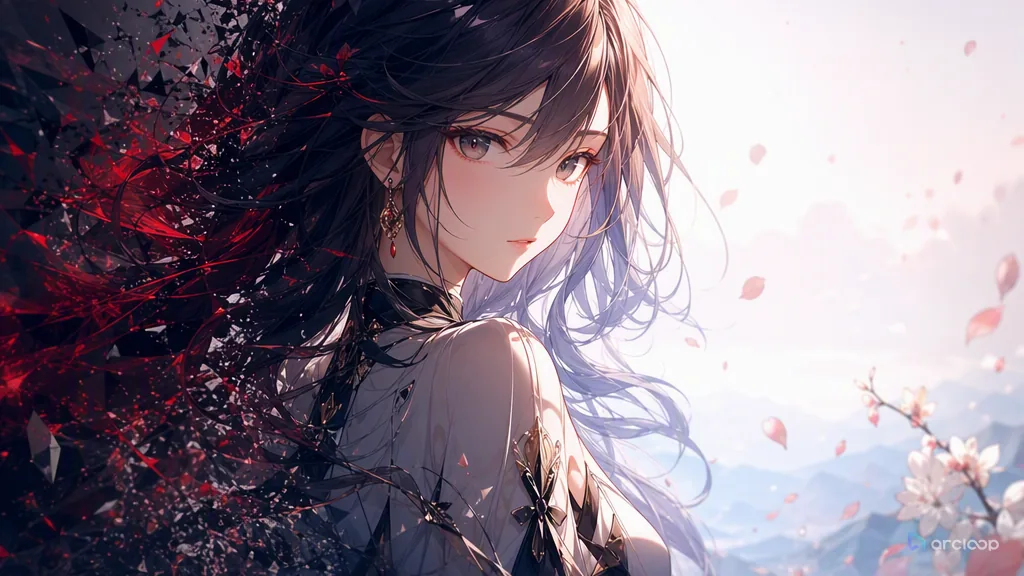
Plan negative constraints with references, shot cards, and one clear draft pass.
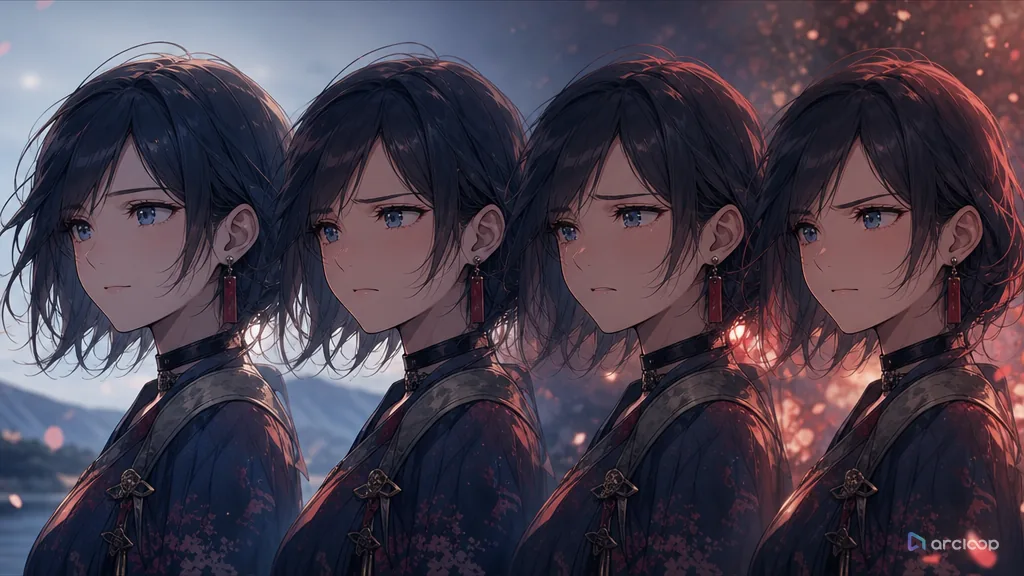
Plan subtle expression with references, shot cards, and one clear draft pass.

Separate the requested change from a concrete preservation list and keep approved versions across editing rounds.
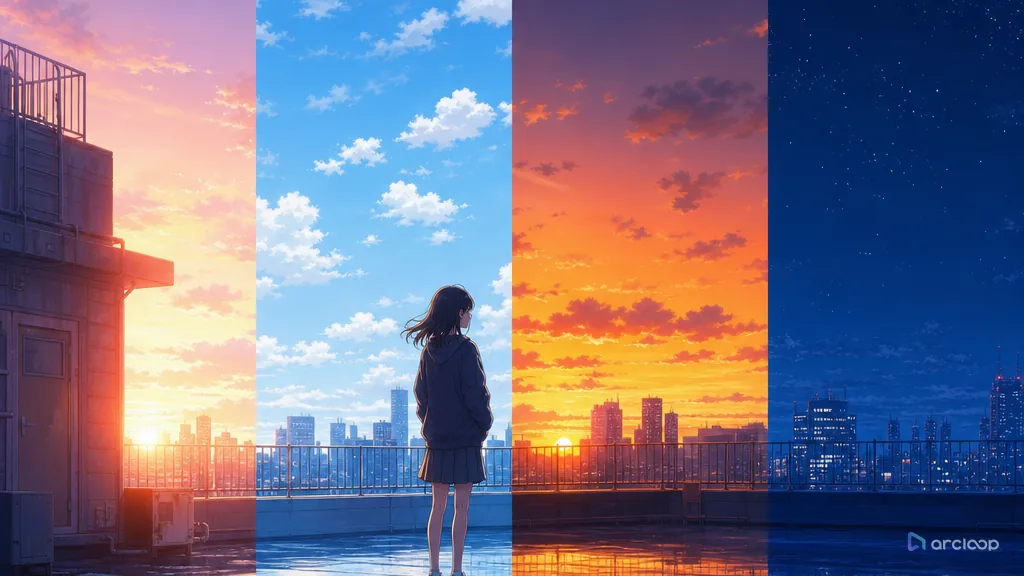
Plan time-of-day color with references, shot cards, and one clear draft pass.
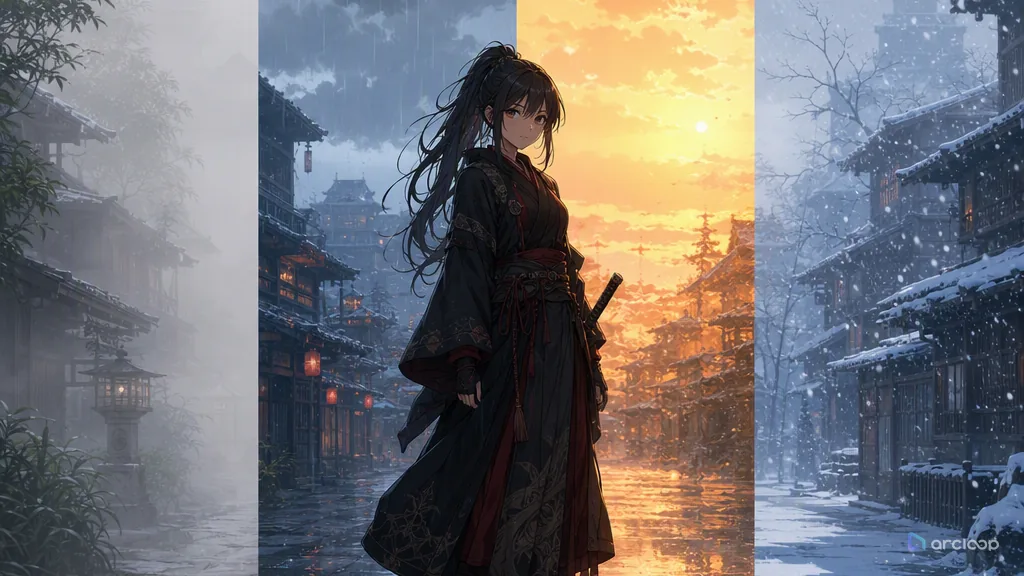
Plan weather and atmosphere with references, shot cards, and one clear draft pass.
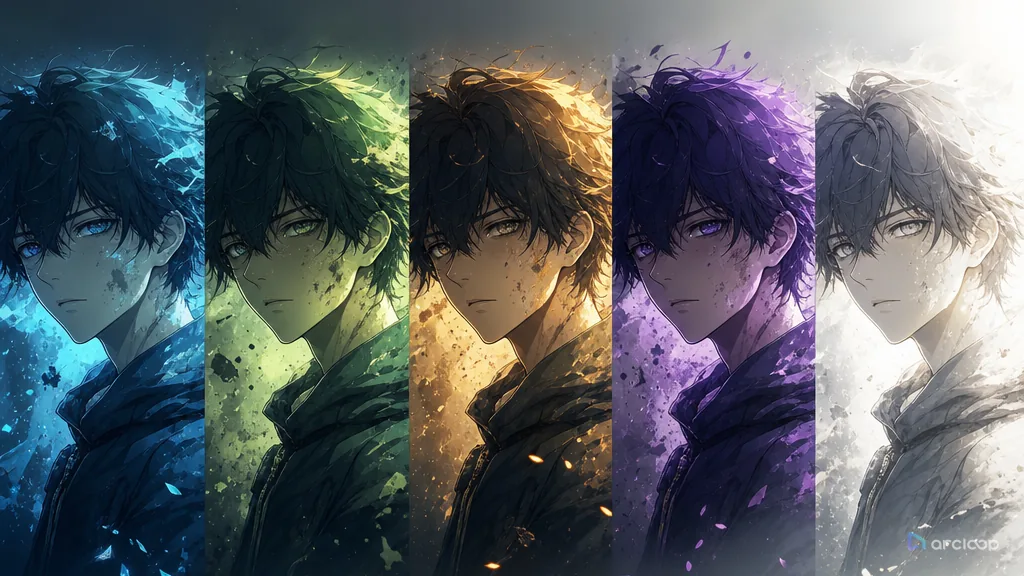
Build an emotion palette map that keeps which colors mark safety, tension, intimacy, threat, or release visible while you generate and review shots.
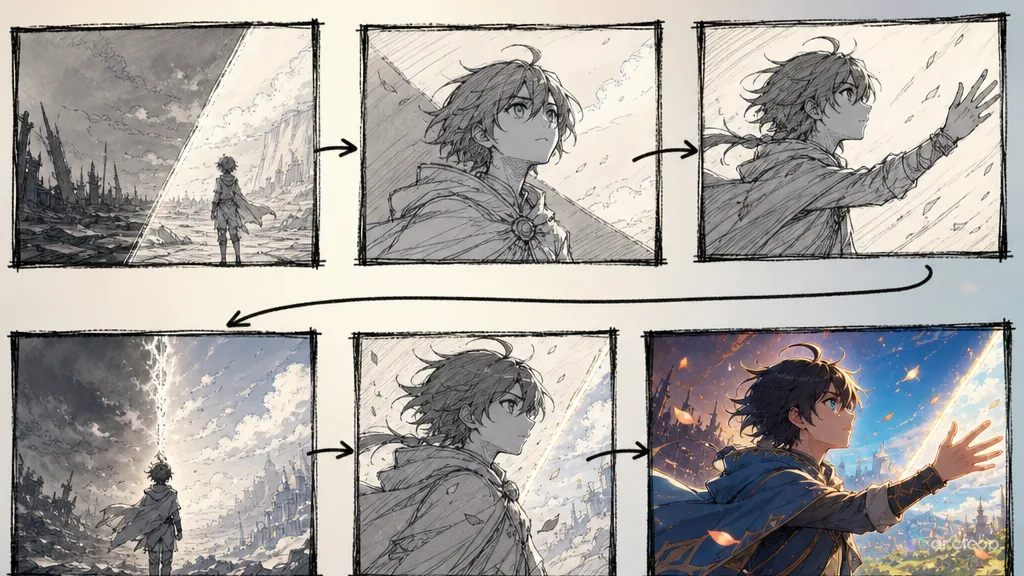
Route script-to-video through a workable storyboard first, and cut down on random generations and post-production rework.

Meet Arcloop Canvas, a limitless visual workspace for AI creative production. Bring images, videos, audio, and story assets onto one canvas, and build your next idea with...
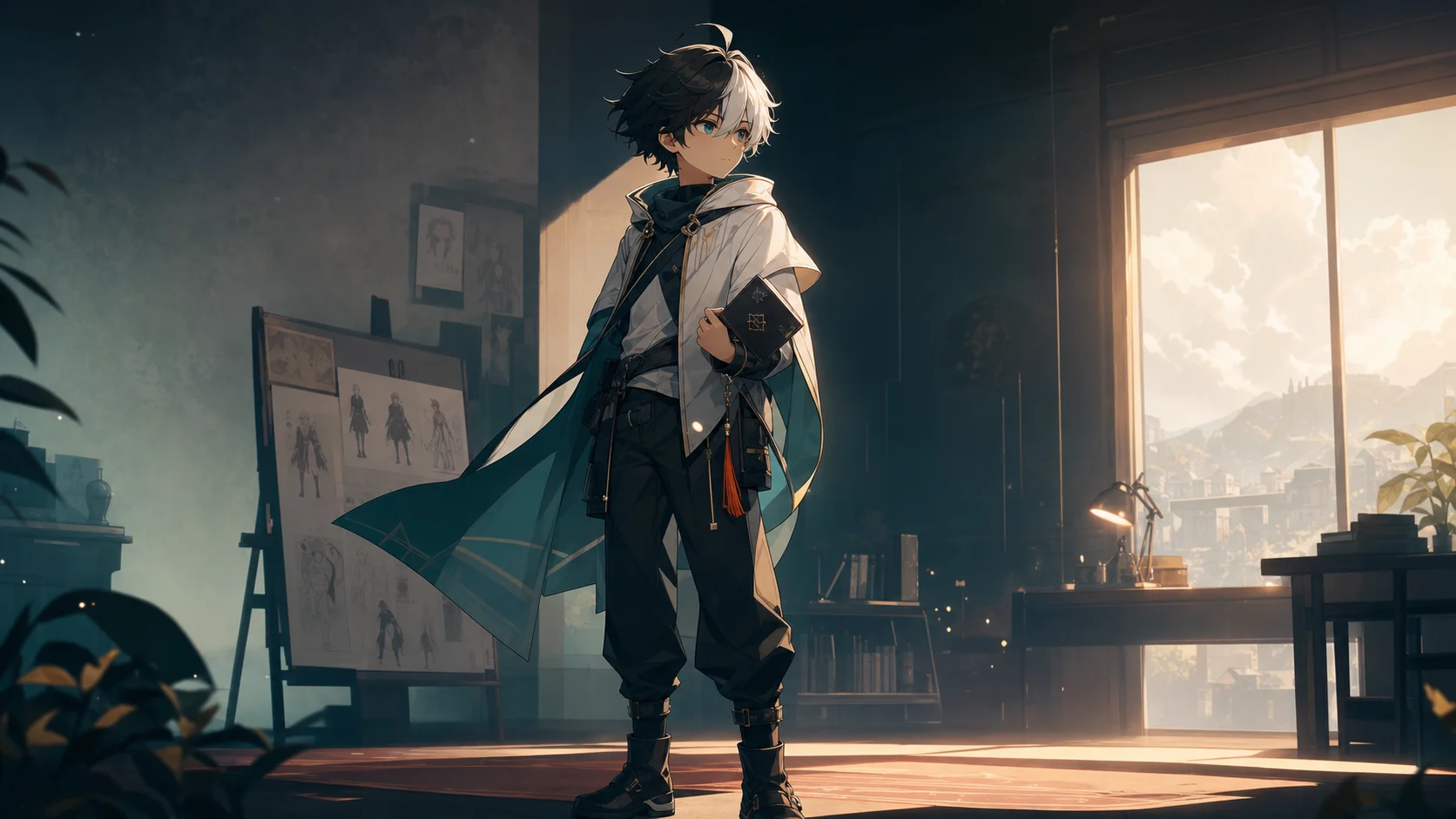
Anime OC Maker for AI Short Series explains a practical Arcloop workflow for story-first AI video creation, from planning context to reusable production assets.
Plan avatar readability with references, shot cards, and one clear draft pass.
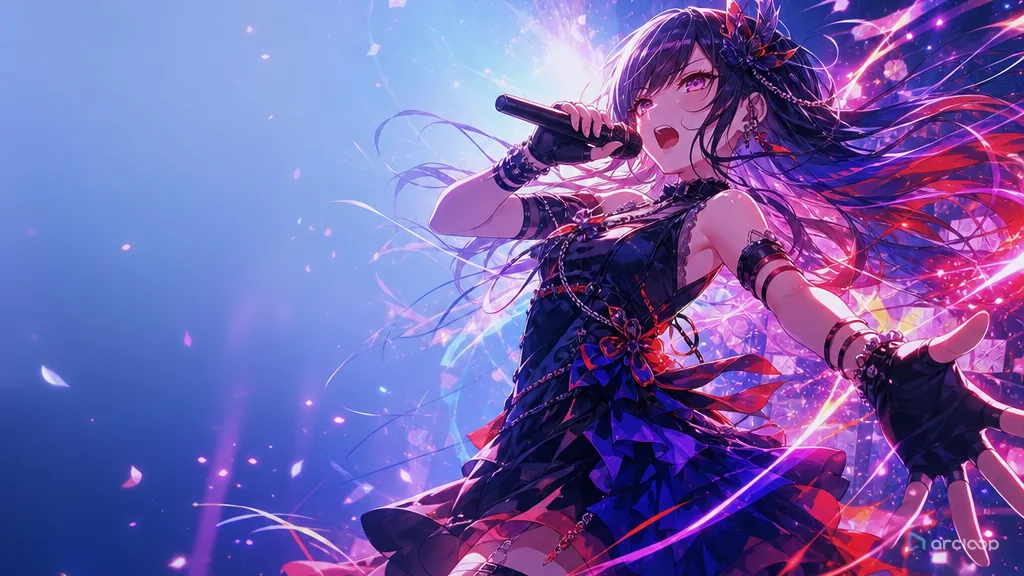
Plan music-video rhythm with references, shot cards, and one clear draft pass.

Plan anime OP and ED title sequences with clear motifs, rhythm, and emotional payoff.
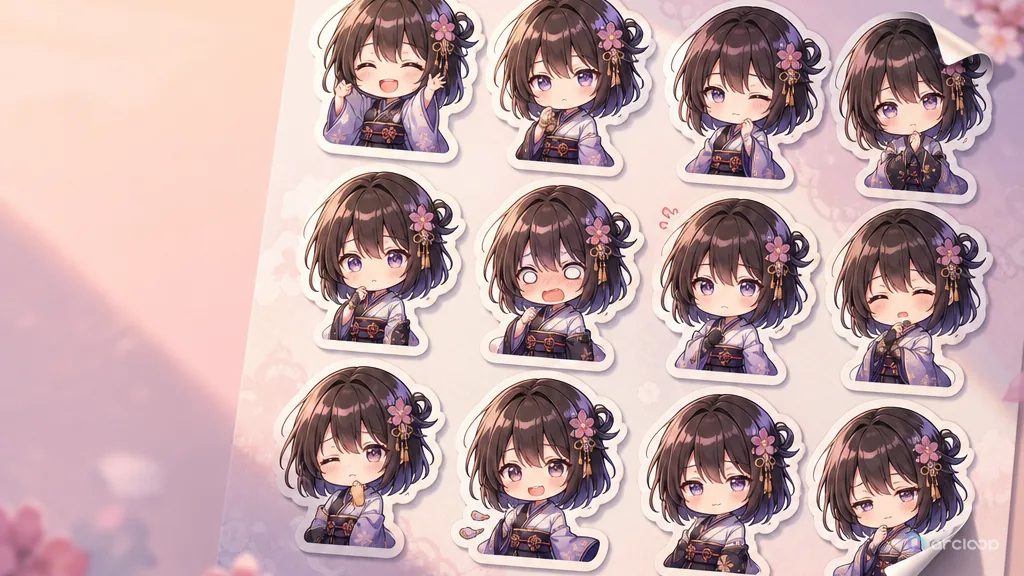
Plan sticker expression design with references, shot cards, and one clear draft pass.
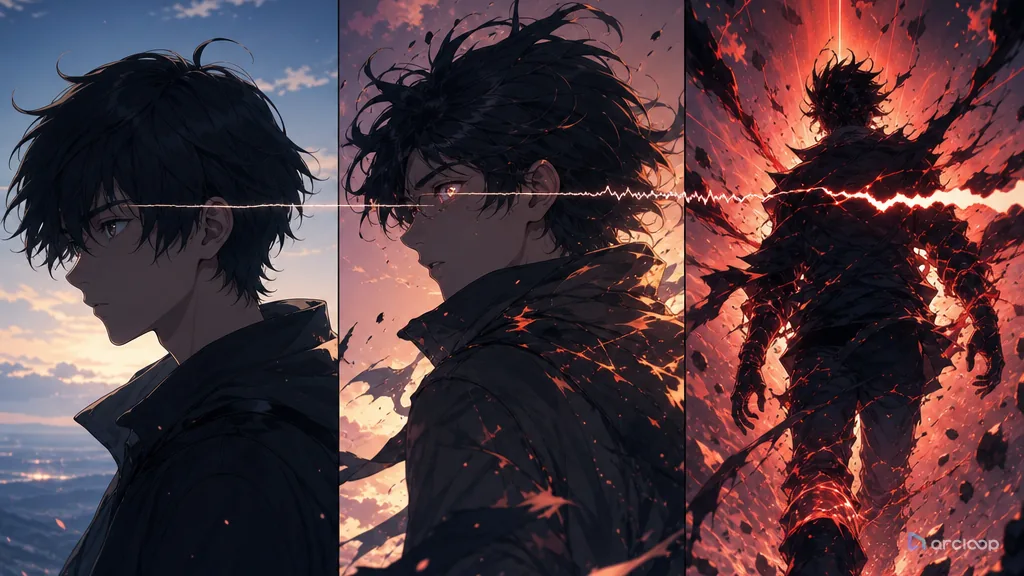
Plan trailer structure with references, shot cards, and one clear draft pass.
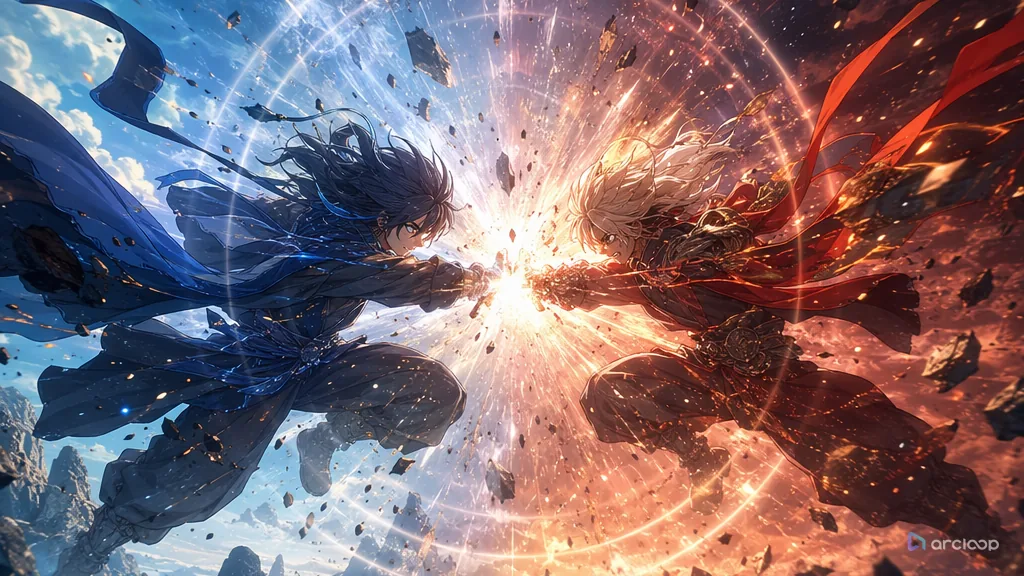
Plan battle scene staging with references, shot cards, and one clear draft pass.
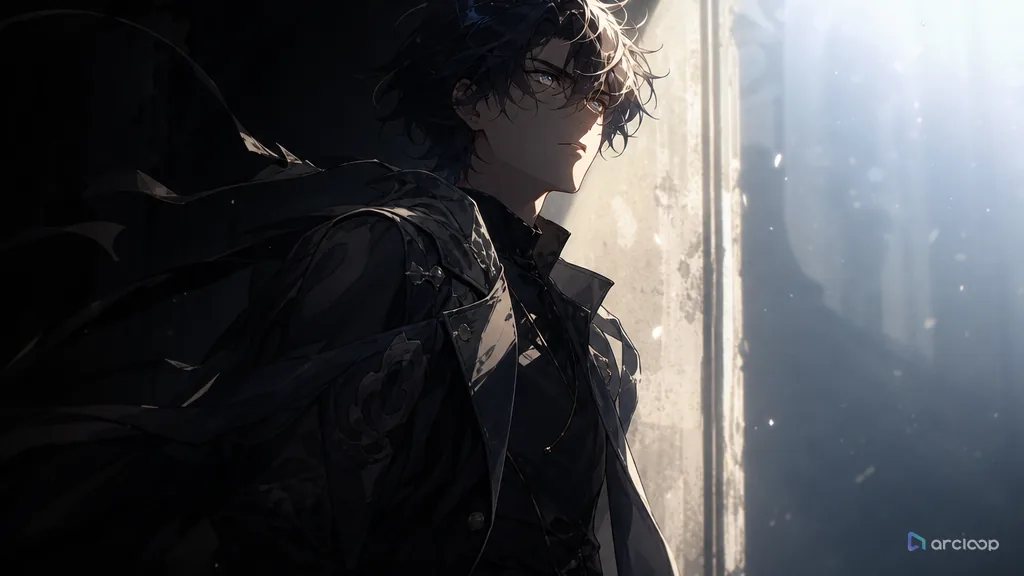
Plan first appearance staging with references, shot cards, and one clear draft pass.
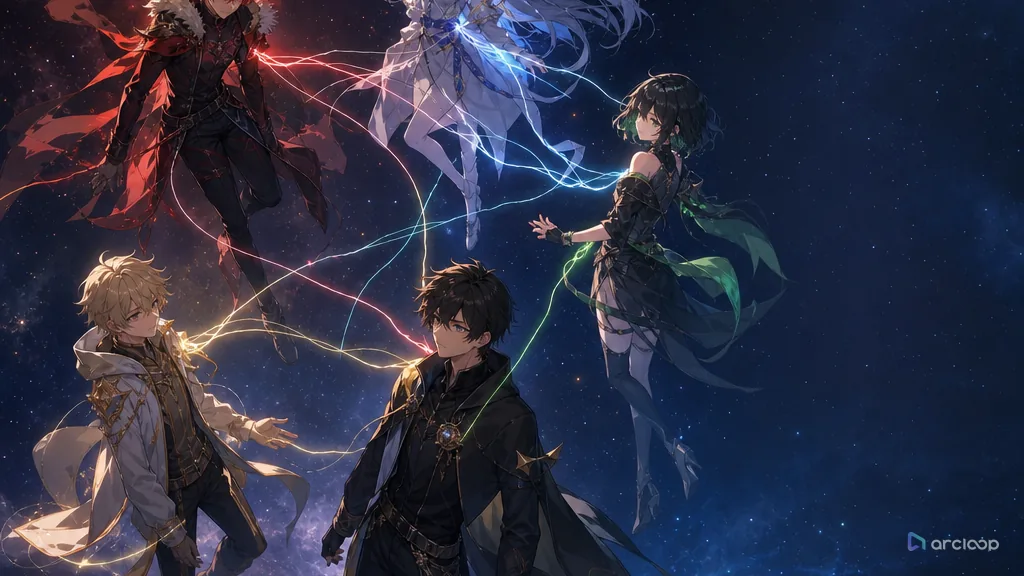
Plan relationship chart design with references, shot cards, and one clear draft pass.
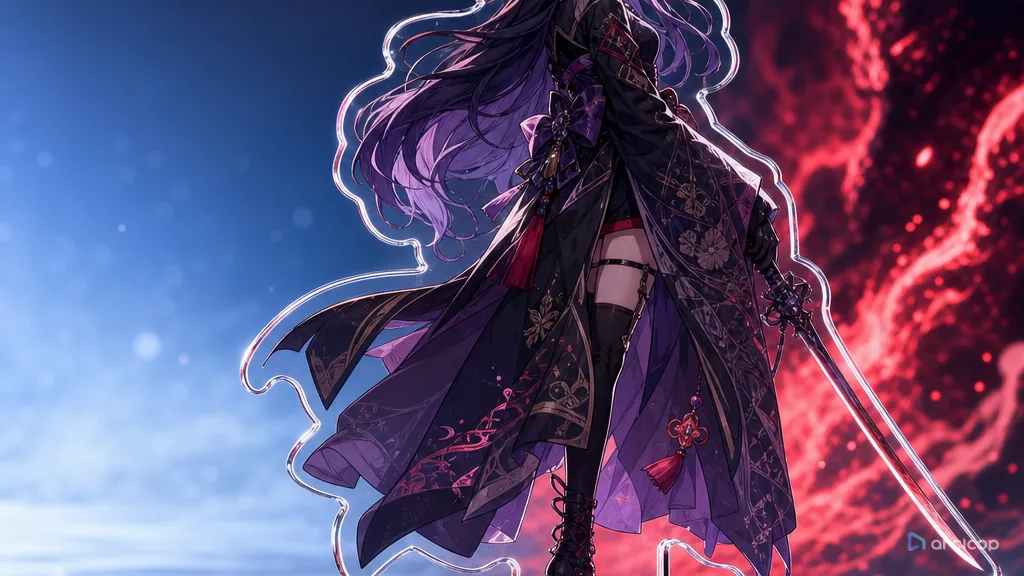
Plan standing art with references, shot cards, and one clear draft pass.
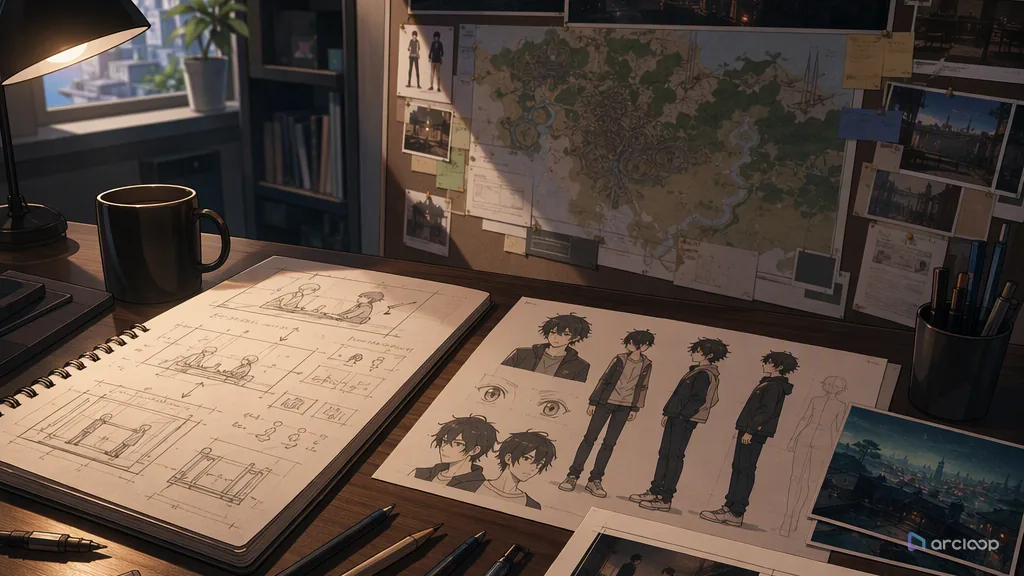
Plan dialogue scene staging with references, shot cards, and one clear draft pass.
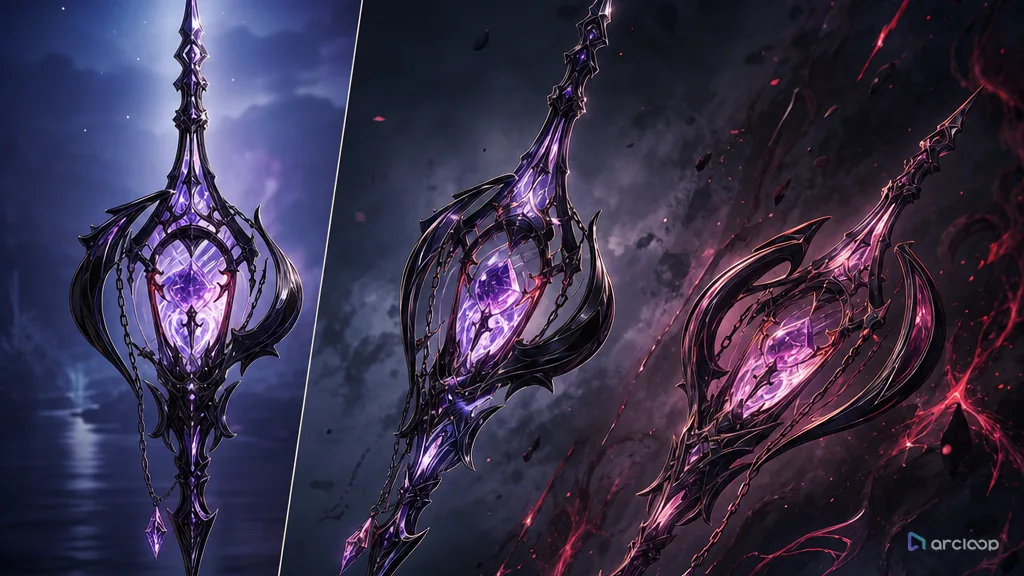
Plan prop design with references, shot cards, and one clear draft pass.
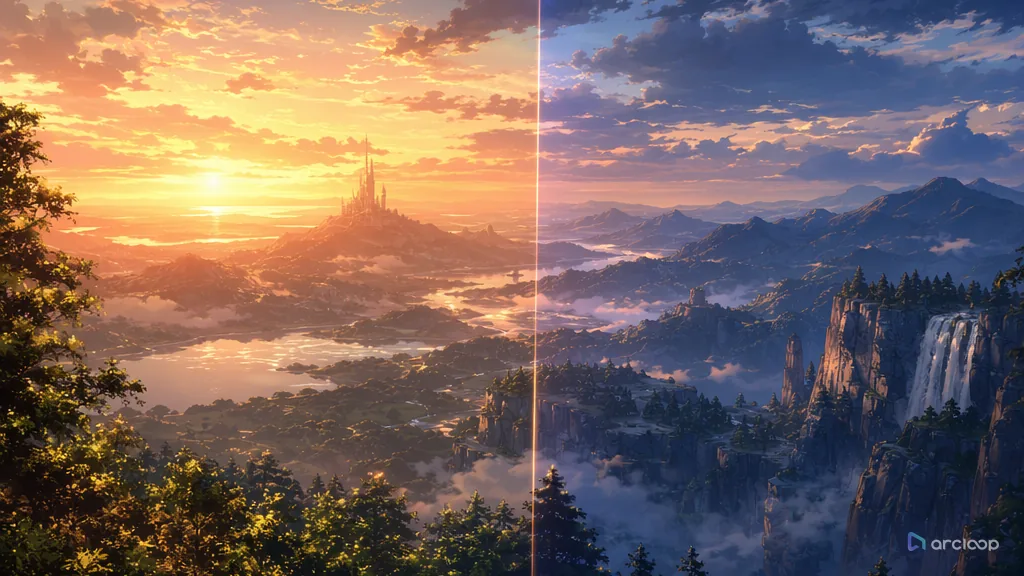
Plan scene concept art with references, shot cards, and one clear draft pass.
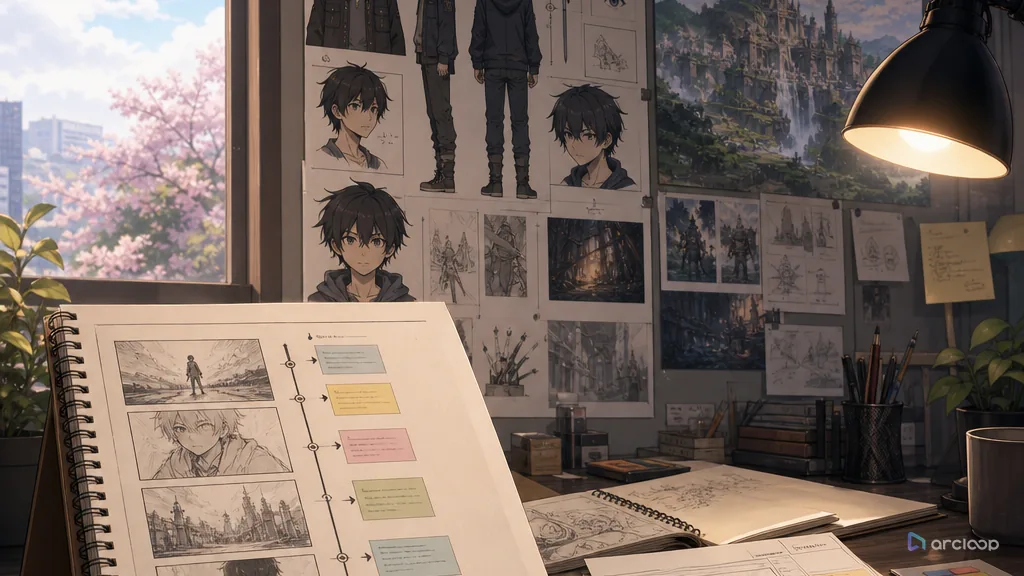
Plan single-episode short structure with references, shot cards, and one clear draft pass.
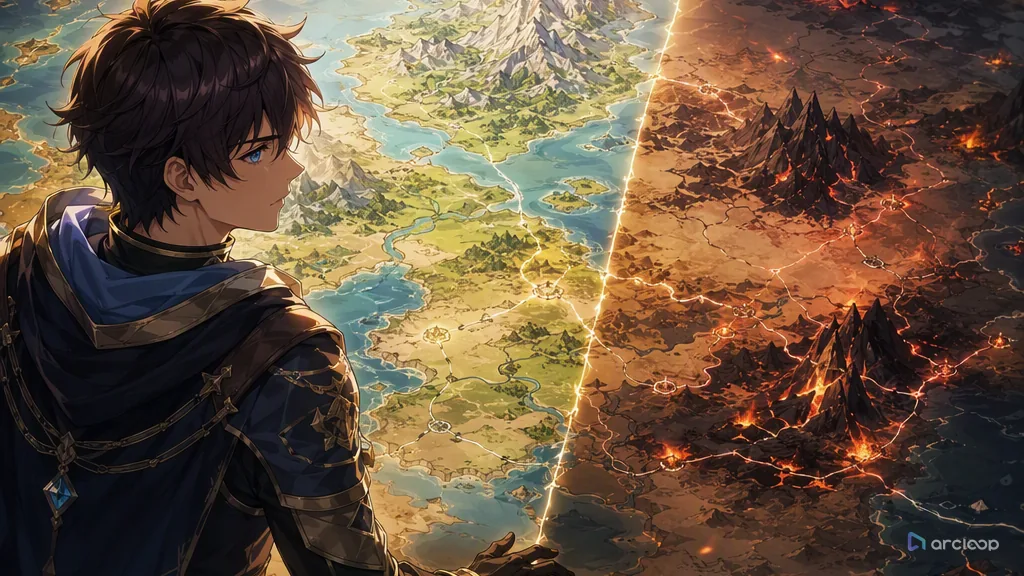
Plan anime world map prompt with references, shot cards, and one clear draft pass.
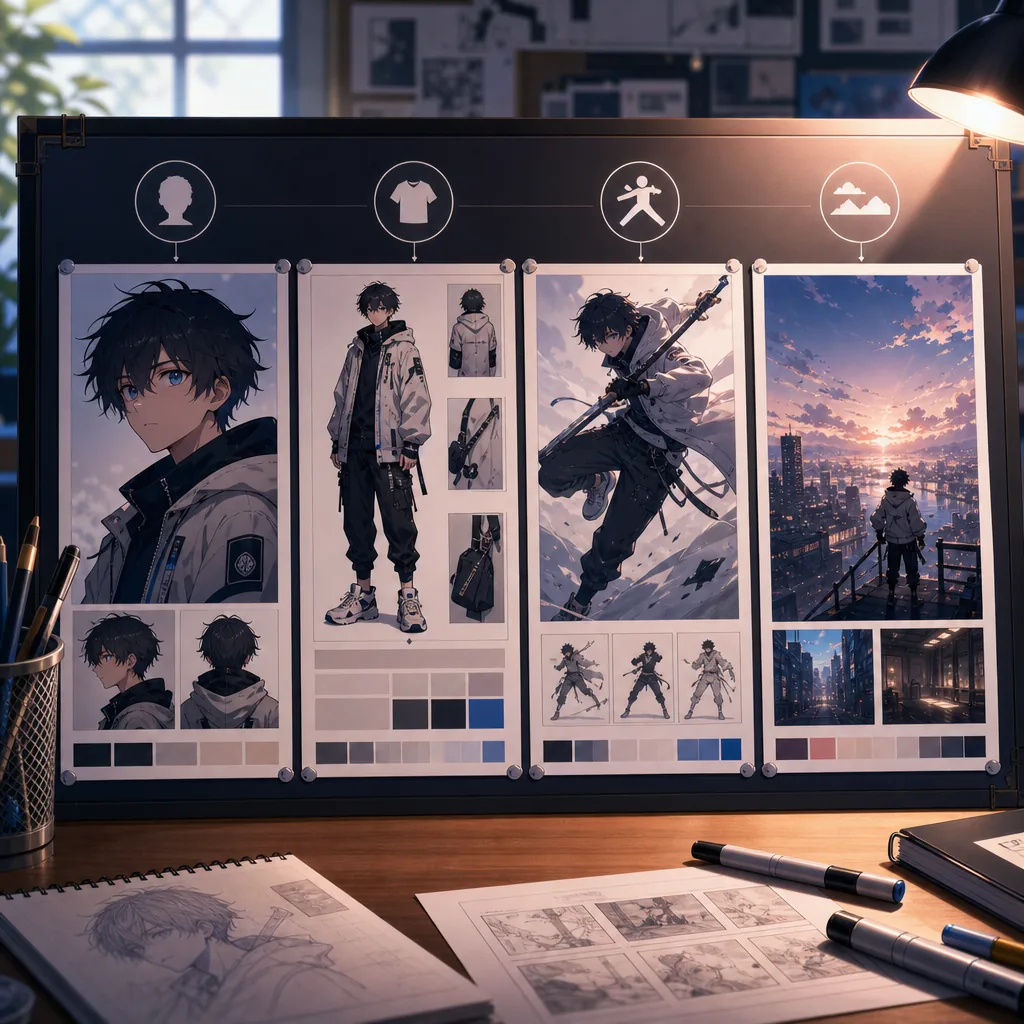
Use the right reference type for identity, clothing, pose, scene, and continuity.
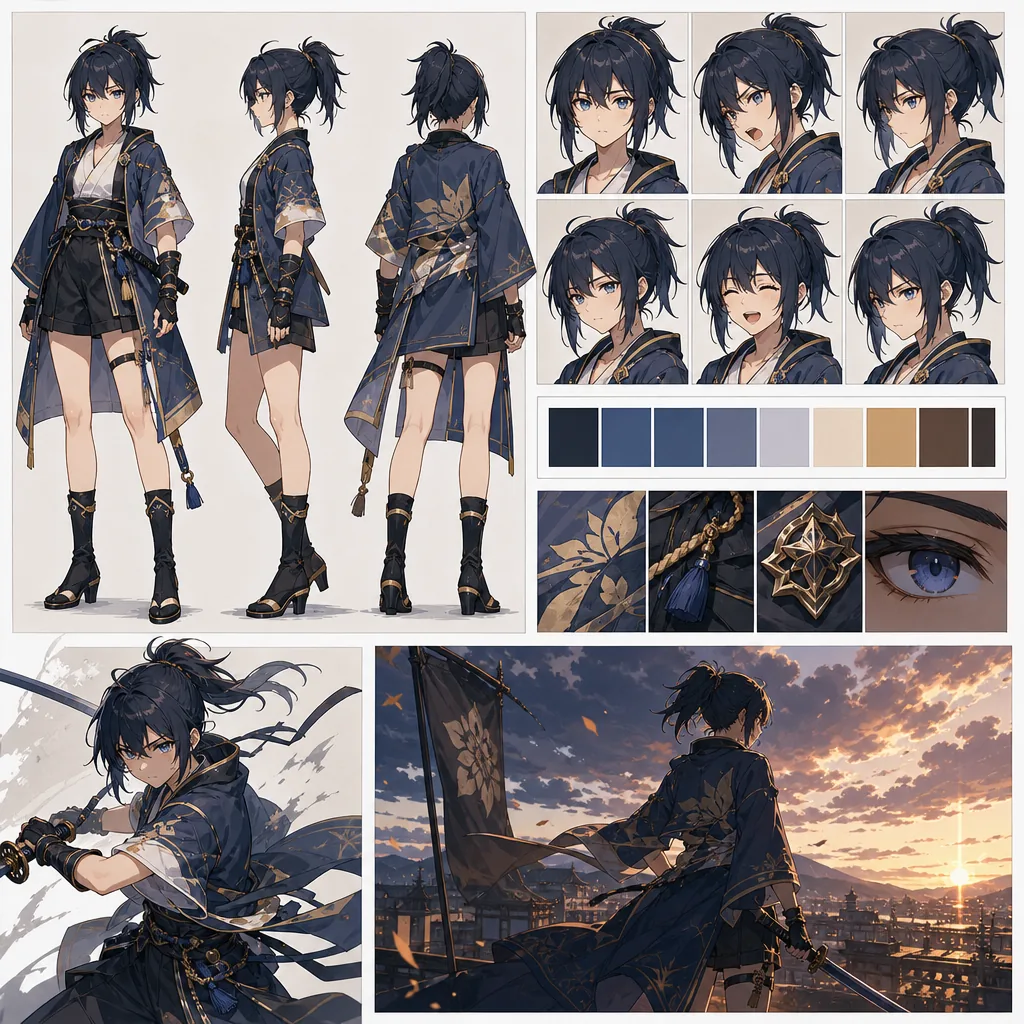
Turn character consistency from a prompt problem into a reference workflow.
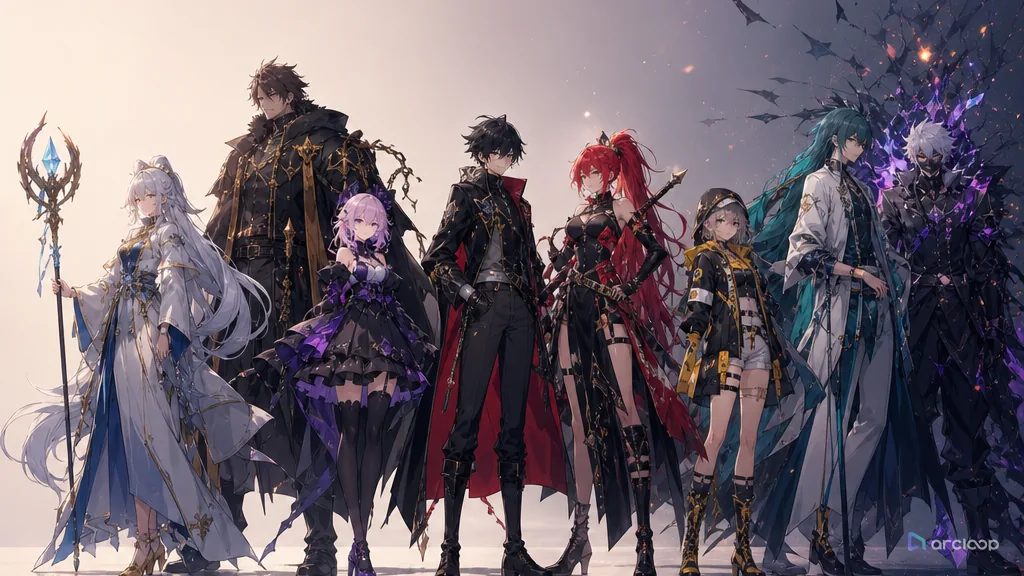
Plan a cast where every lead and supporting character has a visible story job.
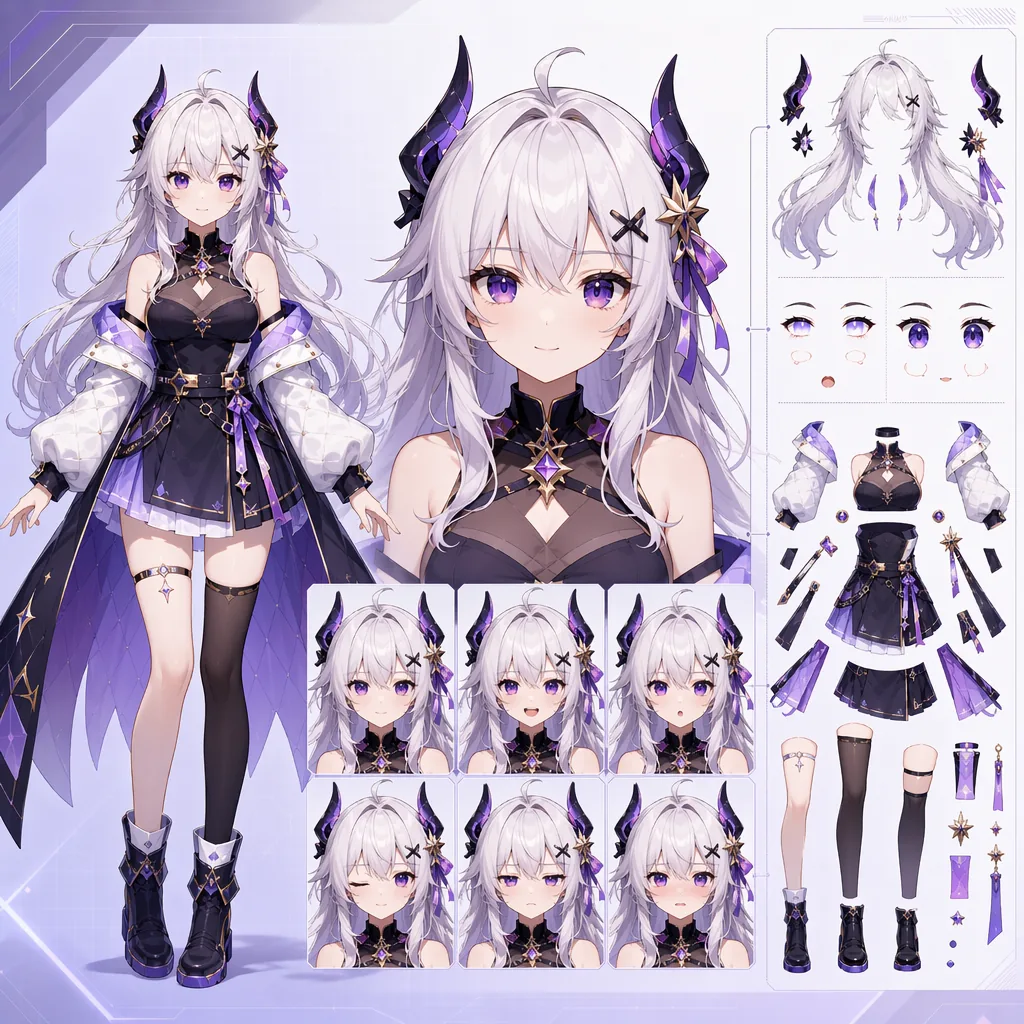
Design anime avatar sheets that are easier to rig, emote, and reuse.
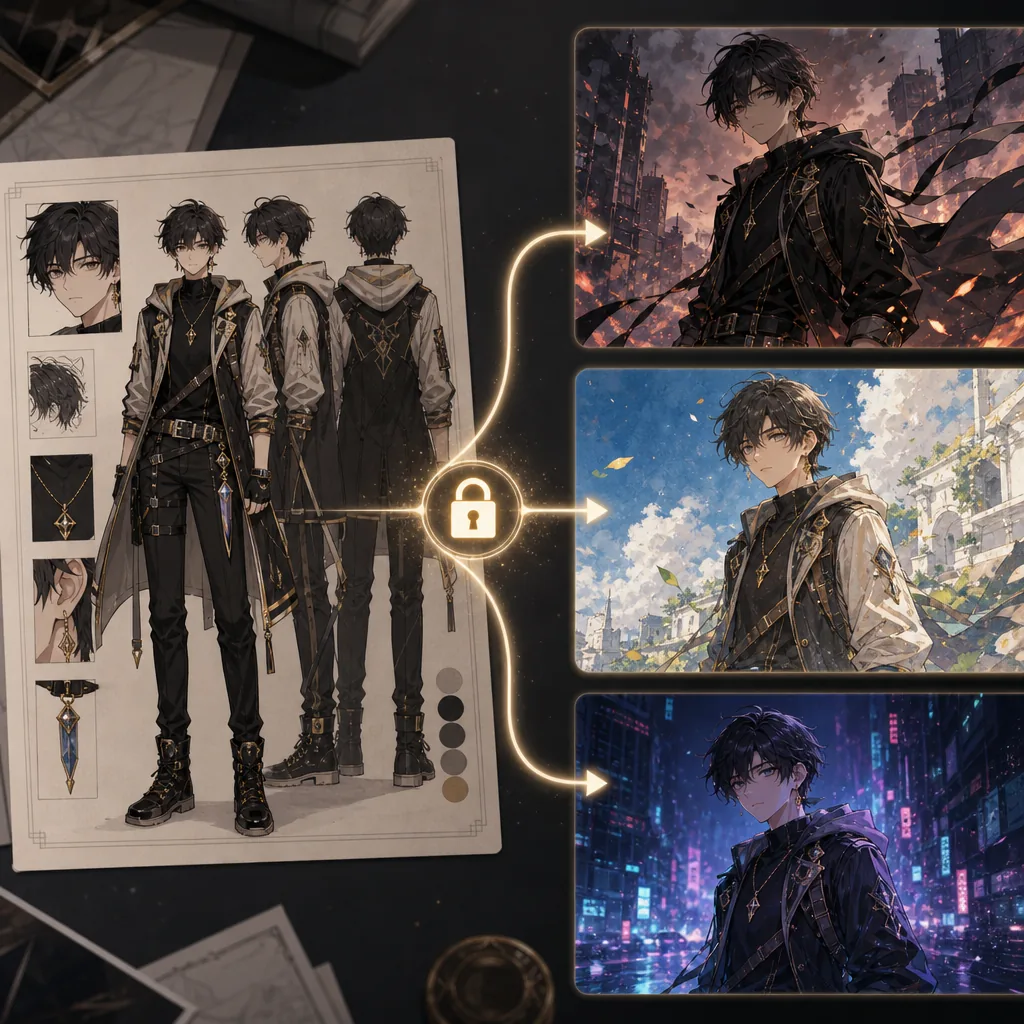
Keep the same OC while testing new visual styles.
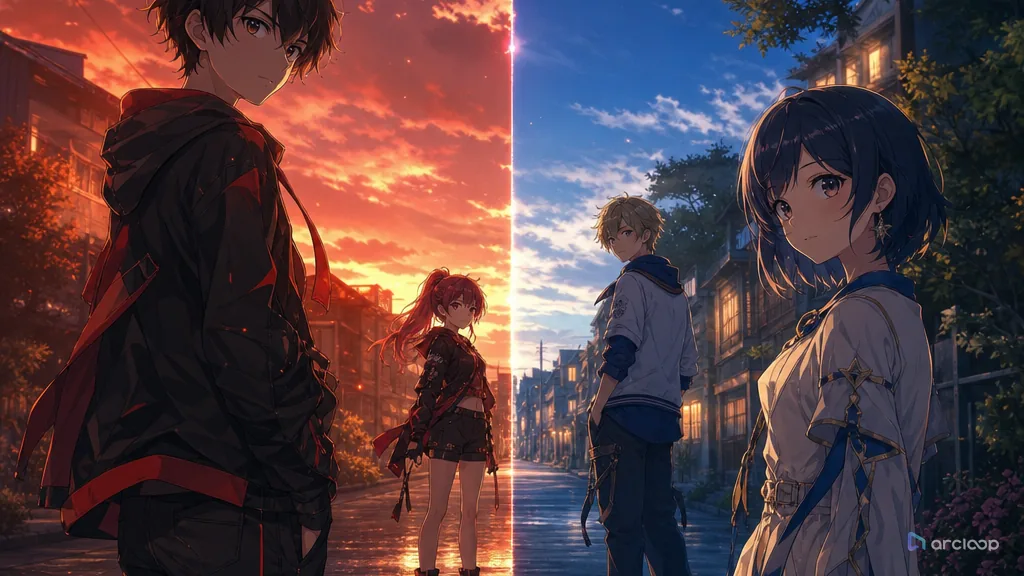
Keep multiple anime characters readable in one frame with clear roles, spacing, and distinction anchors.
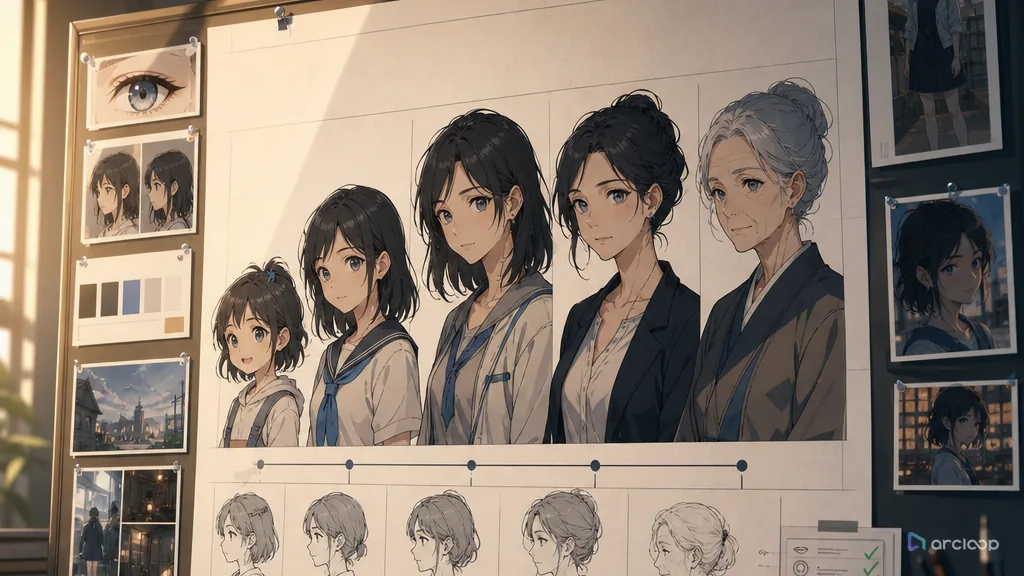
Build an age-span sheet that keeps which identity anchors persist and which features evolve with age visible while you generate and review shots.
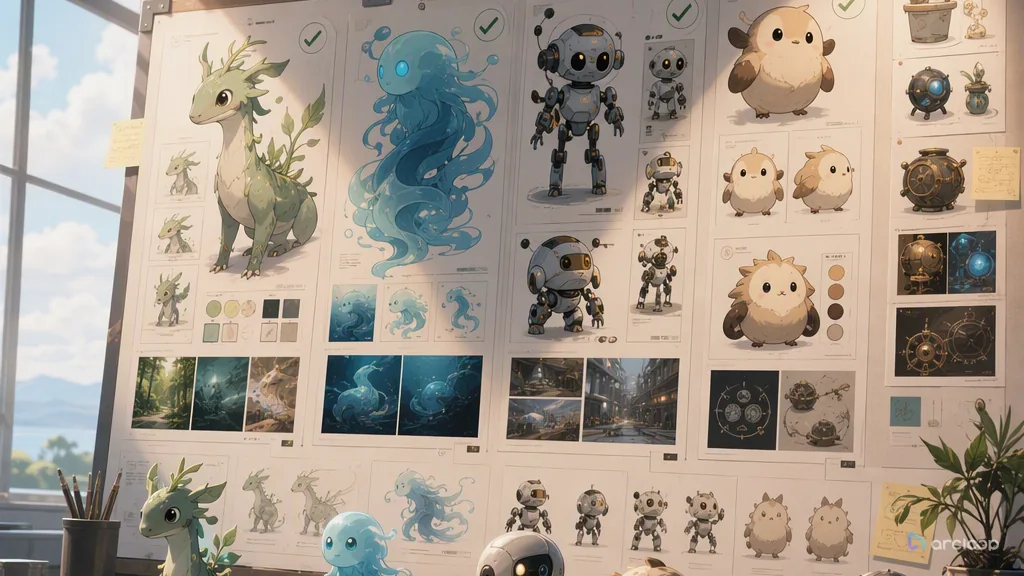
Build a nonhuman design rule that keeps how shape language, motion, eyes, materials, and sound express personality visible while you generate and review shots.
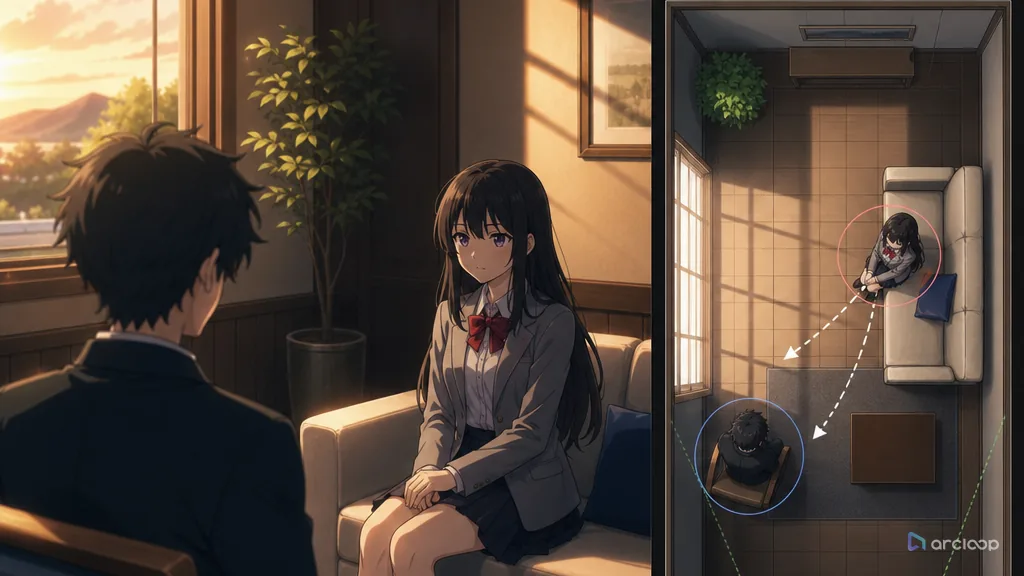
Keep characters in the same physical relationship when the camera changes.
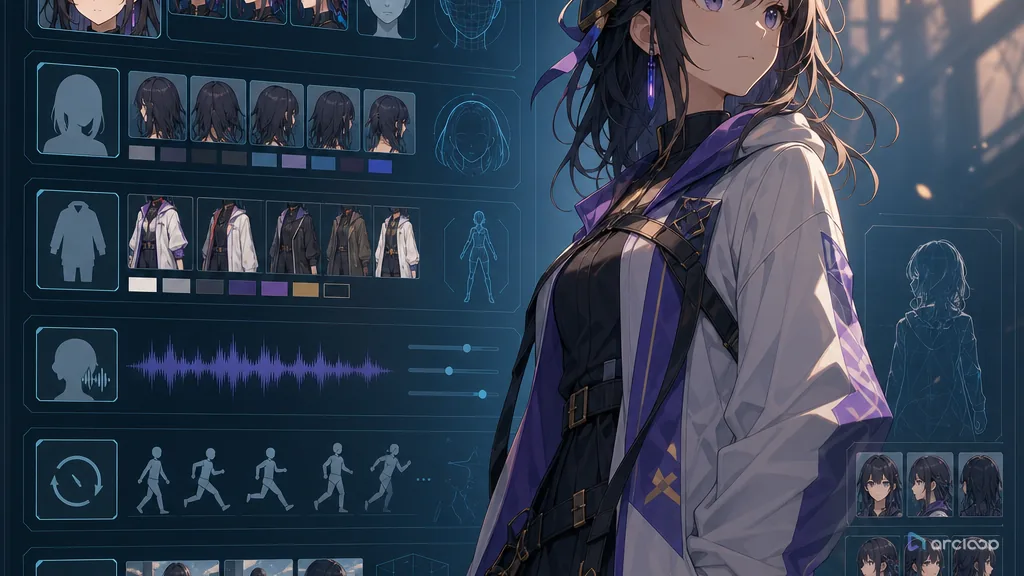
Turn a character idea into reusable fields that can guide shots, voice, wardrobe, and review.
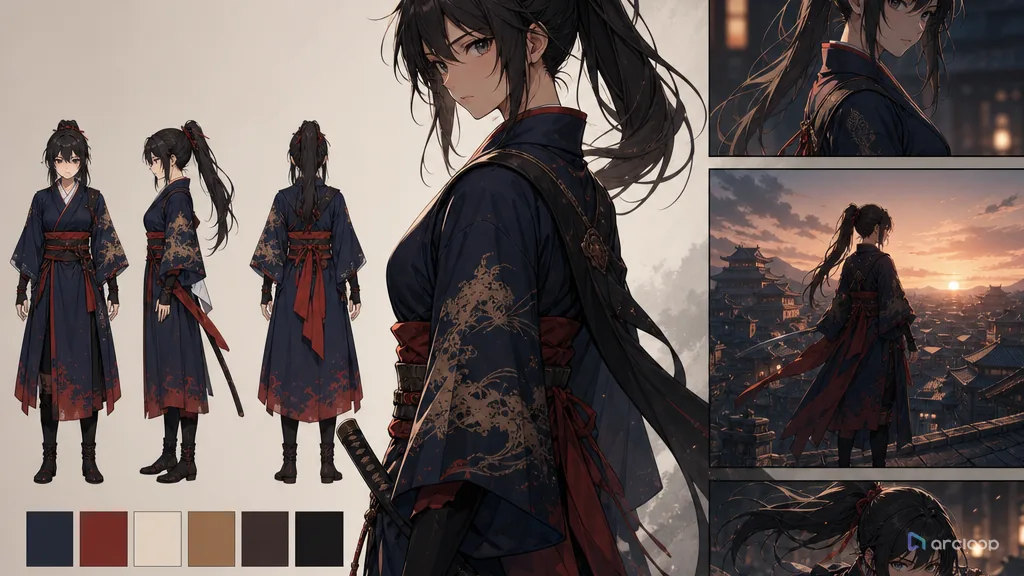
Stop outfits from changing color, shape, or story logic between shots.
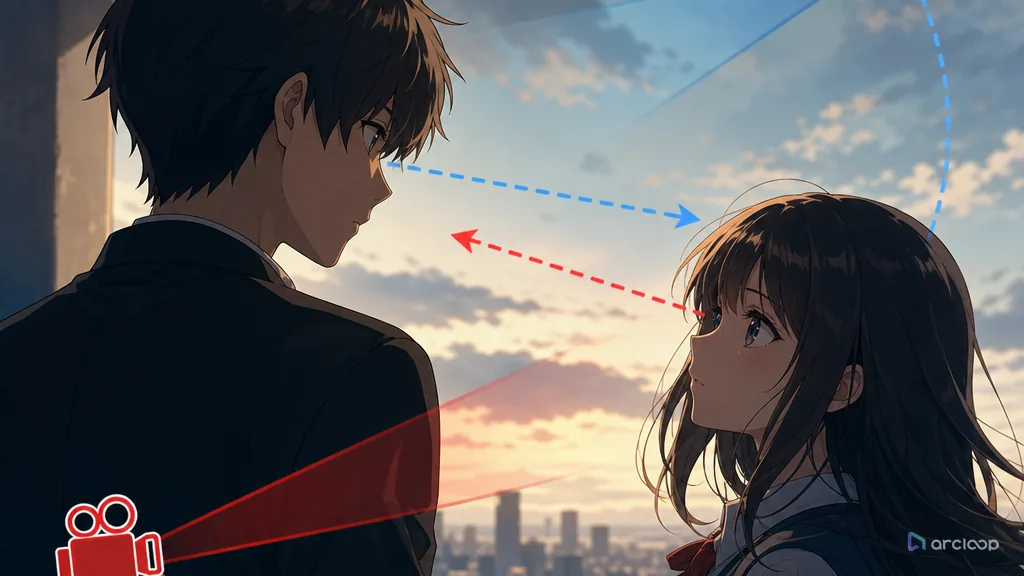
Make AI anime characters look at the person, object, or clue the story actually needs.
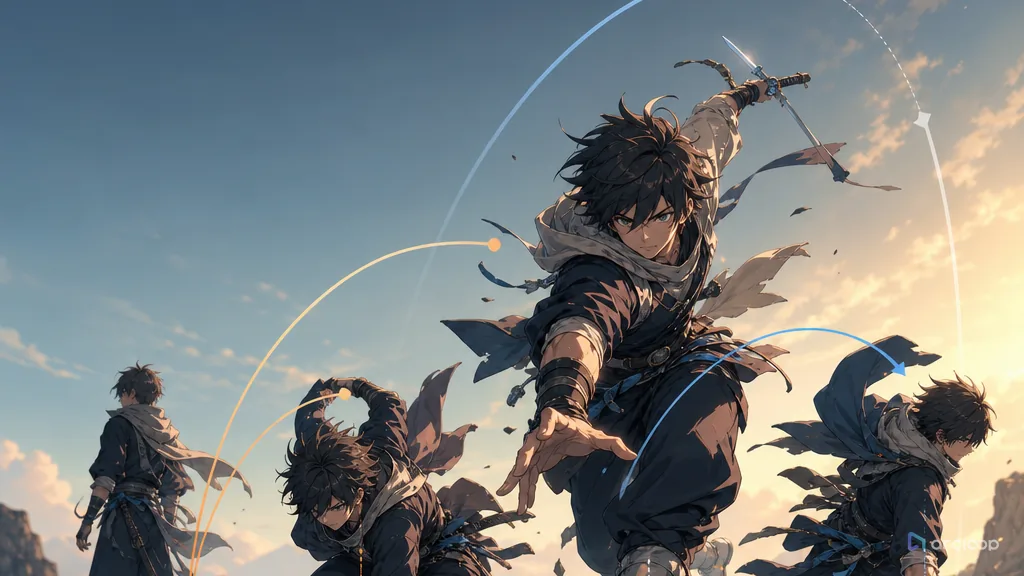
Make movement feel less mirrored, less floaty, and more physically intentional.
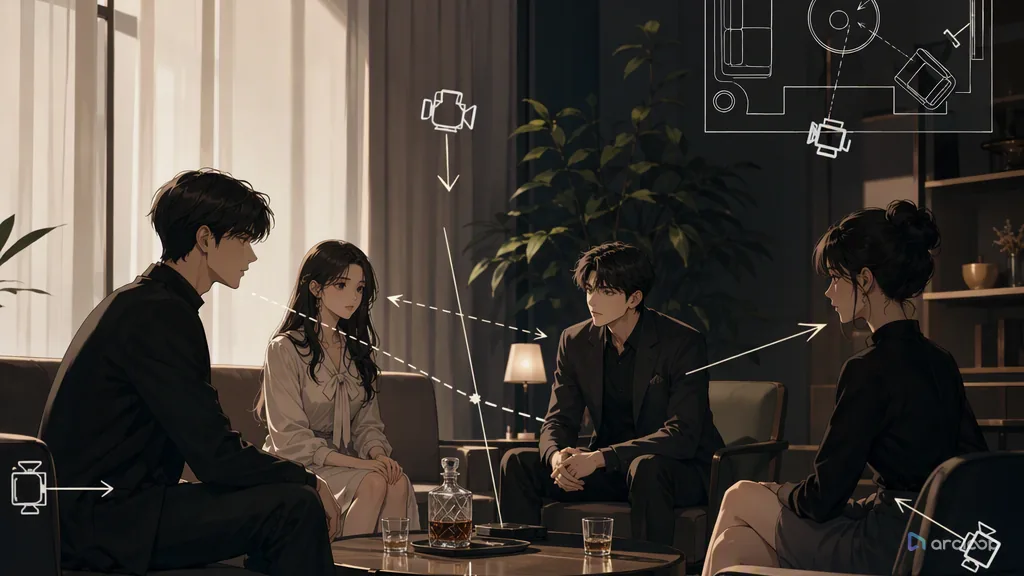
Lock blocking, speakers, and lip sync before generating shots to cut down on mismatched faces and blocking jumps.
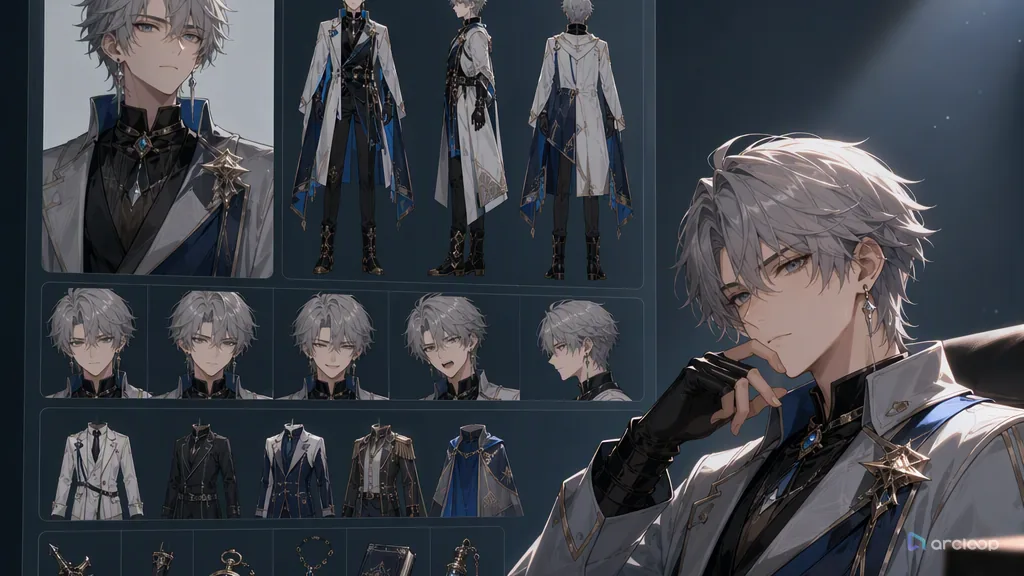
A character asset library cuts down on wasted regenerations and keeps characters stable enough to produce at scale.
Turn a character from one good-looking image into an asset that holds up across shots with a character turnaround sheet.
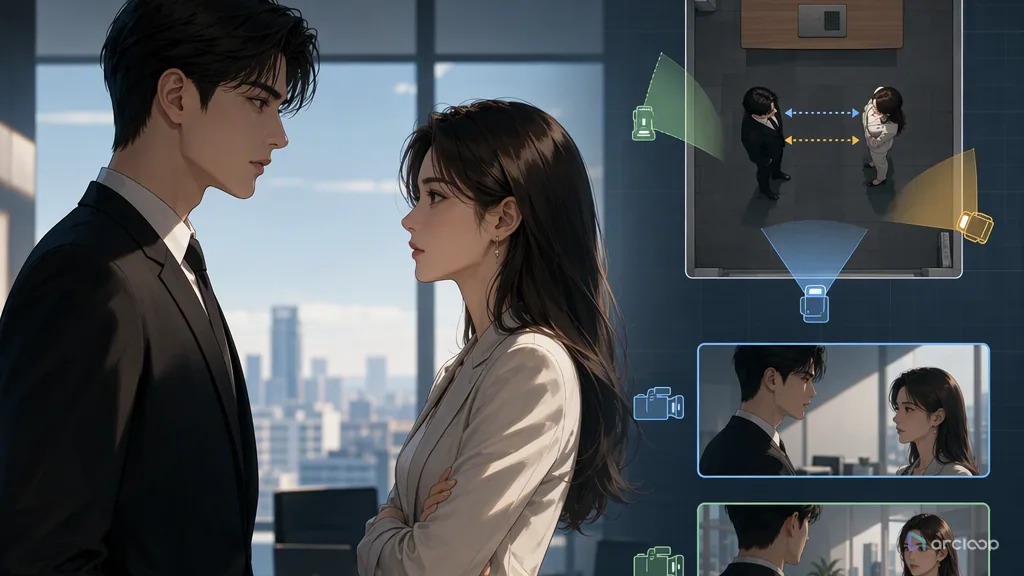
Lock blocking before you generate shots, and cut down on rework every time the camera changes.
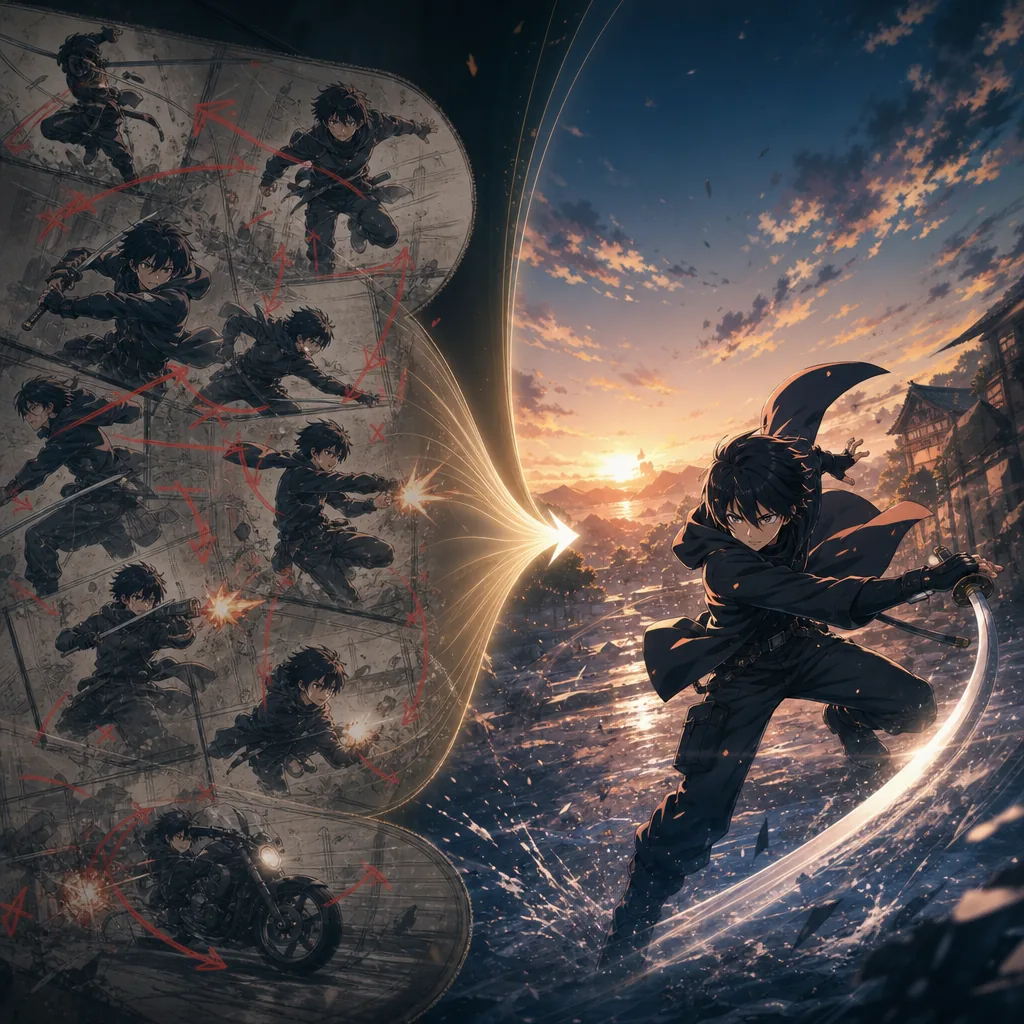
Stop short anime clips from drifting by giving each shot one clear action.
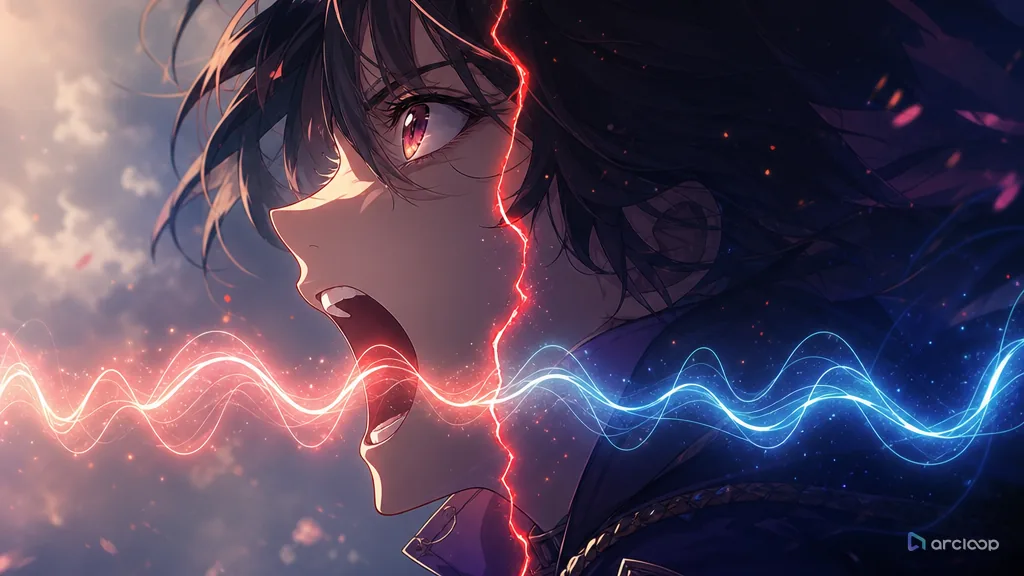
Plan audio-video sync repair with references, shot cards, and one clear draft pass.
Plan background clarity repair with references, shot cards, and one clear draft pass.
Plan camera continuity repair with references, shot cards, and one clear draft pass.
Repair face and body proportion drift without redesigning the character.
Plan color shift repair with references, shot cards, and one clear draft pass.
Plan lighting consistency repair with references, shot cards, and one clear draft pass.
Plan stiff action repair with references, shot cards, and one clear draft pass.
Plan style switching repair with references, shot cards, and one clear draft pass.
Build an identity-priority rule that keeps which character anchors outrank style effects in each shot visible while you generate and review shots.
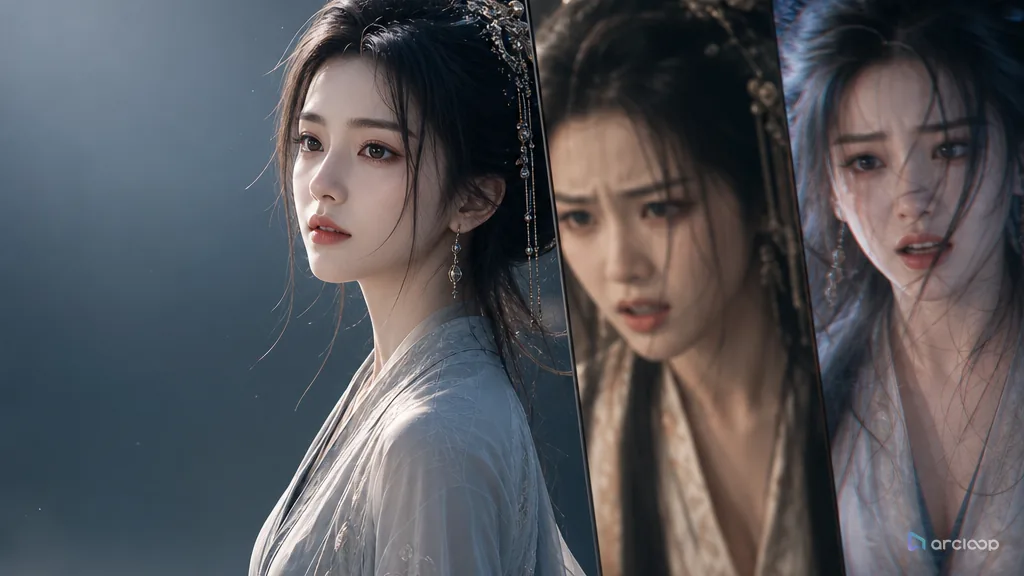
Turn cross-shot character consistency from random regeneration into a character asset workflow.
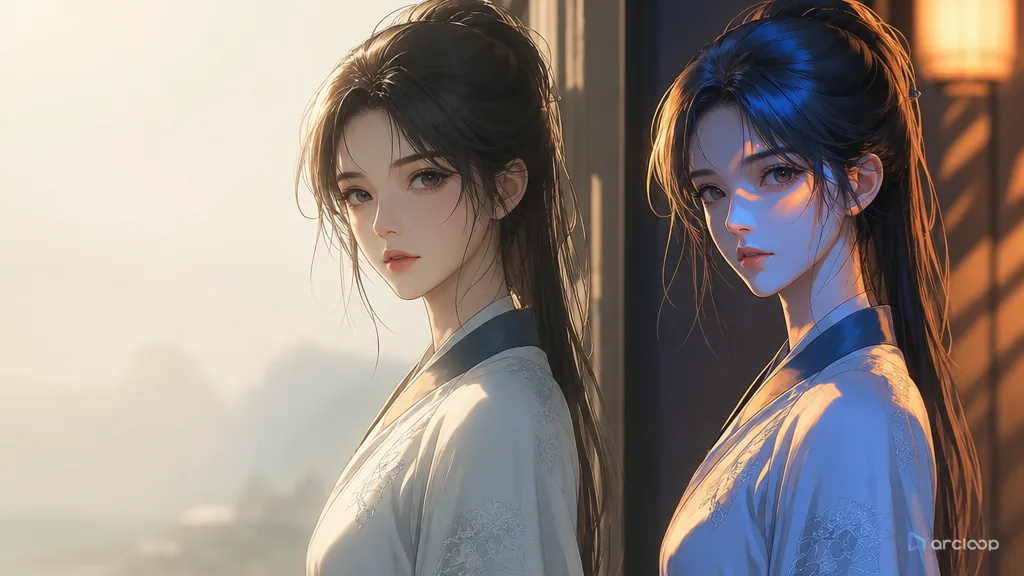
Keep characters, scenes, and mood under one consistent lighting rule across every shot.
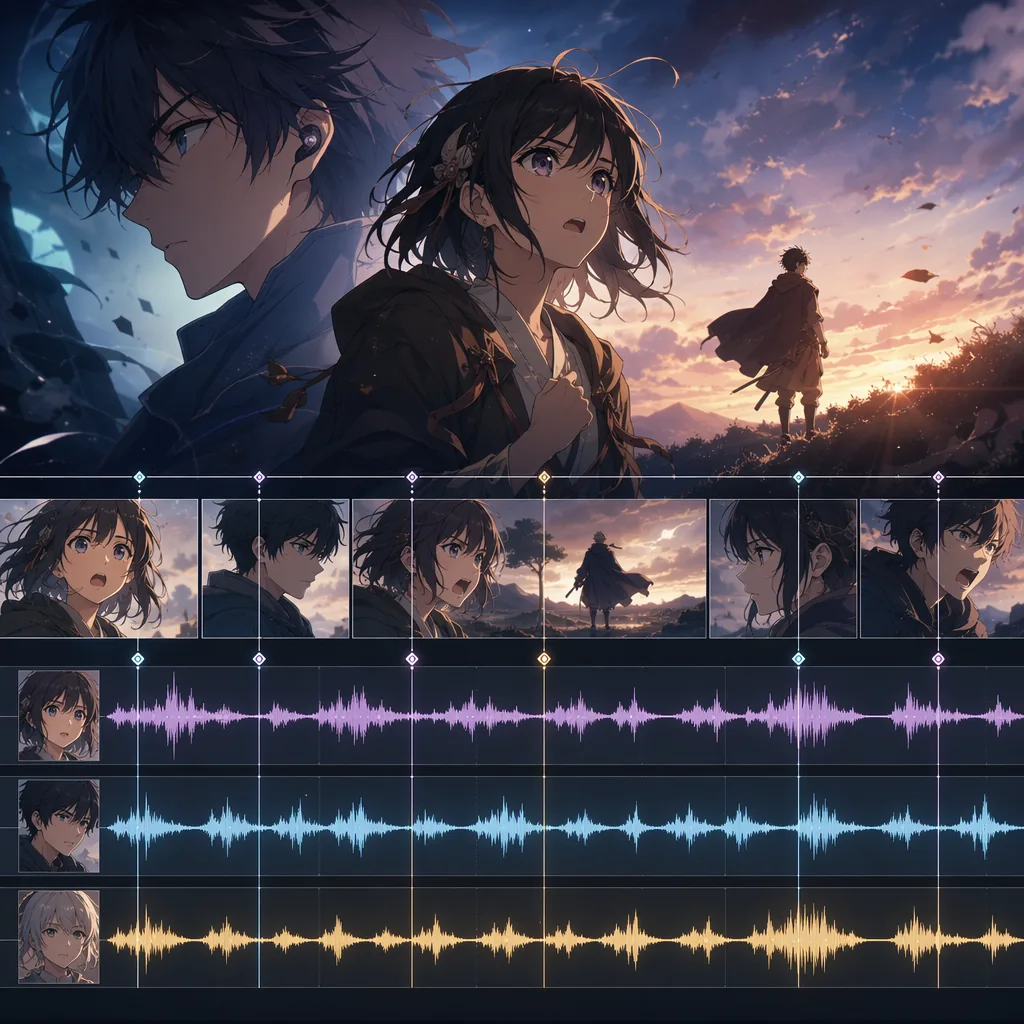
Write character voice prompts that support story, not just sound.
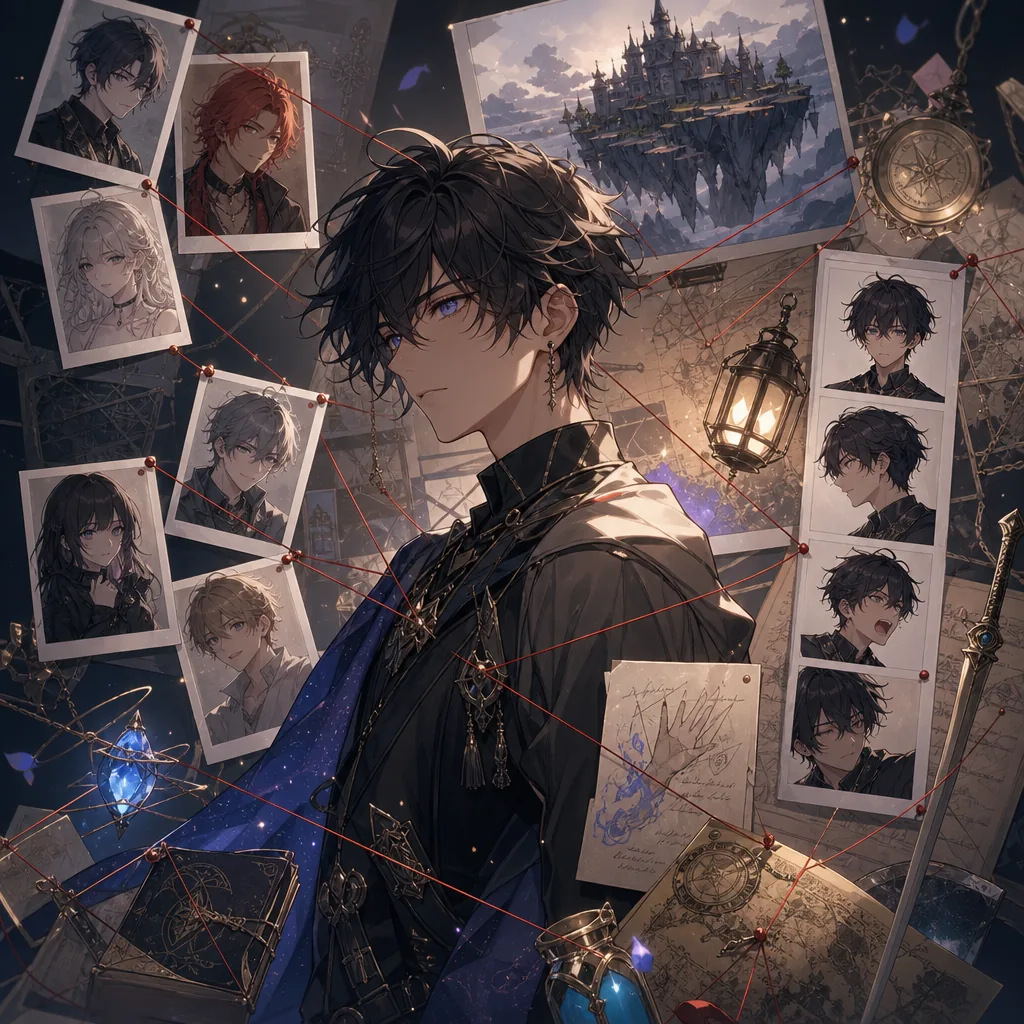
Build OCs as characters in a world, not just visual descriptions.
Plan repeatable anime worlds where character clothing, tools, habits, and marks reveal the rules of the setting.
Plan side story planning with references, shot cards, and one clear draft pass.
Plan story arc design with references, shot cards, and one clear draft pass.
Build an antagonist function card that keeps what value, desire, fear, or rule the antagonist embodies visible while you generate and review shots.
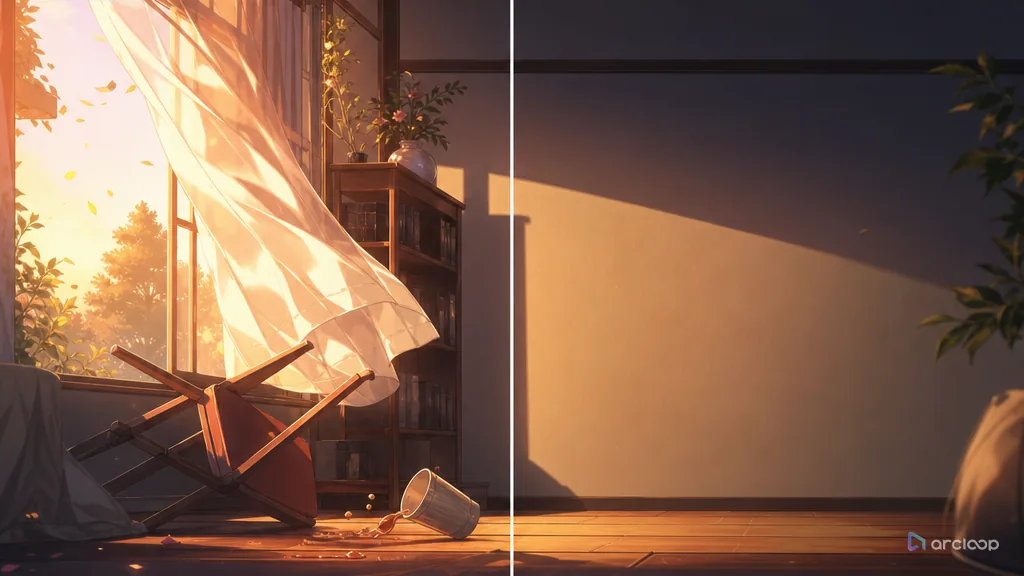
Build an omission plan that keeps what to show, what to imply, and what to save for later visible while you generate and review shots.
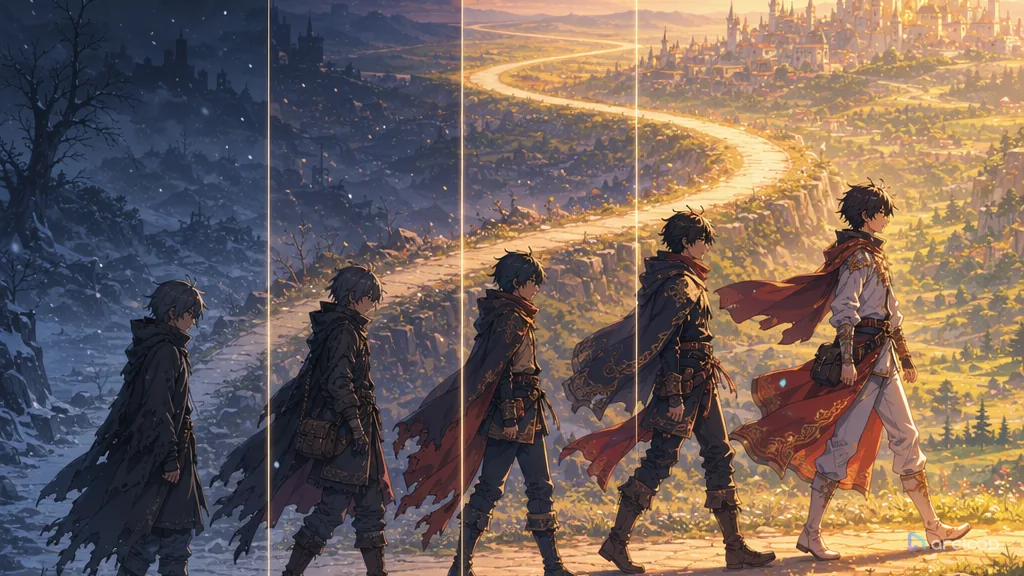
Design anime character arcs that show growth through posture, costume state, palette, action, and repeatable shot checks.
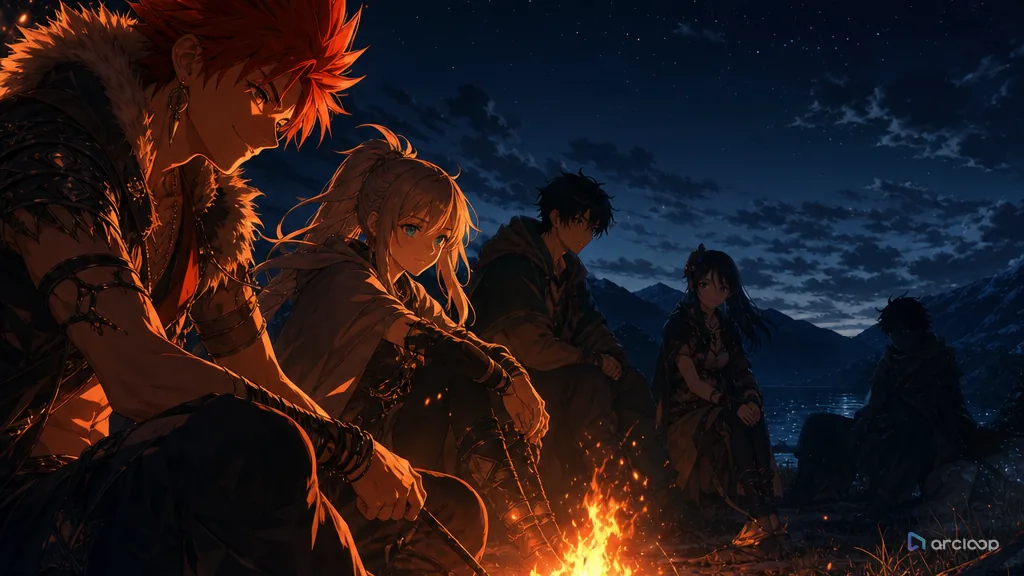
Build an ensemble balance map that keeps which visible rule should guide the next shot visible while you generate and review shots.
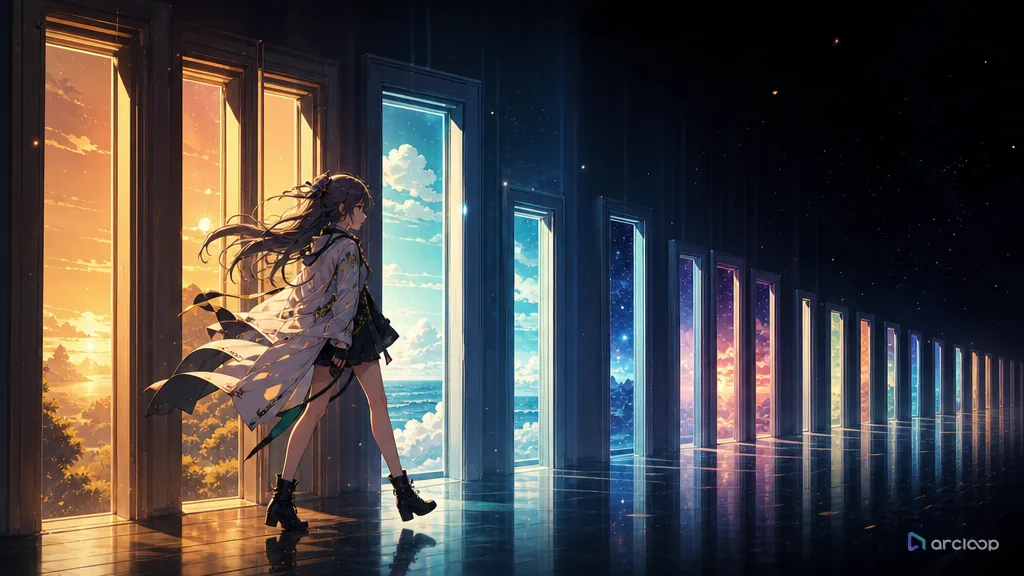
Build a pacing board that keeps which visible rule should guide the next shot visible while you generate and review shots.
Build a hook ladder that keeps which promise, threat, mystery, or relationship change carries forward visible while you generate and review shots.
Build suspense with visual clues that return as clear payoffs.
Turn a short anime idea into setup, pressure, turn, and a final frame that sticks.
Build a twist logic card that keeps which assumption changes and which earlier clue makes the turn fair visible while you generate and review shots.
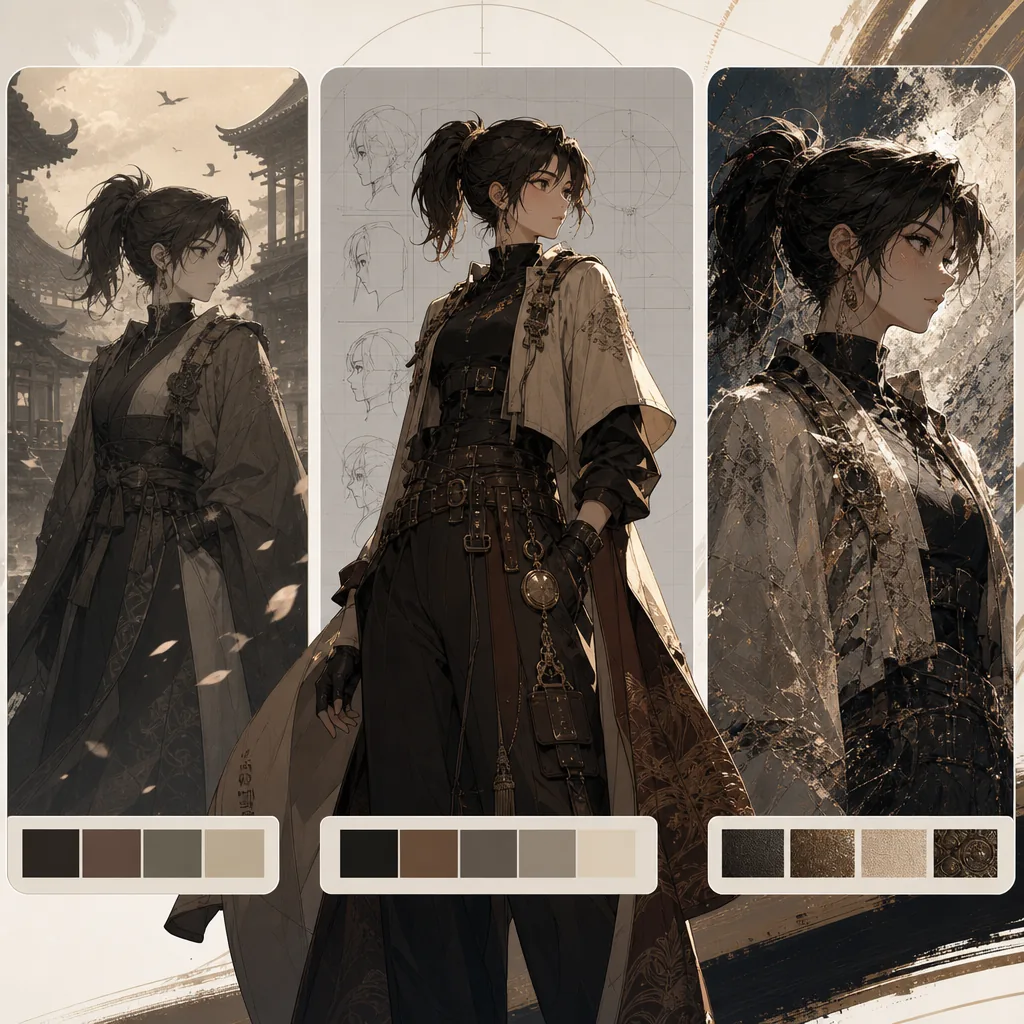
Turn vague style words into reusable style recipes for original characters.
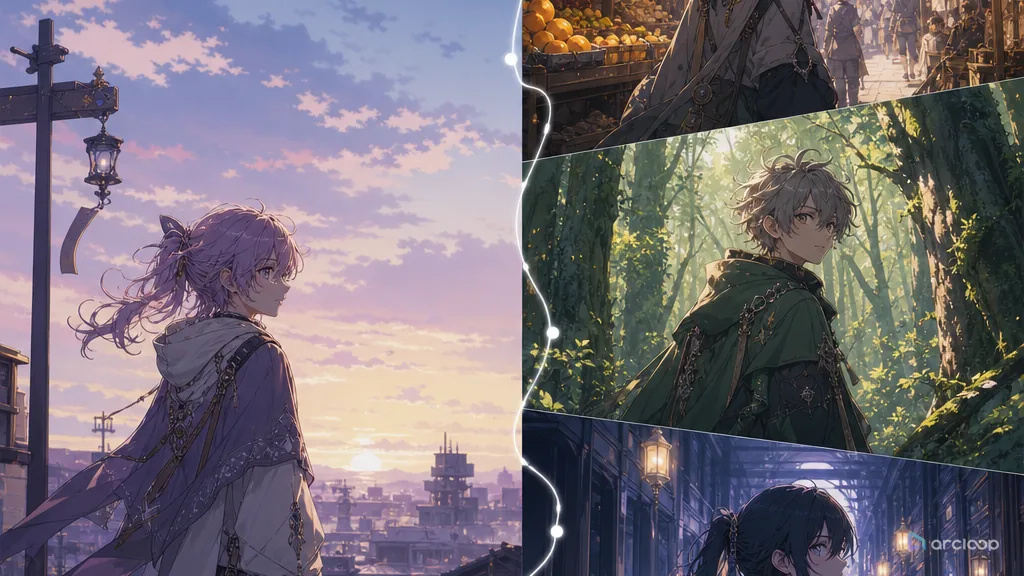
Plan series visual unity with references, shot cards, and one clear draft pass.
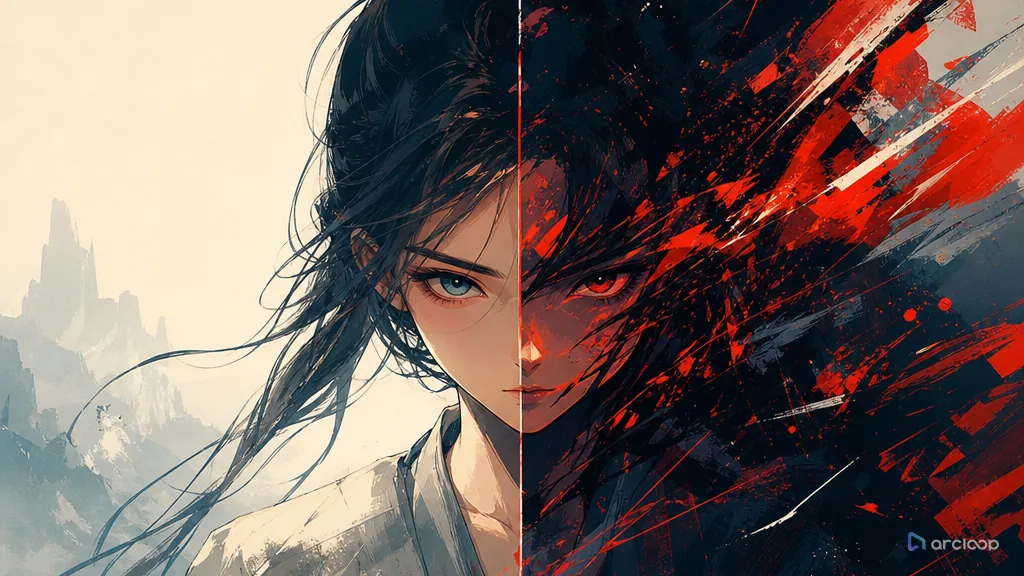
Build a style bible that keeps which visual traits are fixed, which are flexible, and which should never be copied visible while you generate and review shots.
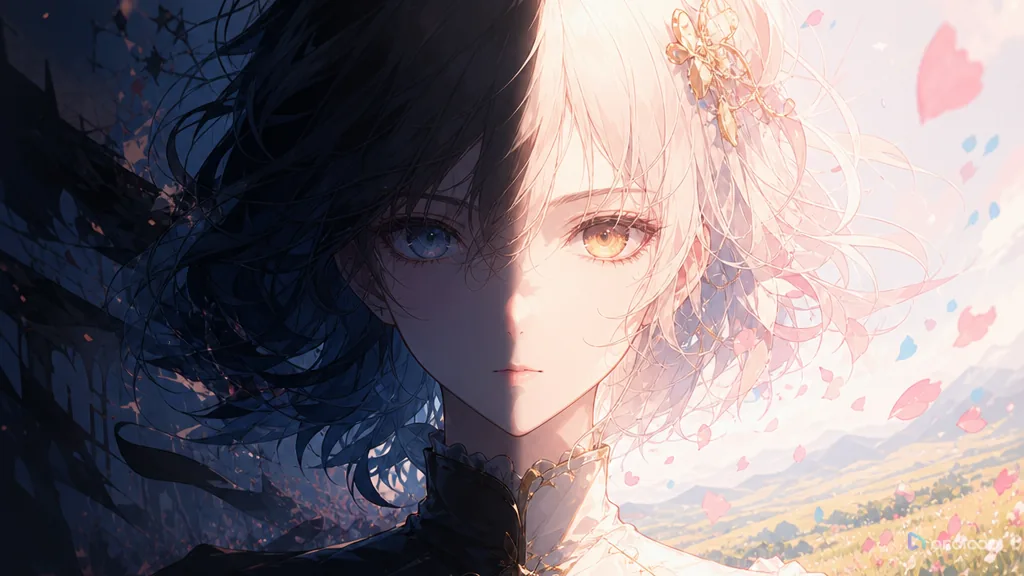
Build a lighting and color school map that keeps which visible rule should guide the next shot visible while you generate and review shots.

Build a media and print texture recipe that keeps paper, ink, brush, halftone, and finish artifacts readable without damaging character continuity.
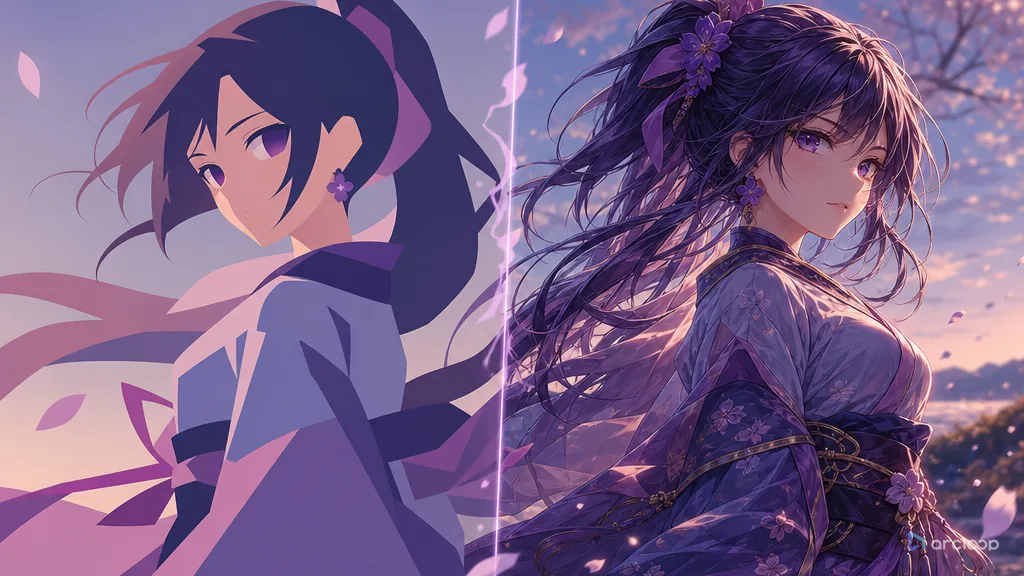
Build a visual density rule that keeps which visible rule should guide the next shot visible while you generate and review shots.
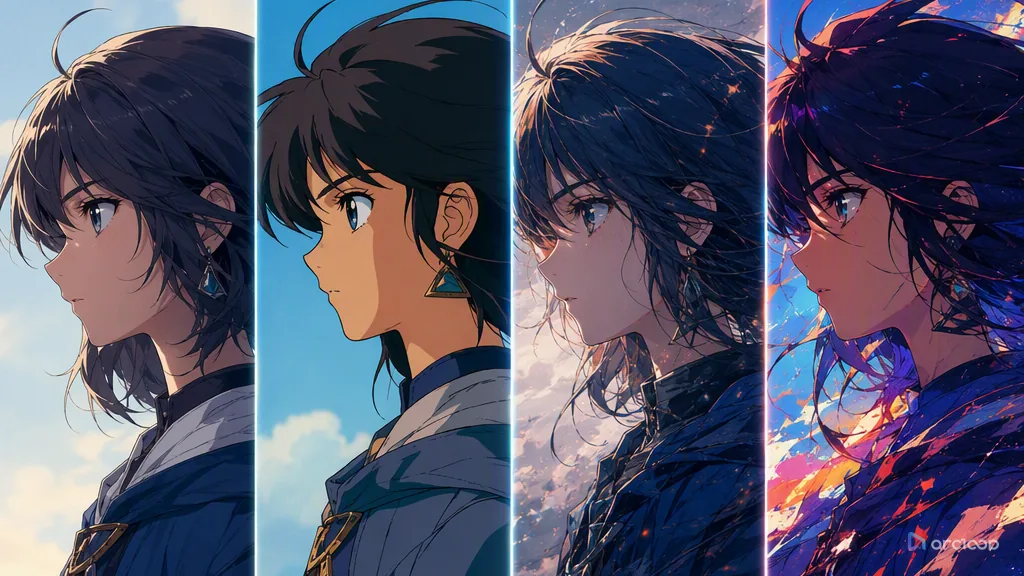
Build a regional cue map that keeps which architecture, fashion, materials, color habits, and composition rules belong in the world visible while you generate and review shots.

Build a retro style recipe that keeps which period traits matter for the scene and which nostalgia cues are too specific visible while you generate and review shots.
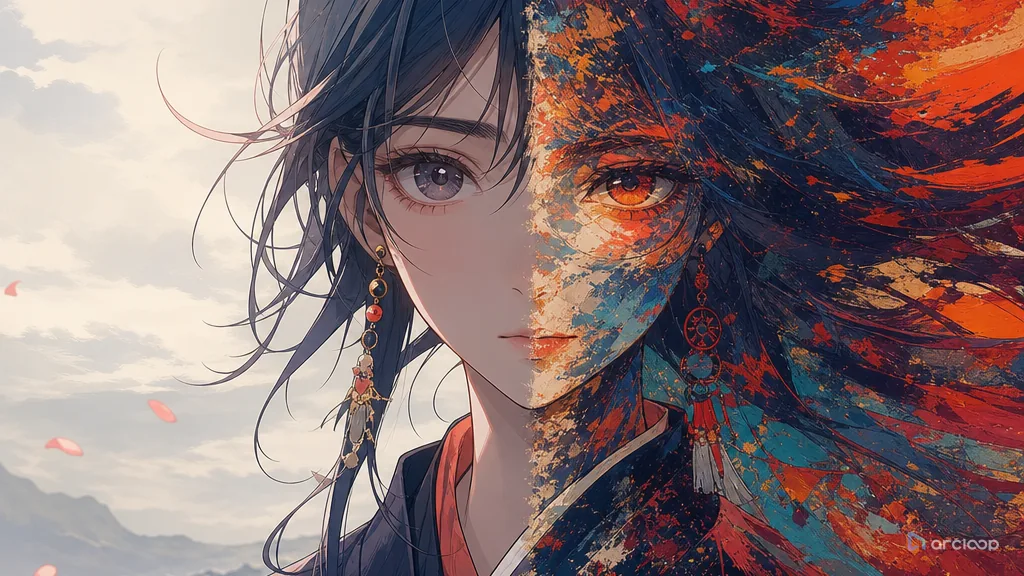
Build a style hierarchy that keeps which style controls shape, which controls texture, and which controls color visible while you generate and review shots.
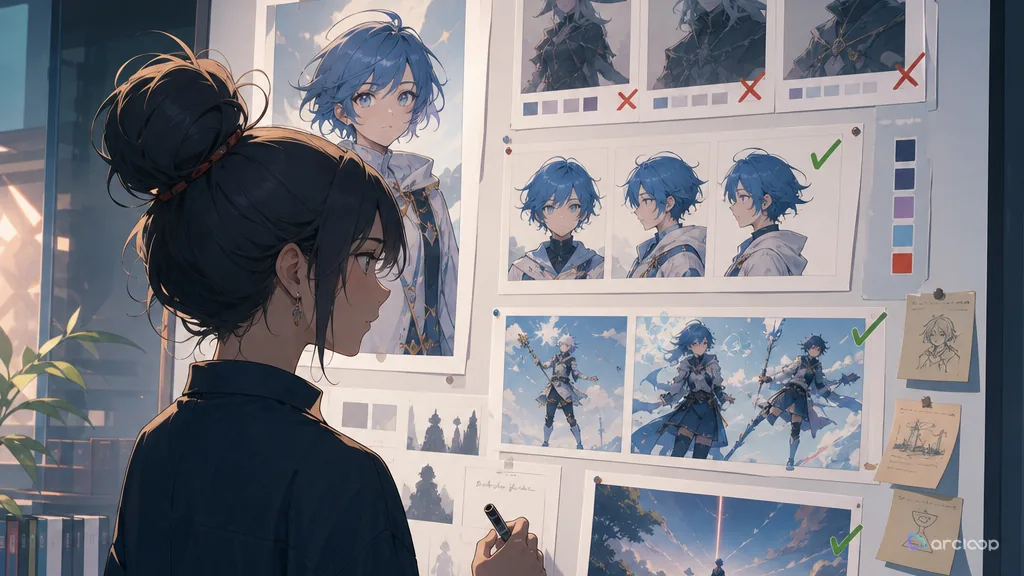
Build a transfer boundary note that keeps what can transfer, what must stay original, and what should be blocked visible while you generate and review shots.
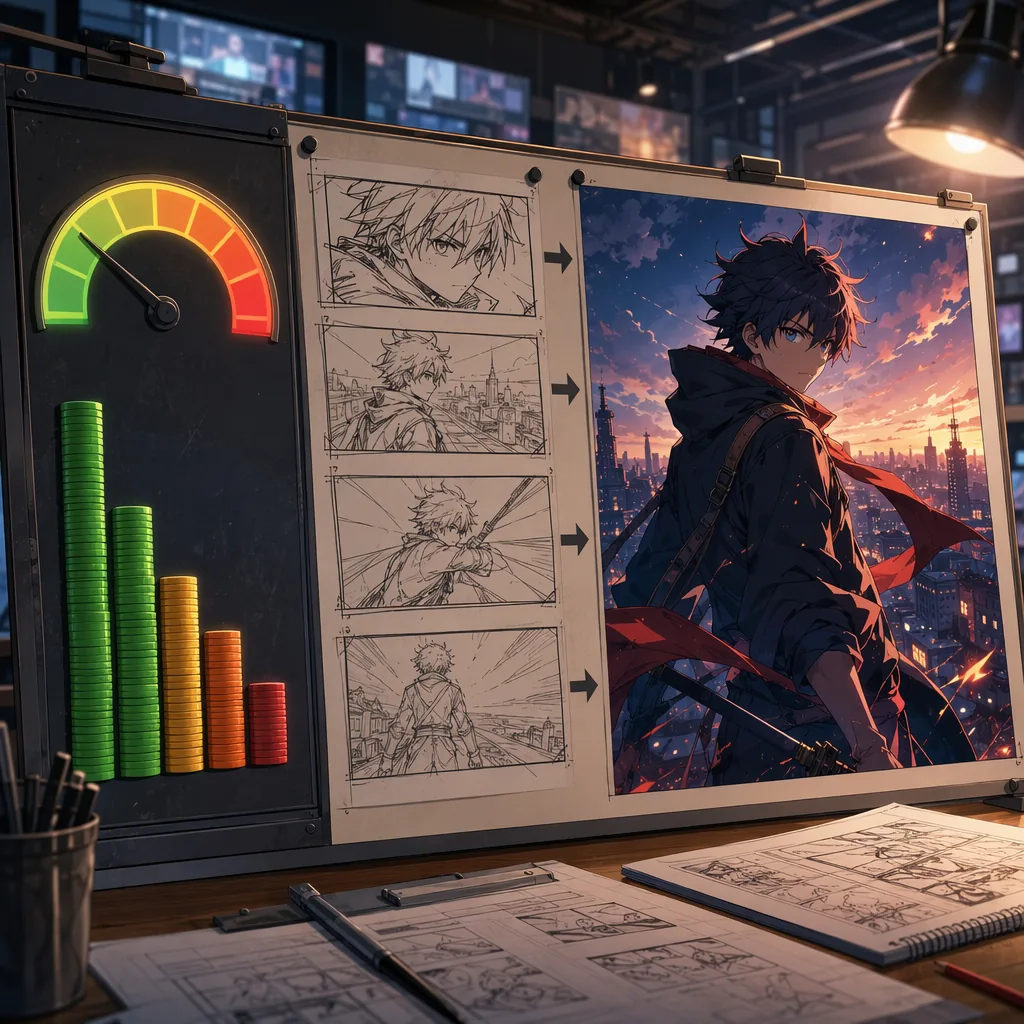
Plan AI anime shots around cost, retries, and usable drafts before polish.
Turn node-heavy anime workflows into a cleaner ArcLoop production path.
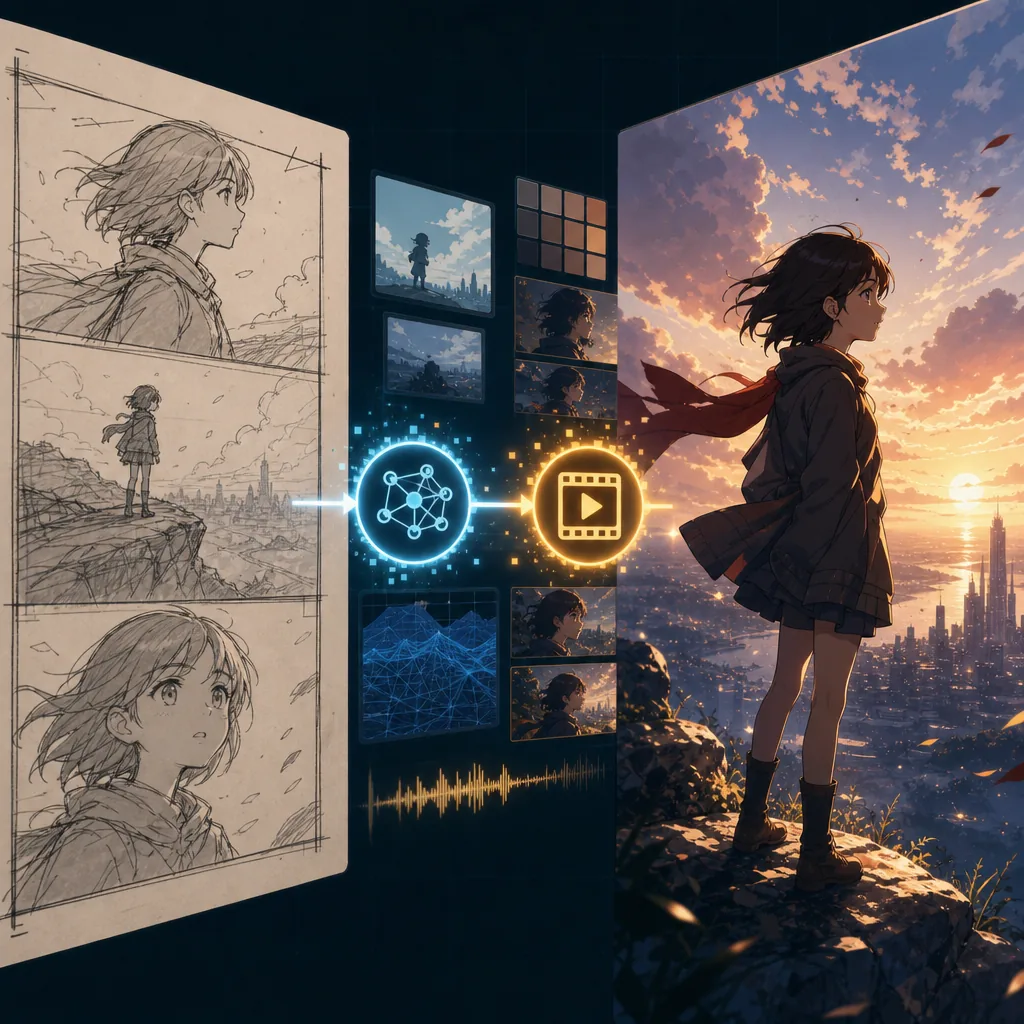
Use rough passes to prove the shot before spending on final AI video quality.
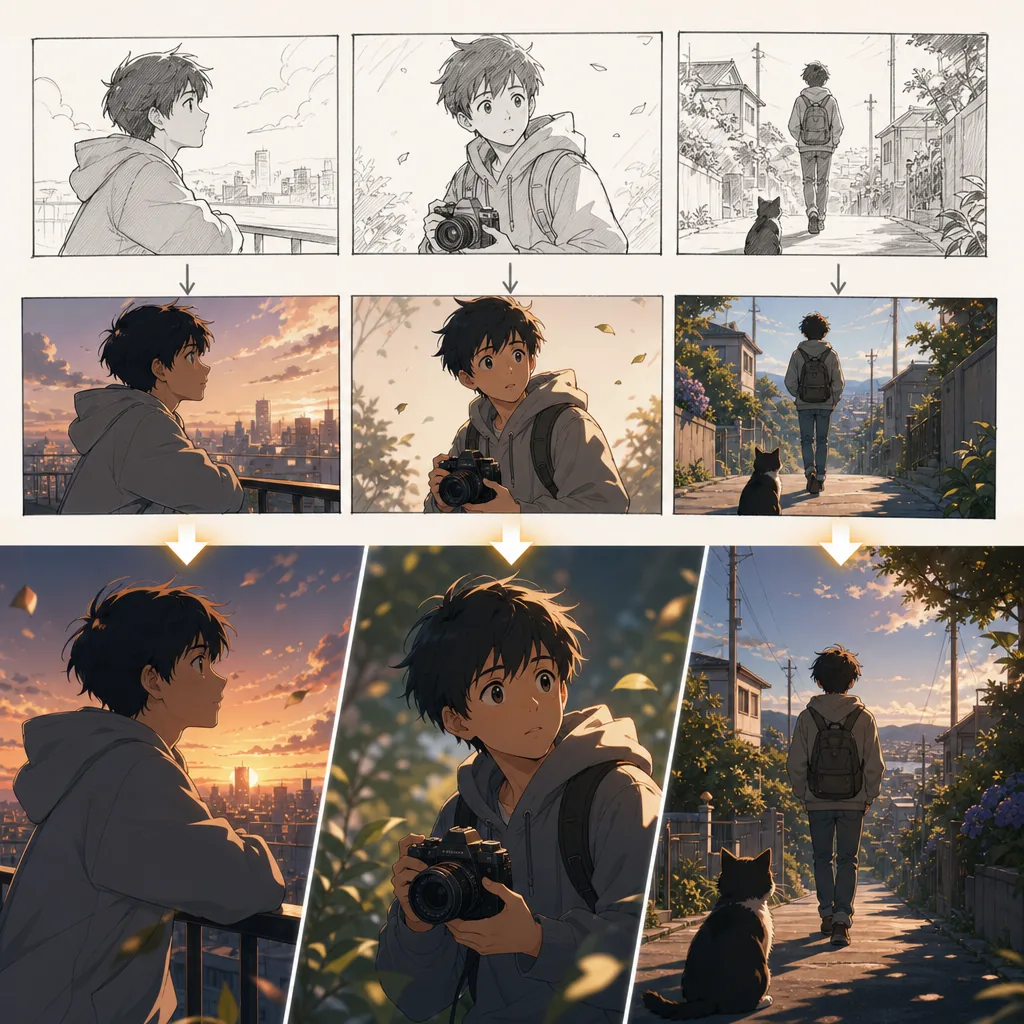
Make AI anime shorts feel like one story instead of unrelated clips.
Plan creator persona with references, shot cards, and one clear draft pass.
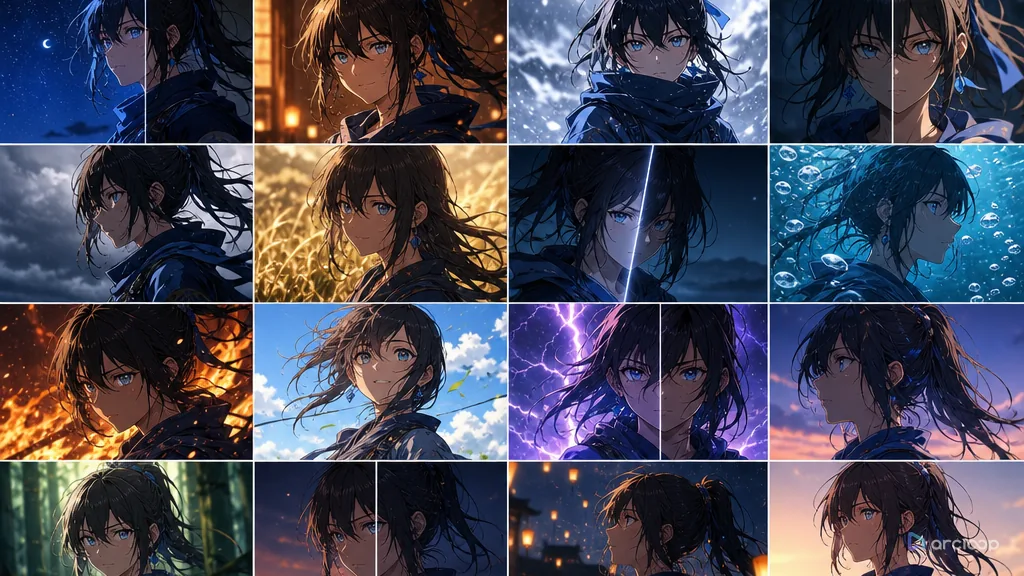
Turn character consistency into a repeatable production workflow for series content.
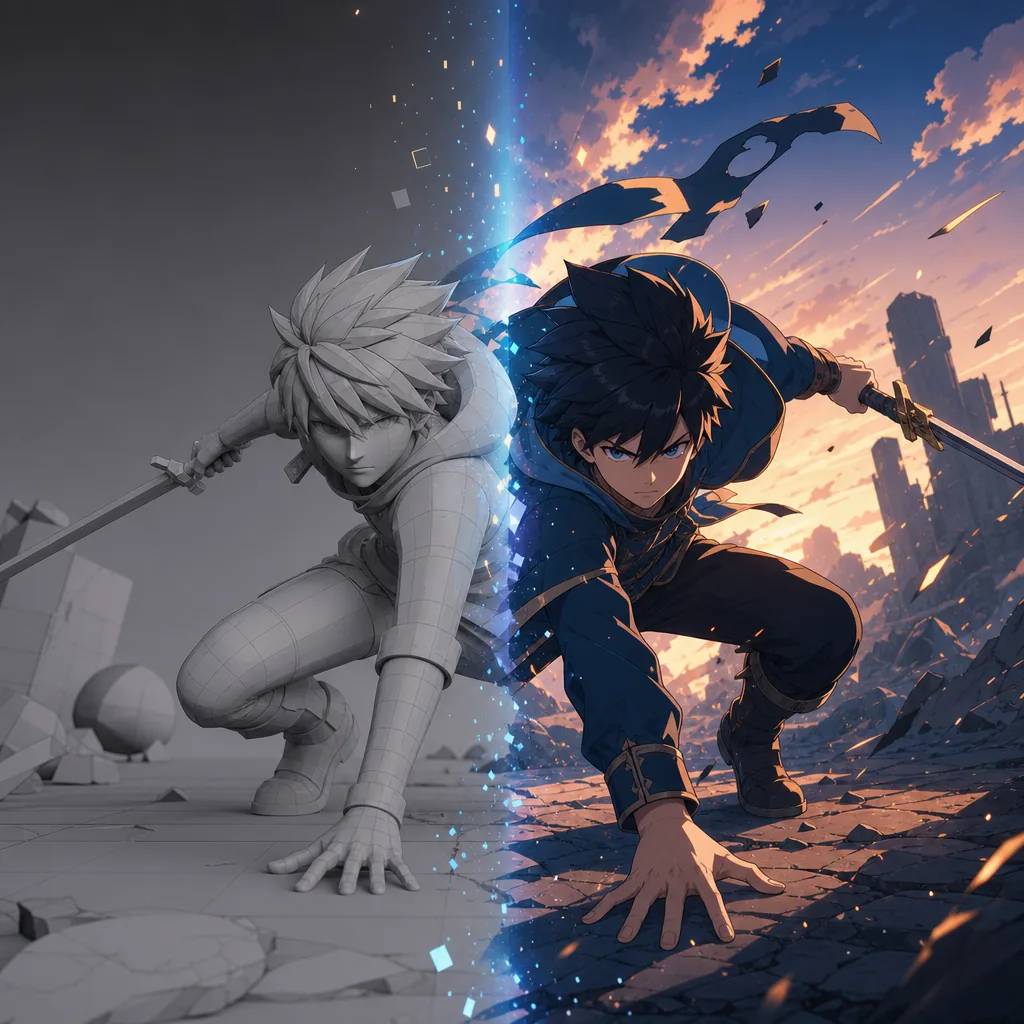
Use 3D skills as control assets for AI anime instead of starting every shot from text.
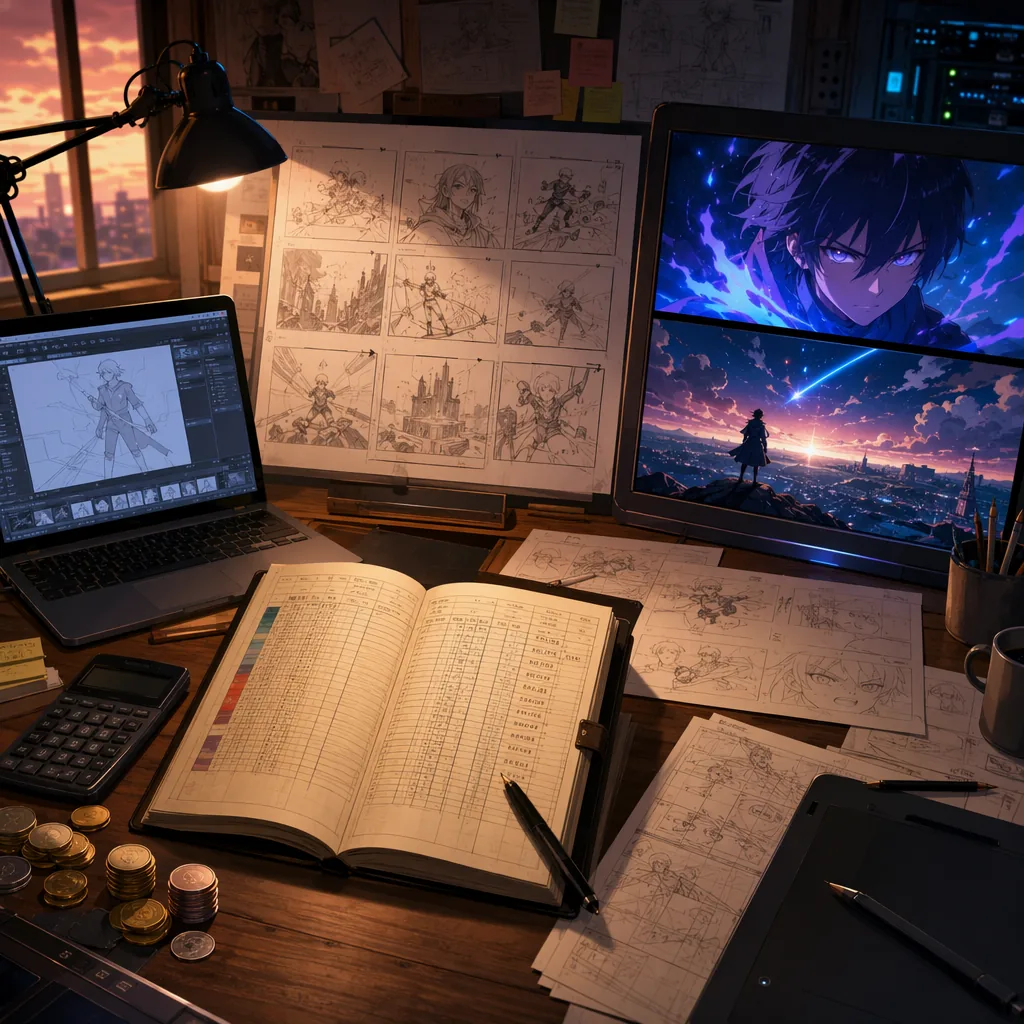
Plan an AI anime episode with three ledgers: tools, retries, and time.
Generate options on purpose, choose like a director, and only polish the takes that earn it.
Plan long-term IP management with references, shot cards, and one clear draft pass.
Library holds files; My Assets holds what the Agent remembers. Get the split right and your next episode's shot descriptions get twice as short.
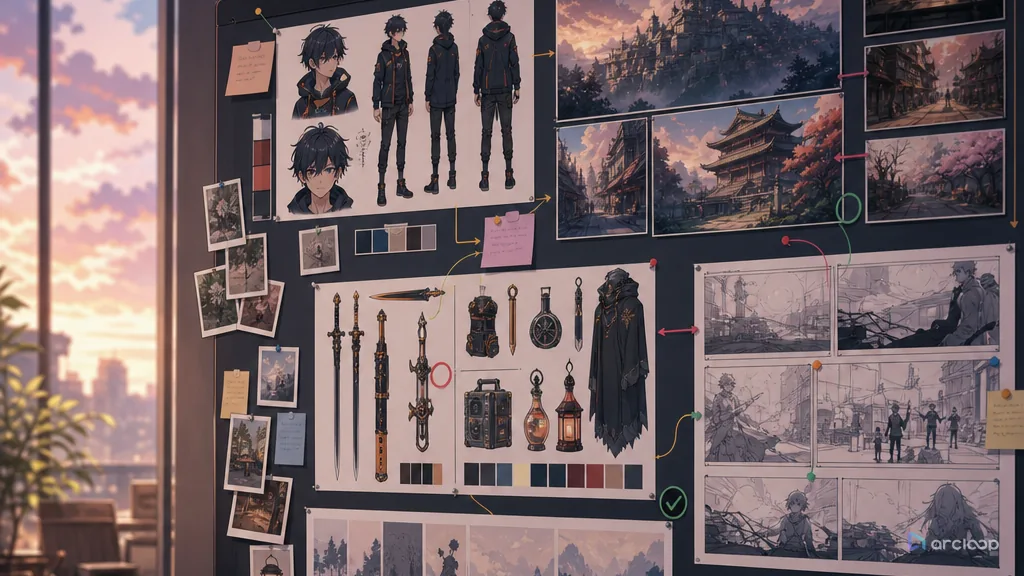
Organize reusable AI anime assets and reuse rules without flattening every episode into the same shot.
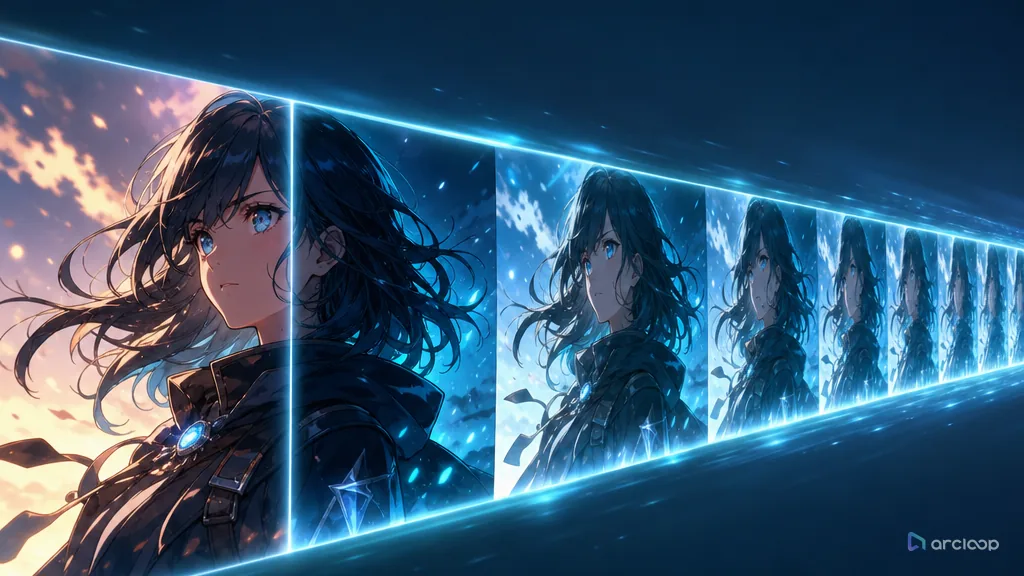
Batch export AI anime deliverables with specs clear enough for editors, clients, platforms, and archives.
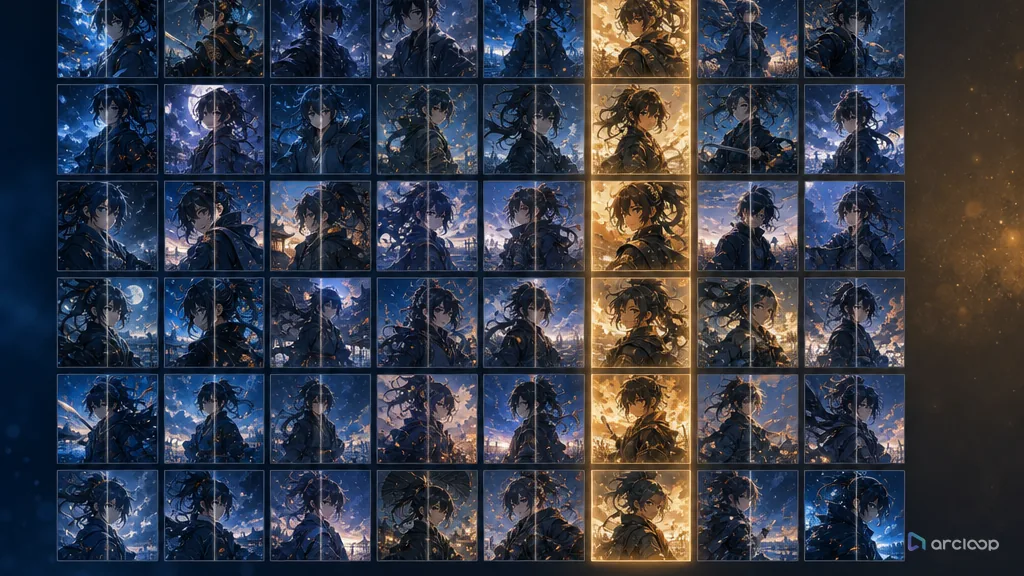
Build a naming convention that keeps which fields belong in every filename and which belong in metadata visible while you generate and review shots.
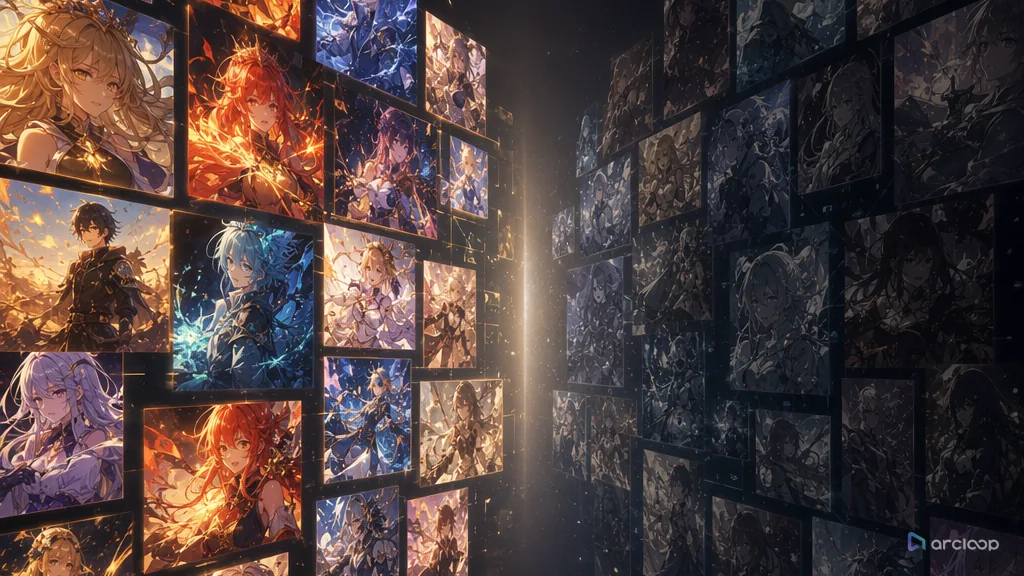
Turn production notes and audience data into better AI anime prompts, assets, review rules, and batch decisions.
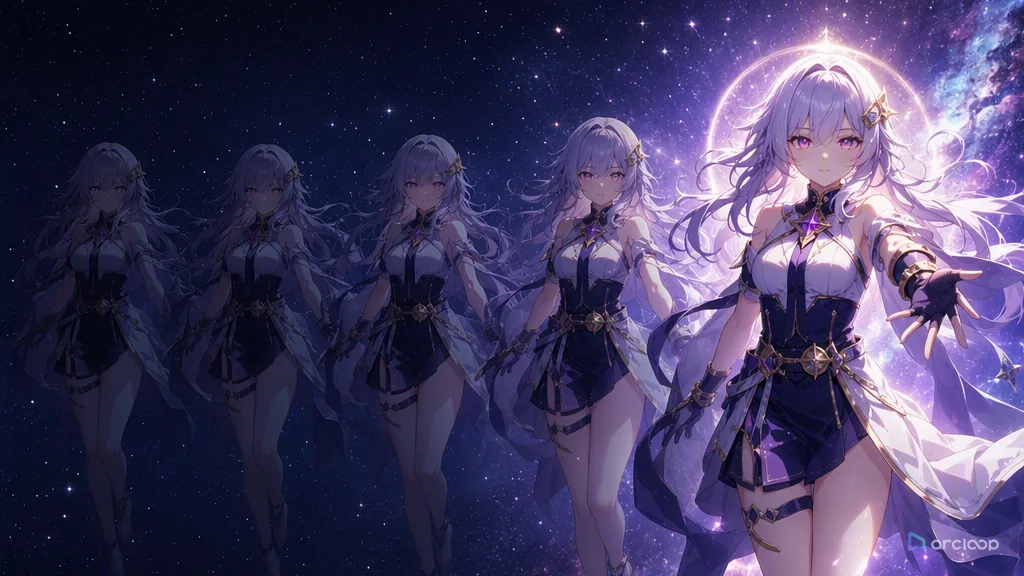
Review AI anime shots in the right order, then use quality sampling to catch batch drift before delivery.
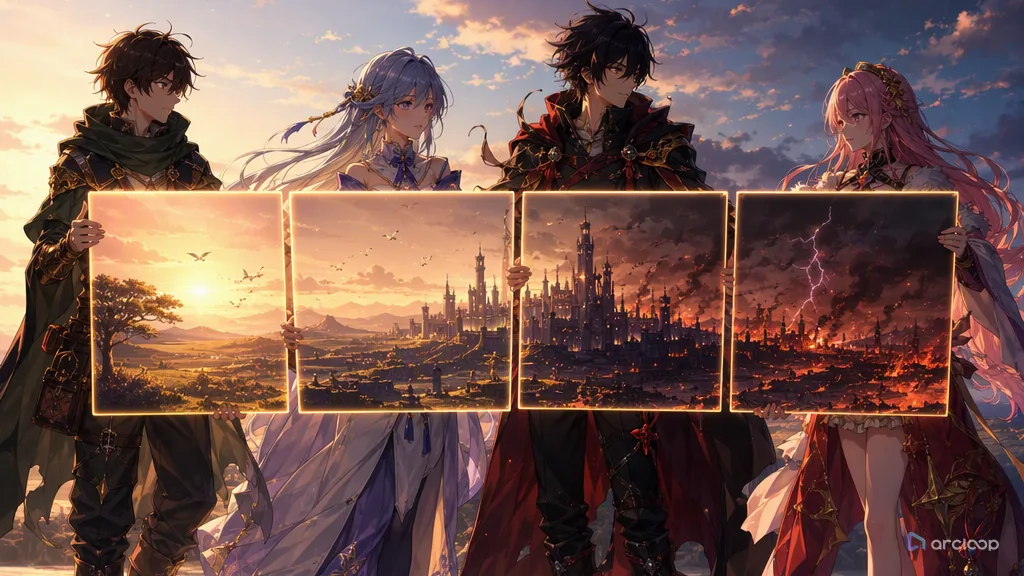
Build a handoff map that keeps which visible rule should guide the next shot visible while you generate and review shots.
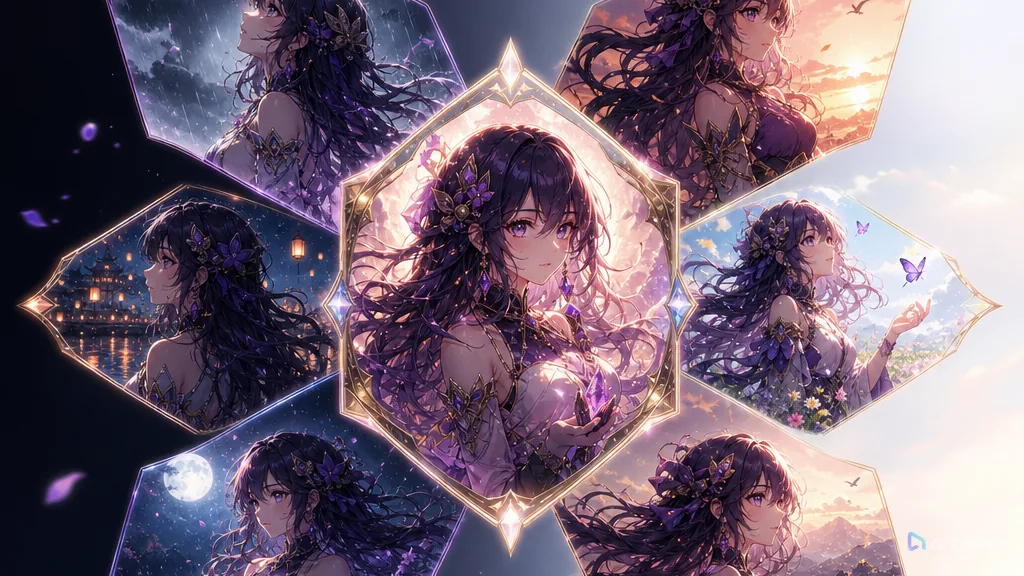
Build a production template that keeps which blocks stay fixed and which must be chosen per shot visible while you generate and review shots.
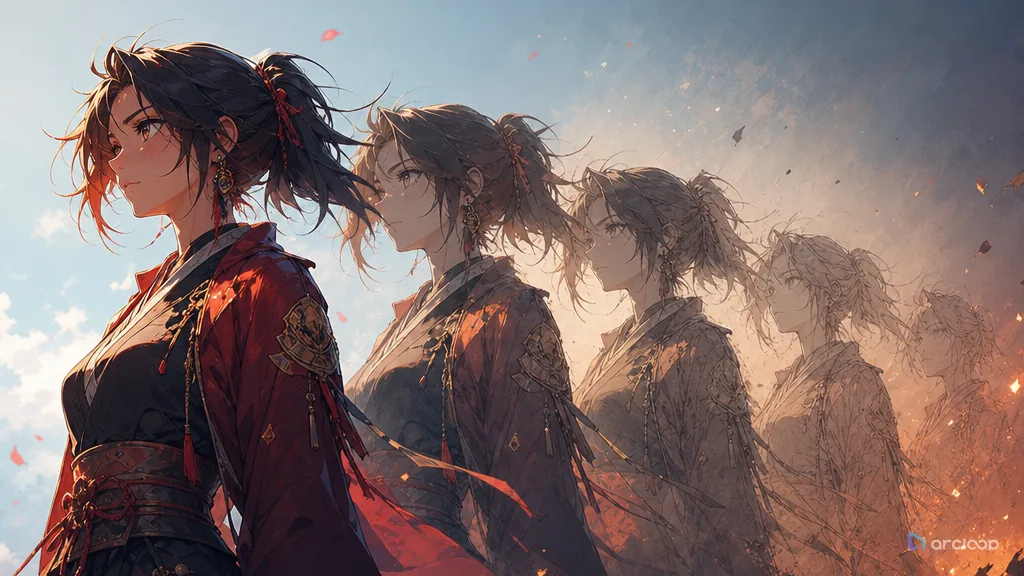
Track shot iterations and style versions so better takes are not lost and old and new shots still cut together.
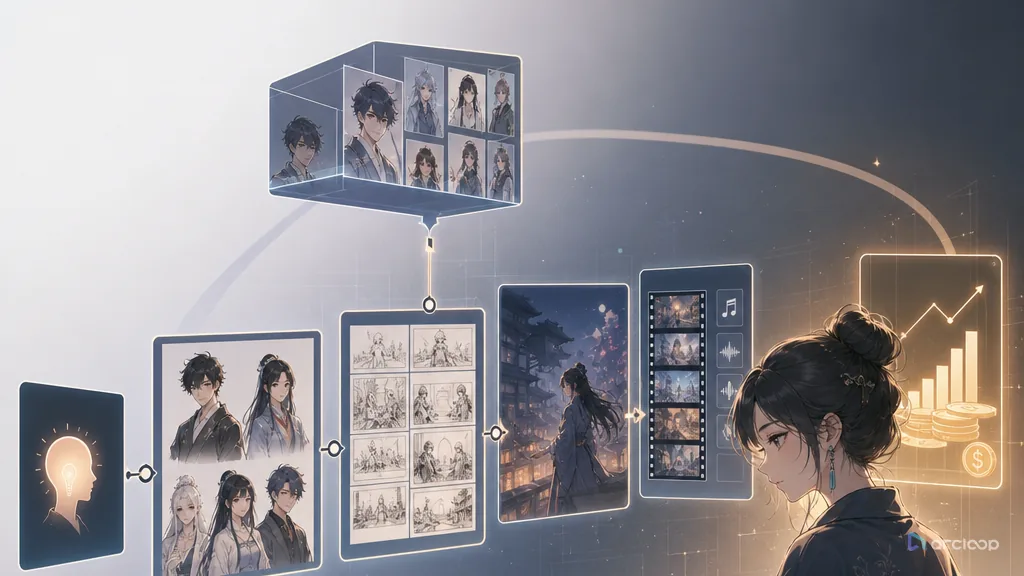
An AI anime drama workflow built for how creators actually work — turning an anime-style short drama from an idea into a series you can sustain.
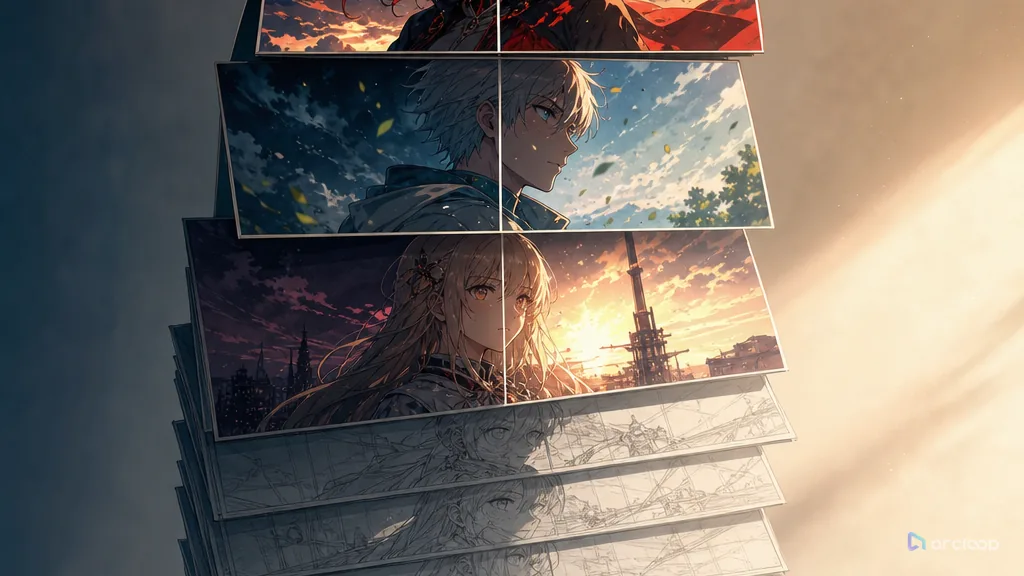
Turn AI short drama costs from random reruns into a plan you can budget, reuse, and produce at volume.
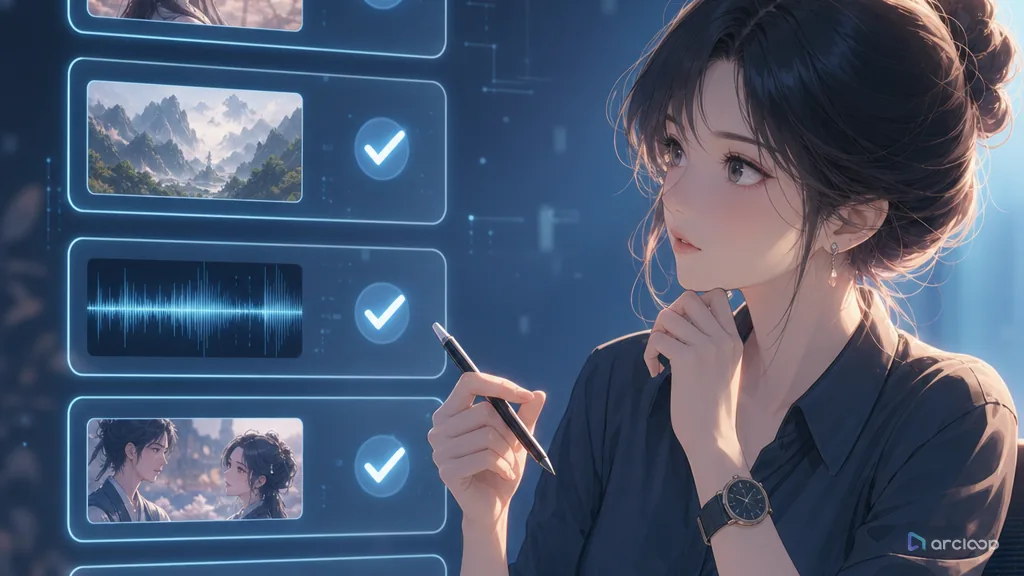
Check for look-alikes, asset licensing, voice rights, and character recognizability before you publish an AI short drama.
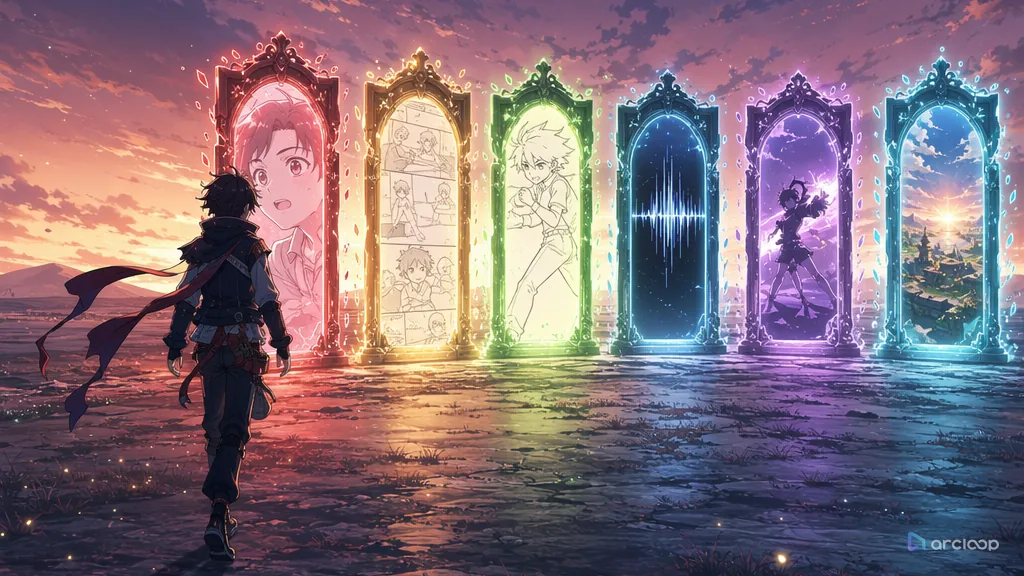
Don't ask which tool is best first — ask whether it can cut the rework at the exact step you're stuck on.
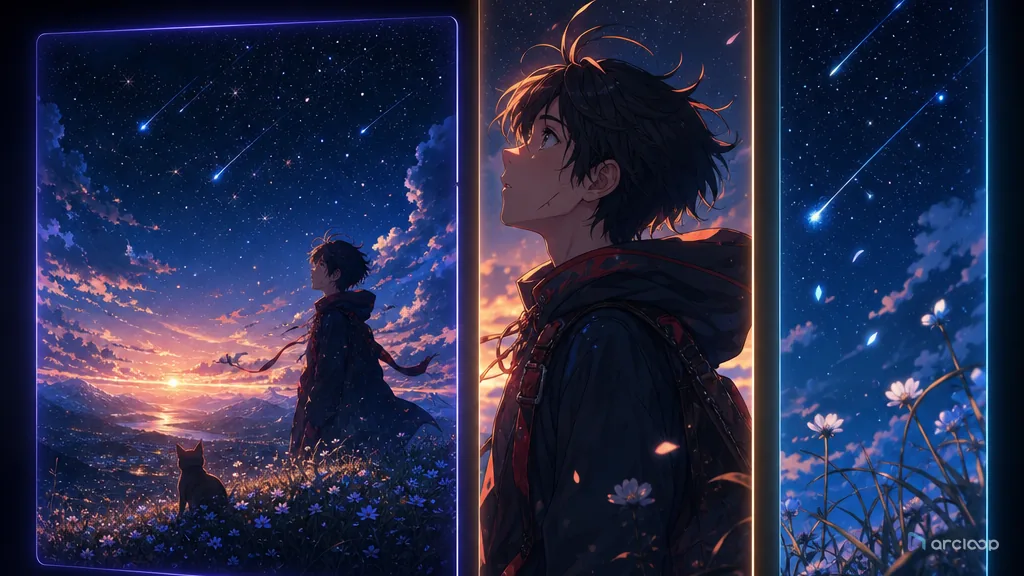
Adapt AI anime clips for feeds, loops, captions, crops, covers, and platform-specific cuts.
Plan fan interaction content with references, shot cards, and one clear draft pass.
Plan a publishing rhythm that keeps AI anime series consistent without turning every post into a full sprint.
Build covers and titles that sell the right anime story without spoiling the turn or misleading the viewer.
Build a hook card that keeps what visual event earns attention immediately visible while you generate and review shots.
Build a subtitle layout sheet that keeps which visible rule should guide the next shot visible while you generate and review shots.
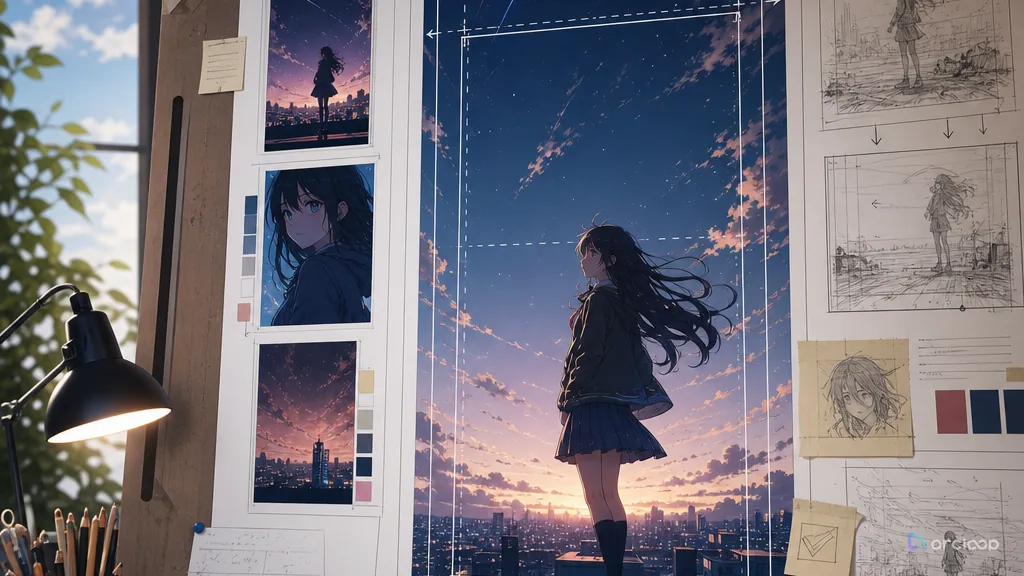
Build a vertical composition card that keeps which visible rule should guide the next shot visible while you generate and review shots.
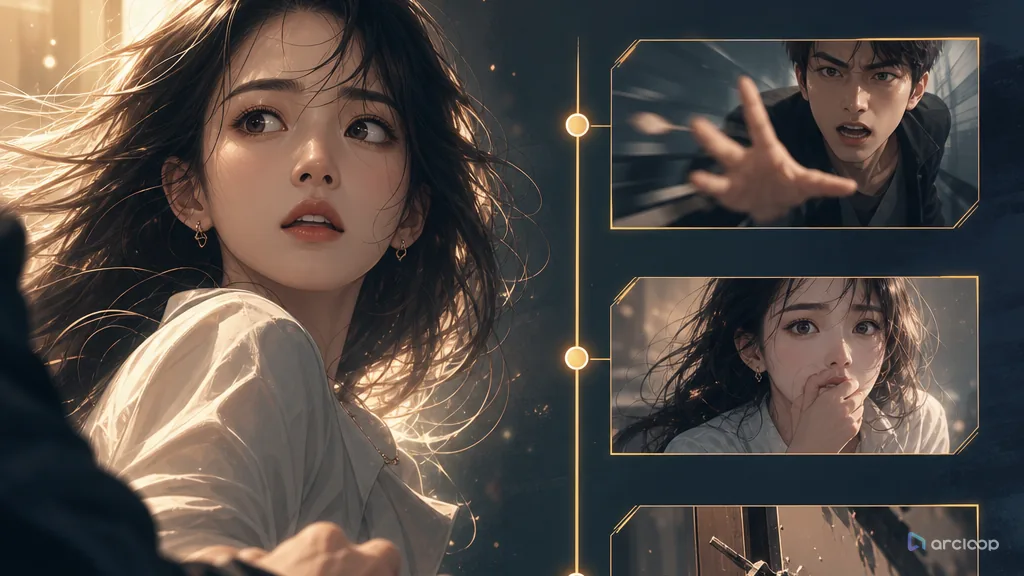
Get an AI short drama into conflict in the first 3 seconds, then use the storyboard and edit to keep viewers watching.
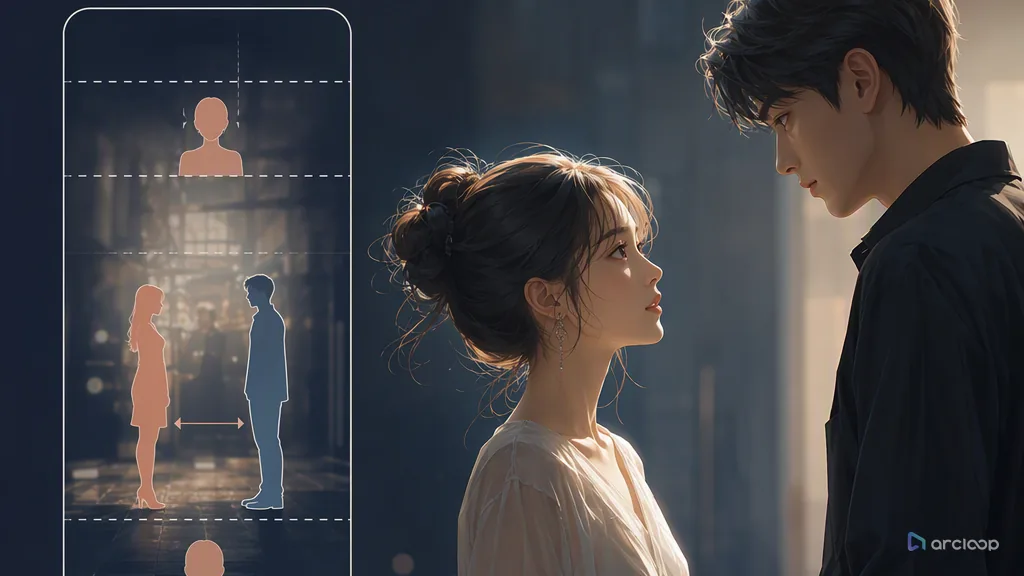
Turn vertical micro-drama from random footage into an AI short drama that's clear, information-dense, and worth following.
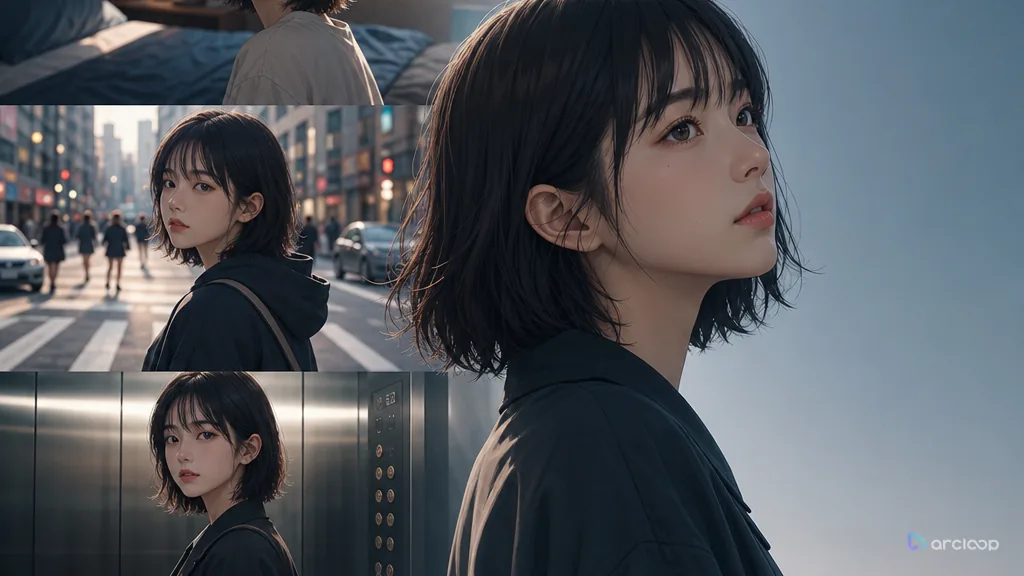
Keep the same character recognizable across cuts, scenes, outfits, and emotional beats.
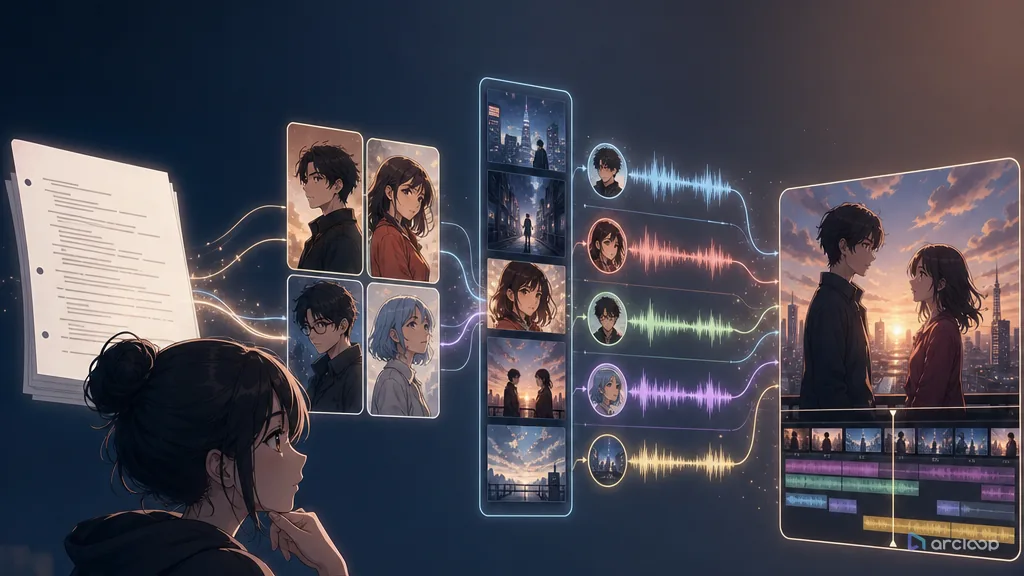
Convert scripts and screenplay pages into controllable short drama scenes before final render.
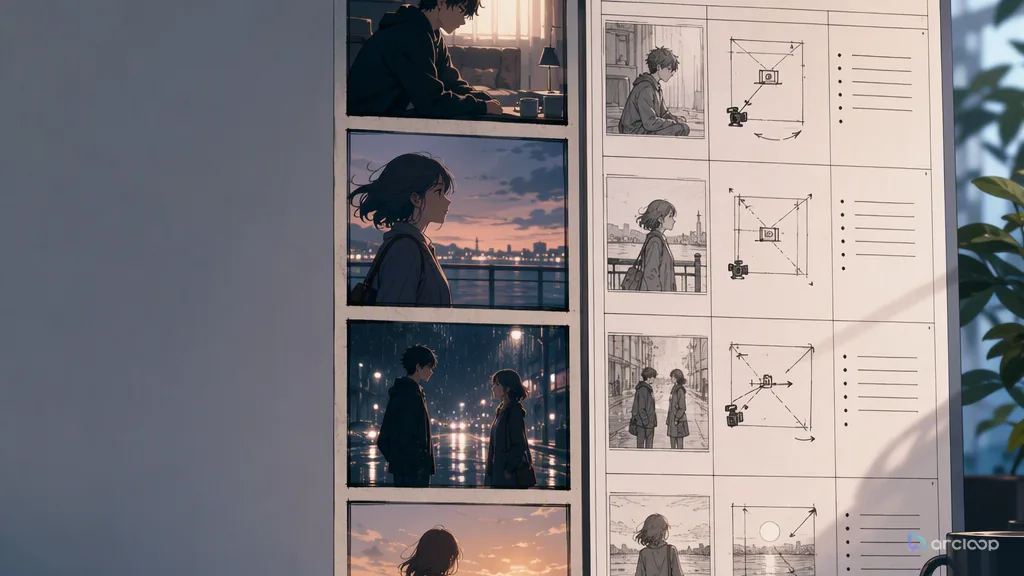
Storyboard the scene, then split it into replaceable shot cards before render.
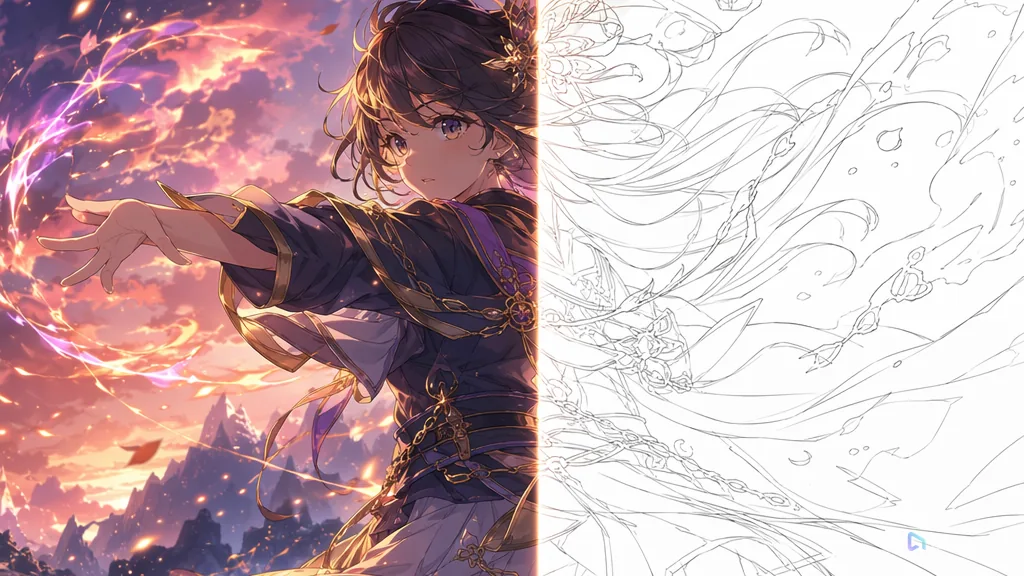
Catch wrong faces, unclear shots, and bad timing before final render cost.
Make recurring characters production assets before they appear in multiple scenes.
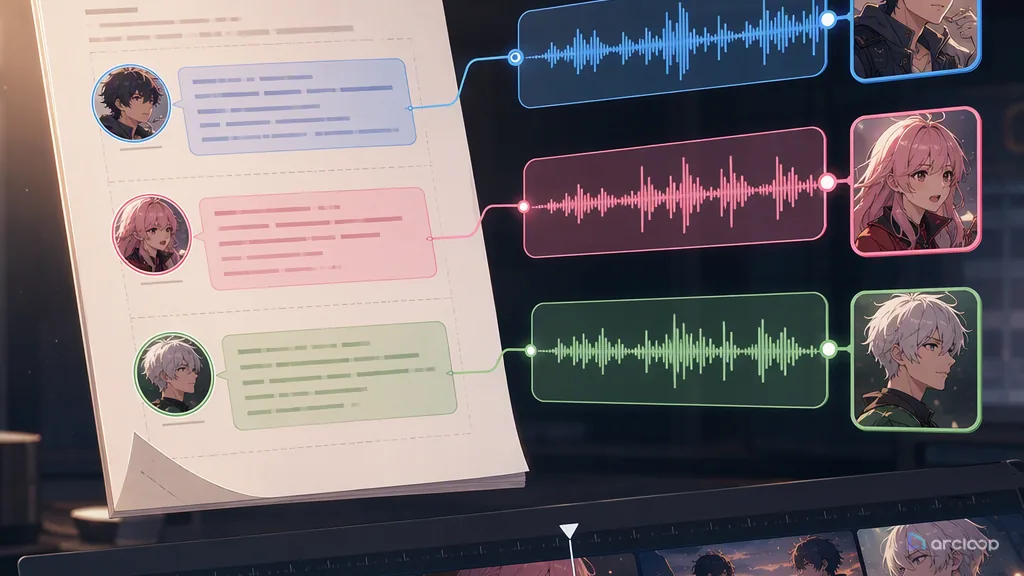
Give every recurring character a stable voice lane before the final cut.
Estimate cost from the script and shot list before retries get expensive.
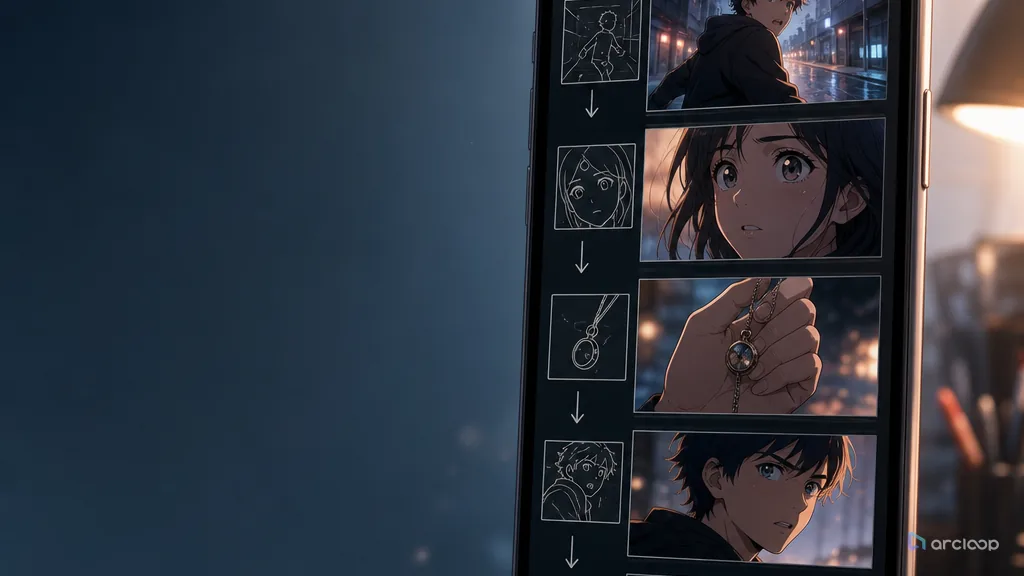
Turn short drama beats into vertical shots that survive phone-screen viewing.
Turn script-to-video into a stable, reviewable AI short drama workflow you can run at scale.
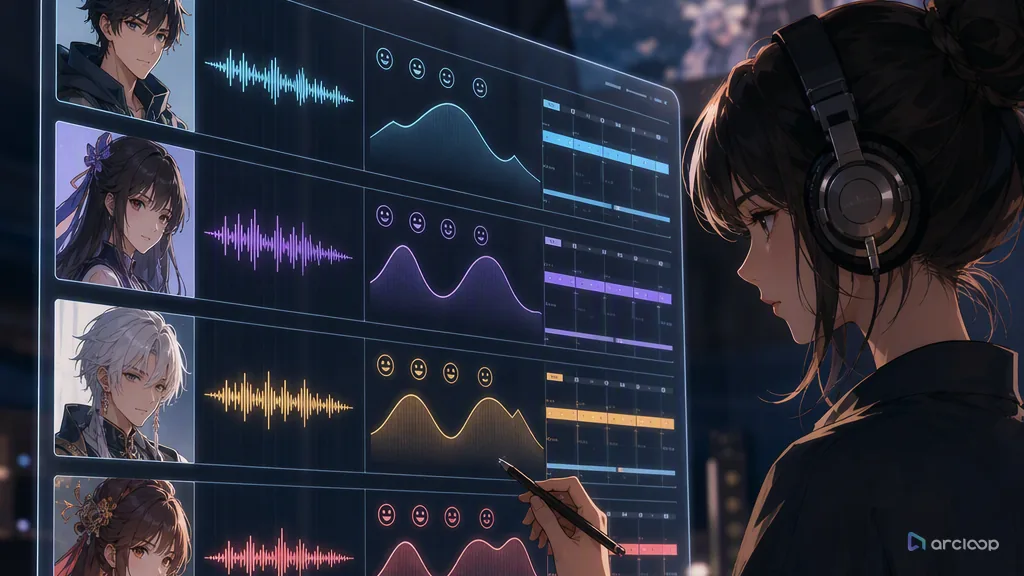
Keep AI short drama characters consistent in voice, not just in face, from episode to episode.
Collez ou téléchargez votre script, puis laissez Arcloop le diviser en scènes et générer le premier brouillon vidéo. Vous pouvez revoir les personnages, les visuels, les voix off et les clips individuels avant de les éditer ou de les exporter.
Vous pouvez coller votre script directement ou télécharger un fichier .docx, .txt, .pdf ou .md. Arcloop prend en charge les scénarios, les scripts de dialogue, les nouvelles, les romans, les articles de blog et tout autre contenu écrit. Les scripts plus longs sont automatiquement divisés en plusieurs scènes.
Text-to-video génère un clip à partir d'une courte invite. Le script vers vidéo suit un script structuré, utilisant ses scènes, ses dialogues, ses personnages et son rythme pour créer une vidéo multi-scènes complète.
Vous pouvez créer des vidéos au format vertical 9:16, carré 1:1 et paysage 16:9 pour des plateformes telles que TikTok, Instagram, YouTube et LinkedIn.
Oui. Vous pouvez revoir les scènes générées, remplacer ou régénérer des clips individuels, ajuster les voix off, ajouter de la musique de fond et effectuer d'autres modifications sans recréer l'intégralité de la vidéo.
Oui. Arcloop prend en charge plusieurs langues pour la création de scripts, les voix off et la localisation vidéo. Les fonctionnalités linguistiques disponibles peuvent varier selon le modèle de voix et de génération.
Allez plus loin dans votre scénario, vos idées ou vos histoires grâce à de puissants outils de création d'IA. Construisez, modifiez et partagez votre vision à votre manière.
Extraits du Handbook Arcloop
Un scénario dépasse la simple idée visuelle. Personnages, dialogues, lieux et étapes émotionnelles doivent se retrouver dans les plans. Préparez un scénario facile à vérifier et à modifier dans Arcloop.
Pour chaque scène, identifiez les personnages présents, le lieu, ce qui change et les objets importants. Attribuez chaque réplique à son locuteur et nommez les personnages et lieux récurrents de façon cohérente. Le découpage sera plus facile à vérifier avant la génération.
Examinez ensemble personnages, scènes, accessoires et références visuelles. Il est plus simple de corriger un accessoire manquant ou un locuteur ambigu maintenant qu’après la création de plusieurs clips qui en dépendent.
Note de scène : Une coursière revient à la gare au crépuscule. L’enveloppe rouge reste dans sa main gauche. L’horloge indique 6 h 10 jusqu’à la révélation finale.Lire le processus de production du scénario à la vidéo (original en anglais)
Définissez le cadrage, la direction de caméra, la position des personnages et le ton visuel dans le storyboard. Peut-on comprendre l’action sans lire le scénario ? Vérifiez les entrées, réactions et objets importants d’une image à l’autre.
Lorsque la séquence fonctionne, générez et vérifiez chaque scène. Gardez les passages réussis et retravaillez uniquement la scène concernée. Vous préservez ainsi le récit tout en améliorant le jeu ou la caméra.
Note de storyboard : Ouvrir sur un plan large du quai vide, montrer la coursière remarquant l’horloge arrêtée, puis révéler l’enveloppe en gros plan.Découvrir la révision du storyboard et la génération des scènes (original en anglais)
Assemblez les clips retenus avec les voix et les sous-titres. Regardez le montage entier pour contrôler les transitions, le rythme des dialogues et la clarté des moments importants. Même un beau clip peut nécessiter une durée plus courte ou une autre place.
Pour une série, conservez personnages, lieux et références validés pour le prochain scénario. Réutilisez les choix de production efficaces, puis adaptez les actions et les dialogues du nouvel épisode.
Continuer vers le guide d’assemblage final (original en anglais)