Posters and on-image text
Build a design around a headline, label or short message. Specify the wording, placement and visual hierarchy.

Create cinematic images, expressive product visuals and text-led designs. Use references to guide your next edit.
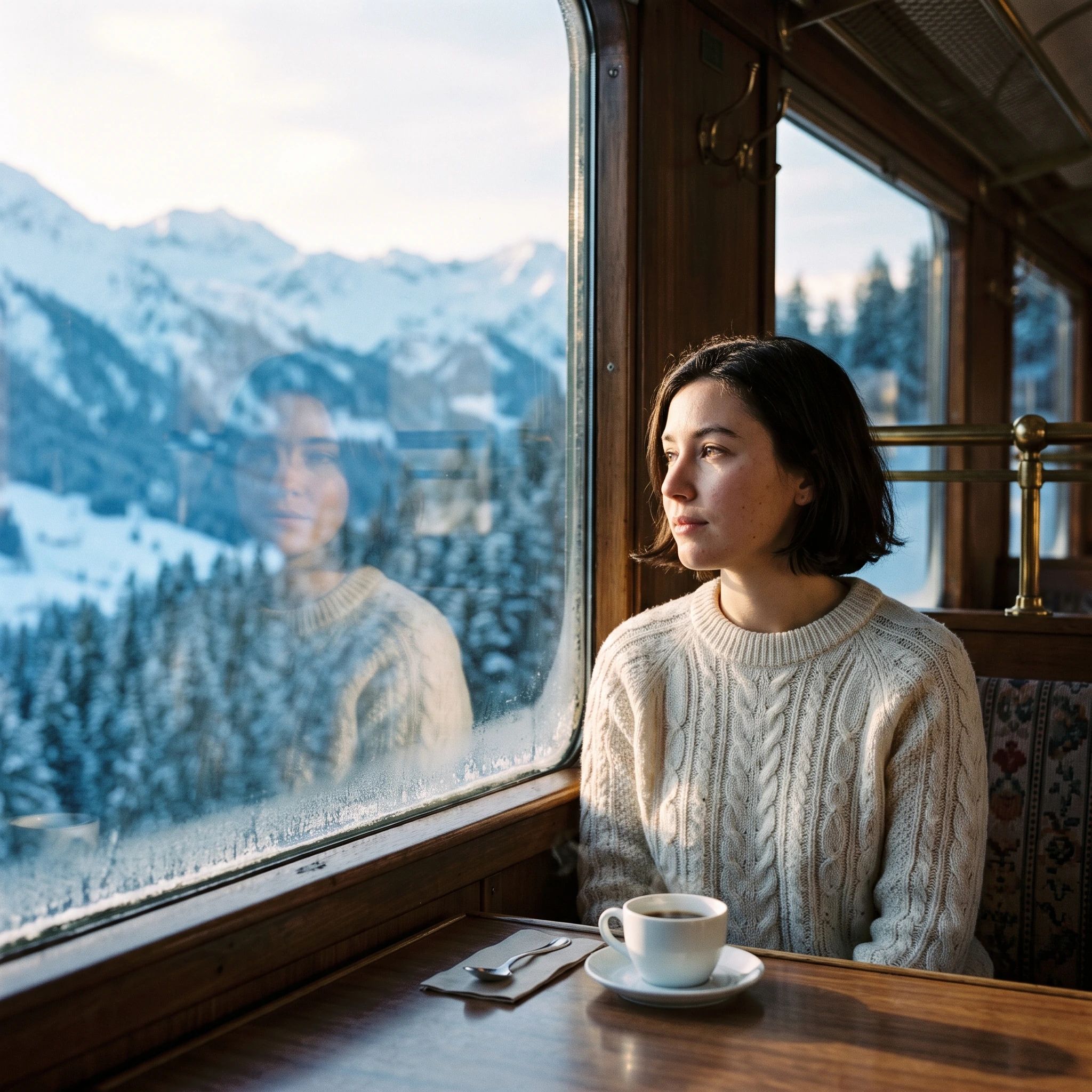
Nano Banana 2.1 brings image creation and reference-guided editing into one workflow. Develop a cinematic scene, explore a product campaign, or build a poster around a clear visual brief. Describe the composition, materials, lighting and any words that should appear in the image.
For edits, give each reference a purpose and separate the changes you want from the details you want to preserve. A face reference, a product reference and a style reference can each guide a different part of the result.
Arcloop supports text-to-image and reference-based editing with up to 14 images. Choose 1K, 2K or 4K and one of 14 aspect ratios in Canvas, including very tall and wide formats. Each generation produces one image; review the credit estimate before submitting.
Five original 2K images generated with Nano Banana 2.1, with the exact prompts used for each image.


Build a design around a headline, label or short message. Specify the wording, placement and visual hierarchy.
Guide an edit with images of your subject. Describe the identity, shape, colors or wardrobe details that matter.
Explore photographic, illustrated and cinematic directions, then compose for your chosen aspect ratio.
Start with a brief here, then continue in Arcloop Canvas to set references, format and the credit estimate.
Write the subject, composition and style. Add an optional image to start an edit.
Click Generate Now and sign in if needed. Your prompt and selected reference carry into Story Canvas.
Choose Nano Banana 2.1, organize up to 14 image references, and set the aspect ratio and resolution.
Review the credit estimate and submit. Use the result as a reference for the next edit, describing what should change and what should stay.
Develop posters, product scenes and coordinated assets for a launch or brand story.
Explore character looks, scene compositions and visual directions before video production.
Change an outfit, background or lighting while using references to preserve the main subject.
Practical guidance for writing image briefs and reference-based edits.
Say whether you need a product advertisement, film still, poster or illustration. Then describe the subject, composition and lighting that serve that purpose.
For an edit, name the change first. Then specify the details to preserve, such as the face, clothing, camera angle, background or label text.
Put the required words in quotation marks and describe their position and size. Keep headlines distinct from supporting text, and consider 2K or 4K when small lettering matters.
If the layout needs breathing room, specify an uncluttered background and identify the area that should stay clear for a headline or product.
Generation settings: Variable settings
Reference credits: Based on actual usage
Prices shown are estimates. Resolution and reference usage can affect the Canvas quote; actual charges follow final settlement.
Choose by your reference workflow and output controls. These settings reflect the current Arcloop integrations.
Visual design, reference-guided edits and a broad choice of image proportions.
Detailed image briefs and edits with selectable quality levels.
Character, product and scene variations using visual references.
Yes. Start with text alone. Adding an image changes the workflow to reference-based editing; describe the edit and what to preserve.
Nano Banana 2.1 accepts up to 14 reference images in Canvas. The quick composer starts with one optional image; organize the full reference set in Canvas.
Choose 1K, 2K or 4K and 14 aspect ratios in Canvas. Very tall and wide options include 1:4, 4:1, 1:8 and 8:1. This page starts at 1K and 1:1.
Arcloop currently generates one image per request. Web search and image-search add-ons are not enabled in this integration.
It can generate headlines, labels and other on-image text. Small lettering and long passages may still contain errors, so check the wording and readability before publishing.
References guide the result, but details can still change. Identify the features that matter and state clearly what the edit should preserve.
Create cinematic images, expressive product visuals and text-led designs. Use references to guide your next edit.