Get Started

From Script to Camera Shot List with AI

The pre-production copilot for directors, animators, and film crews who need to see the entire sequence before committing production budget. Paste a script, rough scene outline, or screenplay excerpt to get an editable camera shot list and consistent visual storyboard panels in minutes. Lock your camera angles, lighting, character blocking, and scene pacing before you call action or start rendering.

Create Your Shot List

0/5000

No script? Choose a sample to start creating

Film Shot List Example

Explore how a raw script transforms into an actionable production blueprint.

Film Shot List Example

How to Create a Film Shot List and Storyboard with AI

Key Features of the AI Shot List Generator

Automated Script Breakdown into Standard Shot List Format

Automated Script Breakdown into Standard Shot List Format

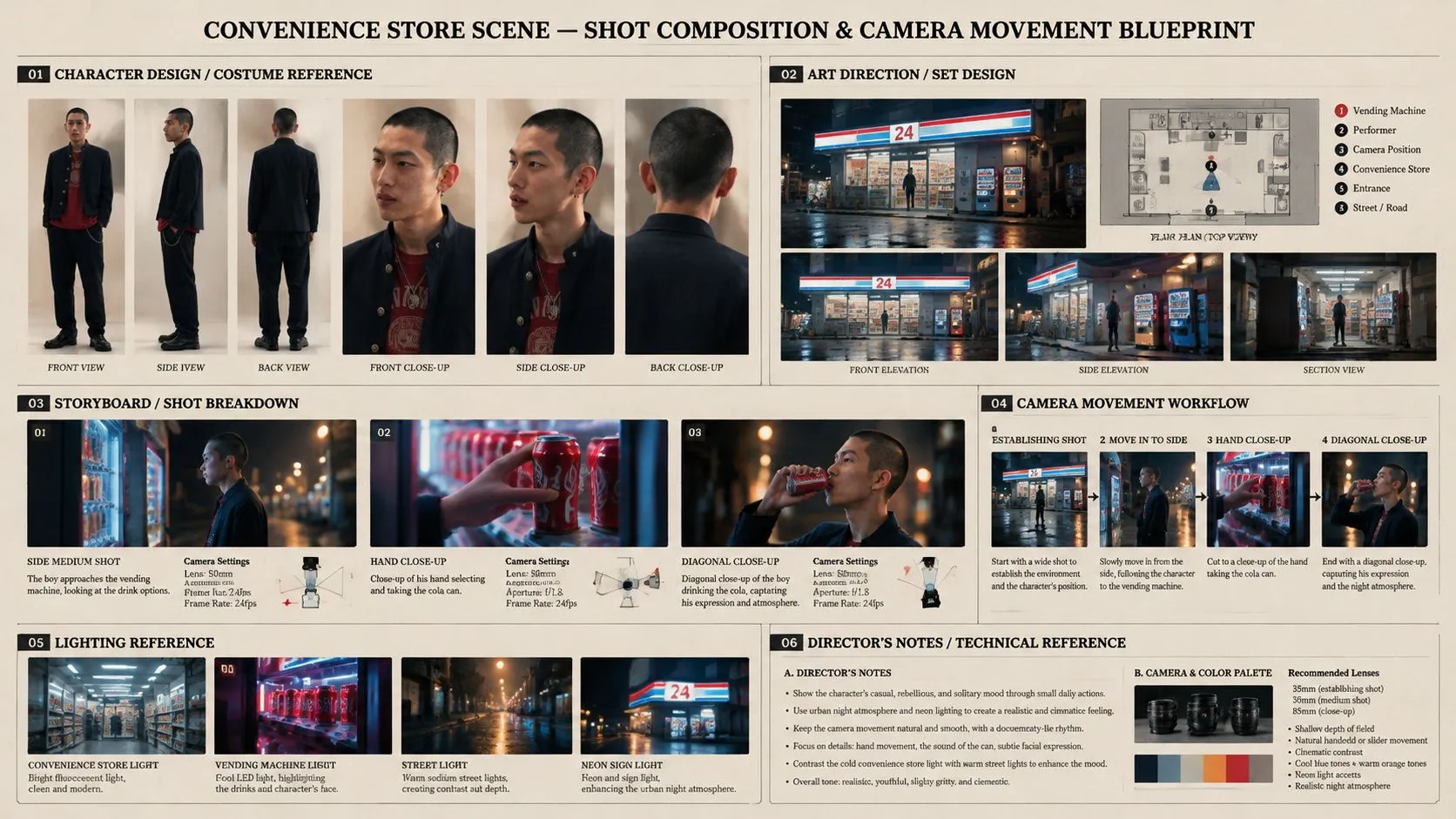
Transform raw screenplay text into a structured camera shot list automatically. The AI identifies characters, settings, props, and key actions in your text. Each moment is organized into numbered rows with camera angles, shot sizes, and action notes that you can edit anytime.

Consistent Character and Setting Continuity across Panels

Consistent Character and Setting Continuity across Panels

Keep the same faces, outfits, and backgrounds across every frame. Characters and settings stay linked to the scenes where they belong, allowing you to test different camera views and angles without worrying about changing identities or messy backgrounds.

Control Camera Angles and Shot Types Easily

Control Camera Angles and Shot Types Easily

Direct every shot using simple, plain language. Choose between wide establishing views, over the shoulder angles, and intimate close up frames. Add camera movements like pans, zooms, or tracking motion without writing complicated image prompts.

Update Single Panels Without Redoing the Sequence

Update Single Panels Without Redoing the Sequence

Fix one shot without touching approved frames. If a character expression or camera angle needs an adjustment, regenerate just that single visual panel. Your overall scene layout and pacing stay stable while you test new versions.

Flexible Storyboard Layouts and Motion Preview

Flexible Storyboard Layouts and Motion Preview

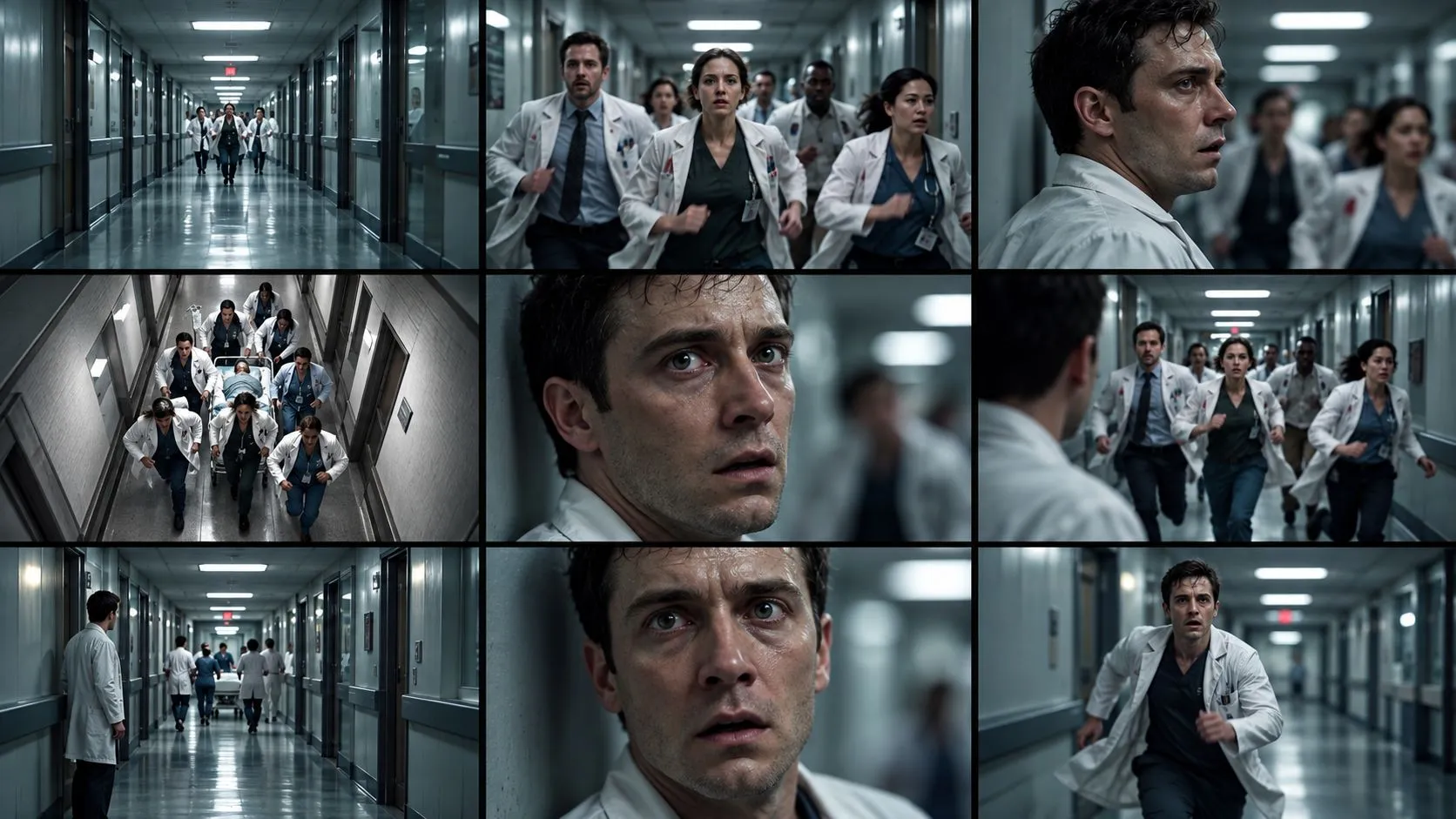
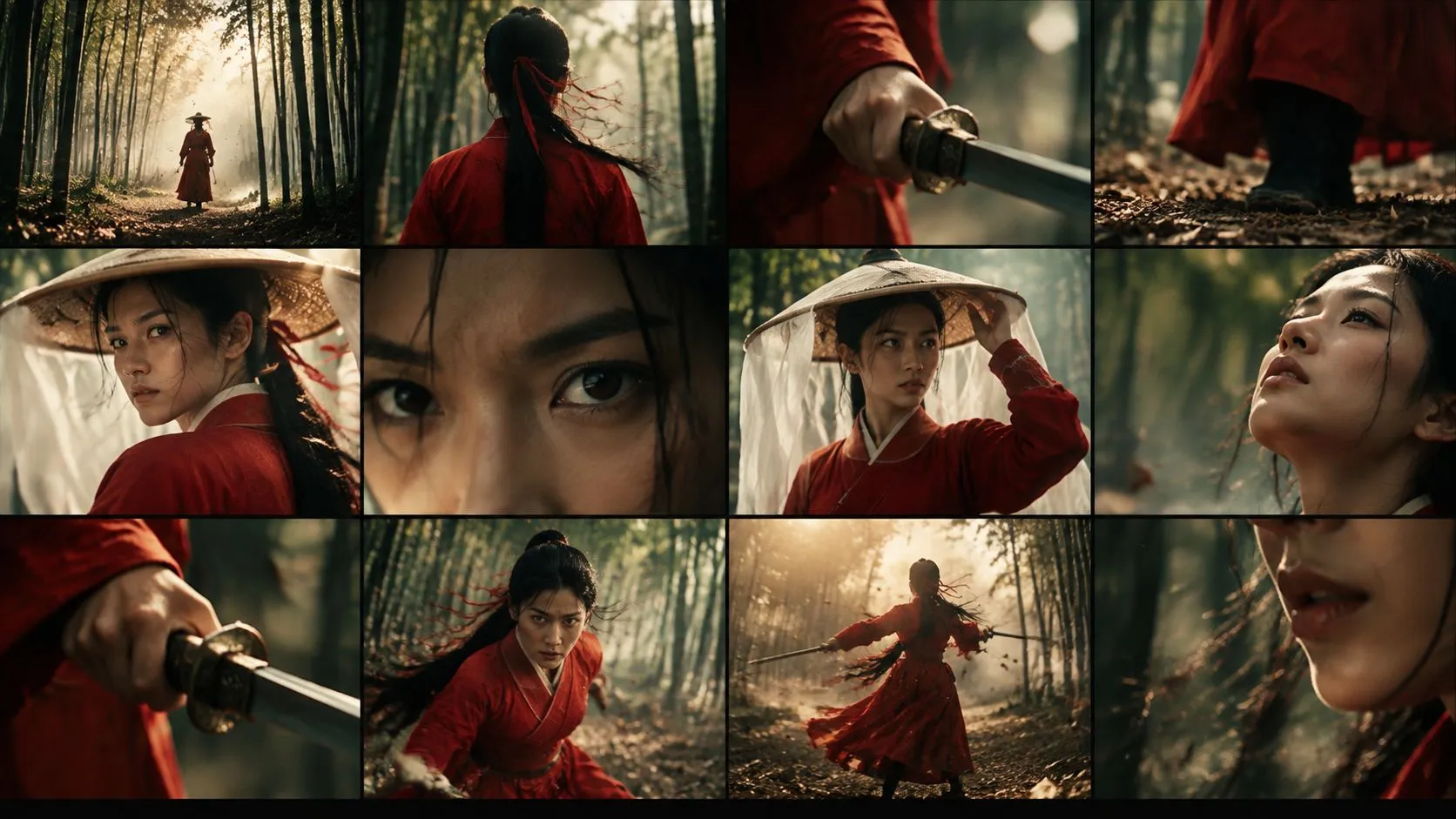
View your visual sequence in clean 9 panel or 12 panel grids. Review the story flow, check character reactions, and evaluate pacing before spending credits. When every frame matches your vision, send your shot list straight into video generation with one click.

What Can You Create with an AI Shot List Generator?

Plan complex camera choreography, intimate character moments, and high impact commercial visuals with effortless precision.

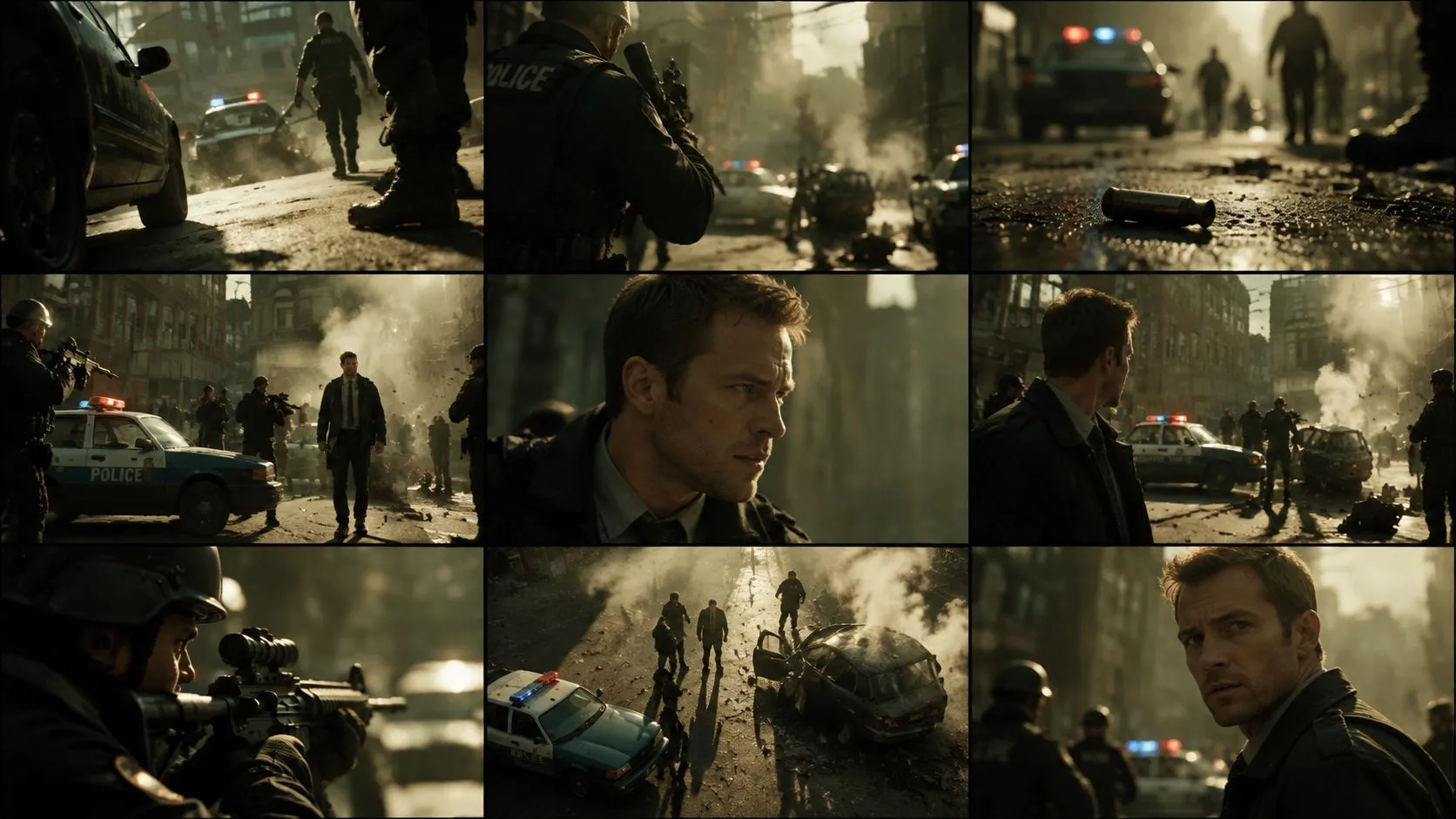
Cinematic Action Scene

Map out fast paced physical sequences and high energy stunt choreography with spatial clarity. Arcloop organizes the camera progression from wide establishing tracking shots to rapid low angle coverage. Lock in camera acceleration, collision moments, and lens focal lengths early, giving your crew a crystal clear visual plan for staging dynamic motion without losing geographic continuity.

Dialogue and Dramatic Scene

Capture subtle emotional nuances and intense character tension across speaking roles. Break conversations into structured master setups, over the shoulder angles, and tight close up reactions. The AI automatically aligns character eye lines and conversational rhythm, helping directors preview pacing and actor blocking before setting foot on location.

Product Video

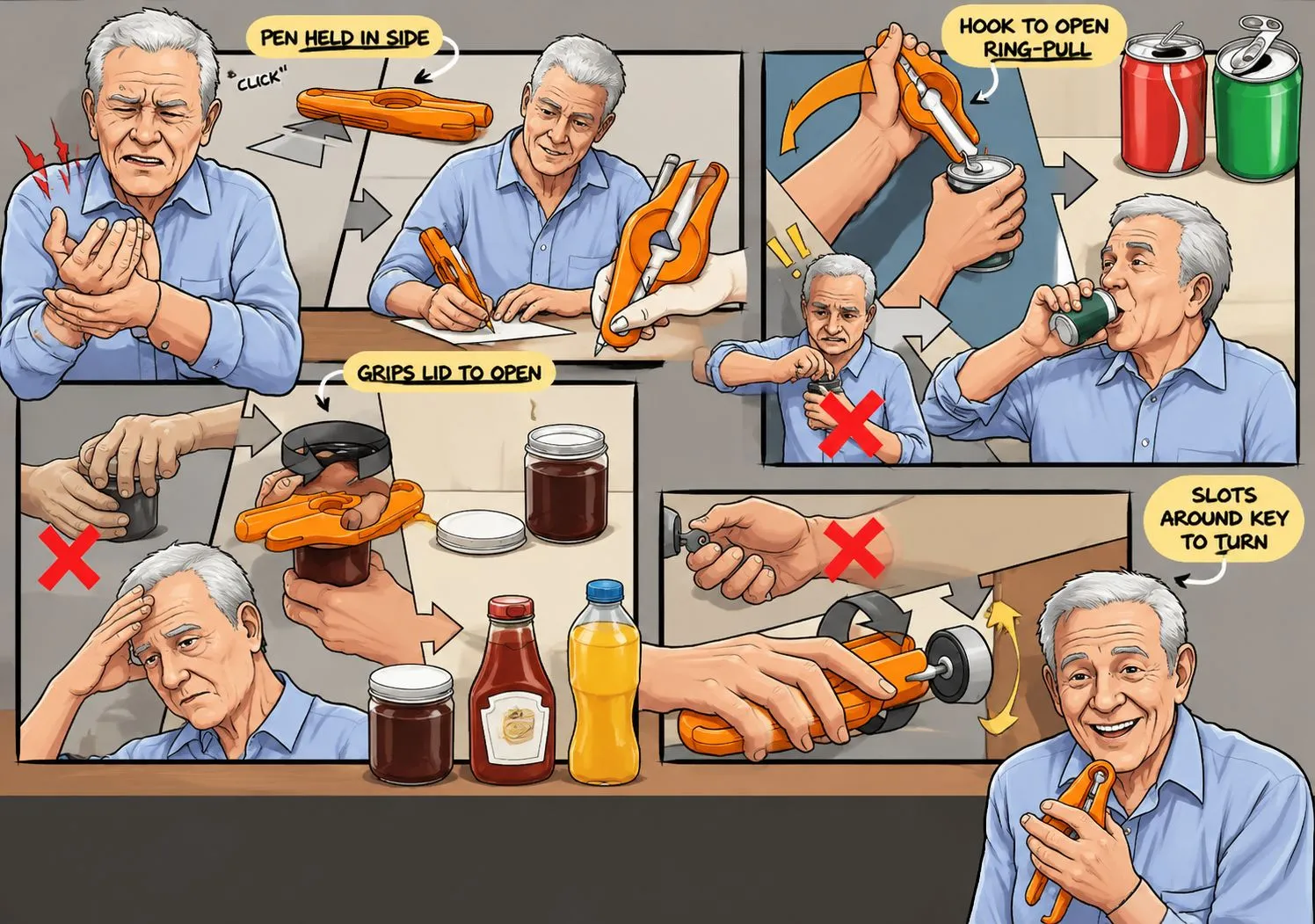
Design sleek commercial b roll and high conversion product showcases for brand campaigns. Outline macro lens details, smooth orbit sweeps, and 360 degree turntable views with precise reflection and lighting cues. Commercial videographers can assemble a polished visual pitch deck to win client approval and ensure complete footage coverage on shoot day.

Director Tips for a Clearer Shot List

Tip 1: Keep Character and Setting Names Consistent

Always use the exact same name for each character and location in your script. Clear naming helps the AI recognize returning characters and places, keeping faces, clothing, and room details consistent across different camera angles.

Tip 2: Focus on One Main Action per Shot

Build each shot around one specific action or reaction, like opening a letter or turning toward the door. Simple, clear moments produce better camera movement prompts, tighter framing, and a smoother visual sequence.

Tip 3: Finalize Your Storyboard Before Generating Video

Check actor positions, screen direction, and overall pacing on your storyboard grid first. Making adjustments directly on the camera shot list saves valuable rendering time and helps you get the most out of your generation credits.

Simple and Transparent Production Cost

Every new creator can start immediately with one free basic script breakdown. Turn your screenplay into an editable camera shot list and plan your visual sequence with complete budget control before generating images or video.

Production StageCostWhat to Plan For
Script Breakdown into Shot ListOne free breakdown for initial project setupsConvert your screenplay into an editable camera shot list with character details, shot sizes, and camera motion notes.
Character and Storyboard ImagesCredits vary by AI model and settings, such as 60 credits per image for GPT Image 2Generate visual reference panels across 9 panel or 12 panel grids while keeping character faces and backgrounds consistent.
Final Cinematic Video GenerationCredits vary by video model, clip duration, and motion settings, such as 478 credits per 4 seconds of video with Seedance 2.0 Fast 720pAnimate approved storyboard panels into high definition video sequences with natural movement and cinematic lighting.

Calculate your production costs in simple stages across images and video renders. To see full plan breakdowns, credit packages, and exact costs per model, check our plans below.

See Full Plans and Credit Values

Frequently Asked Questions
About AI Shot Lists and Storyboards

What is a shot list in filmmaking and why is it used?

A shot list is a detailed production document that maps out every camera shot planned for a scene. It acts as a visual blueprint detailing camera framing, angles, movement, lens choices, and scene action. Filmmakers use shot lists to guarantee full visual coverage, avoid expensive delays on set, and keep the director, cinematographer, and crew completely aligned.

How is an AI shot list generator better than a manual template like Excel or Google Sheets?

Static Excel or Notion templates require you to type out camera specifications shot by shot by hand. An AI shot list generator analyzes your script text and builds the breakdown instantly. It recommends camera coverage, suggests dynamic movement, and pairs each line item with an AI generated storyboard frame.

Is this AI shot list generator free to use?

Yes, you can start for free. Generating an initial script breakdown into an editable camera shot list is completely free for new creators. You only need credits when you generate visual storyboard panels or render final cinematic videos. Credit costs vary depending on the chosen AI model, quality settings, and clip duration.

What is the best way to get accurate storyboard shots?

Be specific about camera angles, character placement, and lighting in your prompt. Writing a wide shot of two people at a kitchen table with morning sunlight from the window works much better than just kitchen scene. Refine one frame at a time until the composition looks right, then carry those same visual settings across related shots.

How can I specify camera angles like a close up or wide shot in a generated panel?

Name the exact shot type in your prompt using plain language, such as wide establishing shot, medium close up, low angle, or over the shoulder view. The AI recognizes standard cinematography terms and adjusts the camera perspective, framing, and depth of field automatically without requiring complex technical instructions.