
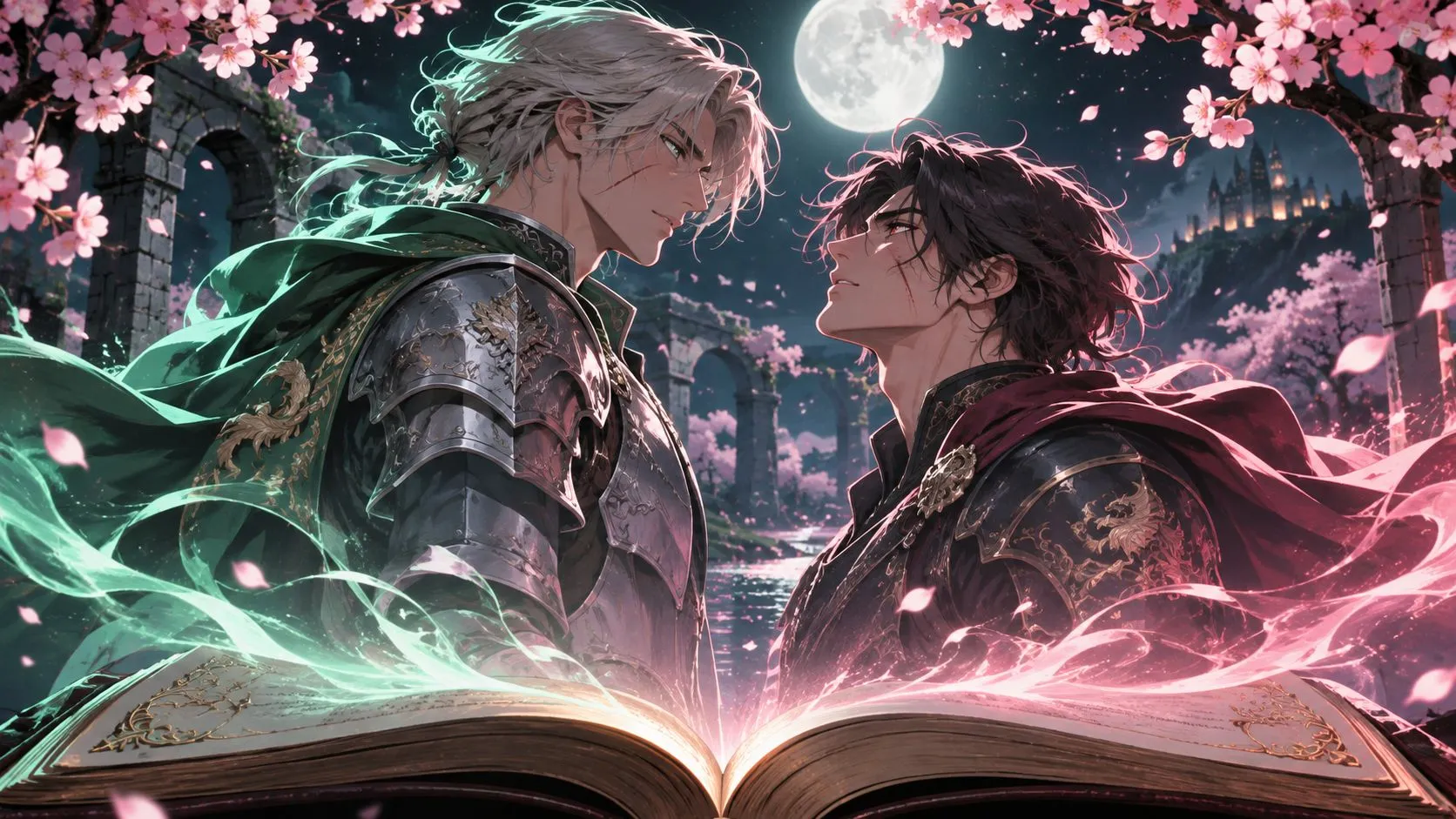
Turn AO3 & Wattpad Chapters into Fan Films
Bring your favorite chapters, memorable dialogues, and dramatic story moments to the screen. Turn written fanfiction into cinematic short films.

Built for AO3 writers, Wattpad authors, and fandom creators who want to see their stories play out on screen. Paste your chapter or rough scene outline, and let AI automatically break down the plot, generate character and location images, and render a complete video. Keep every shot faithful to your original dialogue, exact character headcanon, and scene consistency from start to finish.
See what creators are making with Arcloop. Explore finished AI fan films and animated stories, all transformed from text into multi-shot videos.
Turn your written stories into finished fan films in three simple steps. No filmmaking or editing experience required.
Paste a chapter, or type a short prompt for your fan-made episode. Our AI understands your story and automatically breaks your text down into dramatic scenes and camera shots.
AI brings your story to life with character visuals, storyboards, cinematic videos, voiceovers, captions, and background music.
Export your finished fanfiction video. Share it on TikTok, YouTube Shorts, Instagram Reels, and across your fandom communities.
From cinematic adaptations to fan-made stories, bring your favorite characters and fictional worlds to life in different ways.
Bring your favorite chapters, memorable dialogues, and dramatic story moments to the screen. Turn written fanfiction into cinematic short films.
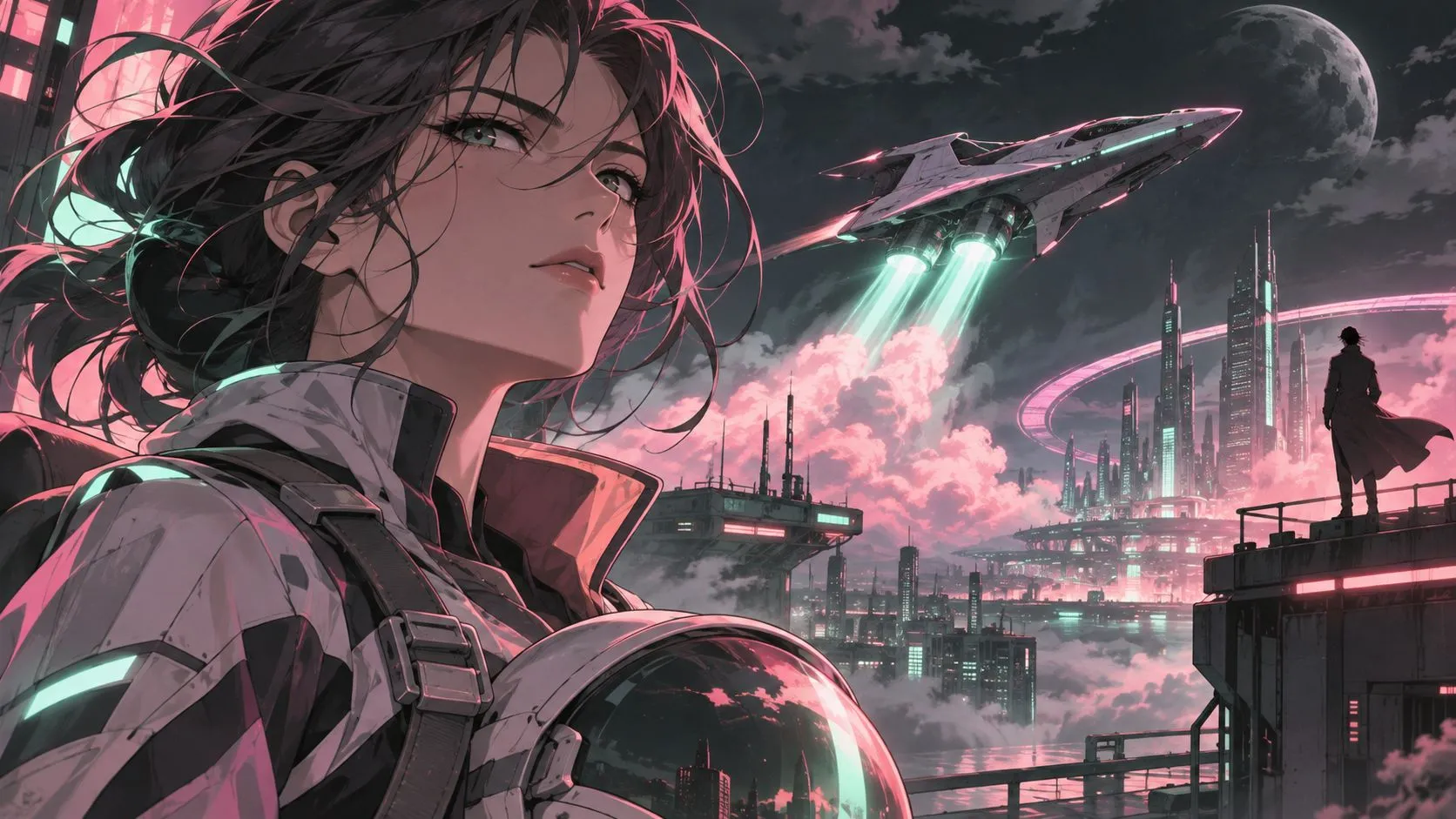
Build cinematic teasers around your story's biggest twists, emotional moments, and character reveals. Create engaging trailers to introduce your stories on TikTok, YouTube Shorts, and Instagram Reels.
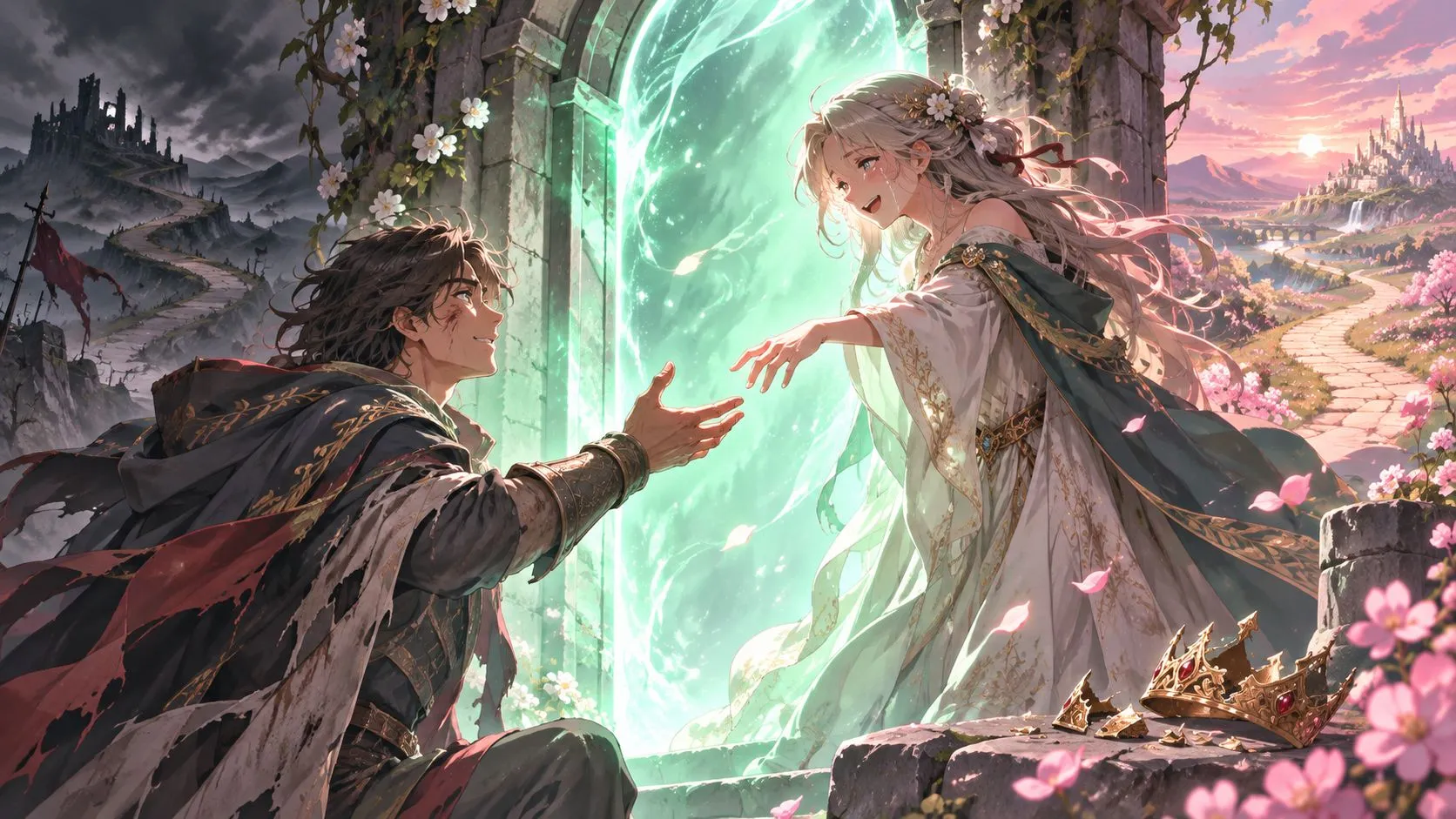
Ever wished your favorite story had a different ending? Create fan-made episodes, visualize missing scenes, and explore alternate universes through AI-generated animation.
Turning fanfiction into video takes more than simply generating clips from text.
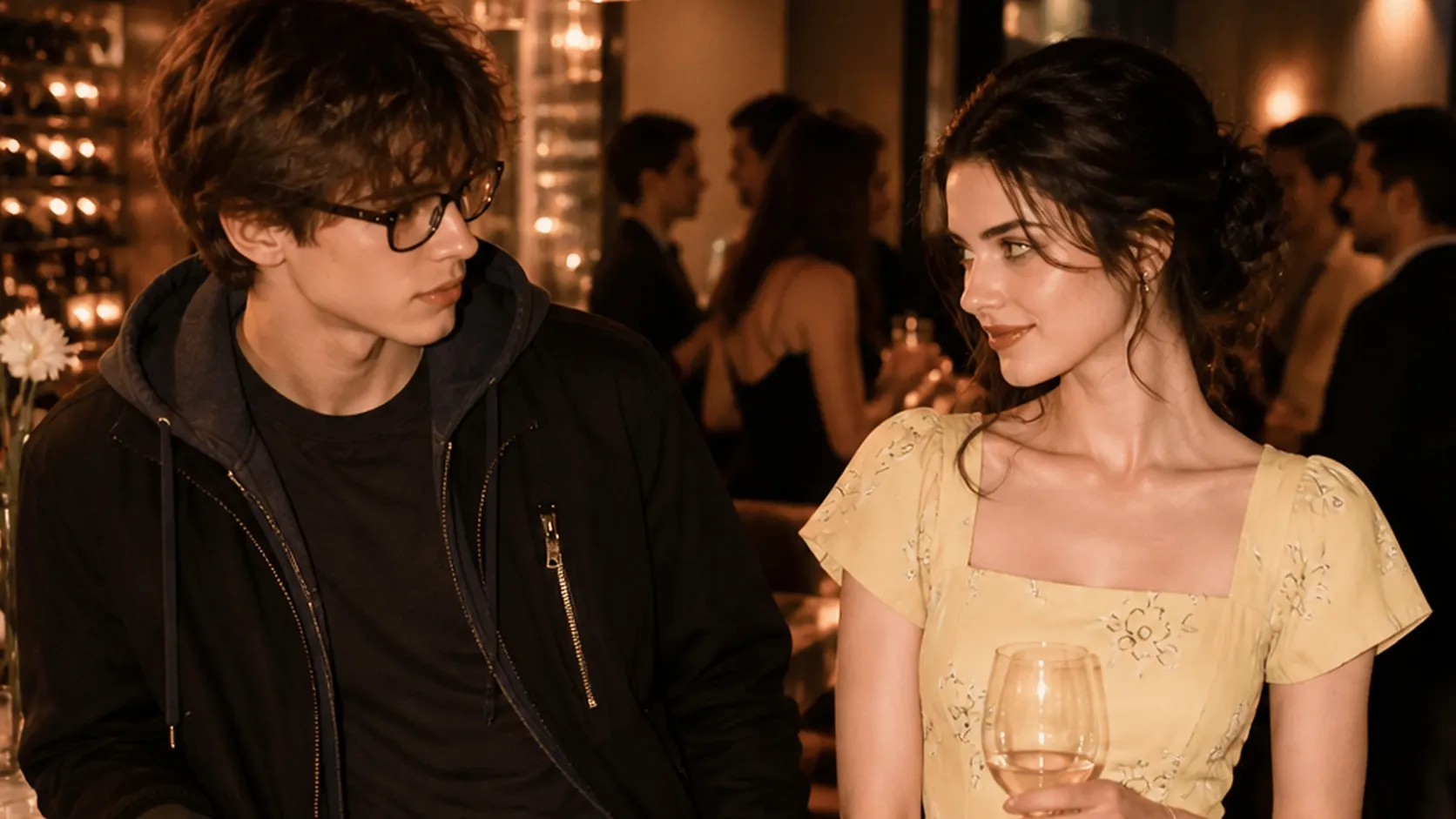
Paste your AO3 or Wattpad chapter to instantly extract characters, settings, and key story moments, turning your writing into a structured production plan for your fan film or video episode.
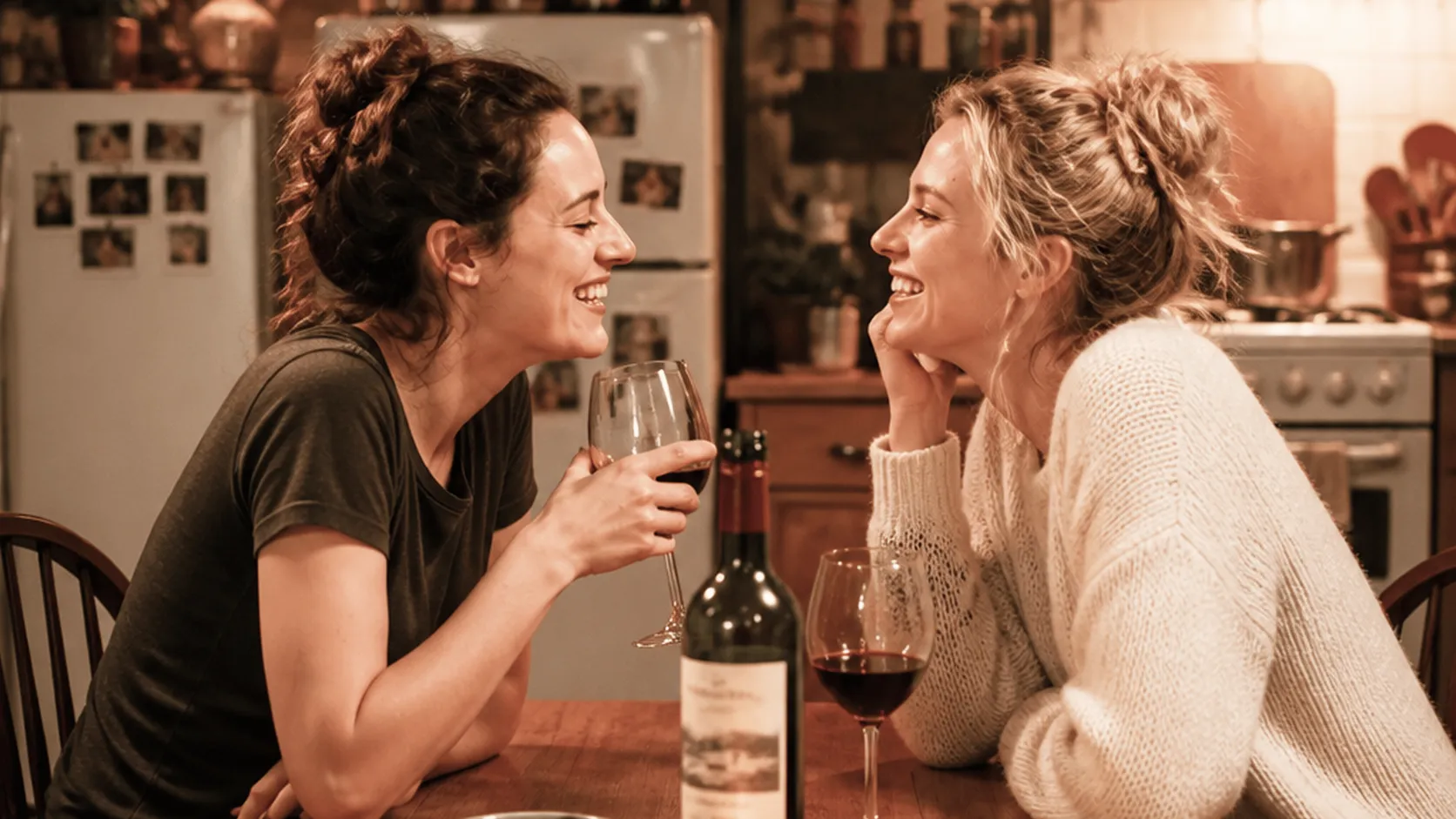
Skip the complex camera planning. Let our AI translate your story paragraphs into professional camera angles, including close-ups, panning shots, and Dutch angles, creating a complete visual storyboard for your work.

Customize your characters' faces, hairstyles, outfits, and environments. Keep their appearances and background details consistent across cuts.
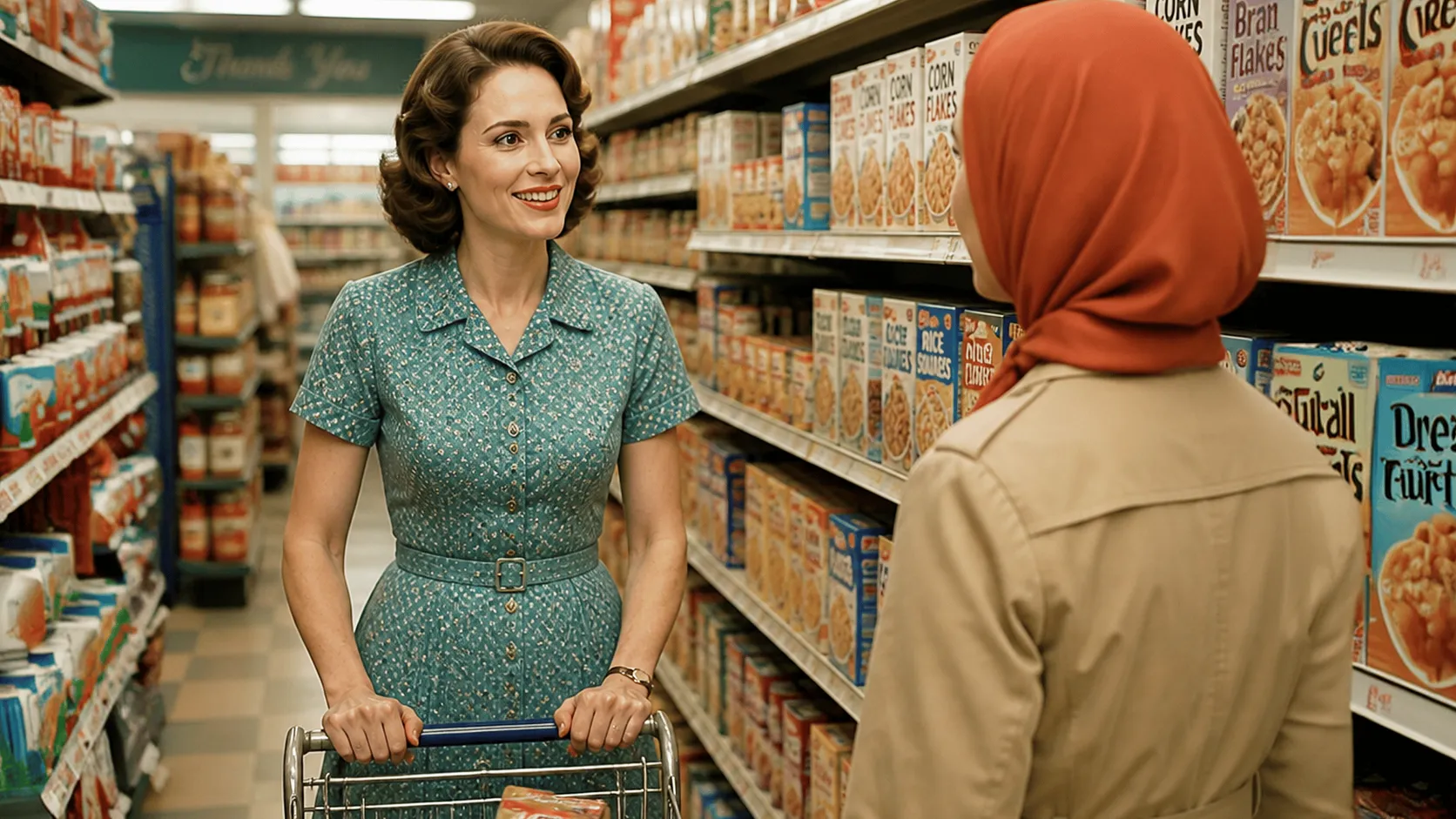
Assign unique AI voice to every character with consistent tones throughout your story. Layer background music and sound effects to set the emotional mood and bring every scene to life.
Don't turn your entire novel into a video at once. Start with a self-contained chapter or key scene to keep the storyline focused, control pacing, and make revisions easier.
Establish each character's appearance, hairstyle, signature details, and outfit before creating scenes. Reuse the same character profiles throughout your story to maintain visual consistency.
Go beyond character descriptions. Explain what each character is doing, where the scene takes place, and how they feel. Clear context helps AI translate your writing into more accurate visual scenes.
You don't need to know filmmaking terminology. Describe the moment you want to capture, and let AI plan the shots. Use close-ups for emotional reactions, wide shots to establish locations, and camera movements to build dramatic tension.
Check scene order, character appearances, and key actions before moving to video generation. Fixing storyboard details early helps avoid unnecessary video regenerations and wasted credits.
Test your scenes at 720p before committing to final-quality generation. Once you're happy with the visuals and pacing, regenerate selected shots at 1080p for your final video.
Plan your production budget at every stage. See how credits are used for script breakdowns, visual assets, video generation, and audio, so you can create more while keeping costs under control.
| Production Stage | Example Credit Cost | What to Plan For |
|---|---|---|
| Script Breakdown & Shot List | One free basic breakdown for your initial project setup | Turn your chapter into an editable production plan with characters, scenes, props, and camera shots. |
| Character, Scene & Storyboard Images | Costs vary by image model and settings, such as 60 credits per image for GPT Image 2 | Plan the number of character references, locations, props, and storyboard panels you need. |
| Video Generation | Credits vary by video model, clip duration, and motion settings, such as 478 credits per 4 seconds of video with Seedance 2.0 Fast 720p | Your total depends on the number of shots, clip duration, resolution, and selected video model. |
| Character Voices & Background Music | Varies by audio model and generation length | Plan the number of speaking characters, dialogue length, voice selections, and background music duration. |
Credit costs shown are examples and may vary depending on the model, resolution, duration, and generation settings. Check the in-product credit estimate before generating.
Enjoy up to 20% off credit rates on selected premium models, including the Seedance series. Create high-quality AI videos at lower costs and make your production budget go further.
Seedance is ByteDance's advanced AI video generation model family, known for high-quality motion, multimodal references, and cinematic multi-shot storytelling. It's a powerful choice for bringing complex fanfiction scenes to life.
Start with your original chapter as the source material. AI maps key events, character interactions, and important details into a scene-by-scene storyboard. Review the sequence and refine individual shots to preserve the original plot and visual continuity.
Yes. Adjust facial features, hairstyles, outfits, color palettes, and signature details for each character. Save your preferred designs as visual references to carry the same look into subsequent scenes.
Assign a distinct voice to each role and reuse it across dialogue. Accent and pronunciation controls depend on the selected audio model. Where supported, provide phonetic spelling or pronunciation guidance for unfamiliar names, then preview the results.
You can create cinematic animated scenes featuring character movements and interactions, rather than just a static slideshow. Add spoken dialogue, narration, captions, and background music to shape the final viewing experience.
Only if you have the necessary permission or legal rights to adapt the work. A publicly available AO3 or Wattpad story is not automatically free to reuse. Before publishing or monetizing your adaptation, check the author's permissions and any applicable intellectual property rights.
Read our Privacy Policy before uploading stories or creative assets. It explains how information is used, retained and shared, the role of service providers, and your privacy choices. Privacy Policy