
1. Start With a Simple Idea
An AI short drama can start with one simple idea. Write your story setup in the homepage input box. It can be short, as long as it includes a genre, character relationships, and a clear conflict. For example:
A K-pop girl group audition show is about to reach its final debut night. Trainee Kim Yoon-joo has worked hard for this chance, but a mentor tells her the company would rather promote Jeon Min-a and wants Yoon-joo to act as a supporting player on the show. Yoon-joo decides to use her skill in the next stage competition to win back the center position and debut opportunity that should be hers.
After you click send, Arcloop Agent first helps generate the story setup and basic plot structure, including the story background, main characters, core conflict, and story direction.
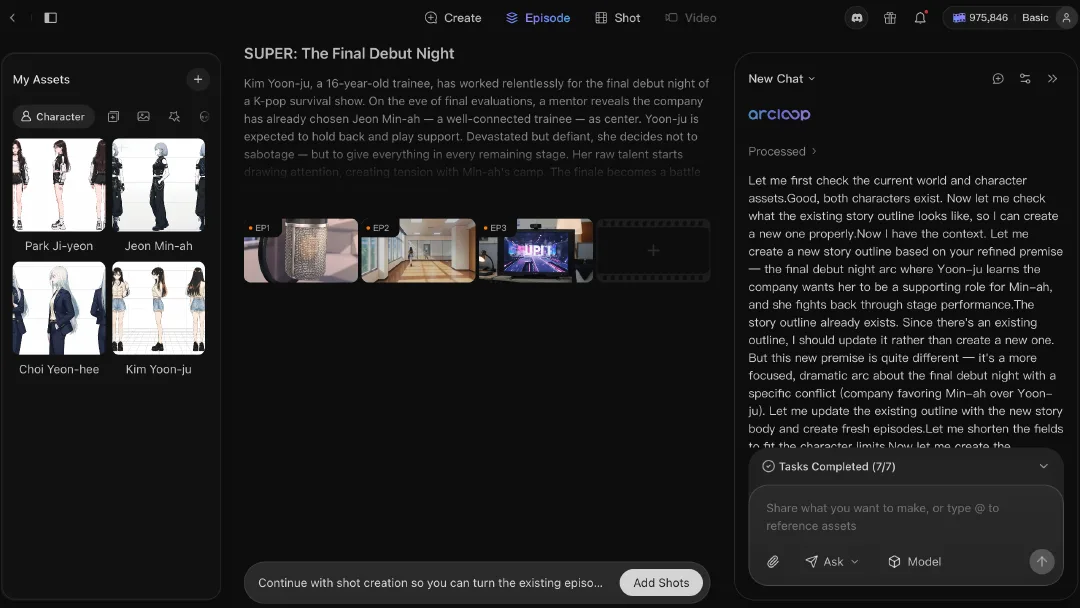
If you already have a script, you can upload it directly. Arcloop Agent supports script analysis and can break existing material into characters, scenes, and plot segments so you can move into production faster.
2. Build the Characters
Characters are the emotional core of a short drama. Once the story setup is ready, you can start creating the core cast. For a K-pop audition story, you can begin with several key character types:
- A main vocal trainee who wants to win but fears failure
- A dance lead who looks perfect but feels trapped
- A dark-horse contestant whose popularity suddenly rises
- A mentor or producer who controls the pace of the show
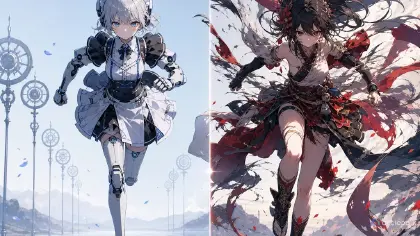
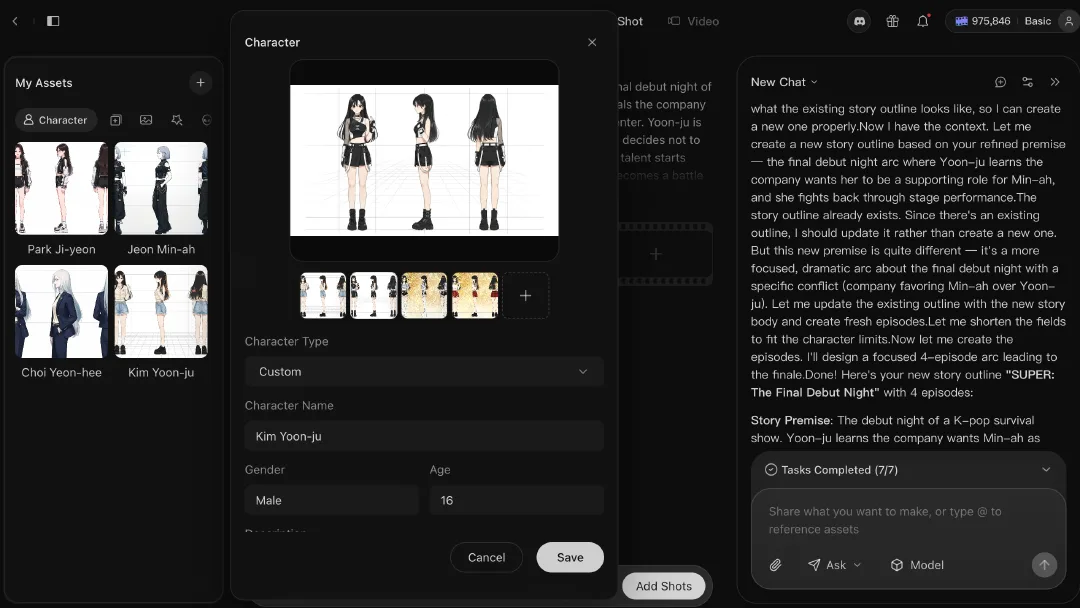
You can set each character's name, appearance, personality, and background, then generate character images from those settings.
3. Smart Shot Planning
After the story and characters are set, you can move into storyboarding. Arcloop Agent can automatically plan shots based on the episode content, including shot count, visual content, camera language, composition, shot size, lighting, color tone, and overall style. You can also adjust each shot manually at any time. For example, the first episode could be broken into shots like these:
Kim Yoon-joo walks into the practice room for the first time.
Other trainees are already practicing in front of the mirror wall.
The mentor announces that only one final debut slot remains.
Yoon-joo looks at the ranking board and feels real pressure for the first time.
Each storyboard shot can keep being edited, including story description, video prompt, character references, camera movement, and visual mood.
Your story becomes a set of shot plans that can be used directly for video generation.
4. Generate and Edit the Video
Once the storyboard is ready, you can start generating video. You can generate video from a single storyboard card, or ask Arcloop Agent to generate multiple storyboard videos at once.
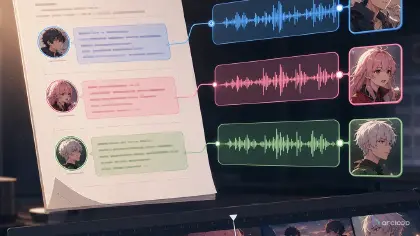
After generation, the video enters the editing flow. You can adjust clip order, trim pacing, add character dialogue, and add background music. If a character line is not ideal, you can enter new dialogue text and generate a new voice. If the visuals need stronger emotion, you can also generate background music so the episode feels more like a complete short drama. Finally, click Export to download the video locally, then publish it on social media so more people can see your work.