Motion Reference
Use a video or image sequence to guide subject movement, timing, and camera angles.

Explore AI creative prompt templates for reference-to-video, cinematic motion, stylized shots, and fast visual experiments.
AI rotoscoping templates help turn reference videos into stylized AI videos by combining motion guidance, visual style, and generation settings in one ready-to-use workflow.
Use a video or image sequence to guide subject movement, timing, and camera angles.
Choose anime, cinematic, VFX, or character looks built for AI video generation.
Start faster with prepared prompts, style settings,and motion controls for AI video generation.
Start with a reference video, choose a visual style, and let ArcLoop turn the motion into anime-style shots, cinematic VFX, or stylized character scenes.

Pick an anime, cinematic, VFX, or character style that matches the look you want.

Add a clip or image sequence to define the subject, motion, and camera movement.
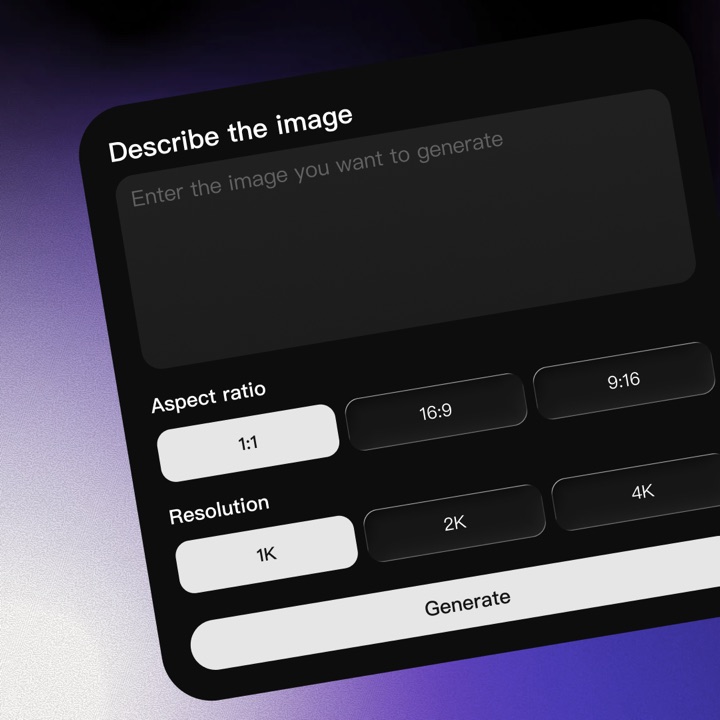
Adjust style strength, prompt detail, and motion consistency before generation.
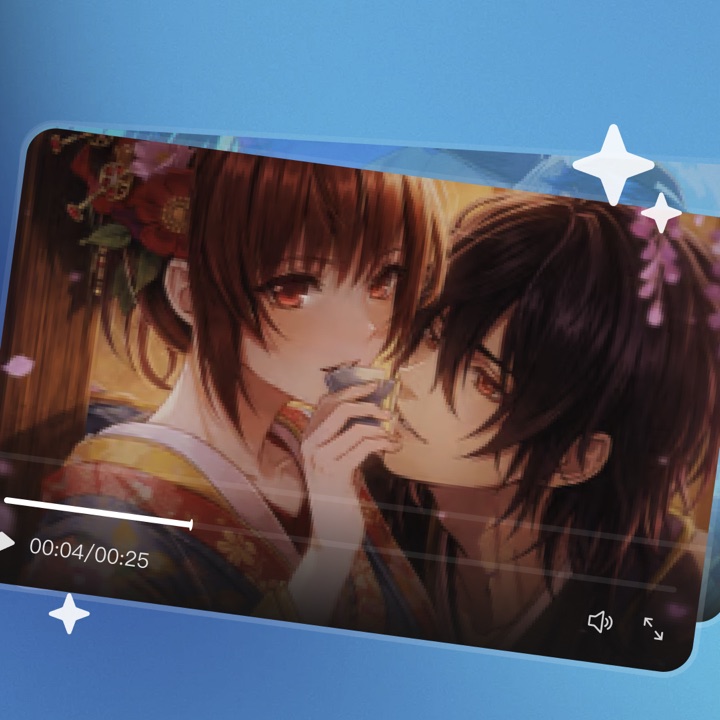
Create a stylized video ready for anime shorts, VFX scenes, social clips, or storyboards.
ArcLoop AI is a creative workspace for building AI stories, characters, shots, videos, and reusable production templates.
You can start exploring ArcLoop for free. Some advanced creation tools, higher usage, or premium models may require credits or a paid plan.
Yes, you can use your ArcLoop creations for business and brand projects as long as your source materials and final outputs follow our terms.
ArcLoop connects multiple image, video, and story models behind a single creative workflow, so you can choose the right generation path for each scene.
Yes. ArcLoop is designed around story continuity, helping you keep characters, references, and scene context aligned across a project.
ArcLoop supports video-first workflows and production planning for dialogue, sound, and music, with more media capabilities available across the creative stack.
Yes. You can create with common aspect ratios and workflows for short-form social formats as well as wider video layouts.
ArcLoop focuses on the full creative stack: story, characters, shots, templates, and production workflows, instead of only single-image or single-video generation.
No. Templates and guided workflows help you get strong results quickly, while still giving experienced creators room to refine every detail.
ArcLoop is built for creator workflows with account-based access and privacy controls. Avoid uploading materials you do not have permission to use.
Actual Vidu Q4 Preview generated sample.