01
Choose a Motion Style
Pick a Live2D template that matches the character, expression, and motion direction you want to create.

Turn anime characters and artwork into Live2D-style animated videos. Create VTuber idles, character motion, anime loops, and more.
Choose a motion style, upload your image, and bring your character to life in three simple steps.
Pick a Live2D template that matches the character, expression, and motion direction you want to create.

Add the character image, illustration, or supported reference.

Click the Generate button to create your animated clip, then refine the video, sound, or other details.
Turn one image into different types of Live2D-style animated videos.

Turn a still avatar or character illustration into a natural idle animation.

Bring anime scenery to life with clouds, water, particles, lighting, and parallax.

Create short loops for TikTok, Reels, Shorts, music edits, and creator posts.
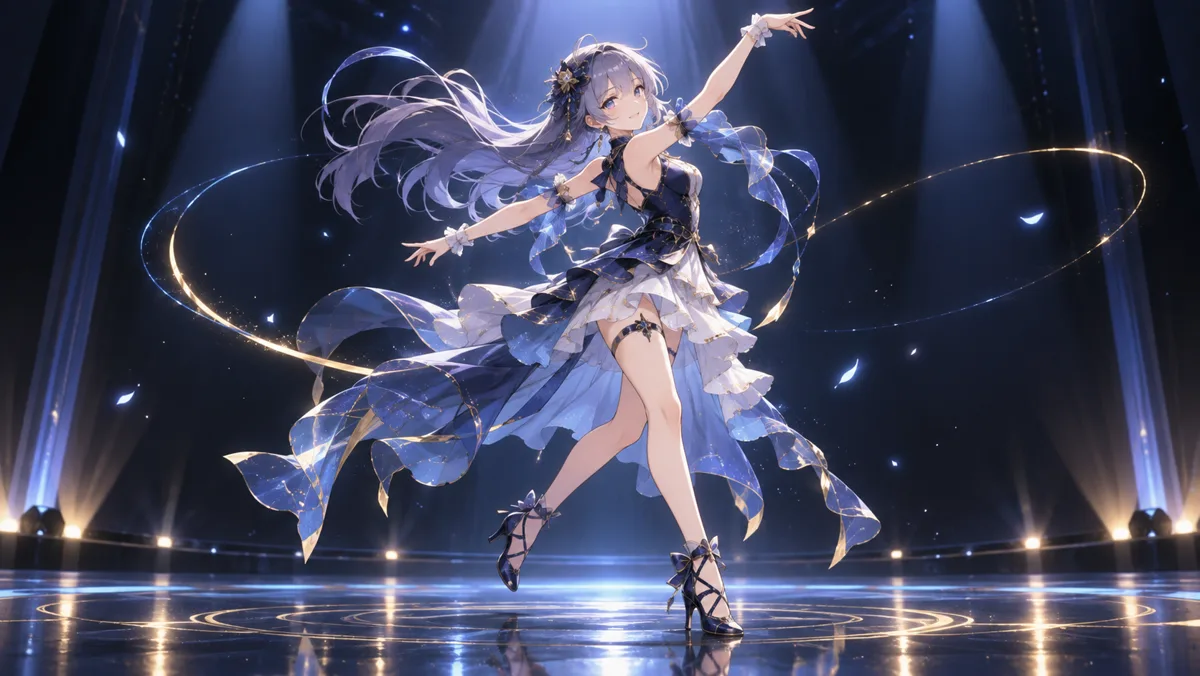
Turn static character art into a short, energetic dance video.
A Live2D AI Video Generator turns static anime artwork into short Live2D-style animated videos using AI. It can add character motion, blinking, hair movement, camera movement, and other animated effects without manual rigging.
No. Arcloop creates Live2D-style video animations from your image. It does not generate a rigged Live2D Cubism model with editable meshes and parameters.
Clear anime characters with a visible face and body work best. Use high-quality artwork with a clean composition and avoid heavily cropped, blurry, or obstructed characters.
No. You can choose a motion style, upload your image, and generate an animation without using traditional rigging or animation software.
Yes. You can create short VTuber-style idle animations, character previews, social clips, and other animated content from your avatar or character artwork.
Commercial usage depends on your Arcloop plan and the rights to the images, characters, music, and other assets you use. Make sure you have permission to use any uploaded content commercially.
Actual Vidu Q4 Preview generated sample.